
1 COMP 4200 Expert Systems Dr Christel Kemke

- Slides: 31
1 COMP 4200: Expert Systems Dr. Christel Kemke Department of Computer Science University of Manitoba © C. Kemke CLIPS 1
2 CLIPS Introduction 2 Review and Introduction 2 § CLIPS Programming System § Basic CLIPS Constructs and Syntax Fields and Templates Complex Condition Patterns Input and Output Salience © C. Kemke CLIPS 1
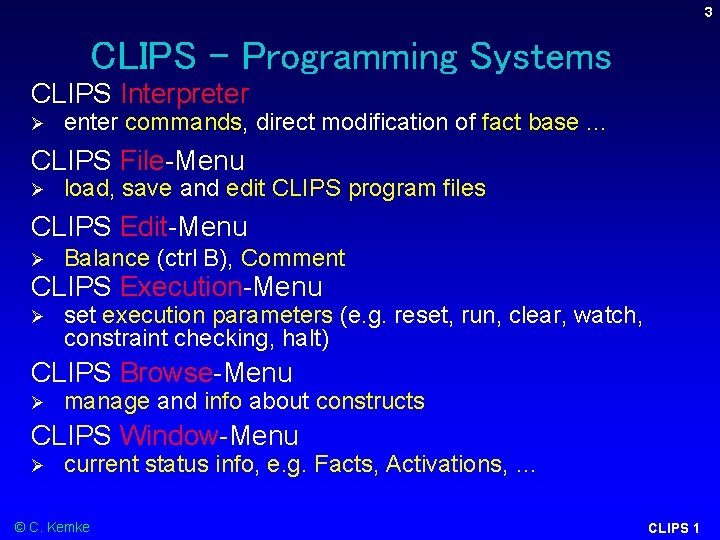
3 CLIPS – Programming Systems CLIPS Interpreter Ø enter commands, direct modification of fact base. . . CLIPS File-Menu Ø load, save and edit CLIPS program files CLIPS Edit-Menu Ø Balance (ctrl B), Comment CLIPS Execution-Menu Ø set execution parameters (e. g. reset, run, clear, watch, constraint checking, halt) CLIPS Browse-Menu Ø manage and info about constructs CLIPS Window-Menu Ø current status info, e. g. Facts, Activations, … © C. Kemke CLIPS 1
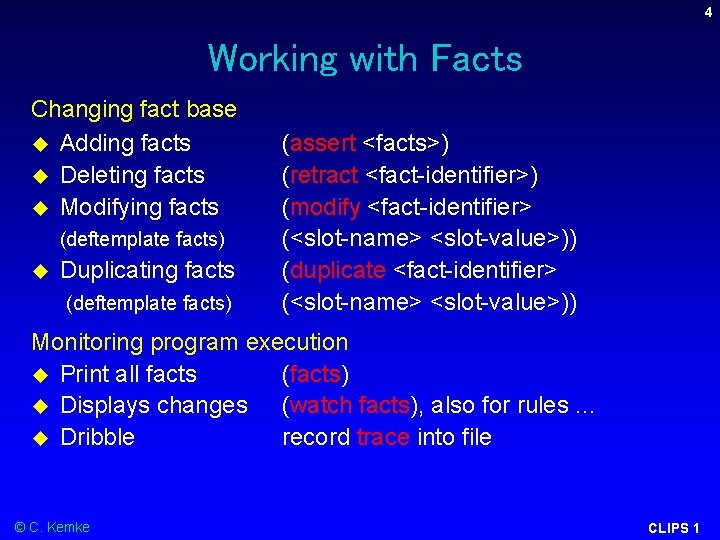
4 Working with Facts Changing fact base Adding facts Deleting facts Modifying facts (deftemplate facts) Duplicating facts (deftemplate facts) (assert <facts>) (retract <fact-identifier>) (modify <fact-identifier> (<slot-name> <slot-value>)) (duplicate <fact-identifier> (<slot-name> <slot-value>)) Monitoring program execution Print all facts (facts) Displays changes (watch facts), also for rules. . . Dribble record trace into file © C. Kemke CLIPS 1
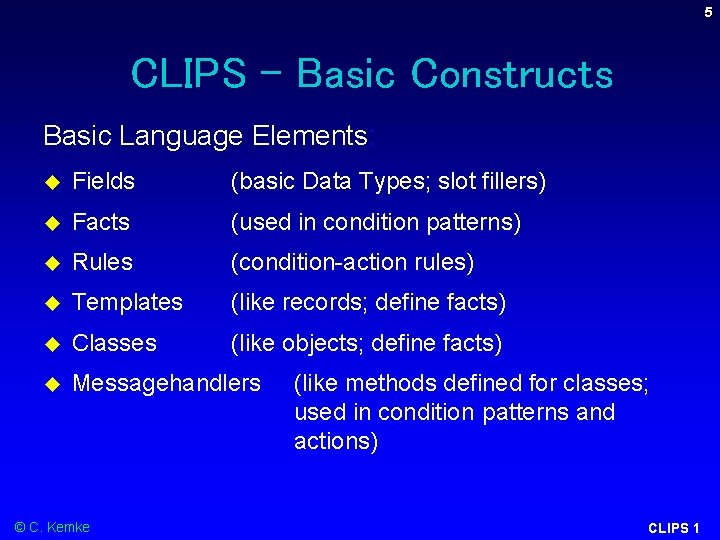
5 CLIPS – Basic Constructs Basic Language Elements: Fields (basic Data Types; slot fillers) Facts (used in condition patterns) Rules (condition-action rules) Templates (like records; define facts) Classes (like objects; define facts) Messagehandlers © C. Kemke (like methods defined for classes; used in condition patterns and actions) CLIPS 1
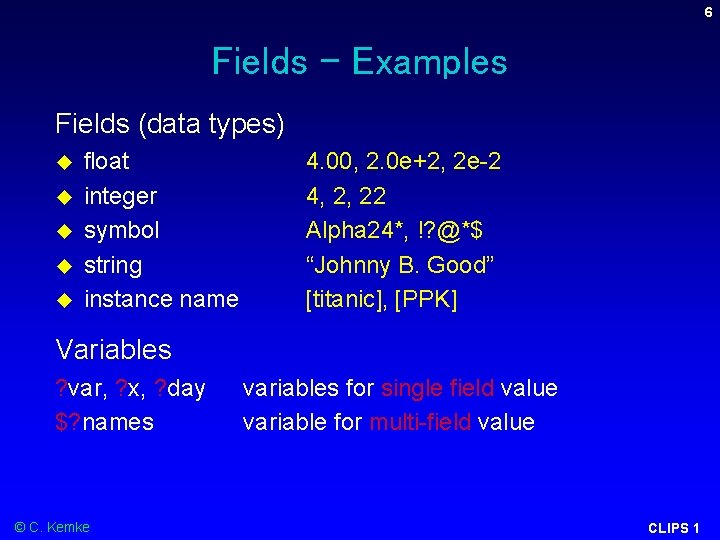
6 Fields - Examples Fields (data types) float integer symbol string instance name 4. 00, 2. 0 e+2, 2 e-2 4, 2, 22 Alpha 24*, !? @*$ “Johnny B. Good” [titanic], [PPK] Variables ? var, ? x, ? day $? names © C. Kemke variables for single field value variable for multi-field value CLIPS 1
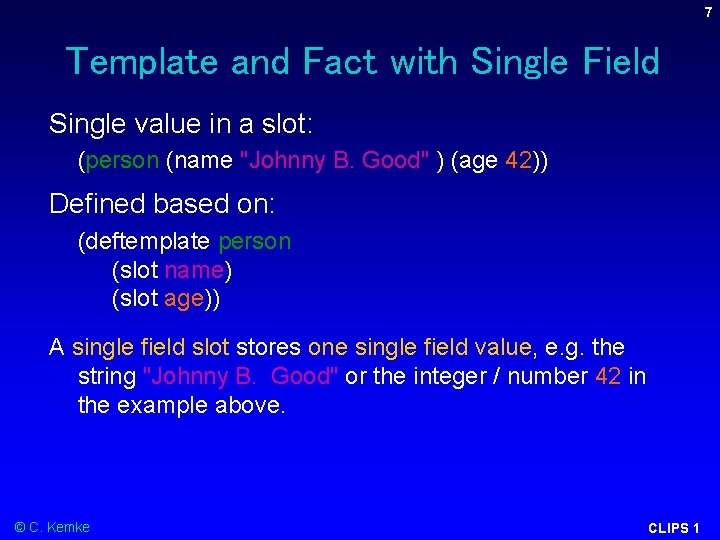
7 Template and Fact with Single Field Single value in a slot: (person (name "Johnny B. Good" ) (age 42)) Defined based on: (deftemplate person (slot name) (slot age)) A single field slot stores one single field value, e. g. the string "Johnny B. Good" or the integer / number 42 in the example above. © C. Kemke CLIPS 1
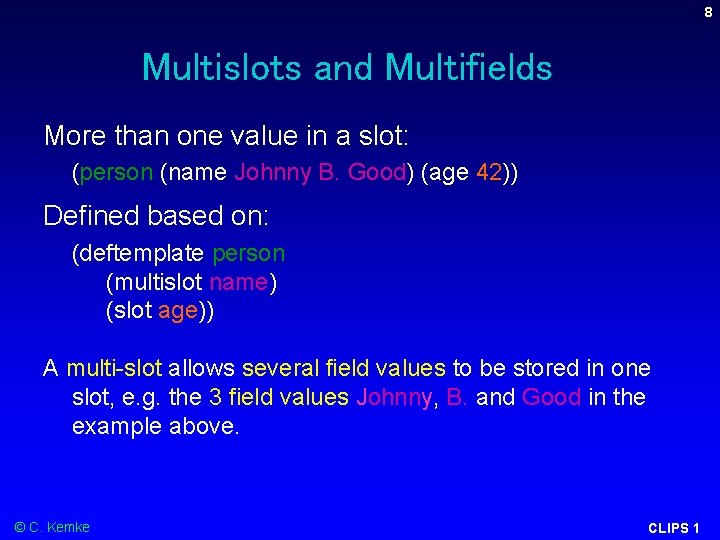
8 Multislots and Multifields More than one value in a slot: (person (name Johnny B. Good) (age 42)) Defined based on: (deftemplate person (multislot name) (slot age)) A multi-slot allows several field values to be stored in one slot, e. g. the 3 field values Johnny, B. and Good in the example above. © C. Kemke CLIPS 1
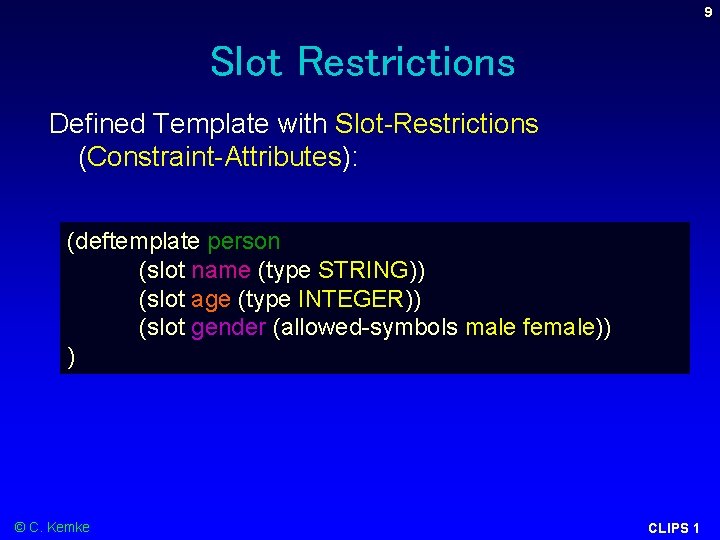
9 Slot Restrictions Defined Template with Slot-Restrictions (Constraint-Attributes): (deftemplate person (slot name (type STRING)) (slot age (type INTEGER)) (slot gender (allowed-symbols male female)) ) © C. Kemke CLIPS 1
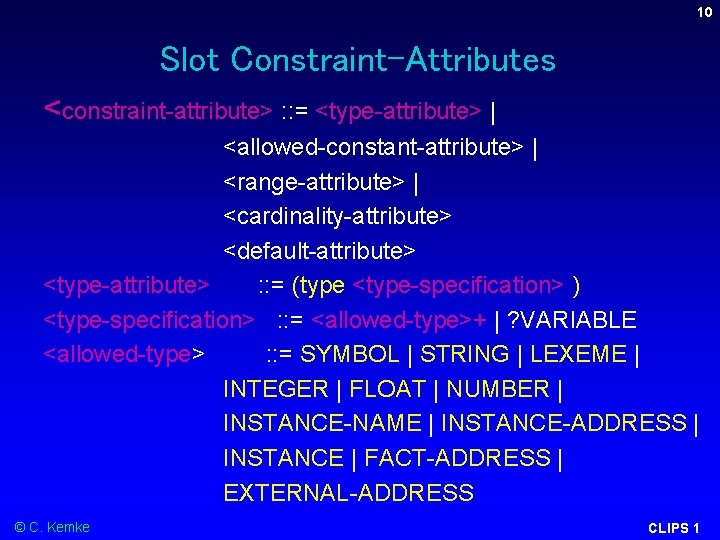
10 Slot Constraint-Attributes <constraint-attribute> : : = <type-attribute> | <allowed-constant-attribute> | <range-attribute> | <cardinality-attribute> <default-attribute> <type-attribute> : : = (type <type-specification> ) <type-specification> : : = <allowed-type>+ | ? VARIABLE <allowed-type> : : = SYMBOL | STRING | LEXEME | INTEGER | FLOAT | NUMBER | INSTANCE-NAME | INSTANCE-ADDRESS | INSTANCE | FACT-ADDRESS | EXTERNAL-ADDRESS © C. Kemke CLIPS 1
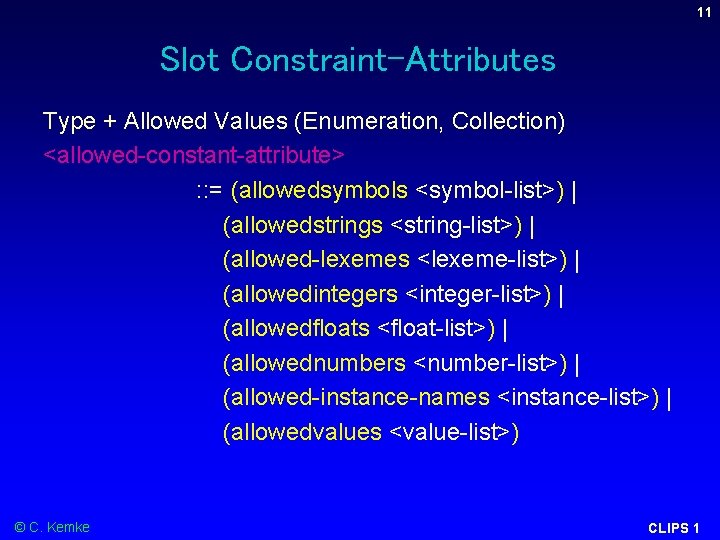
11 Slot Constraint-Attributes Type + Allowed Values (Enumeration, Collection) <allowed-constant-attribute> : : = (allowedsymbols <symbol-list>) | (allowedstrings <string-list>) | (allowed-lexemes <lexeme-list>) | (allowedintegers <integer-list>) | (allowedfloats <float-list>) | (allowednumbers <number-list>) | (allowed-instance-names <instance-list>) | (allowedvalues <value-list>) © C. Kemke CLIPS 1
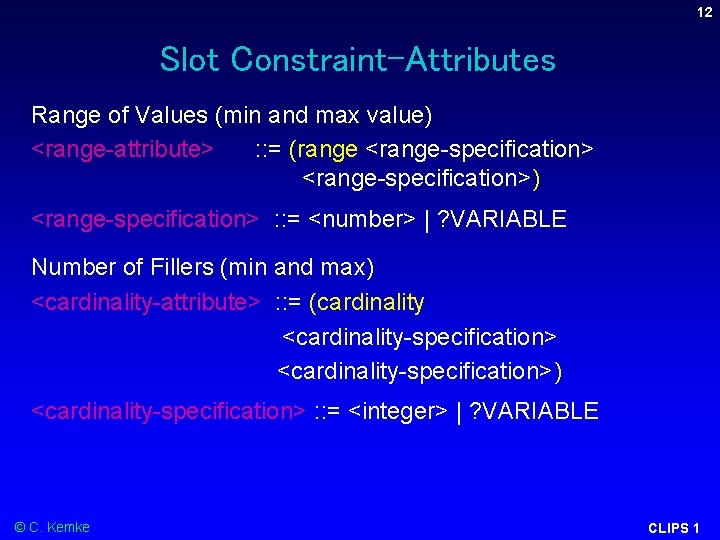
12 Slot Constraint-Attributes Range of Values (min and max value) <range-attribute> : : = (range <range-specification>) <range-specification> : : = <number> | ? VARIABLE Number of Fillers (min and max) <cardinality-attribute> : : = (cardinality <cardinality-specification> <cardinality-specification>) <cardinality-specification> : : = <integer> | ? VARIABLE © C. Kemke CLIPS 1
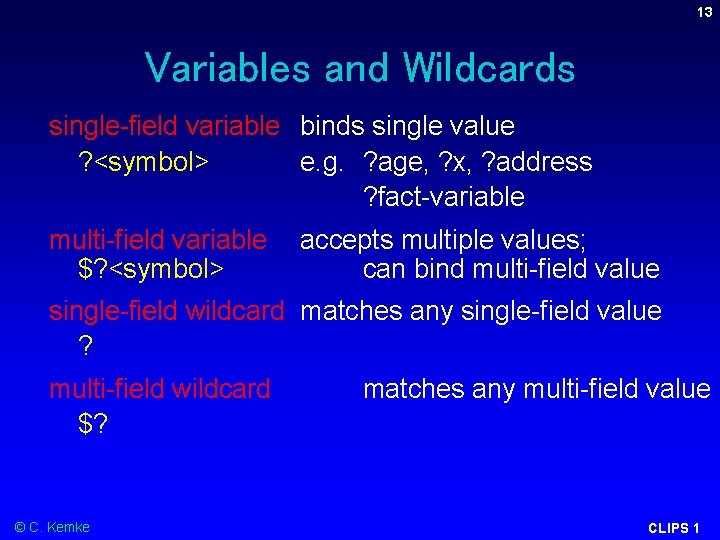
13 Variables and Wildcards single-field variable binds single value ? <symbol> e. g. ? age, ? x, ? address ? fact-variable multi-field variable accepts multiple values; $? <symbol> can bind multi-field value single-field wildcard matches any single-field value ? multi-field wildcard $? © C. Kemke matches any multi-field value CLIPS 1
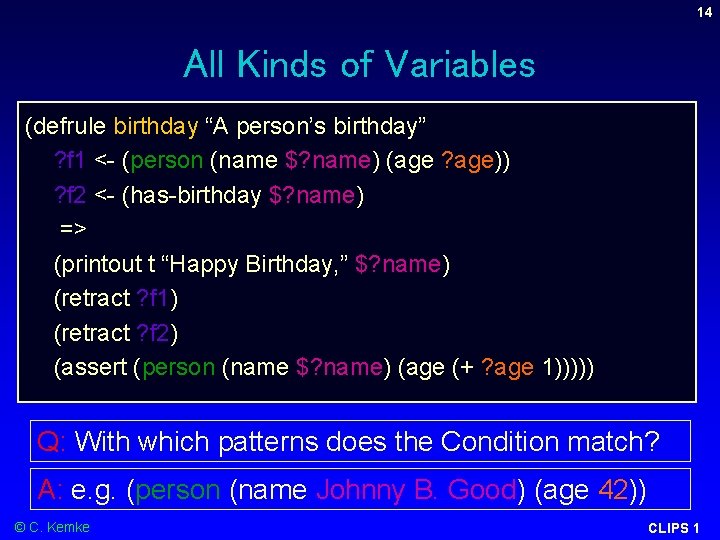
14 All Kinds of Variables (defrule birthday “A person’s birthday” ? f 1 <- (person (name $? name) (age ? age)) ? f 2 <- (has-birthday $? name) => (printout t “Happy Birthday, ” $? name) (retract ? f 1) (retract ? f 2) (assert (person (name $? name) (age (+ ? age 1))))) Q: With which patterns does the Condition match? A: e. g. (person (name Johnny B. Good) (age 42)) © C. Kemke CLIPS 1
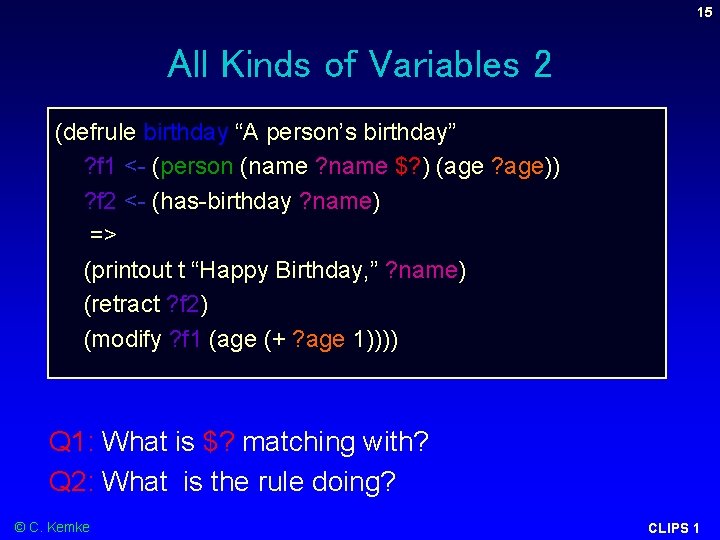
15 All Kinds of Variables 2 (defrule birthday “A person’s birthday” ? f 1 <- (person (name ? name $? ) (age ? age)) ? f 2 <- (has-birthday ? name) => (printout t “Happy Birthday, ” ? name) (retract ? f 2) (modify ? f 1 (age (+ ? age 1)))) Q 1: What is $? matching with? Q 2: What is the rule doing? © C. Kemke CLIPS 1
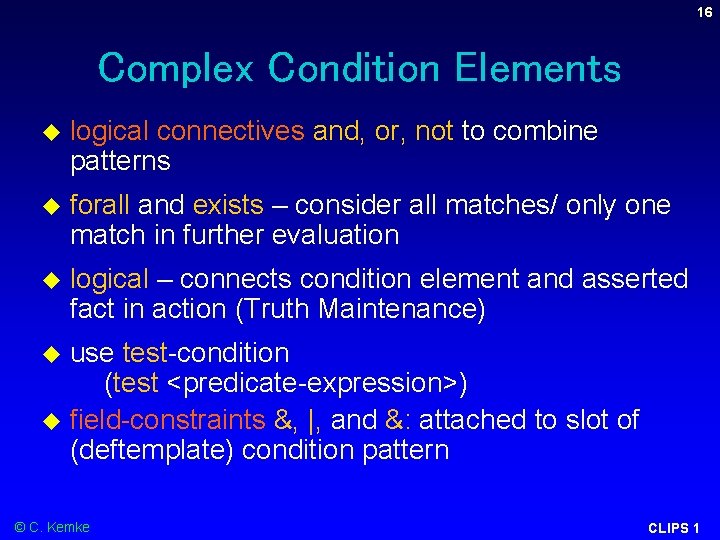
16 Complex Condition Elements logical connectives and, or, not to combine patterns forall and exists – consider all matches/ only one match in further evaluation logical – connects condition element and asserted fact in action (Truth Maintenance) use test-condition (test <predicate-expression>) field-constraints &, |, and &: attached to slot of (deftemplate) condition pattern © C. Kemke CLIPS 1
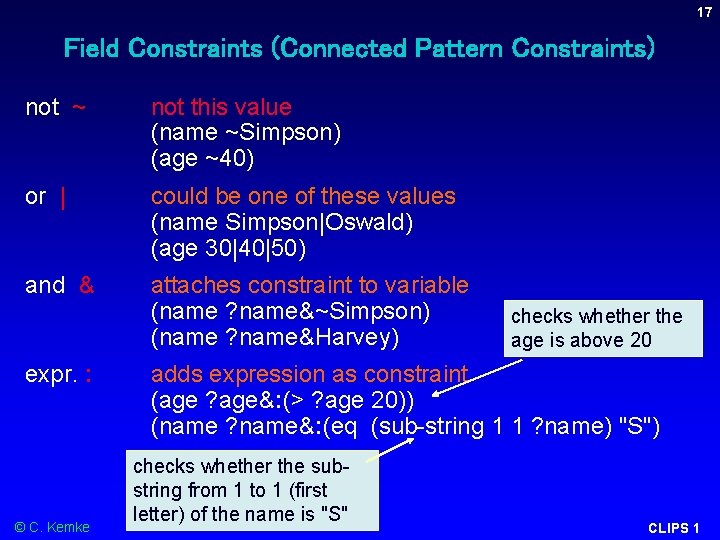
17 Field Constraints (Connected Pattern Constraints) not ~ not this value (name ~Simpson) (age ~40) or | could be one of these values (name Simpson|Oswald) (age 30|40|50) and & attaches constraint to variable (name ? name&~Simpson) (name ? name&Harvey) expr. : © C. Kemke checks whether the age is above 20 adds expression as constraint (age ? age&: (> ? age 20)) (name ? name&: (eq (sub-string 1 1 ? name) "S") checks whether the substring from 1 to 1 (first letter) of the name is "S" CLIPS 1
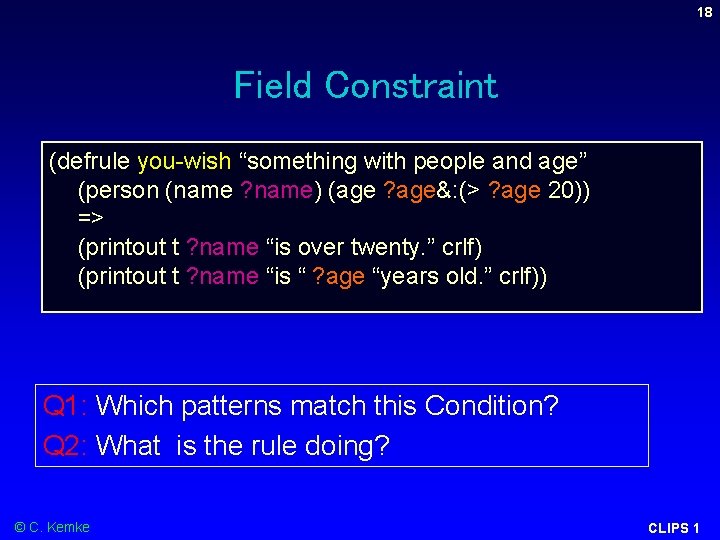
18 Field Constraint (defrule you-wish “something with people and age” (person (name ? name) (age ? age&: (> ? age 20)) => (printout t ? name “is over twenty. ” crlf) (printout t ? name “is “ ? age “years old. ” crlf)) Q 1: Which patterns match this Condition? Q 2: What is the rule doing? © C. Kemke CLIPS 1
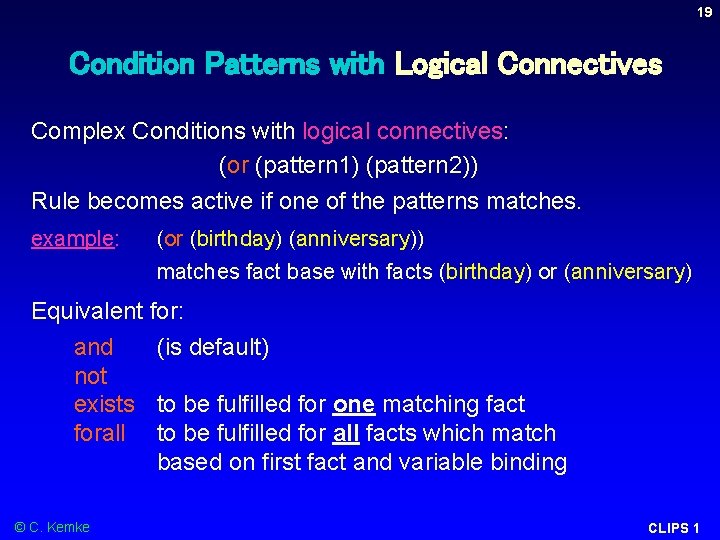
19 Condition Patterns with Logical Connectives Complex Conditions with logical connectives: (or (pattern 1) (pattern 2)) Rule becomes active if one of the patterns matches. example: (or (birthday) (anniversary)) matches fact base with facts (birthday) or (anniversary) Equivalent for: and (is default) not exists to be fulfilled for one matching fact forall to be fulfilled for all facts which match based on first fact and variable binding © C. Kemke CLIPS 1
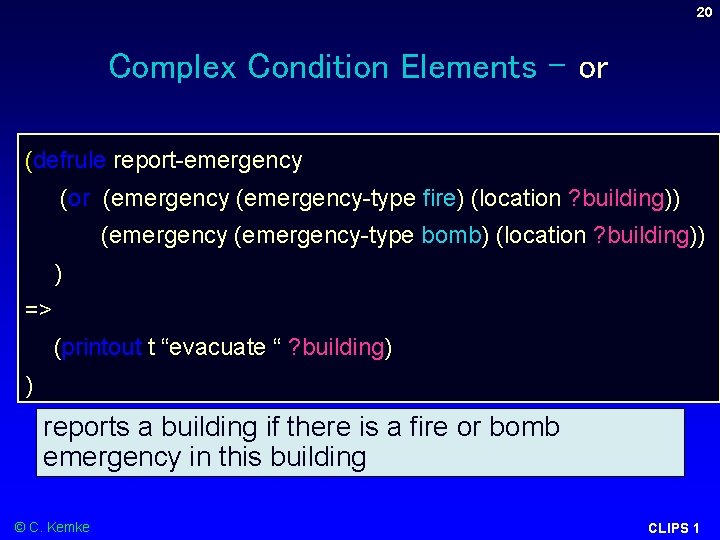
20 Complex Condition Elements - or (defrule report-emergency (or (emergency-type fire) (location ? building)) (emergency-type bomb) (location ? building)) ) => (printout t “evacuate “ ? building) ) reports a building if there is a fire or bomb emergency in this building © C. Kemke CLIPS 1
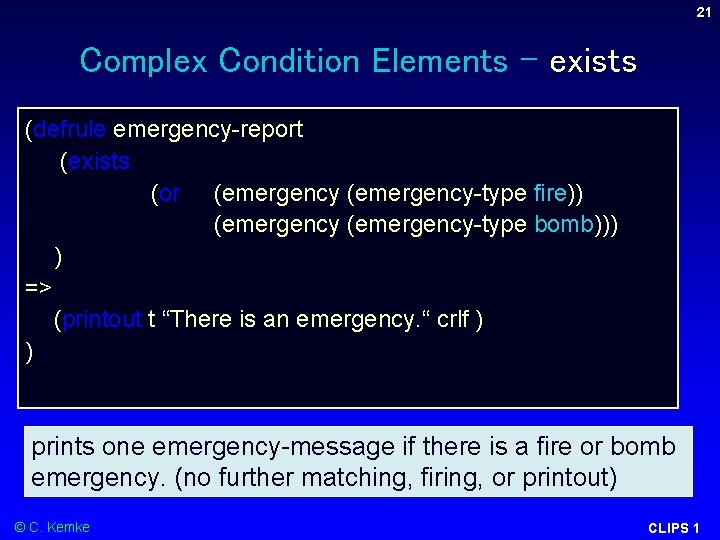
21 Complex Condition Elements – exists (defrule emergency-report (exists (or (emergency-type fire)) (emergency-type bomb))) ) => (printout t “There is an emergency. “ crlf ) ) prints one emergency-message if there is a fire or bomb emergency. (no further matching, firing, or printout) © C. Kemke CLIPS 1
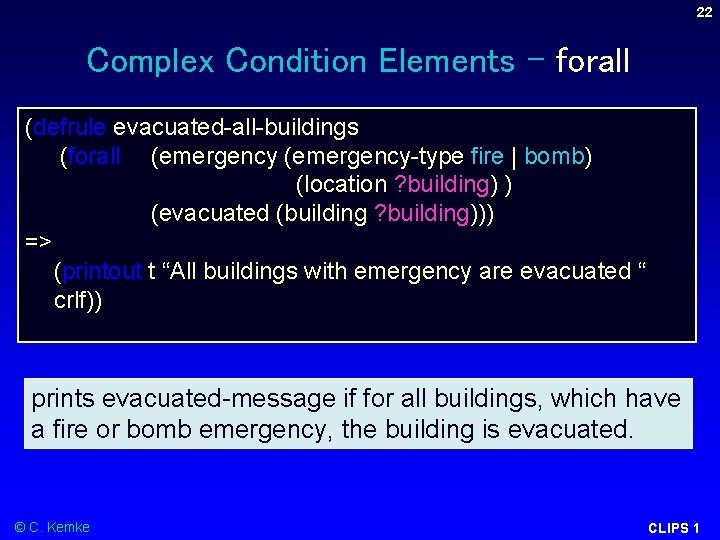
22 Complex Condition Elements – forall (defrule evacuated-all-buildings (forall (emergency-type fire | bomb) (location ? building) ) (evacuated (building ? building))) => (printout t “All buildings with emergency are evacuated “ crlf)) prints evacuated-message if for all buildings, which have a fire or bomb emergency, the building is evacuated. © C. Kemke CLIPS 1
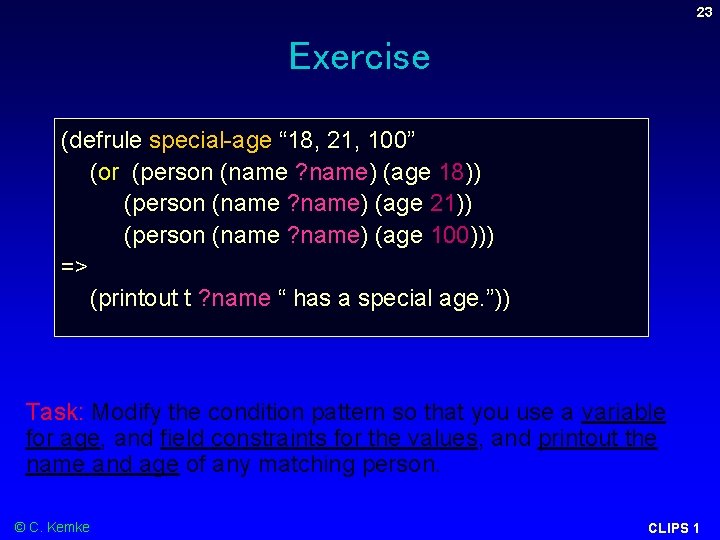
23 Exercise (defrule special-age “ 18, 21, 100” (or (person (name ? name) (age 18)) (person (name ? name) (age 21)) (person (name ? name) (age 100))) => (printout t ? name “ has a special age. ”)) Task: Modify the condition pattern so that you use a variable for age, and field constraints for the values, and printout the name and age of any matching person. © C. Kemke CLIPS 1
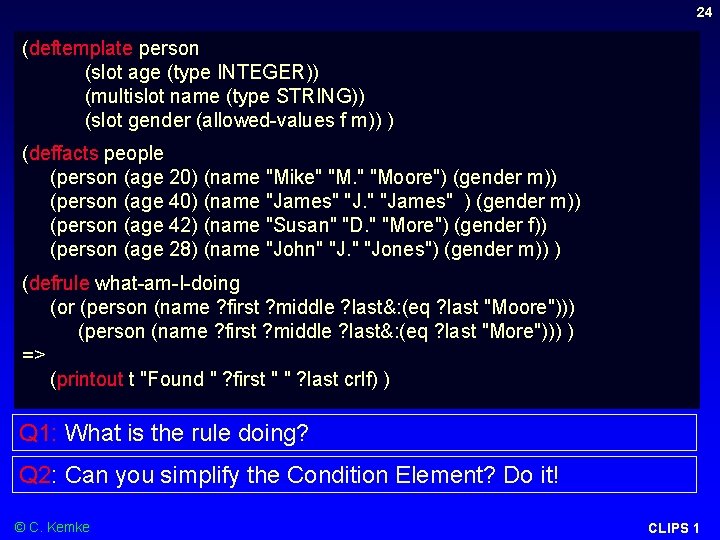
24 (deftemplate person (slot age (type INTEGER)) (multislot name (type STRING)) (slot gender (allowed-values f m)) ) (deffacts people (person (age 20) (name "Mike" "Moore") (gender m)) (person (age 40) (name "James" ) (gender m)) (person (age 42) (name "Susan" "D. " "More") (gender f)) (person (age 28) (name "John" "Jones") (gender m)) ) (defrule what-am-I-doing (or (person (name ? first ? middle ? last&: (eq ? last "Moore"))) (person (name ? first ? middle ? last&: (eq ? last "More"))) ) => (printout t "Found " ? first " " ? last crlf) ) Q 1: What is the rule doing? Q 2: Can you simplify the Condition Element? Do it! © C. Kemke CLIPS 1
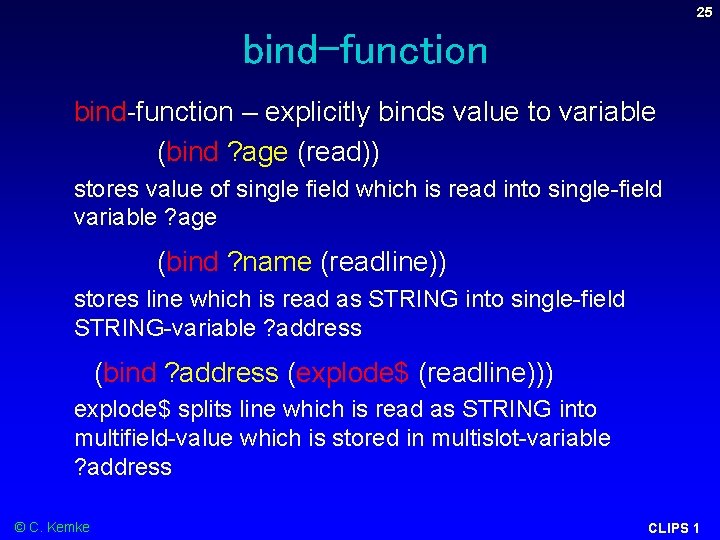
25 bind-function – explicitly binds value to variable (bind ? age (read)) stores value of single field which is read into single-field variable ? age (bind ? name (readline)) stores line which is read as STRING into single-field STRING-variable ? address (bind ? address (explode$ (readline))) explode$ splits line which is read as STRING into multifield-value which is stored in multislot-variable ? address © C. Kemke CLIPS 1
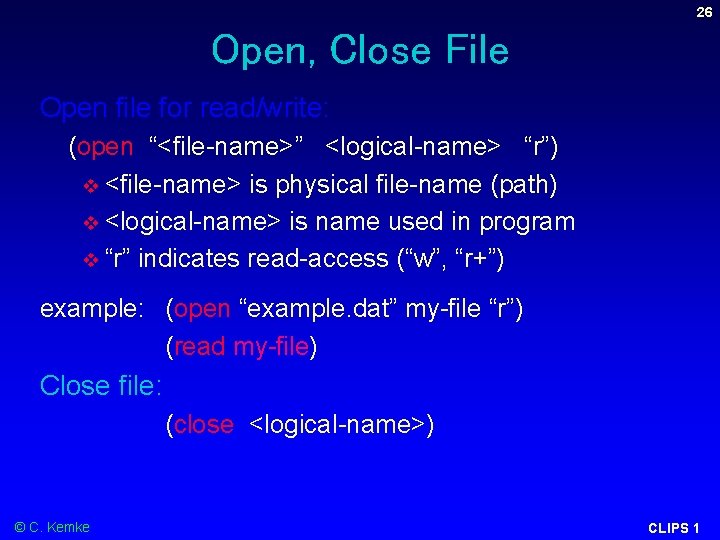
26 Open, Close File Open file for read/write: (open “<file-name>” <logical-name> “r”) <file-name> is physical file-name (path) <logical-name> is name used in program “r” indicates read-access (“w”, “r+”) example: (open “example. dat” my-file “r”) (read my-file) Close file: (close <logical-name>) © C. Kemke CLIPS 1
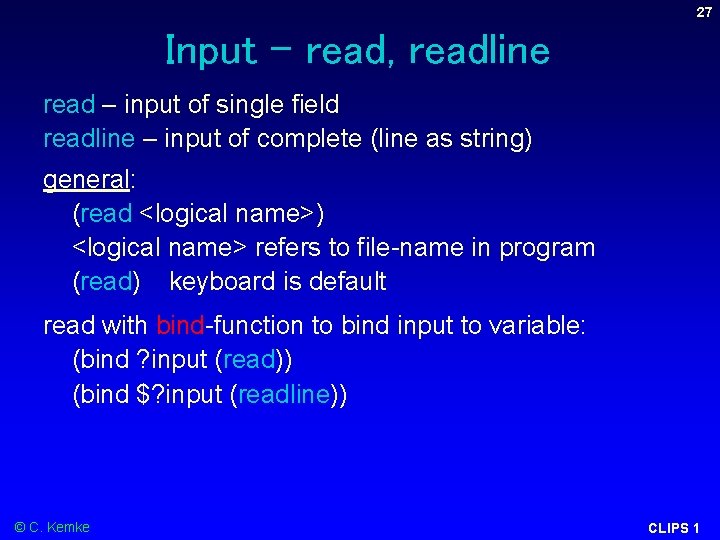
27 Input – read, readline read – input of single field readline – input of complete (line as string) general: (read <logical name>) <logical name> refers to file-name in program (read) keyboard is default read with bind-function to bind input to variable: (bind ? input (read)) (bind $? input (readline)) © C. Kemke CLIPS 1
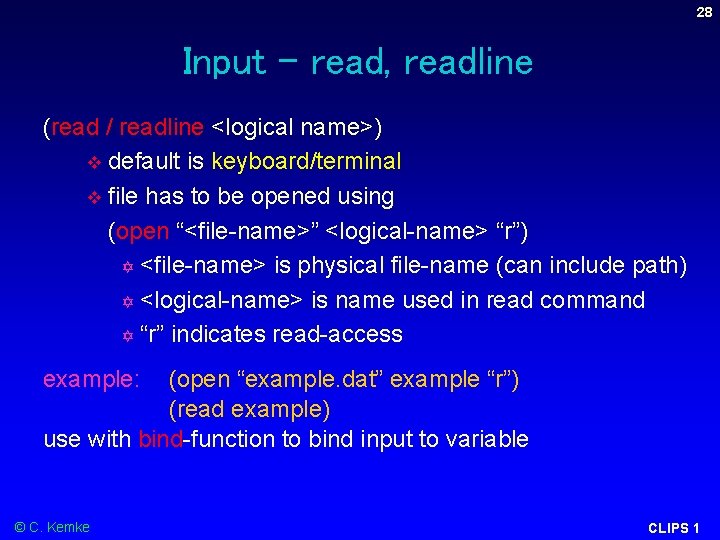
28 Input – read, readline (read / readline <logical name>) default is keyboard/terminal file has to be opened using (open “<file-name>” <logical-name> “r”) <file-name> is physical file-name (can include path) <logical-name> is name used in read command “r” indicates read-access example: (open “example. dat” example “r”) (read example) use with bind-function to bind input to variable © C. Kemke CLIPS 1
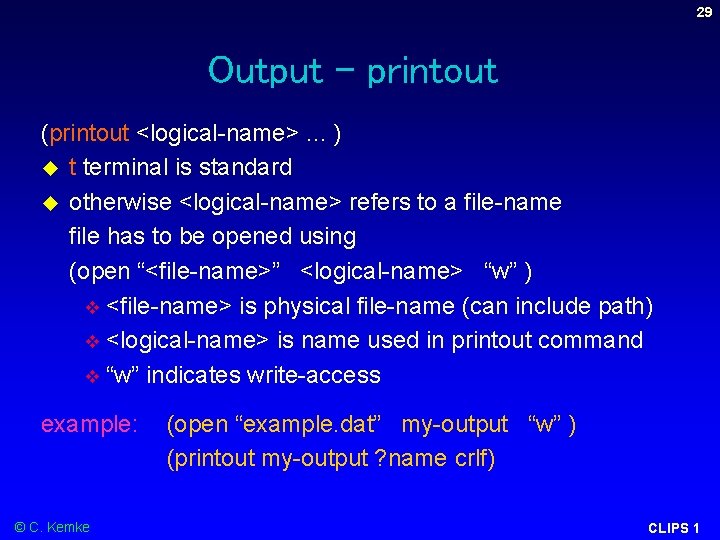
29 Output - printout (printout <logical-name>. . . ) t terminal is standard otherwise <logical-name> refers to a file-name file has to be opened using (open “<file-name>” <logical-name> “w” ) <file-name> is physical file-name (can include path) <logical-name> is name used in printout command “w” indicates write-access example: (open “example. dat” my-output “w” ) (printout my-output ? name crlf) © C. Kemke CLIPS 1
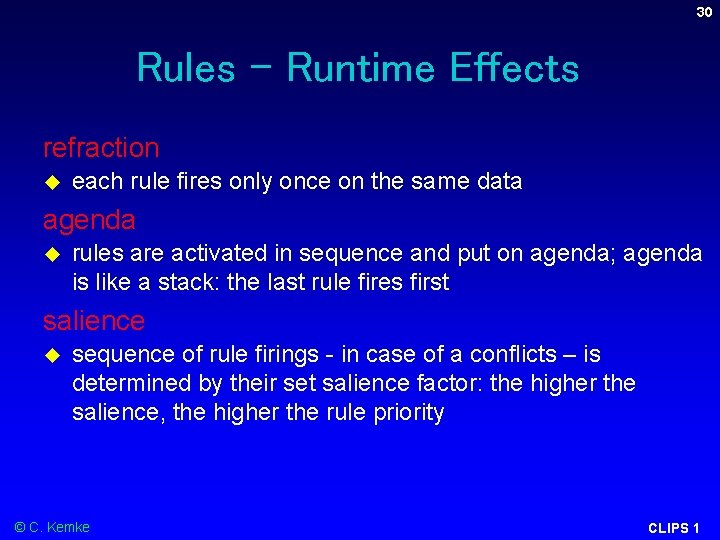
30 Rules - Runtime Effects refraction each rule fires only once on the same data agenda rules are activated in sequence and put on agenda; agenda is like a stack: the last rule fires first salience sequence of rule firings - in case of a conflicts – is determined by their set salience factor: the higher the salience, the higher the rule priority © C. Kemke CLIPS 1
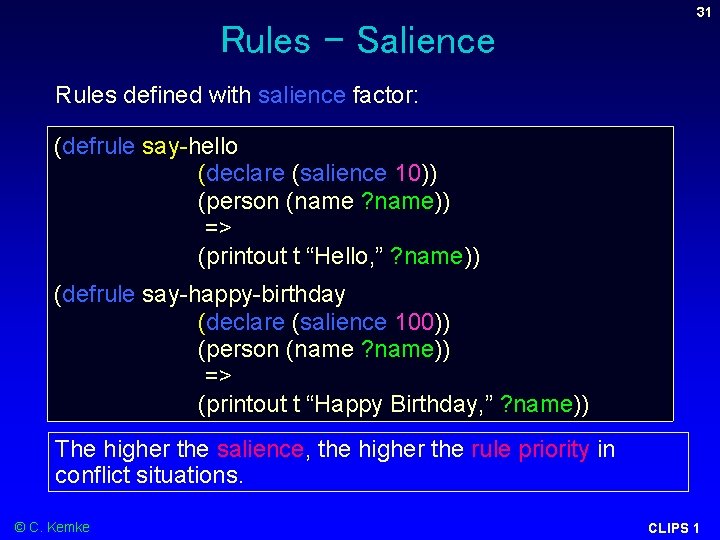
Rules - Salience 31 Rules defined with salience factor: (defrule say-hello (declare (salience 10)) (person (name ? name)) => (printout t “Hello, ” ? name)) (defrule say-happy-birthday (declare (salience 100)) (person (name ? name)) => (printout t “Happy Birthday, ” ? name)) The higher the salience, the higher the rule priority in conflict situations. © C. Kemke CLIPS 1