
1 CISC 6795 INTERNET COMPUTING AND JAVA PROGRAMMING
![main method 28 7 public static void main( String args[] ) Part of every](https://slidetodoc.com/presentation_image_h/12e9258fd7f9d721a72ef25244083a1d/image-28.jpg "main method 28 7 public static void main( String args[] ) Part of every")
- Slides: 75
1 CISC 6795: INTERNET COMPUTING AND JAVA PROGRAMMING Xiaolan Zhang Spring 2011
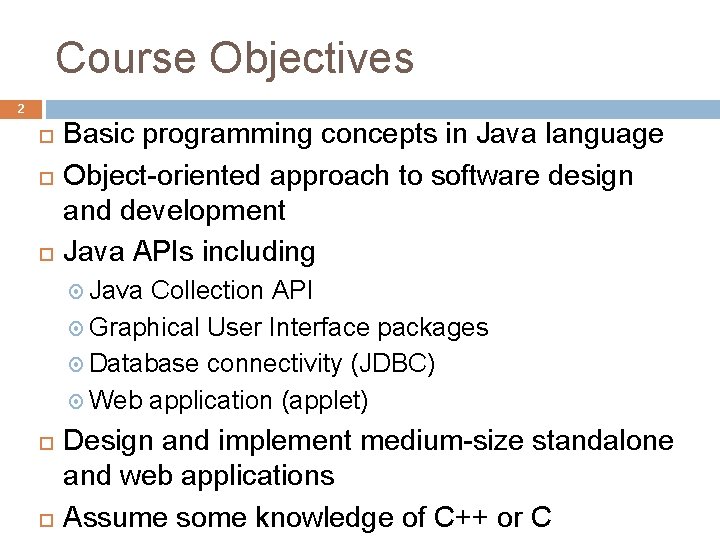
Course Objectives 2 Basic programming concepts in Java language Object-oriented approach to software design and development Java APIs including Java Collection API Graphical User Interface packages Database connectivity (JDBC) Web application (applet) Design and implement medium-size standalone and web applications Assume some knowledge of C++ or C
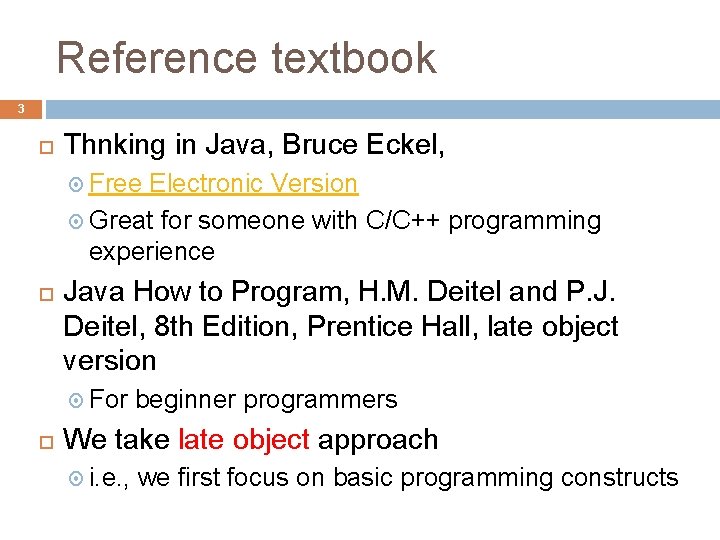
Reference textbook 3 Thnking in Java, Bruce Eckel, Free Electronic Version Great for someone with C/C++ programming experience Java How to Program, H. M. Deitel and P. J. Deitel, 8 th Edition, Prentice Hall, late object version For beginner programmers We take late object approach i. e. , we first focus on basic programming constructs
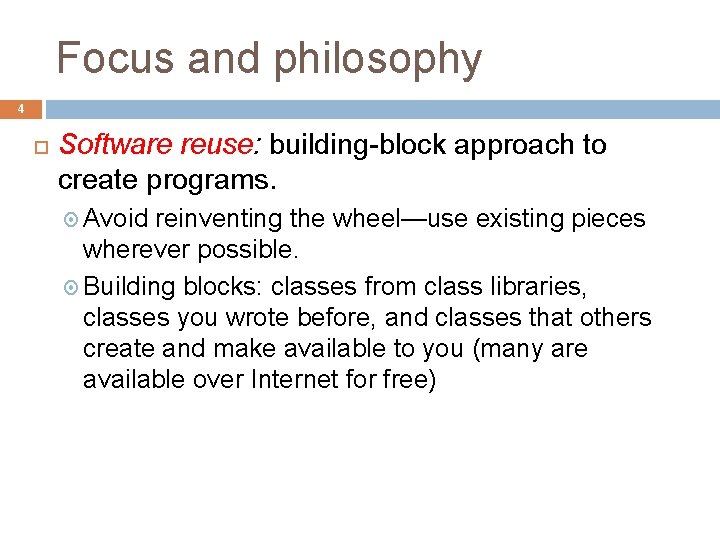
Focus and philosophy 4 Software reuse: building-block approach to create programs. Avoid reinventing the wheel—use existing pieces wherever possible. Building blocks: classes from class libraries, classes you wrote before, and classes that others create and make available to you (many are available over Internet for free)
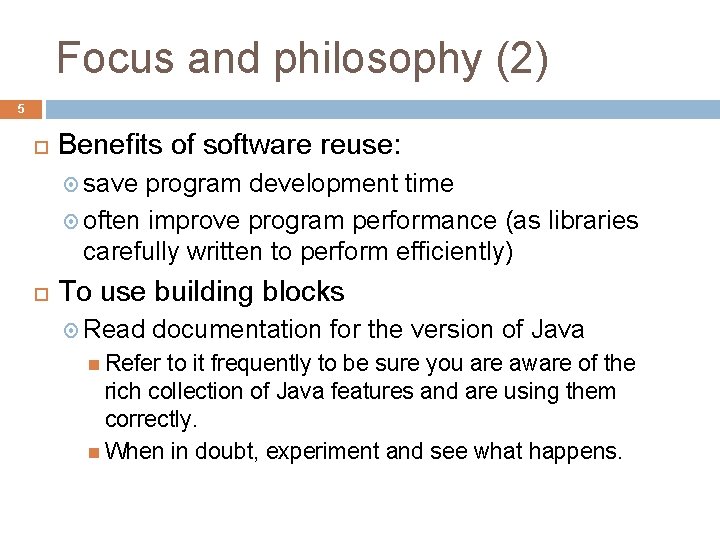
Focus and philosophy (2) 5 Benefits of software reuse: save program development time often improve program performance (as libraries carefully written to perform efficiently) To use building blocks Read documentation for the version of Java Refer to it frequently to be sure you are aware of the rich collection of Java features and are using them correctly. When in doubt, experiment and see what happens.
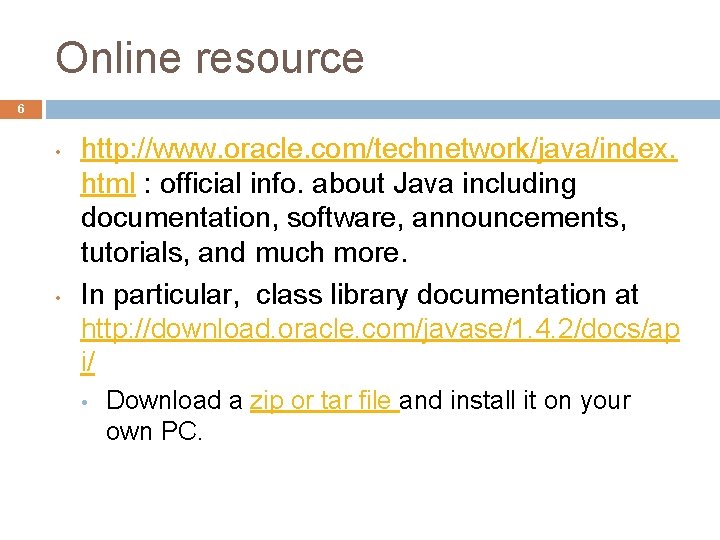
Online resource 6 • • http: //www. oracle. com/technetwork/java/index. html : official info. about Java including documentation, software, announcements, tutorials, and much more. In particular, class library documentation at http: //download. oracle. com/javase/1. 4. 2/docs/ap i/ • Download a zip or tar file and install it on your own PC.
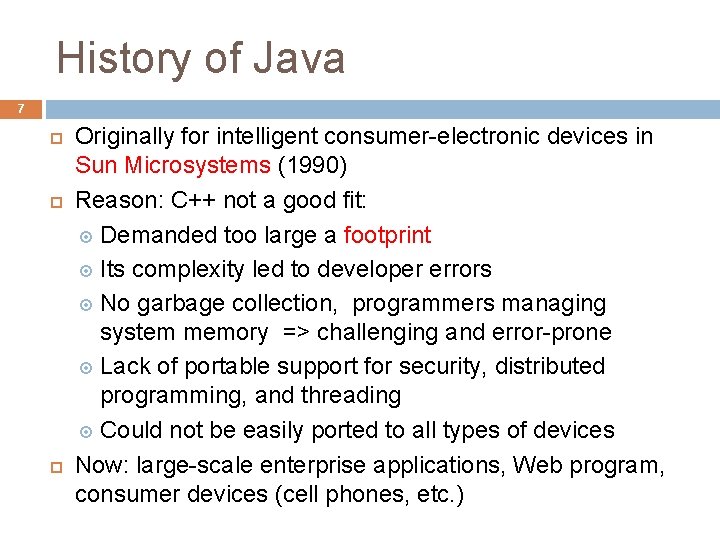
History of Java 7 Originally for intelligent consumer-electronic devices in Sun Microsystems (1990) Reason: C++ not a good fit: Demanded too large a footprint Its complexity led to developer errors No garbage collection, programmers managing system memory => challenging and error-prone Lack of portable support for security, distributed programming, and threading Could not be easily ported to all types of devices Now: large-scale enterprise applications, Web program, consumer devices (cell phones, etc. )
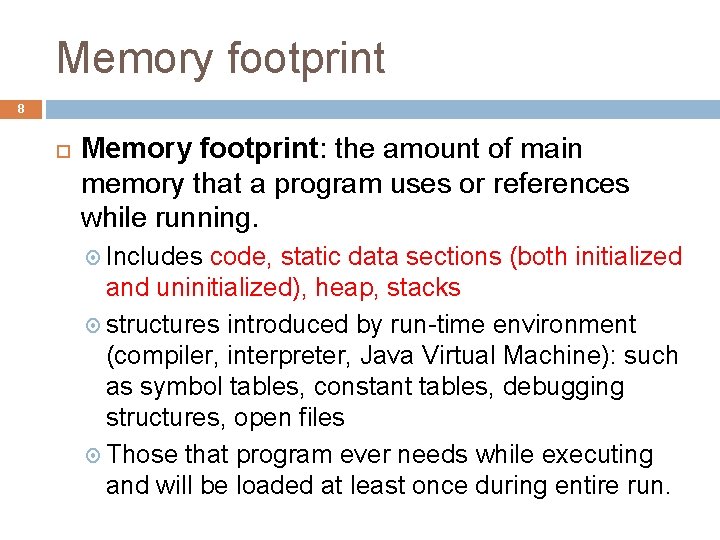
Memory footprint 8 Memory footprint: the amount of main memory that a program uses or references while running. Includes code, static data sections (both initialized and uninitialized), heap, stacks structures introduced by run-time environment (compiler, interpreter, Java Virtual Machine): such as symbol tables, constant tables, debugging structures, open files Those that program ever needs while executing and will be loaded at least once during entire run.
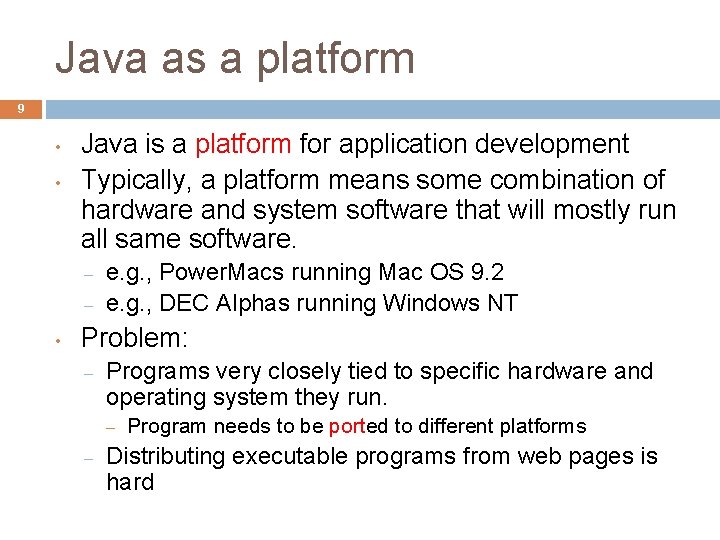
Java as a platform 9 • • Java is a platform for application development Typically, a platform means some combination of hardware and system software that will mostly run all same software. – – • e. g. , Power. Macs running Mac OS 9. 2 e. g. , DEC Alphas running Windows NT Problem: – Programs very closely tied to specific hardware and operating system they run. – – Program needs to be ported to different platforms Distributing executable programs from web pages is hard
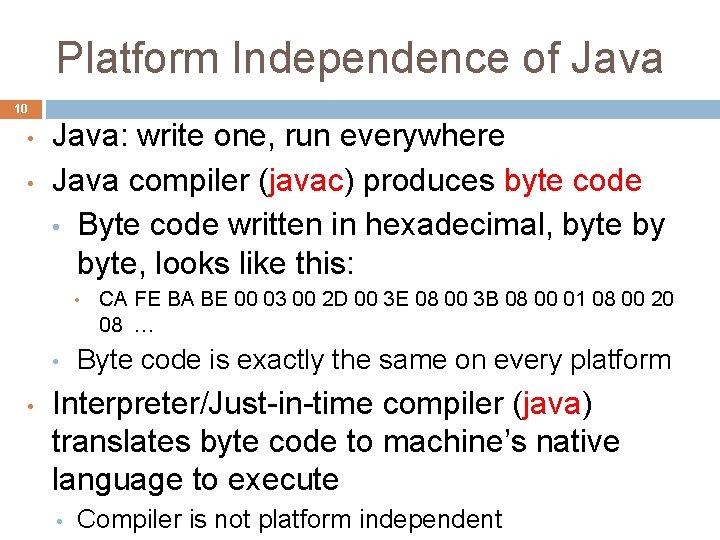
Platform Independence of Java 10 • • Java: write one, run everywhere Java compiler (javac) produces byte code • Byte code written in hexadecimal, byte by byte, looks like this: • • • CA FE BA BE 00 03 00 2 D 00 3 E 08 00 3 B 08 00 01 08 00 20 08 … Byte code is exactly the same on every platform Interpreter/Just-in-time compiler (java) translates byte code to machine’s native language to execute • Compiler is not platform independent
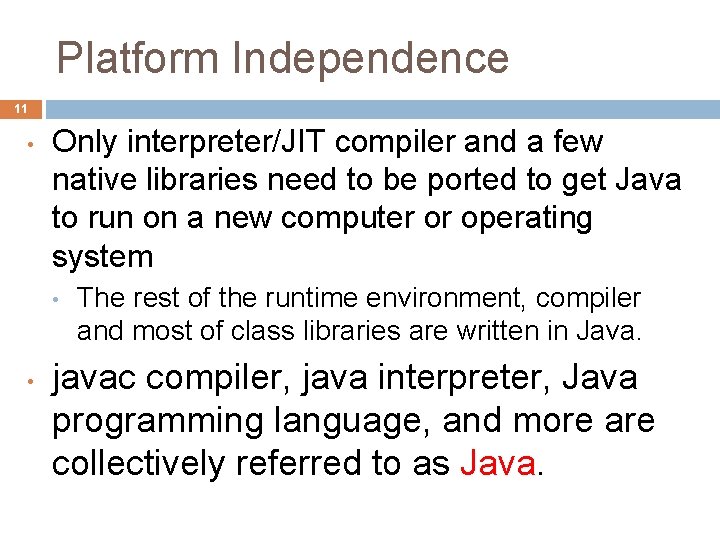
Platform Independence 11 • Only interpreter/JIT compiler and a few native libraries need to be ported to get Java to run on a new computer or operating system • • The rest of the runtime environment, compiler and most of class libraries are written in Java. javac compiler, java interpreter, Java programming language, and more are collectively referred to as Java.
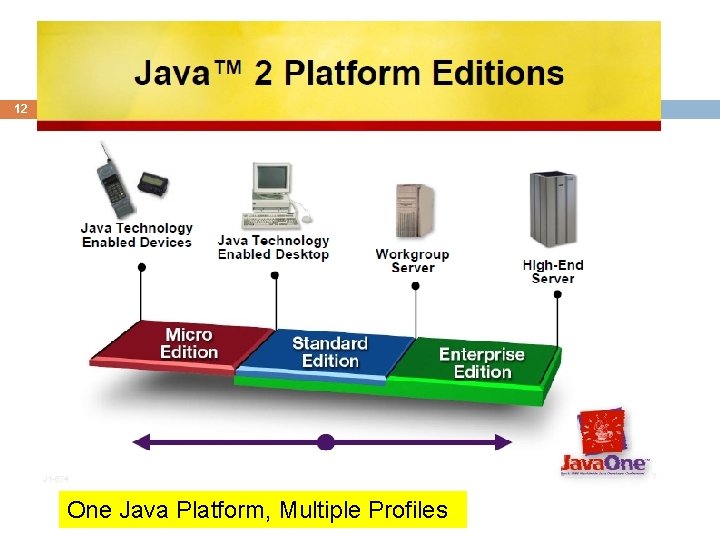
The Scope of Java 12 J 2 SE J 2 EE J 2 ME One Java Platform, Multiple Profiles
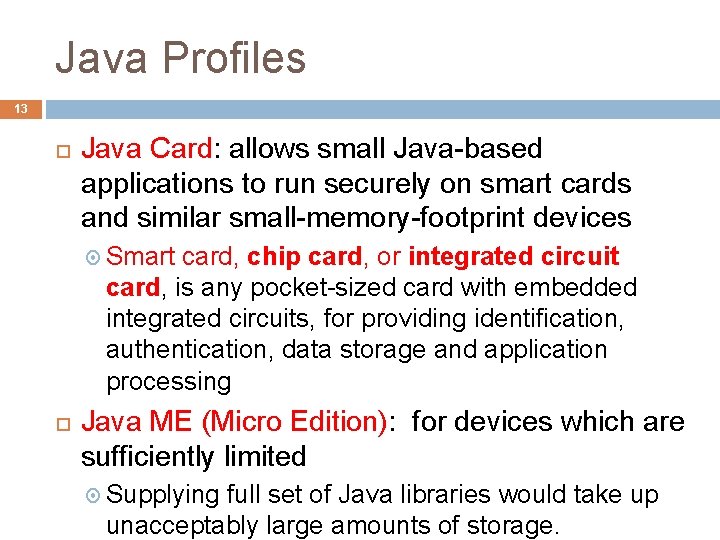
Java Profiles 13 Java Card: allows small Java-based applications to run securely on smart cards and similar small-memory-footprint devices Smart card, chip card, or integrated circuit card, is any pocket-sized card with embedded integrated circuits, for providing identification, authentication, data storage and application processing Java ME (Micro Edition): for devices which are sufficiently limited Supplying full set of Java libraries would take up unacceptably large amounts of storage.
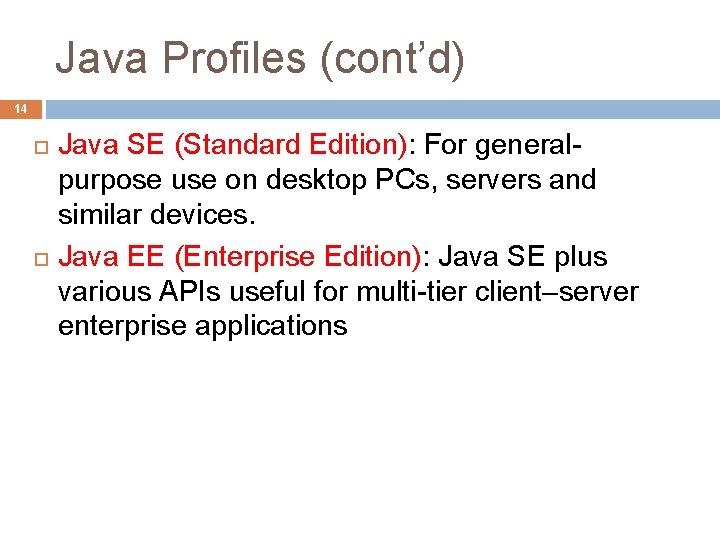
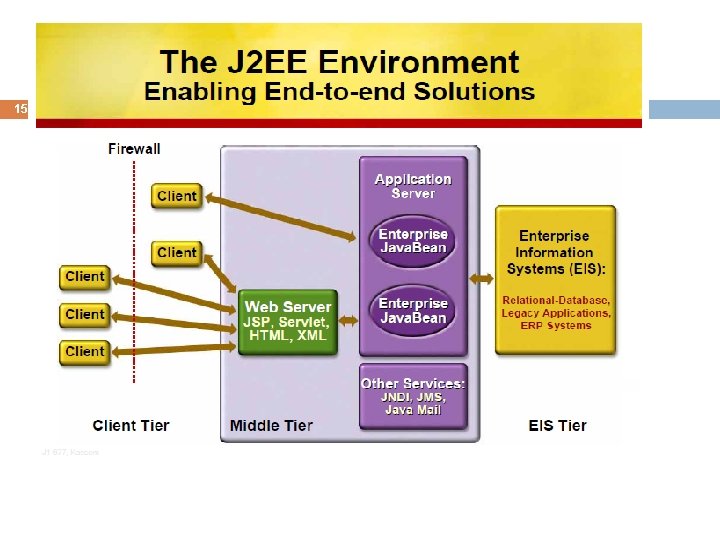
Java Profiles (cont’d) 14 Java SE (Standard Edition): For generalpurpose use on desktop PCs, servers and similar devices. Java EE (Enterprise Edition): Java SE plus various APIs useful for multi-tier client–server enterprise applications
15
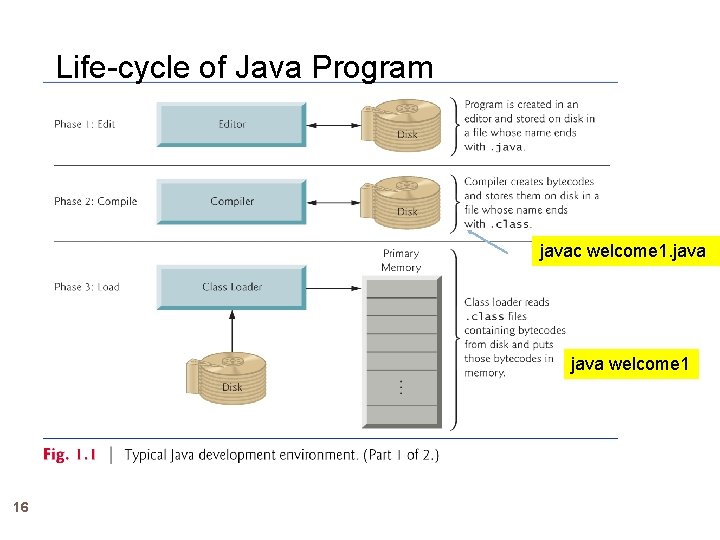
Life-cycle of Java Program javac welcome 1. java welcome 1 16
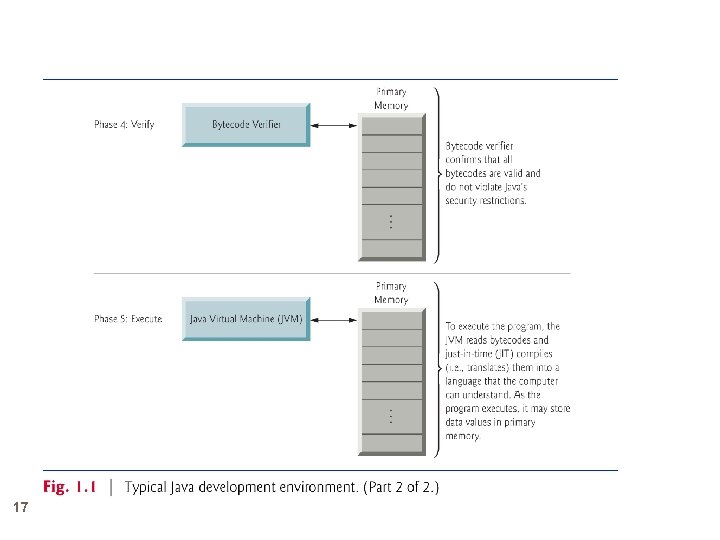
17
18 Introduction to Java Programming We demonstrate how to: Display messages Obtain information from the user Arithmetic calculations Decision-making fundamentals A quick start, and Illustrates several important Java language features
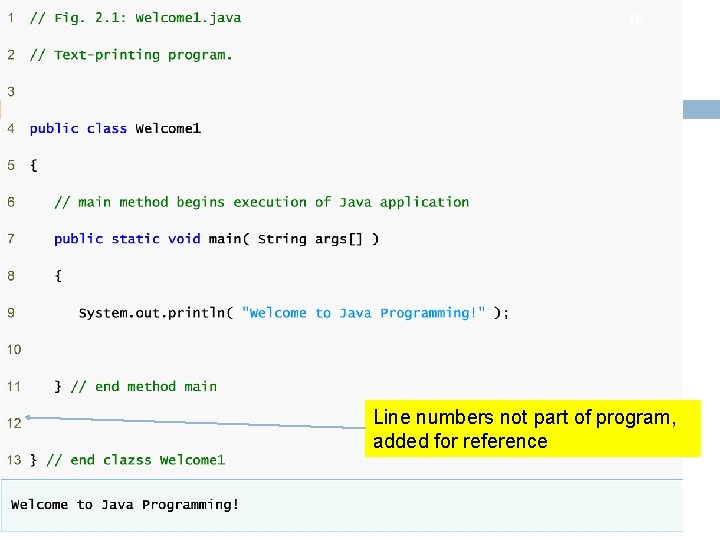
19 Line numbers not part of program, added for reference
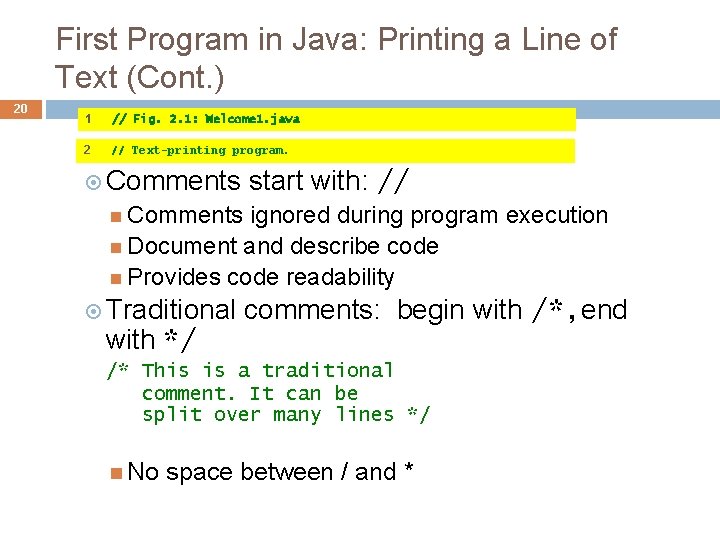
First Program in Java: Printing a Line of Text (Cont. ) 20 1 // Fig. 2. 1: Welcome 1. java 2 // Text-printing program. Comments start with: // Comments ignored during program execution Document and describe code Provides code readability Traditional with */ comments: begin with /*, end /* This is a traditional comment. It can be split over many lines */ No space between / and *
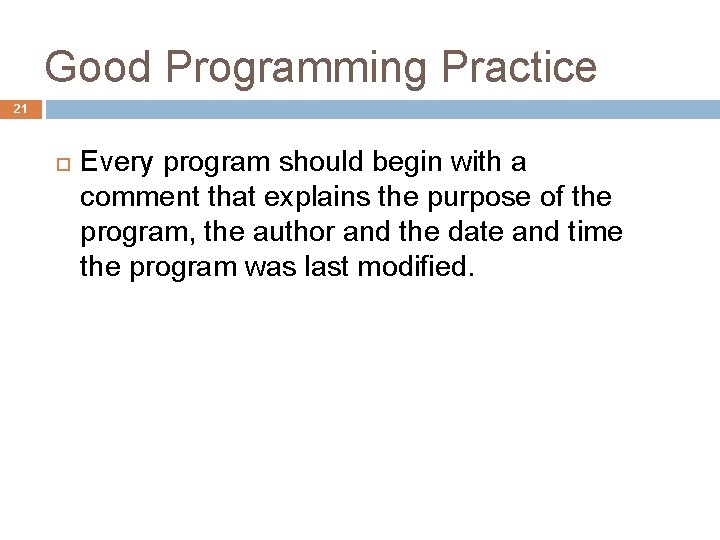
Good Programming Practice 21 Every program should begin with a comment that explains the purpose of the program, the author and the date and time the program was last modified.
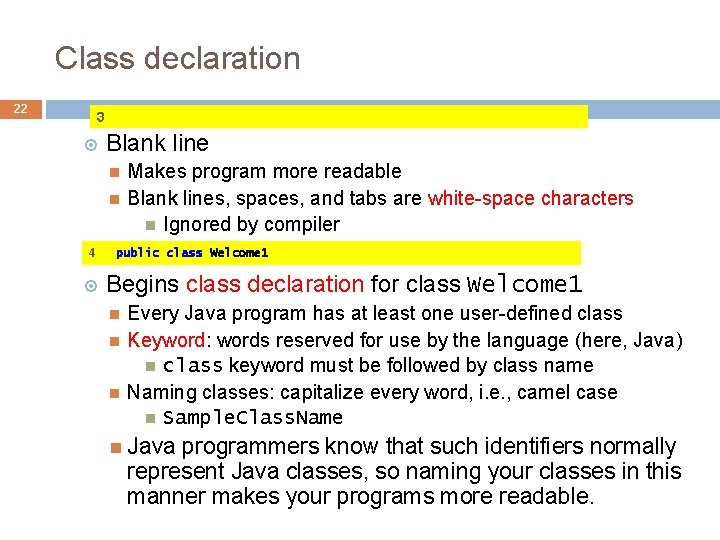
Class declaration 22 3 Blank line 4 Makes program more readable Blank lines, spaces, and tabs are white-space characters Ignored by compiler public class Welcome 1 Begins class declaration for class Welcome 1 Every Java program has at least one user-defined class Keyword: words reserved for use by the language (here, Java) class keyword must be followed by class name Naming classes: capitalize every word, i. e. , camel case Sample. Class. Name Java programmers know that such identifiers normally represent Java classes, so naming your classes in this manner makes your programs more readable.
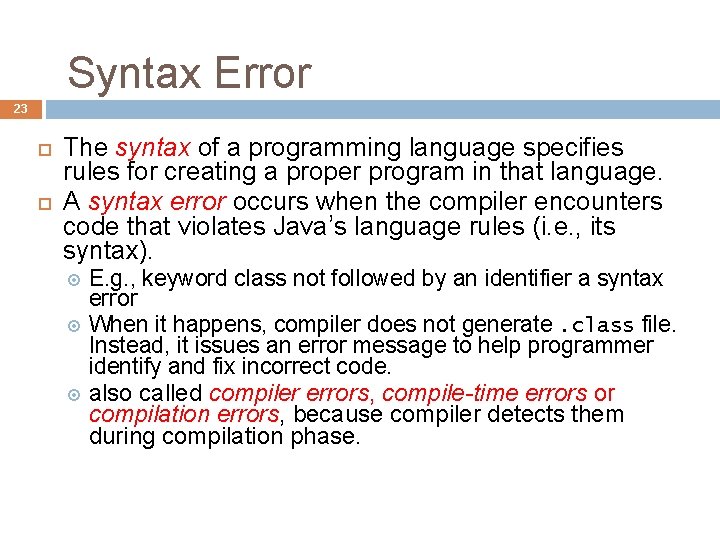
Syntax Error 23 The syntax of a programming language specifies rules for creating a proper program in that language. A syntax error occurs when the compiler encounters code that violates Java’s language rules (i. e. , its syntax). E. g. , keyword class not followed by an identifier a syntax error When it happens, compiler does not generate. class file. Instead, it issues an error message to help programmer identify and fix incorrect code. also called compiler errors, compile-time errors or compilation errors, because compiler detects them during compilation phase.
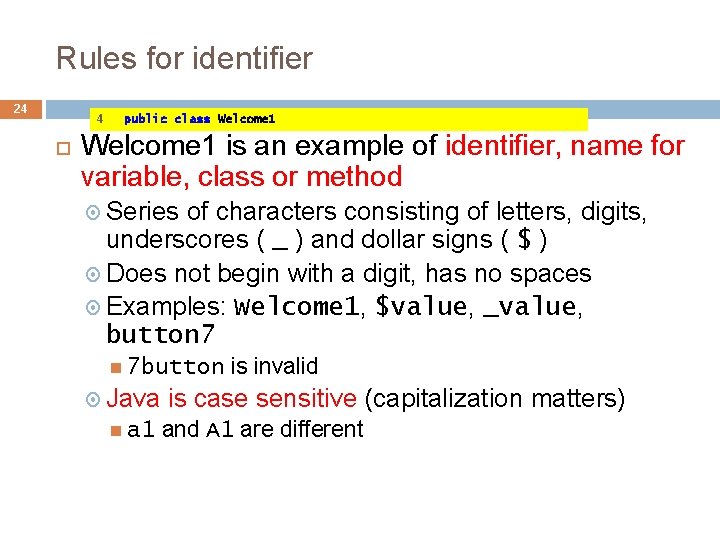
Rules for identifier 24 4 public class Welcome 1 is an example of identifier, name for variable, class or method Series of characters consisting of letters, digits, underscores ( _ ) and dollar signs ( $ ) Does not begin with a digit, has no spaces Examples: Welcome 1, $value, _value, button 7 7 button Java a 1 is invalid is case sensitive (capitalization matters) and A 1 are different
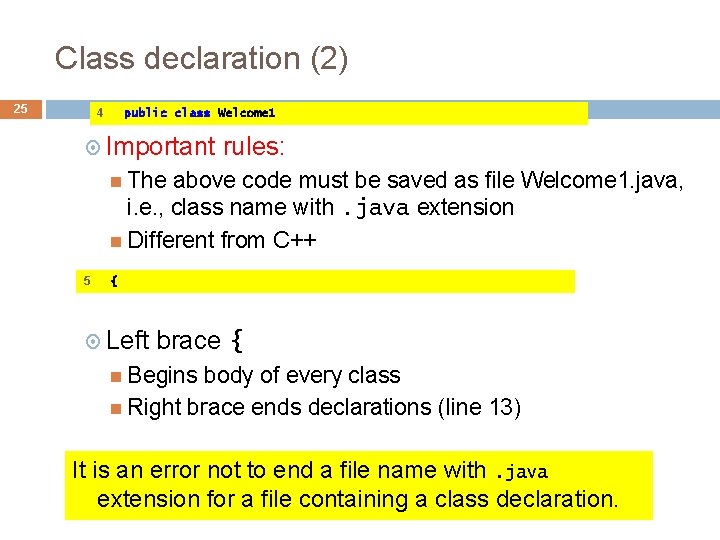
Class declaration (2) 25 4 public class Welcome 1 Important rules: The above code must be saved as file Welcome 1. java, i. e. , class name with. java extension Different from C++ 5 { Left brace { Begins body of every class Right brace ends declarations (line 13) It is an error not to end a file name with. java extension for a file containing a class declaration.
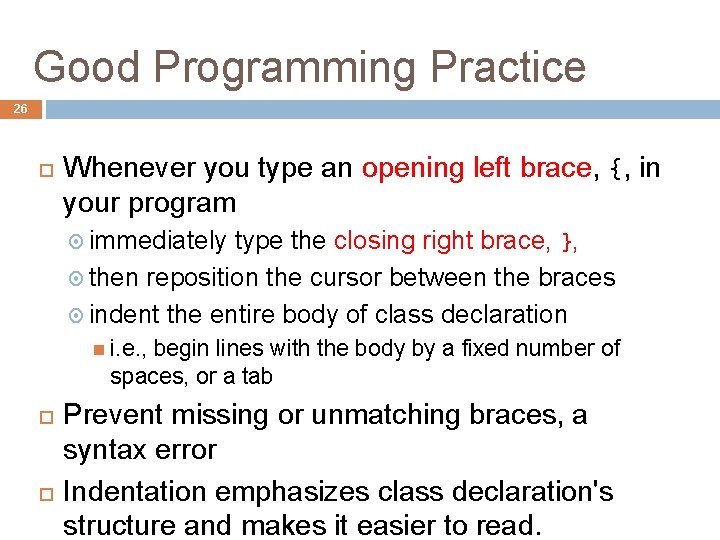
Good Programming Practice 26 Whenever you type an opening left brace, {, in your program immediately type the closing right brace, }, then reposition the cursor between the braces indent the entire body of class declaration i. e. , begin lines with the body by a fixed number of spaces, or a tab Prevent missing or unmatching braces, a syntax error Indentation emphasizes class declaration's structure and makes it easier to read.
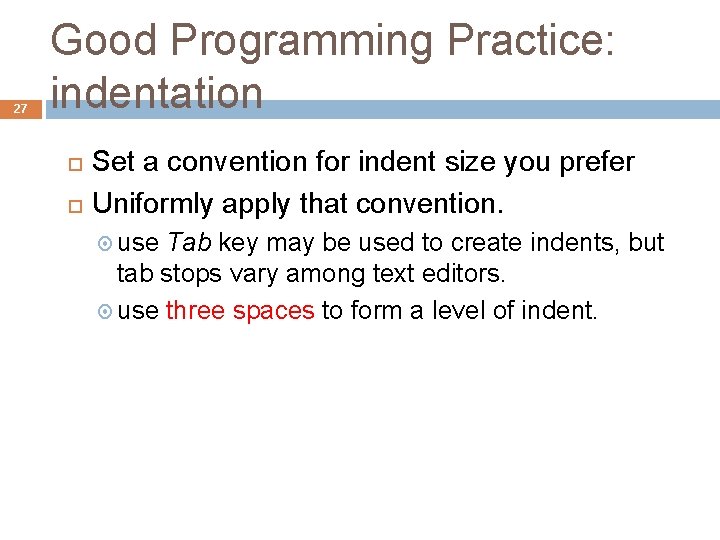
27 Good Programming Practice: indentation Set a convention for indent size you prefer Uniformly apply that convention. use Tab key may be used to create indents, but tab stops vary among text editors. use three spaces to form a level of indent.
main method 28 7 public static void main( String args[] ) Part of every Java application Methods can perform tasks and return information 8 Applications begin executing at main Parentheses indicate main is a method (Ch. 3 and 6) Java applications contain one or more methods Exactly one method must be called main void means main returns no information For now, mimic this line in your program { Left brace begins body of method declaration Ended by right brace } (line 11)
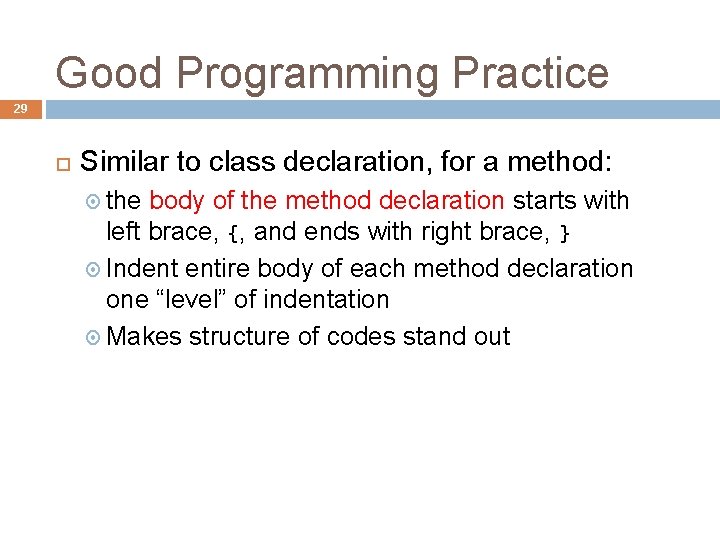
Good Programming Practice 29 Similar to class declaration, for a method: the body of the method declaration starts with left brace, {, and ends with right brace, } Indent entire body of each method declaration one “level” of indentation Makes structure of codes stand out
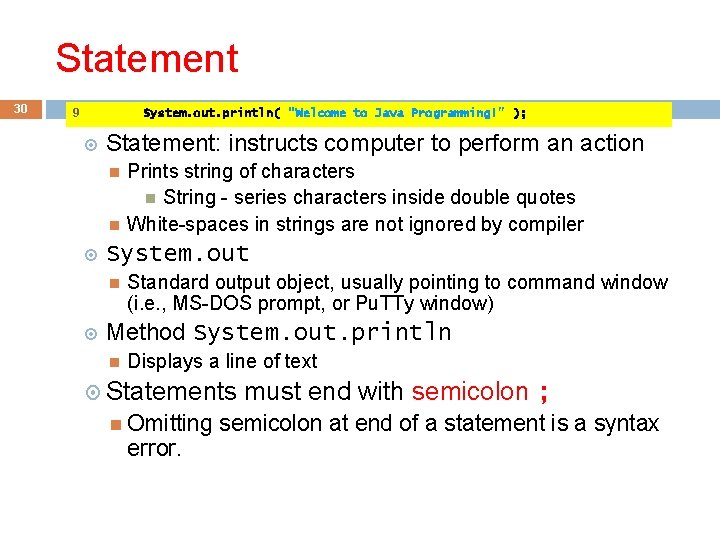
Statement 30 9 System. out. println( "Welcome to Java Programming!" ); Statement: instructs computer to perform an action System. out Prints string of characters String - series characters inside double quotes White-spaces in strings are not ignored by compiler Standard output object, usually pointing to command window (i. e. , MS-DOS prompt, or Pu. TTy window) Method System. out. println Displays a line of text Statements Omitting error. must end with semicolon ; semicolon at end of a statement is a syntax
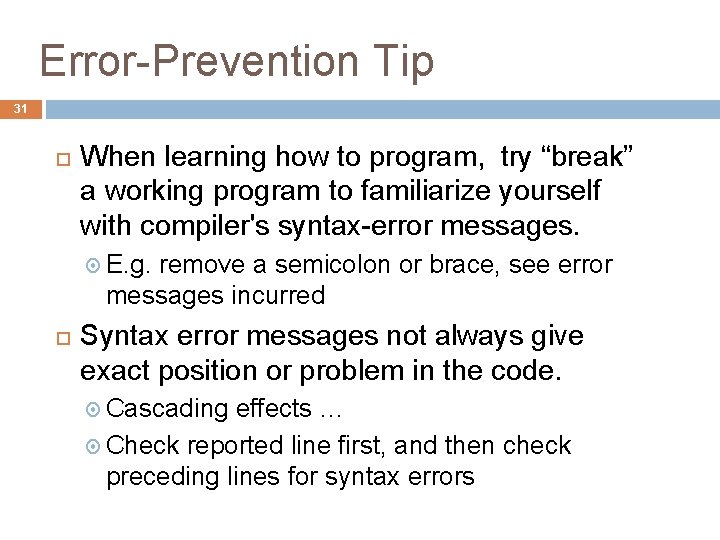
Error-Prevention Tip 31 When learning how to program, try “break” a working program to familiarize yourself with compiler's syntax-error messages. E. g. remove a semicolon or brace, see error messages incurred Syntax error messages not always give exact position or problem in the code. Cascading effects … Check reported line first, and then check preceding lines for syntax errors
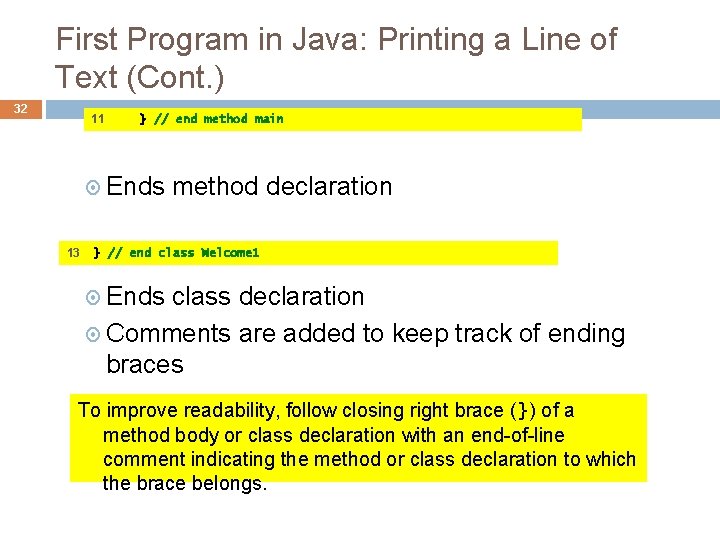
First Program in Java: Printing a Line of Text (Cont. ) 32 11 } // end method main Ends 13 method declaration } // end class Welcome 1 Ends class declaration Comments are added to keep track of ending braces To improve readability, follow closing right brace (}) of a method body or class declaration with an end-of-line comment indicating the method or class declaration to which the brace belongs.
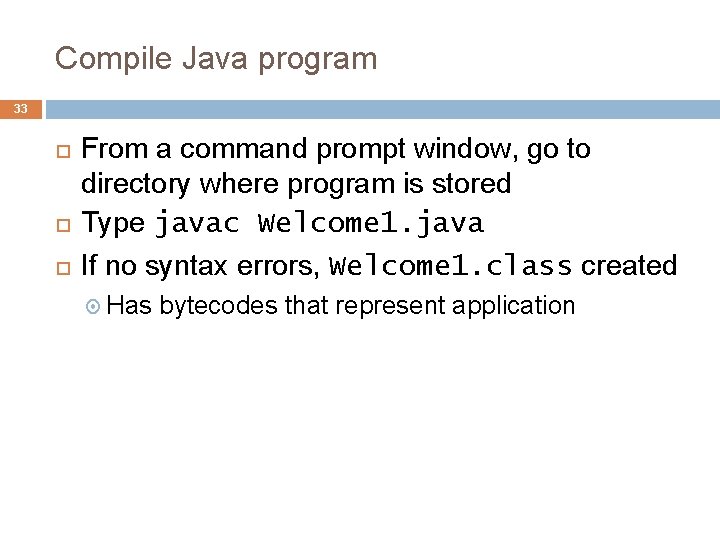
Compile Java program 33 From a command prompt window, go to directory where program is stored Type javac Welcome 1. java If no syntax errors, Welcome 1. class created Has bytecodes that represent application
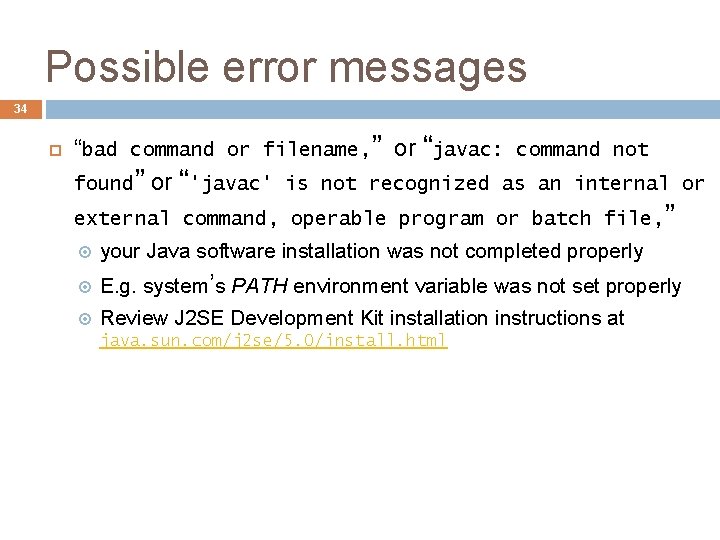
Possible error messages 34 “bad command or filename, ” or “javac: command not found” or “'javac' is not recognized as an internal or external command, operable program or batch file, ” your Java software installation was not completed properly E. g. system’s PATH environment variable was not set properly Review J 2 SE Development Kit installation instructions at java. sun. com/j 2 se/5. 0/install. html
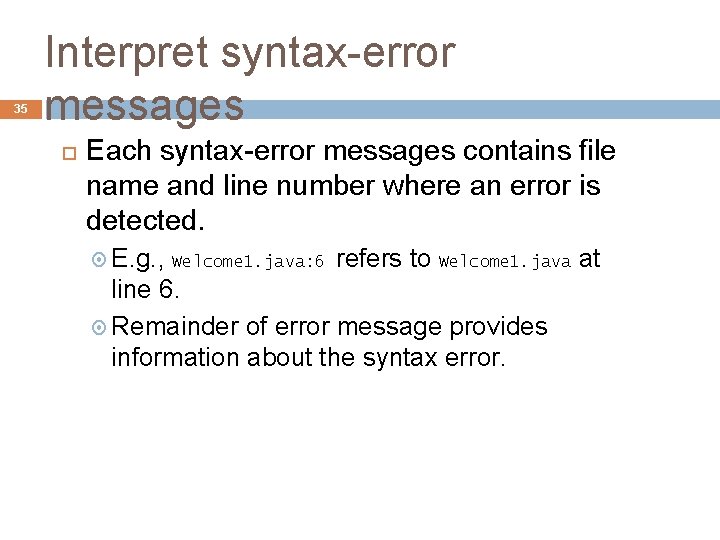
35 Interpret syntax-error messages Each syntax-error messages contains file name and line number where an error is detected. E. g. , Welcome 1. java: 6 refers to Welcome 1. java at line 6. Remainder of error message provides information about the syntax error.
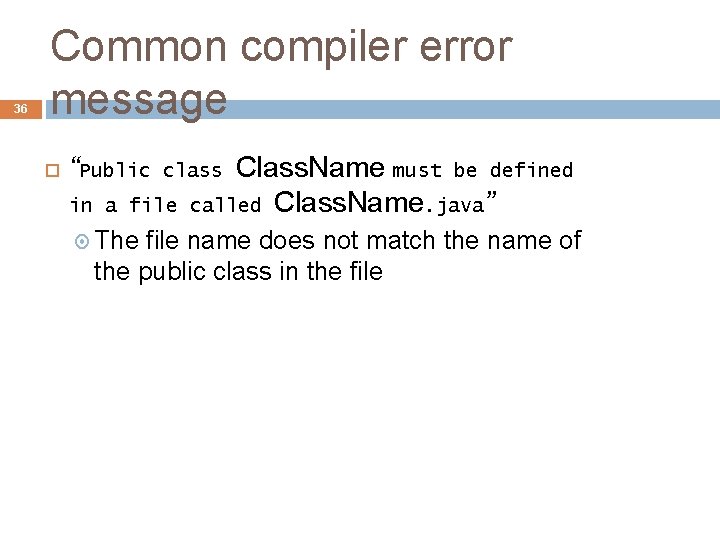
36 Common compiler error message “Public in a file The Class. Name must be defined called Class. Name. java” class file name does not match the name of the public class in the file
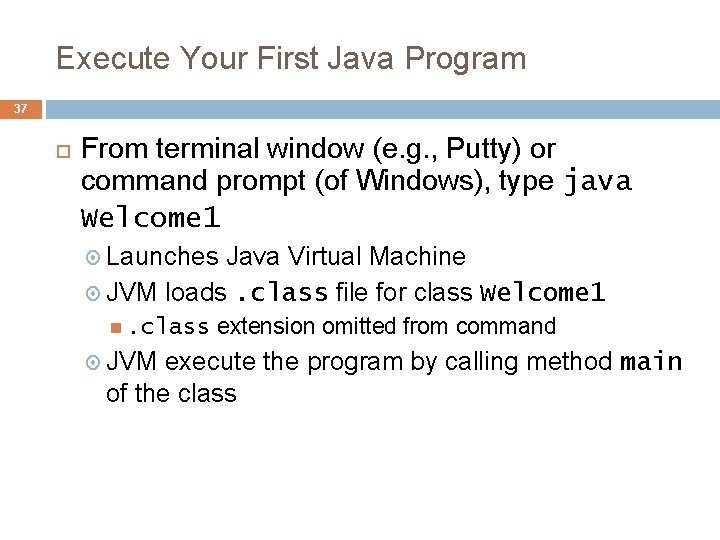
Execute Your First Java Program 37 From terminal window (e. g. , Putty) or command prompt (of Windows), type java Welcome 1 Launches Java Virtual Machine JVM loads. class file for class Welcome 1 . class JVM extension omitted from command execute the program by calling method main of the class
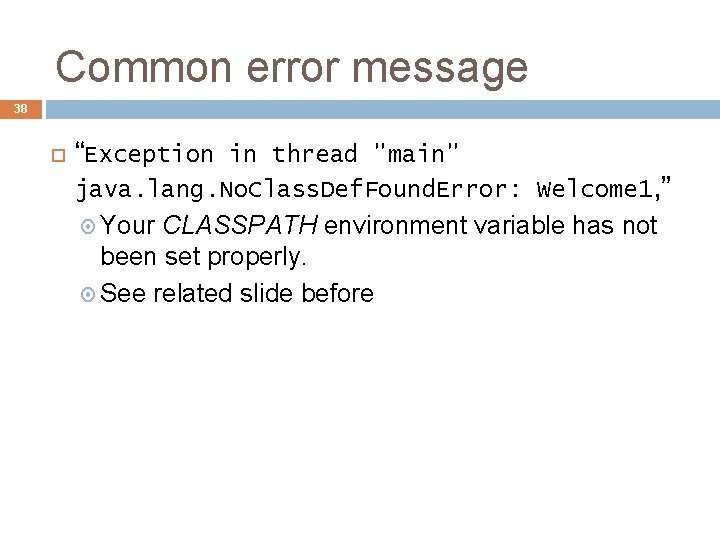
Common error message 38 “Exception in thread "main" java. lang. No. Class. Def. Found. Error: Welcome 1, ” Your CLASSPATH environment variable has not been set properly. See related slide before
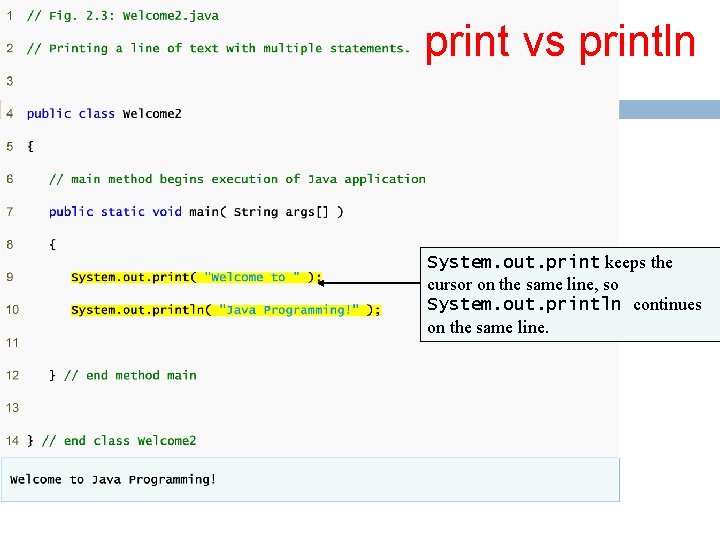
39 print vs println System. out. print keeps the cursor on the same line, so System. out. println continues on the same line.
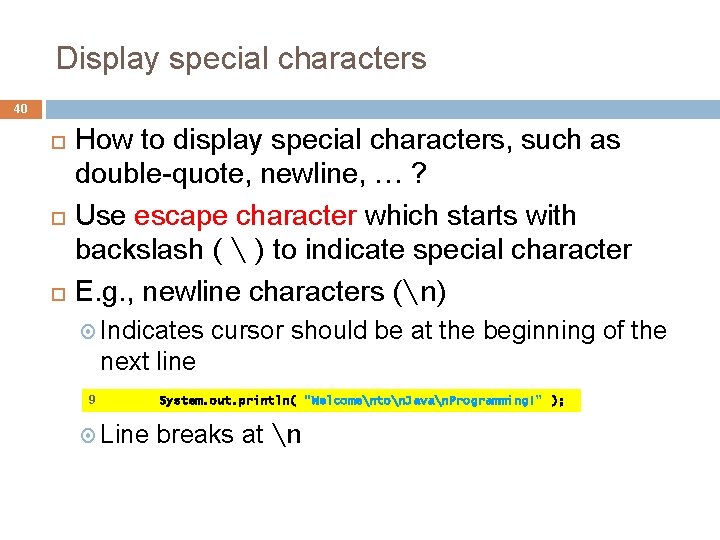
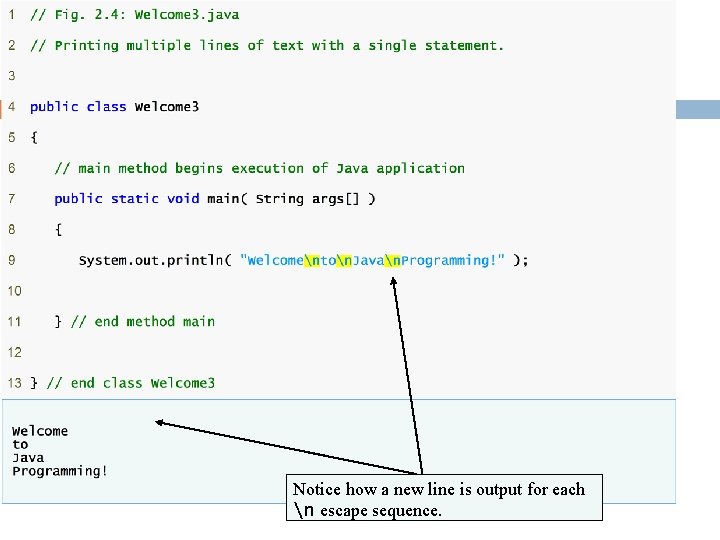
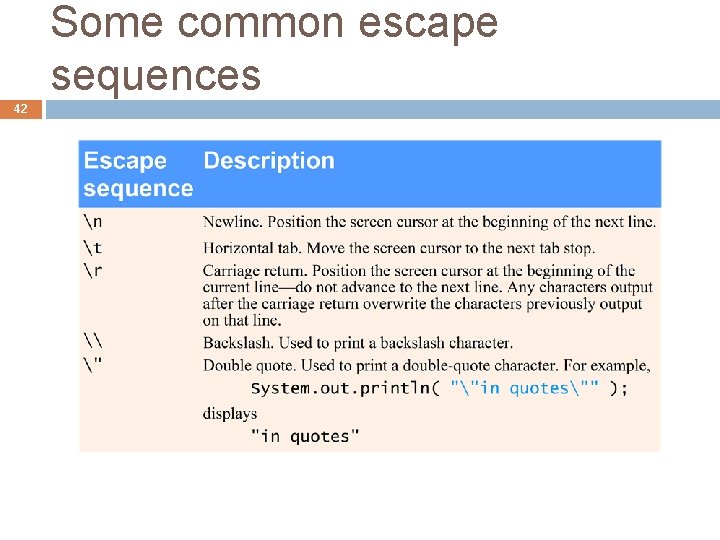
Display special characters 40 How to display special characters, such as double-quote, newline, … ? Use escape character which starts with backslash ( ) to indicate special character E. g. , newline characters (n) Indicates cursor should be at the beginning of the next line 9 Line System. out. println( "Welcomenton. Javan. Programming!" ); breaks at n
Notice how a new line is output for each n escape sequence.
Some common escape sequences 42
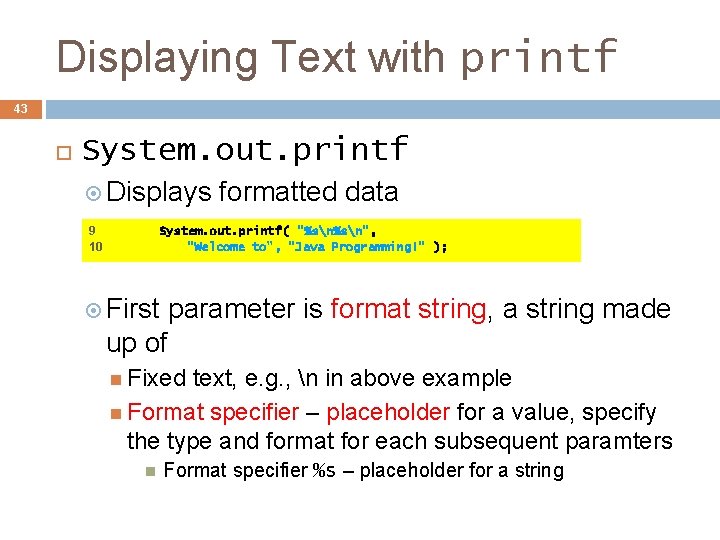
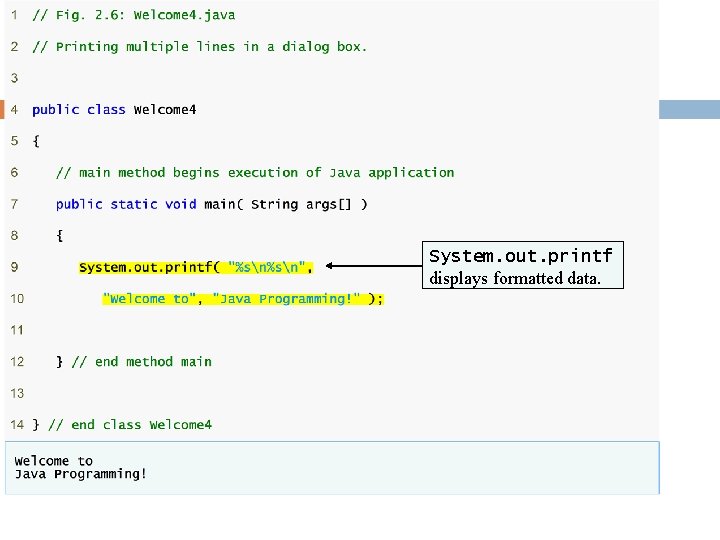
Displaying Text with printf 43 System. out. printf Displays 9 10 formatted data System. out. printf( "%sn", "Welcome to", "Java Programming!" ); First parameter is format string, a string made up of Fixed text, e. g. , n in above example Format specifier – placeholder for a value, specify the type and format for each subsequent paramters Format specifier %s – placeholder for a string
System. out. printf displays formatted data.
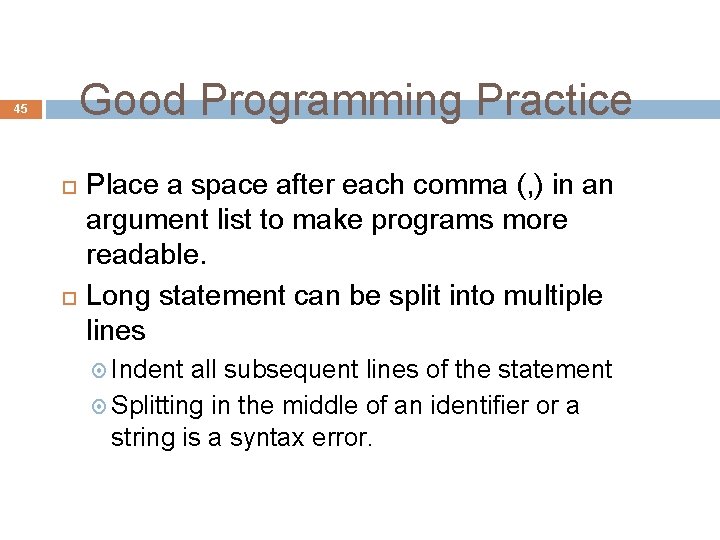
Good Programming Practice 45 Place a space after each comma (, ) in an argument list to make programs more readable. Long statement can be split into multiple lines Indent all subsequent lines of the statement Splitting in the middle of an identifier or a string is a syntax error.
Second Java Application: Adding Integers 46 Upcoming program Use Scanner to read two integers from user Use printf to display sum of the two values Use packages
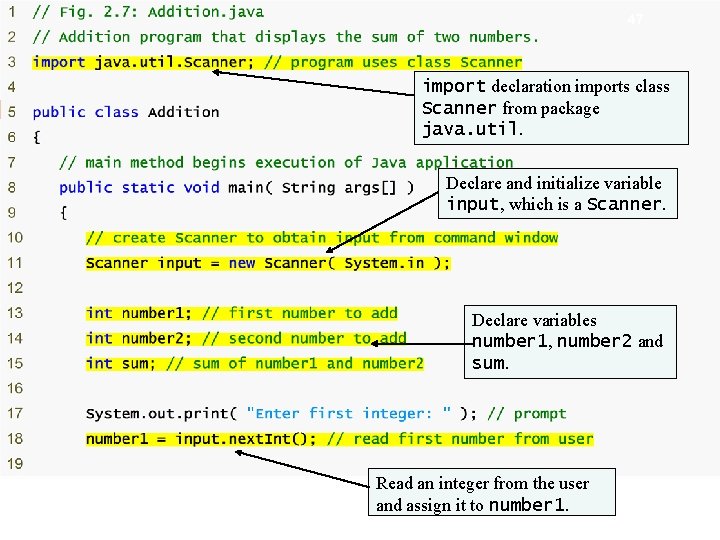
Outline 47 import declaration imports class Scanner from package java. util. Additio n. java Declare and initialize (1 variable of 2) input, which is a Scanner. import declaration Scanner next. Int Declare variables number 1, number 2 and sum. Read an integer from the user and assign it to number 1.
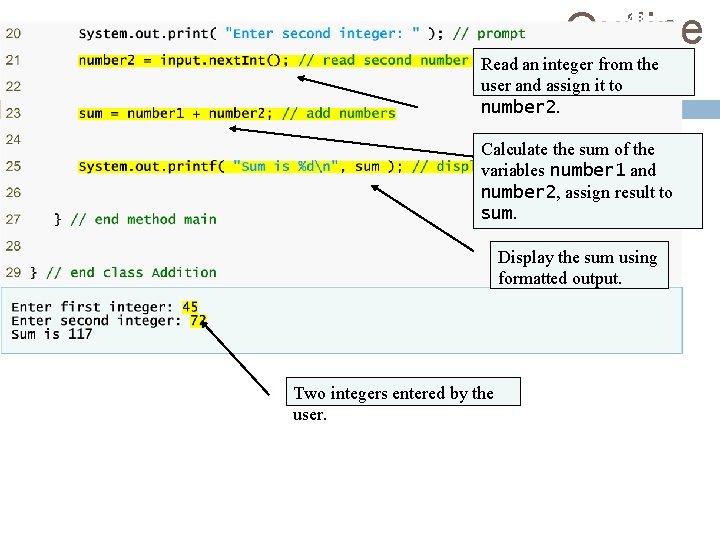
Outline 48 Read an integer from the user and assign it to number 2. Calculate the sum of the variables number 1 and number 2, assign result to sum. (2 of 2) Additi on. jav a 4. Addition Display the sum using 5. printf formatted output. Two integers entered by the user.
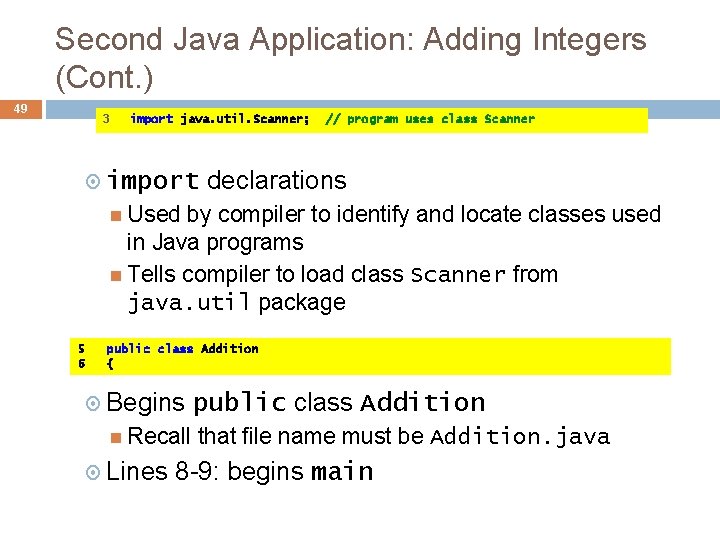
Second Java Application: Adding Integers (Cont. ) 49 3 import java. util. Scanner; import // program uses class Scanner declarations Used by compiler to identify and locate classes used in Java programs Tells compiler to load class Scanner from java. util package 5 6 public class Addition { Begins Recall Lines public class Addition that file name must be Addition. java 8 -9: begins main
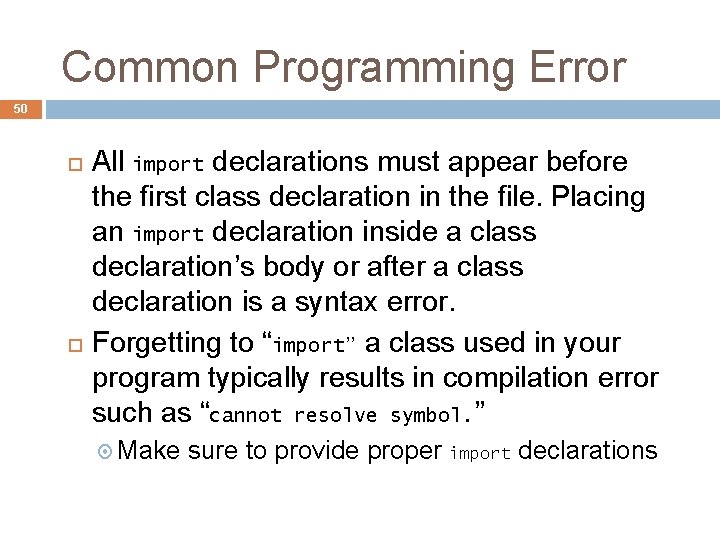
Common Programming Error 50 All import declarations must appear before the first class declaration in the file. Placing an import declaration inside a class declaration’s body or after a class declaration is a syntax error. Forgetting to “import” a class used in your program typically results in compilation error such as “cannot resolve symbol. ” Make sure to provide proper import declarations
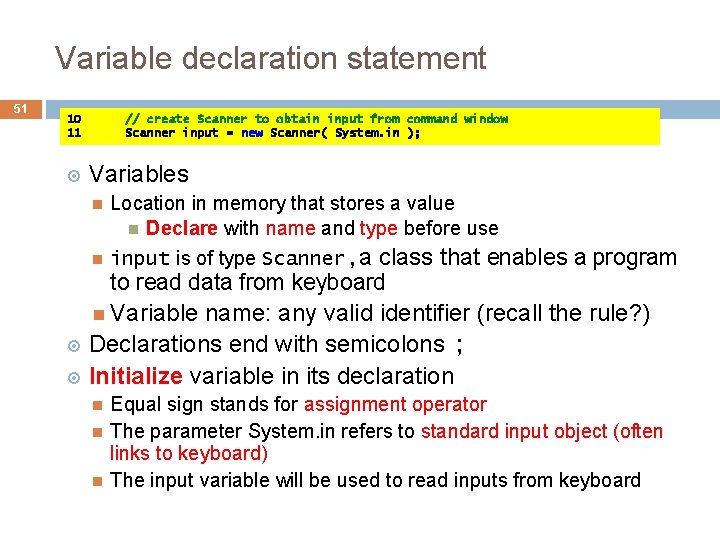
Variable declaration statement 51 10 11 // create Scanner to obtain input from command window Scanner input = new Scanner( System. in ); Variables Location in memory that stores a value Declare with name and type before use input is of type Scanner, a class that enables a program to read data from keyboard Variable name: any valid identifier (recall the rule? ) Declarations end with semicolons ; Initialize variable in its declaration Equal sign stands for assignment operator The parameter System. in refers to standard input object (often links to keyboard) The input variable will be used to read inputs from keyboard
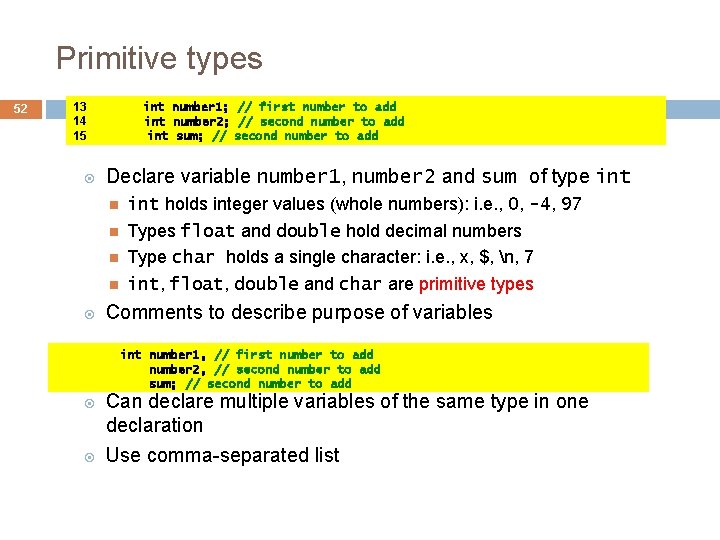
Primitive types 52 13 14 15 int number 1; // first number to add int number 2; // second number to add int sum; // second number to add Declare variable number 1, number 2 and sum of type int holds integer values (whole numbers): i. e. , 0, -4, 97 Types float and double hold decimal numbers Type char holds a single character: i. e. , x, $, n, 7 int, float, double and char are primitive types Comments to describe purpose of variables int number 1, // first number to add number 2, // second number to add sum; // second number to add Can declare multiple variables of the same type in one declaration Use comma-separated list
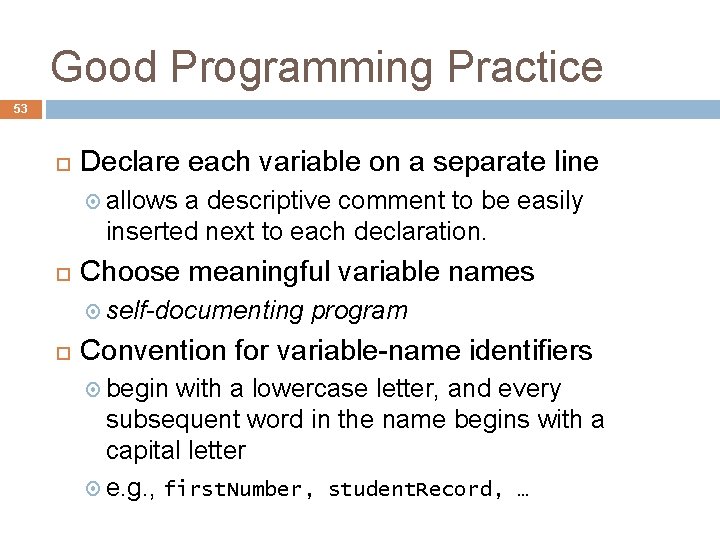
Good Programming Practice 53 Declare each variable on a separate line allows a descriptive comment to be easily inserted next to each declaration. Choose meaningful variable names self-documenting program Convention for variable-name identifiers begin with a lowercase letter, and every subsequent word in the name begins with a capital letter e. g. , first. Number, student. Record, …
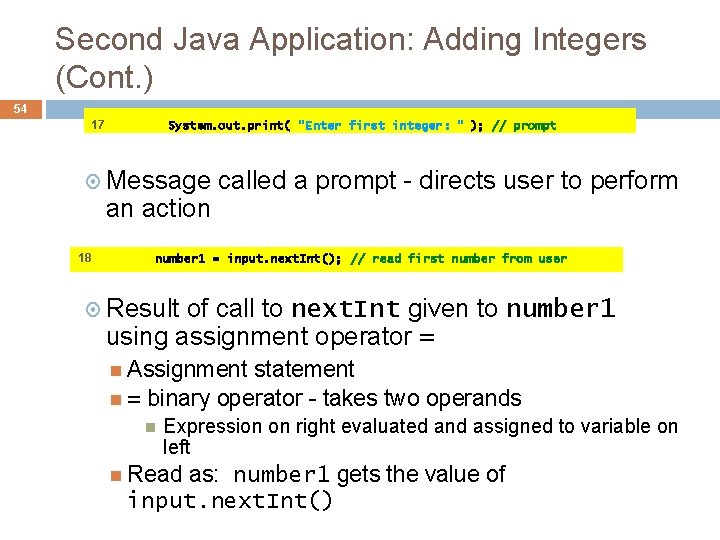
Second Java Application: Adding Integers (Cont. ) 54 17 System. out. print( "Enter first integer: " ); // prompt Message an action 18 called a prompt - directs user to perform number 1 = input. next. Int(); // read first number from user Result of call to next. Int given to number 1 using assignment operator = Assignment statement = binary operator - takes two operands Expression on right evaluated and assigned to variable on left Read as: number 1 gets the value of input. next. Int()
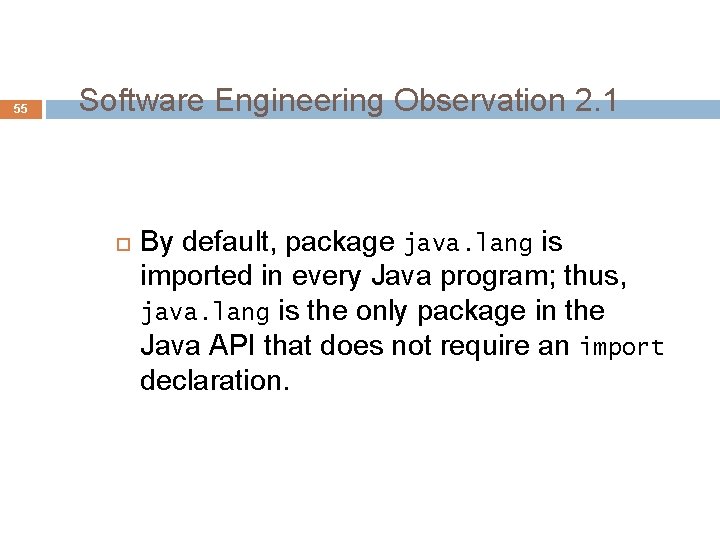
55 Software Engineering Observation 2. 1 By default, package java. lang is imported in every Java program; thus, java. lang is the only package in the Java API that does not require an import declaration.
Good Programming Practice 56 Place spaces on either side of a binary operator to make it stand out and make the program more readable.
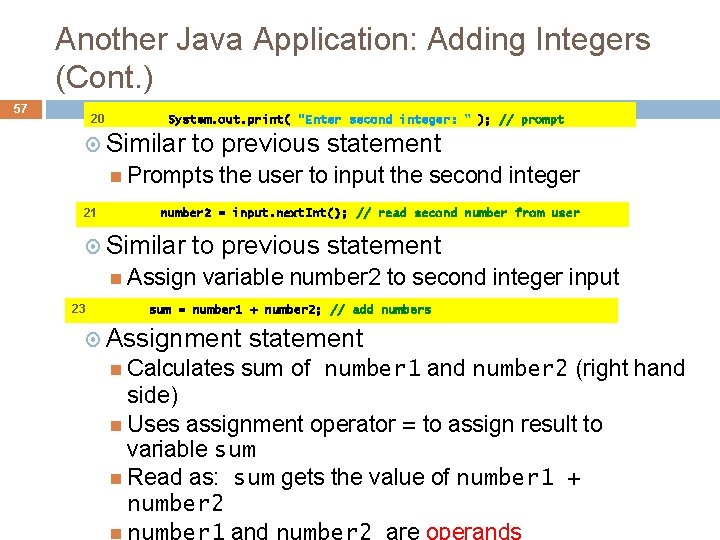
Another Java Application: Adding Integers (Cont. ) 57 20 System. out. print( "Enter second integer: " ); // prompt Similar to previous statement Prompts 21 number 2 = input. next. Int(); // read second number from user Similar to previous statement Assign 23 the user to input the second integer variable number 2 to second integer input sum = number 1 + number 2; // add numbers Assignment Calculates statement sum of number 1 and number 2 (right hand side) Uses assignment operator = to assign result to variable sum Read as: sum gets the value of number 1 + number 2 number 1 and number 2 are operands
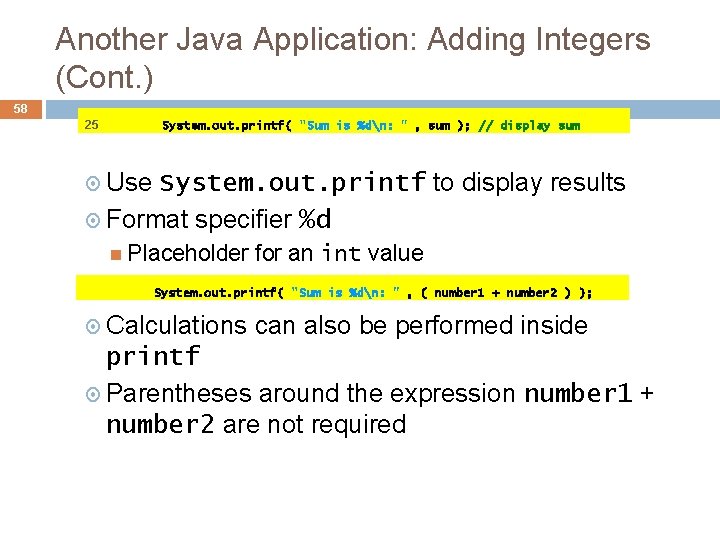
Another Java Application: Adding Integers (Cont. ) 58 25 System. out. printf( "Sum is %dn: " , sum ); // display sum Use System. out. printf to display results Format specifier %d Placeholder for an int value System. out. printf( "Sum is %dn: " , ( number 1 + number 2 ) ); Calculations can also be performed inside printf Parentheses around the expression number 1 + number 2 are not required
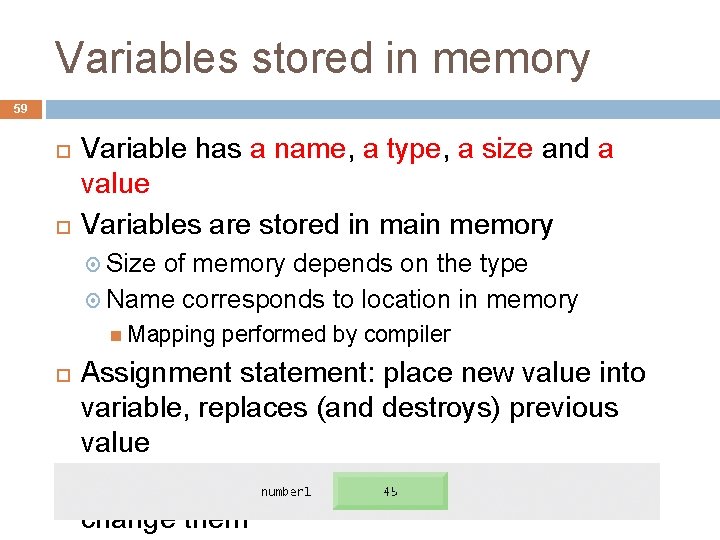
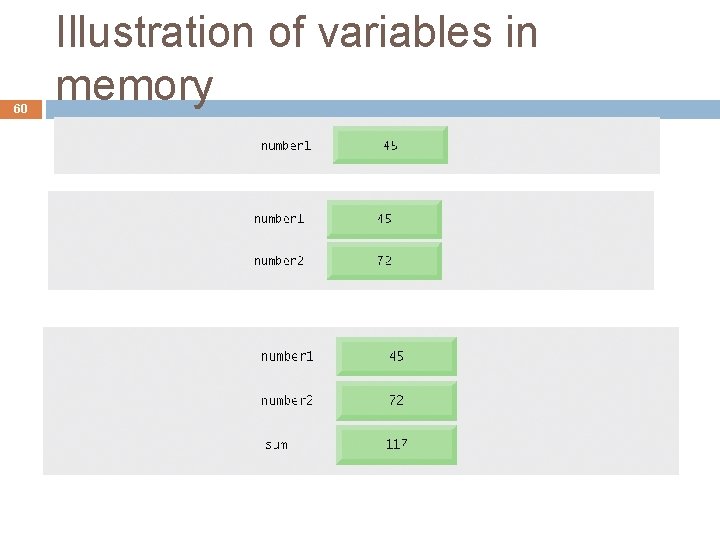
Variables stored in memory 59 Variable has a name, a type, a size and a value Variables are stored in main memory Size of memory depends on the type Name corresponds to location in memory Mapping performed by compiler Assignment statement: place new value into variable, replaces (and destroys) previous value Reading variables from memory does not change them
60 Illustration of variables in memory
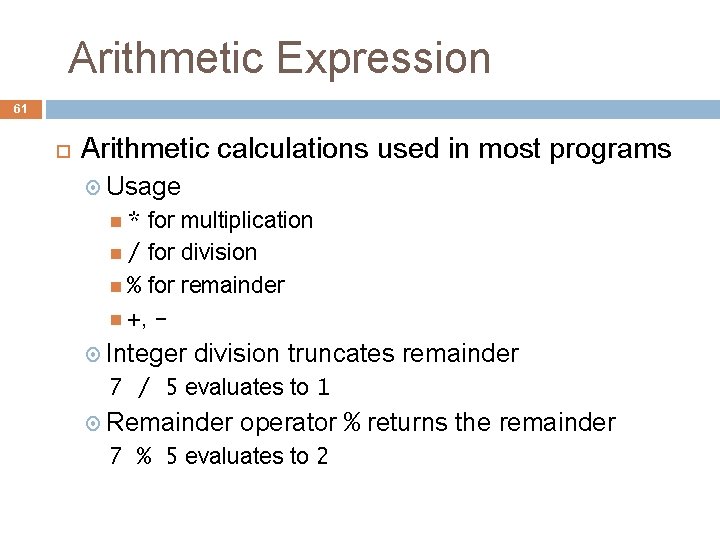
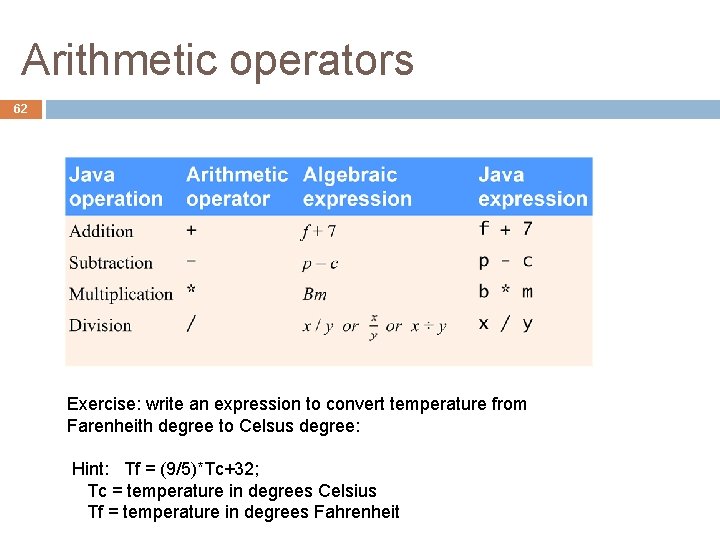
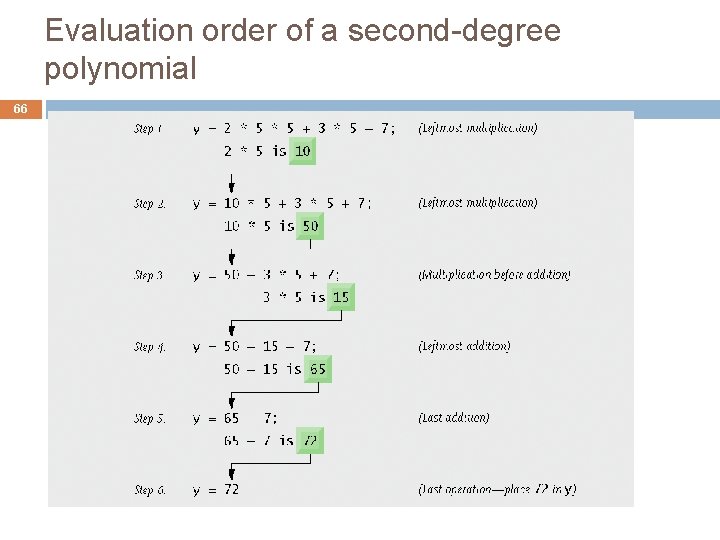
Arithmetic Expression 61 Arithmetic calculations used in most programs Usage for multiplication / for division % for remainder +, * Integer division truncates remainder 7 / 5 evaluates to 1 Remainder operator % returns the remainder 7 % 5 evaluates to 2
Arithmetic operators 62 Exercise: write an expression to convert temperature from Farenheith degree to Celsus degree: Hint: Tf = (9/5)*Tc+32; Tc = temperature in degrees Celsius Tf = temperature in degrees Fahrenheit
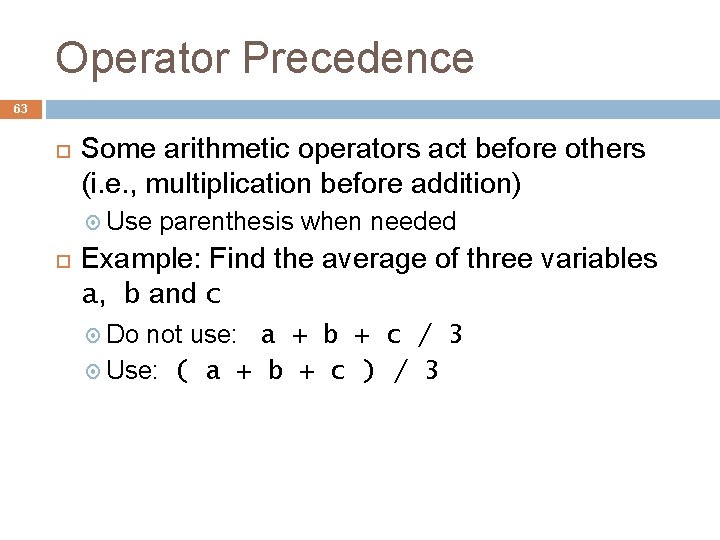
Operator Precedence 63 Some arithmetic operators act before others (i. e. , multiplication before addition) Use parenthesis when needed Example: Find the average of three variables a, b and c Do not use: a + b + c / 3 Use: ( a + b + c ) / 3
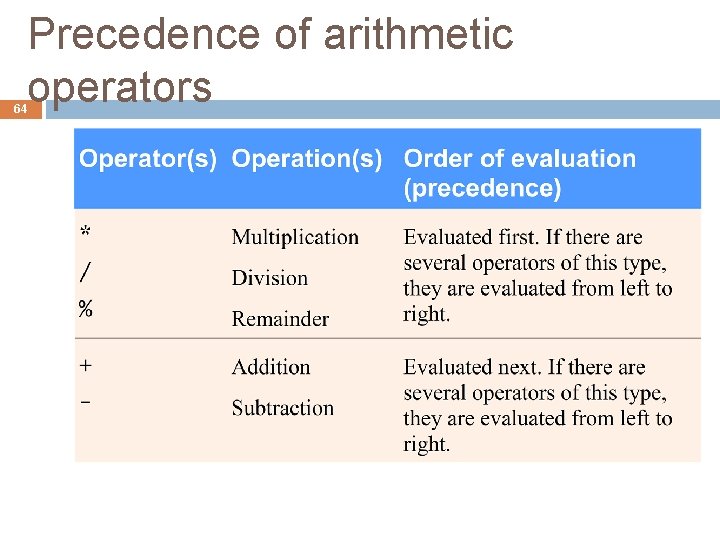
Precedence of arithmetic operators 64
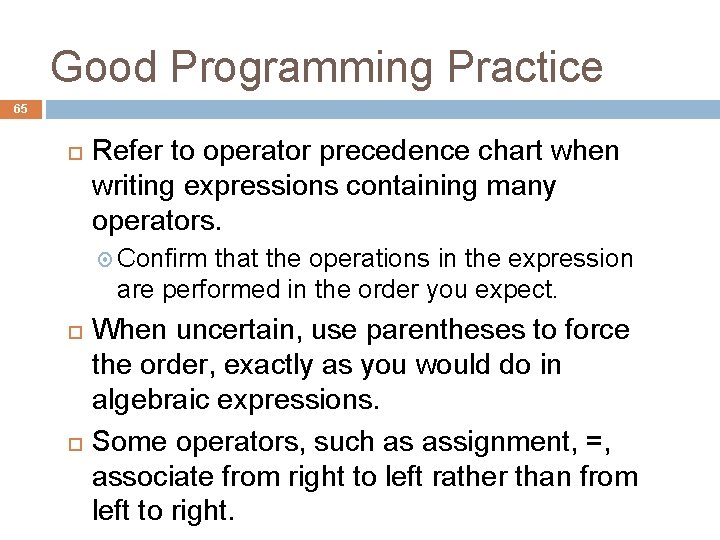
Good Programming Practice 65 Refer to operator precedence chart when writing expressions containing many operators. Confirm that the operations in the expression are performed in the order you expect. When uncertain, use parentheses to force the order, exactly as you would do in algebraic expressions. Some operators, such as assignment, =, associate from right to left rather than from left to right.
Evaluation order of a second-degree polynomial 66
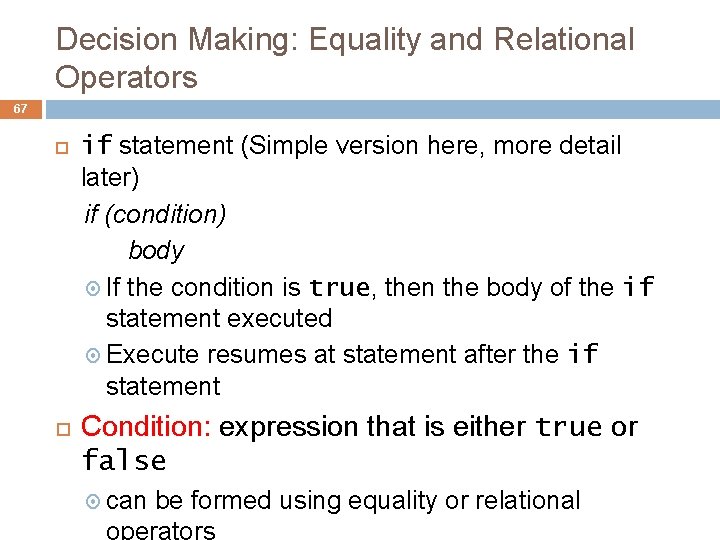
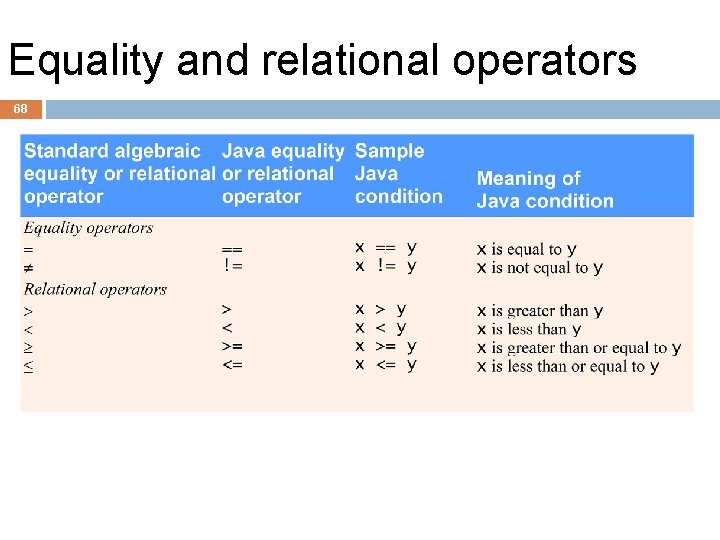
Decision Making: Equality and Relational Operators 67 if statement (Simple version here, more detail later) if (condition) body If the condition is true, then the body of the if statement executed Execute resumes at statement after the if statement Condition: expression that is either true or false can be formed using equality or relational operators
Equality and relational operators 68
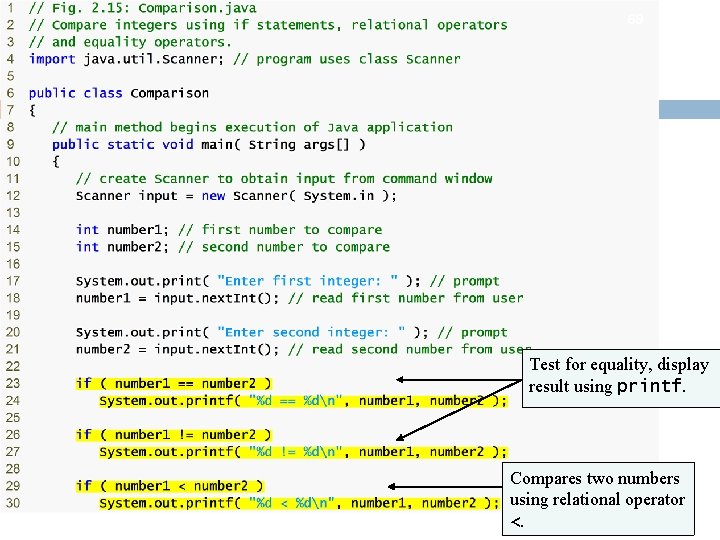
69 Test for equality, display result using printf. Compares two numbers using relational operator <.
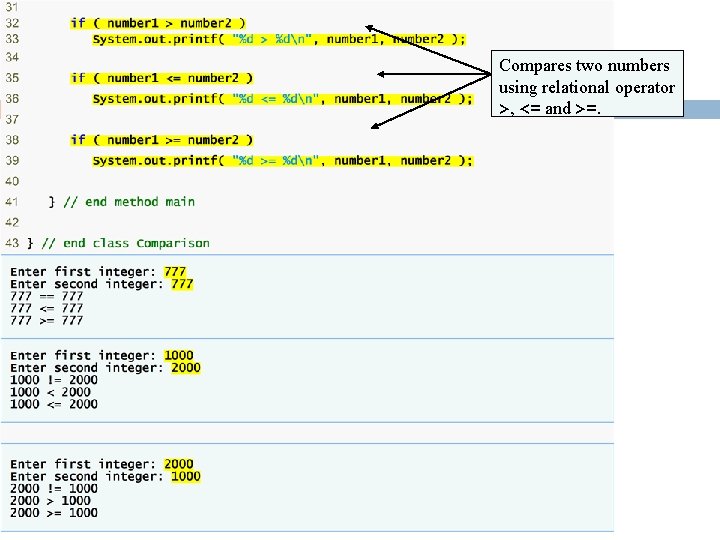
70 Compares two numbers using relational operator >, <= and >=.
Decision Making: Equality and Relational Operators (Cont. ) 71 Line 6: begins class Comparison declaration Line 12: declares Scanner variable input and assigns it a Scanner that inputs data from the standard input Lines 14 -15: declare int variables Lines 17 -18: prompt the user to enter the first integer and input the value Lines 20 -21: prompt the user to enter the second integer and input the value
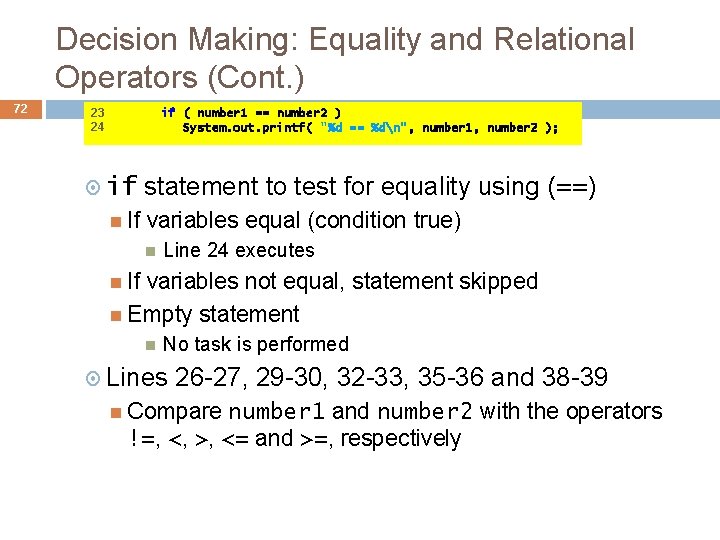
Decision Making: Equality and Relational Operators (Cont. ) 72 23 24 if ( number 1 == number 2 ) System. out. printf( "%d == %dn", number 1, number 2 ); if If statement to test for equality using (==) variables equal (condition true) Line 24 executes If variables not equal, statement skipped Empty statement No task is performed Lines 26 -27, 29 -30, 32 -33, 35 -36 and 38 -39 Compare number 1 and number 2 with the operators !=, <, >, <= and >=, respectively
Common Programming Error 73 Confusing equality operator, ==, with assignment operator, =, leads to logic error or syntax error. == read as “is equal to” = read as “gets”, or “gets the value of. ” It is a syntax error to add spaces between symbols in operators ==, !=, >= and <= Reversing operators !=, >= and <=, as in =!, => and =<, is a syntax error. Placing a semicolon immediately after right parenthesis of condition in an if statement is normally a logic error.
Assignments 74 You can choose to set up Java environment on your own computer (Optional) Download and install Eclipse IDE for Java at http: //www. eclipse. org/downloads/ Download and install Java Runtime Environment at Use info. at the following page to decide which version to download: http: //www. eclipse. org/downloads/moreinfo/jre. php Lab 1 assignment
Acknowledgement 75 Parts of the slides are adapted from powerpoint s slides for Java How To Program, 1992 -2010 by Pearson Education, Inc. All Rights Reserved.