
1 Chapter 2 Control Structures Outline 2 1
- Slides: 82
1 Chapter 2 - Control Structures Outline 2. 1 2. 2 2. 3 2. 4 2. 5 2. 6 2. 7 2. 8 2. 9 2. 10 2. 11 2. 12 2. 13 2. 14 2. 15 Introduction Algorithms Pseudocode Control Structures if Selection Structure if/else Selection Structure while Repetition Structure Formulating Algorithms: Case Study 1 (Counter-Controlled Repetition) Formulating Algorithms with Top-Down, Stepwise Refinement: Case Study 2 (Sentinel-Controlled Repetition) Formulating Algorithms with Top-Down, Stepwise Refinement: Case Study 3 (Nested Control Structures) Assignment Operators Increment and Decrement Operators Essentials of Counter-Controlled Repetition for Repetition Structure Examples Using the for Structure 2003 Prentice Hall, Inc. All rights reserved.
2 Chapter 2 - Control Structures Outline 2. 16 2. 17 2. 18 2. 19 2. 20 2. 21 switch Multiple-Selection Structure do/while Repetition Structure break and continue Statements Logical Operators Confusing Equality (==) and Assignment (=) Operators Structured-Programming Summary 2003 Prentice Hall, Inc. All rights reserved.
3 2. 1 Introduction • Before writing a program – Have a thorough understanding of problem – Carefully plan your approach for solving it • While writing a program – Know what “building blocks” are available – Use good programming principles 2003 Prentice Hall, Inc. All rights reserved.
4 2. 2 Algorithms • Computing problems – Solved by executing a series of actions in a specific order • Algorithm a procedure determining – Actions to be executed – Order to be executed – Example: recipe • Program control – Specifies the order in which statements are executed 2003 Prentice Hall, Inc. All rights reserved.
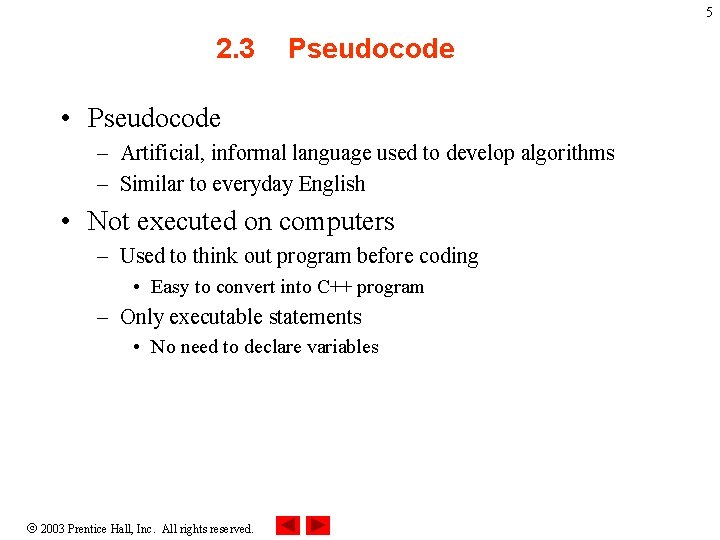
5 2. 3 Pseudocode • Pseudocode – Artificial, informal language used to develop algorithms – Similar to everyday English • Not executed on computers – Used to think out program before coding • Easy to convert into C++ program – Only executable statements • No need to declare variables 2003 Prentice Hall, Inc. All rights reserved.
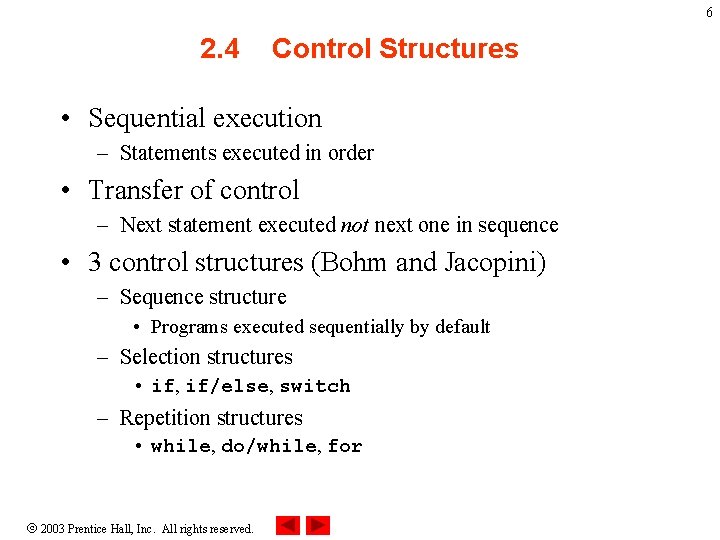
6 2. 4 Control Structures • Sequential execution – Statements executed in order • Transfer of control – Next statement executed not next one in sequence • 3 control structures (Bohm and Jacopini) – Sequence structure • Programs executed sequentially by default – Selection structures • if, if/else, switch – Repetition structures • while, do/while, for 2003 Prentice Hall, Inc. All rights reserved.
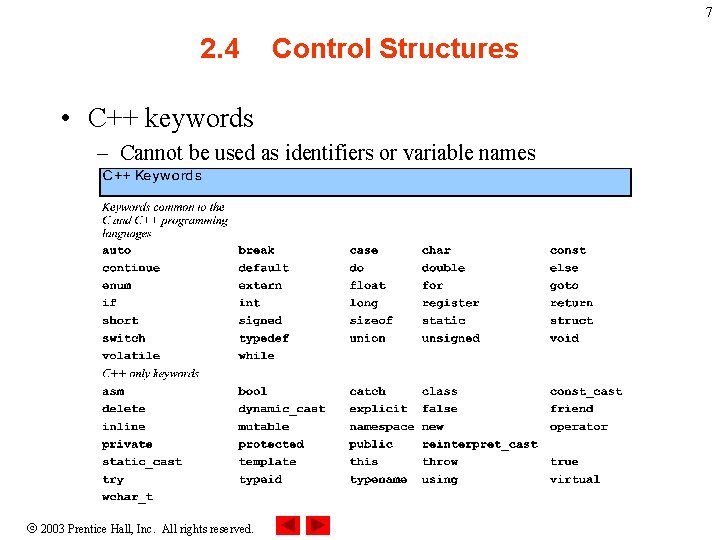
7 2. 4 Control Structures • C++ keywords – Cannot be used as identifiers or variable names 2003 Prentice Hall, Inc. All rights reserved.
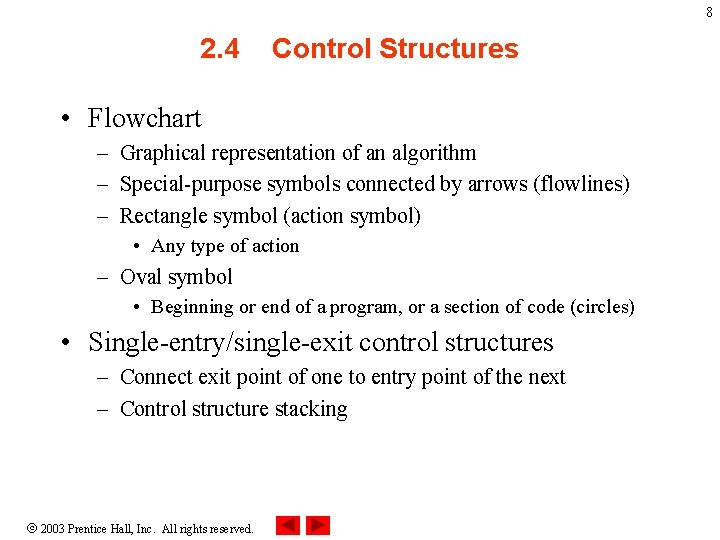
8 2. 4 Control Structures • Flowchart – Graphical representation of an algorithm – Special-purpose symbols connected by arrows (flowlines) – Rectangle symbol (action symbol) • Any type of action – Oval symbol • Beginning or end of a program, or a section of code (circles) • Single-entry/single-exit control structures – Connect exit point of one to entry point of the next – Control structure stacking 2003 Prentice Hall, Inc. All rights reserved.
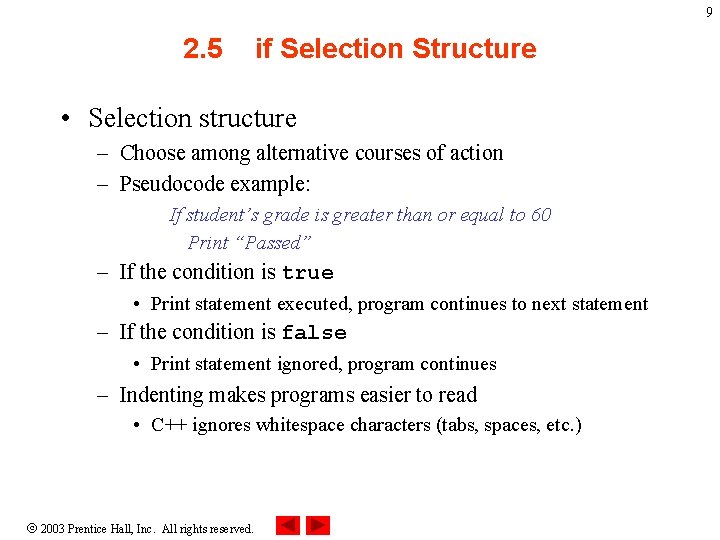
9 2. 5 if Selection Structure • Selection structure – Choose among alternative courses of action – Pseudocode example: If student’s grade is greater than or equal to 60 Print “Passed” – If the condition is true • Print statement executed, program continues to next statement – If the condition is false • Print statement ignored, program continues – Indenting makes programs easier to read • C++ ignores whitespace characters (tabs, spaces, etc. ) 2003 Prentice Hall, Inc. All rights reserved.
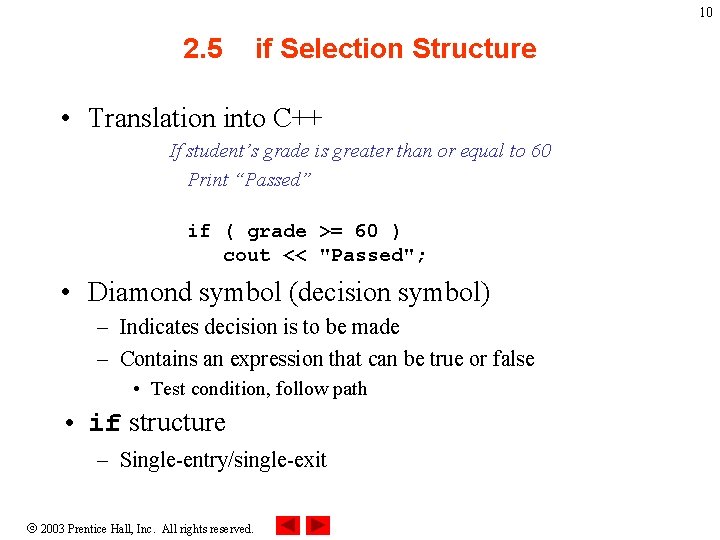
10 2. 5 if Selection Structure • Translation into C++ If student’s grade is greater than or equal to 60 Print “Passed” if ( grade >= 60 ) cout << "Passed"; • Diamond symbol (decision symbol) – Indicates decision is to be made – Contains an expression that can be true or false • Test condition, follow path • if structure – Single-entry/single-exit 2003 Prentice Hall, Inc. All rights reserved.
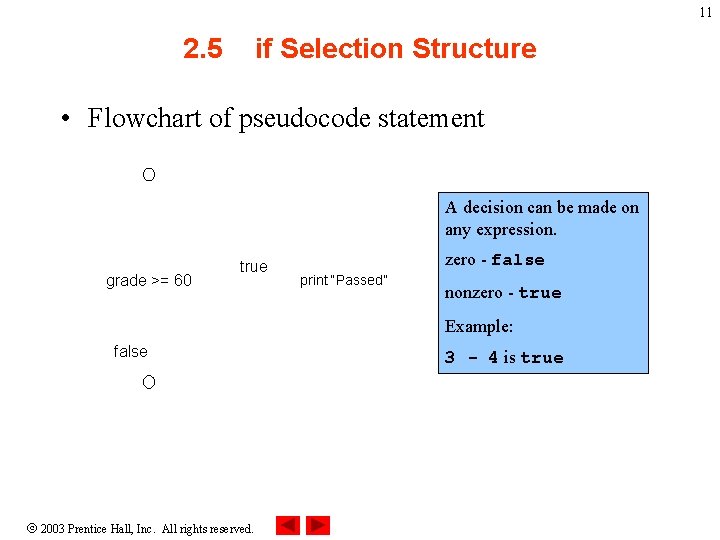
11 2. 5 if Selection Structure • Flowchart of pseudocode statement A decision can be made on any expression. grade >= 60 true zero - false print “Passed” nonzero - true Example: false 2003 Prentice Hall, Inc. All rights reserved. 3 - 4 is true
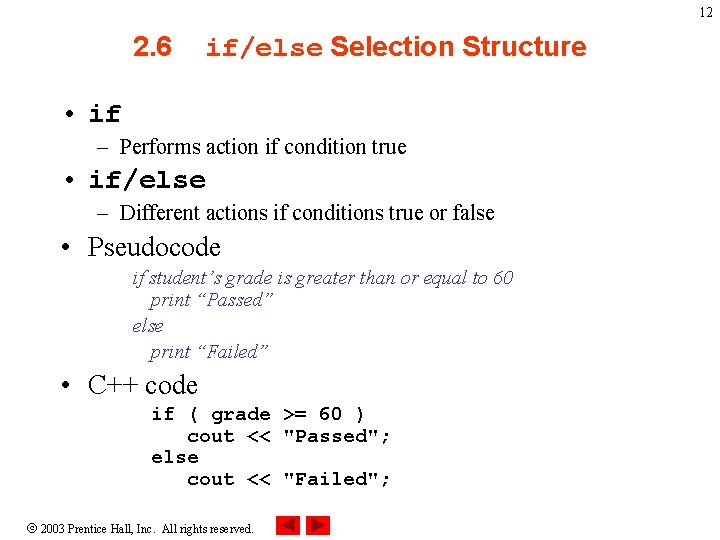
12 2. 6 if/else Selection Structure • if – Performs action if condition true • if/else – Different actions if conditions true or false • Pseudocode if student’s grade is greater than or equal to 60 print “Passed” else print “Failed” • C++ code if ( grade >= 60 ) cout << "Passed"; else cout << "Failed"; 2003 Prentice Hall, Inc. All rights reserved.
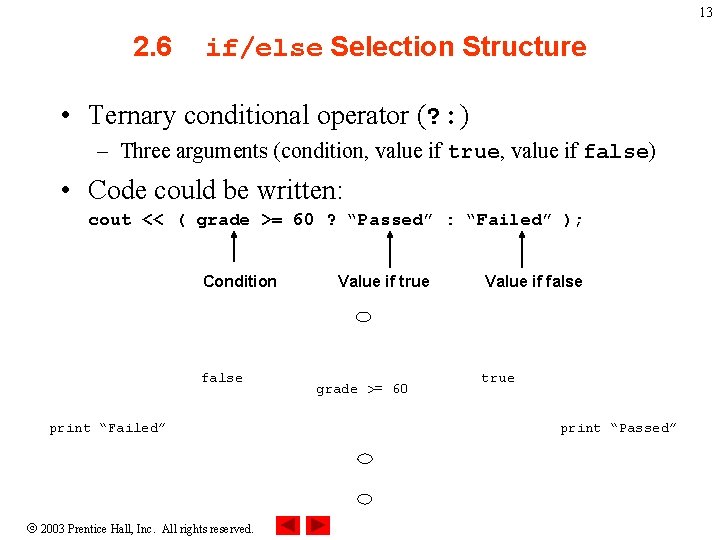
13 2. 6 if/else Selection Structure • Ternary conditional operator (? : ) – Three arguments (condition, value if true, value if false) • Code could be written: cout << ( grade >= 60 ? “Passed” : “Failed” ); Condition false print “Failed” 2003 Prentice Hall, Inc. All rights reserved. Value if true grade >= 60 Value if false true print “Passed”
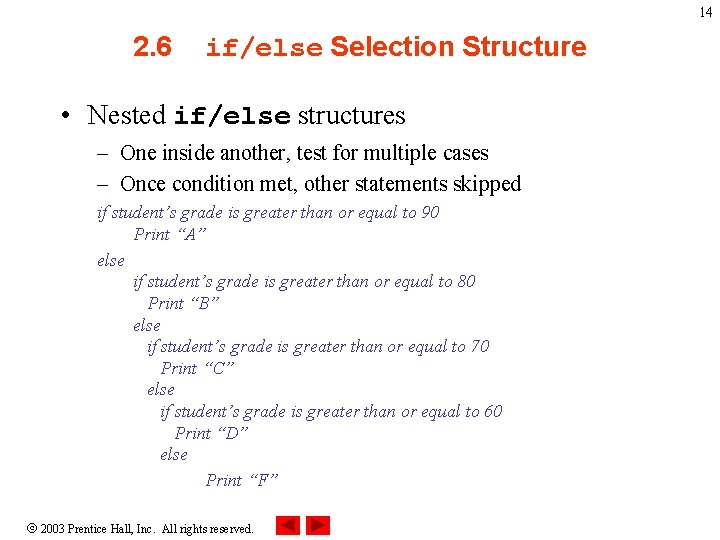
14 2. 6 if/else Selection Structure • Nested if/else structures – One inside another, test for multiple cases – Once condition met, other statements skipped if student’s grade is greater than or equal to 90 Print “A” else if student’s grade is greater than or equal to 80 Print “B” else if student’s grade is greater than or equal to 70 Print “C” else if student’s grade is greater than or equal to 60 Print “D” else Print “F” 2003 Prentice Hall, Inc. All rights reserved.
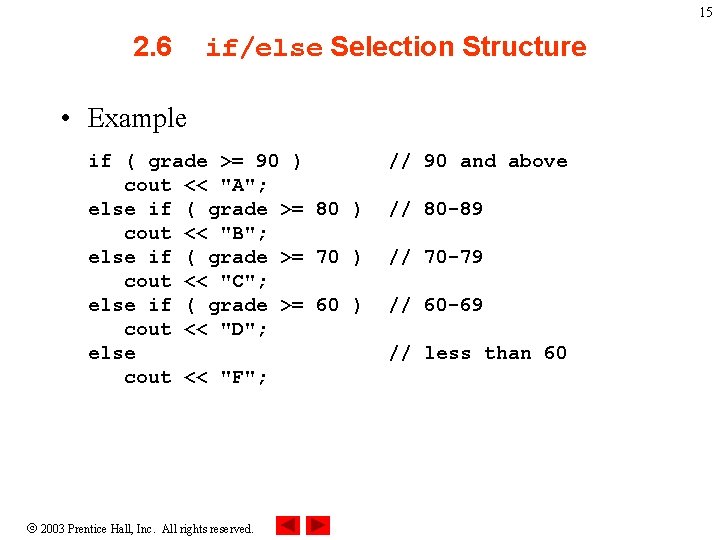
15 2. 6 if/else Selection Structure • Example if ( grade >= 90 ) cout << "A"; else if ( grade >= 80 ) cout << "B"; else if ( grade >= 70 ) cout << "C"; else if ( grade >= 60 ) cout << "D"; else cout << "F"; 2003 Prentice Hall, Inc. All rights reserved. // 90 and above // 80 -89 // 70 -79 // 60 -69 // less than 60
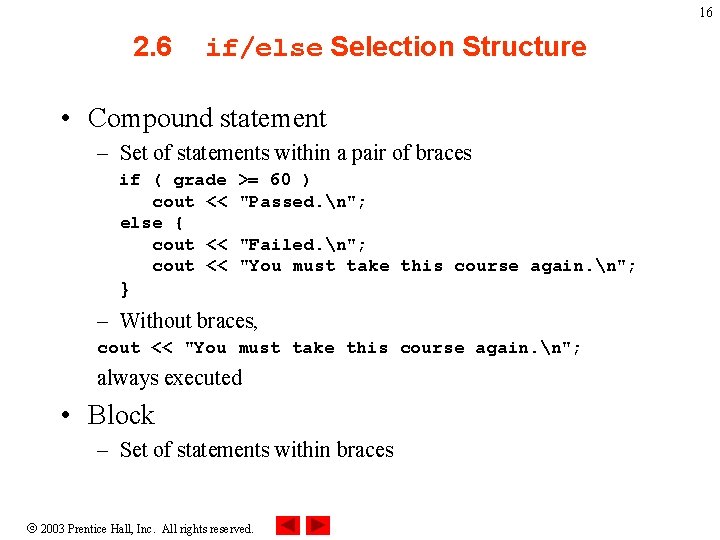
16 2. 6 if/else Selection Structure • Compound statement – Set of statements within a pair of braces if ( grade cout << else { cout << >= 60 ) "Passed. n"; "Failed. n"; "You must take this course again. n"; } – Without braces, cout << "You must take this course again. n"; always executed • Block – Set of statements within braces 2003 Prentice Hall, Inc. All rights reserved.
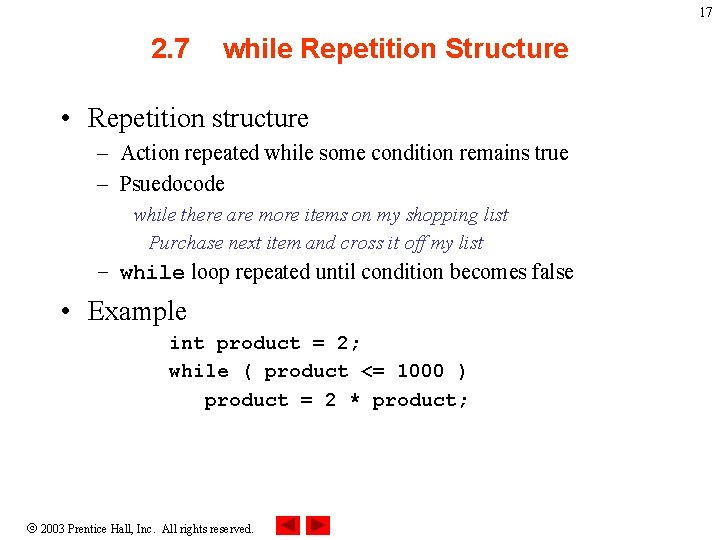
17 2. 7 while Repetition Structure • Repetition structure – Action repeated while some condition remains true – Psuedocode while there are more items on my shopping list Purchase next item and cross it off my list – while loop repeated until condition becomes false • Example int product = 2; while ( product <= 1000 ) product = 2 * product; 2003 Prentice Hall, Inc. All rights reserved.
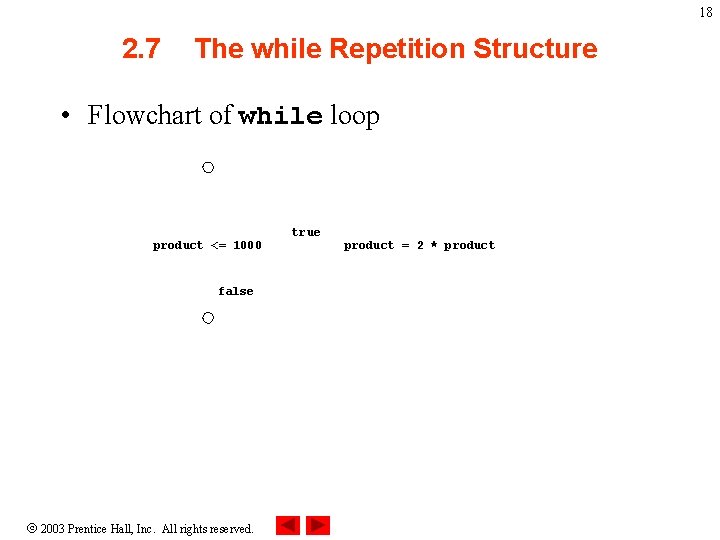
18 2. 7 The while Repetition Structure • Flowchart of while loop product <= 1000 false 2003 Prentice Hall, Inc. All rights reserved. true product = 2 * product
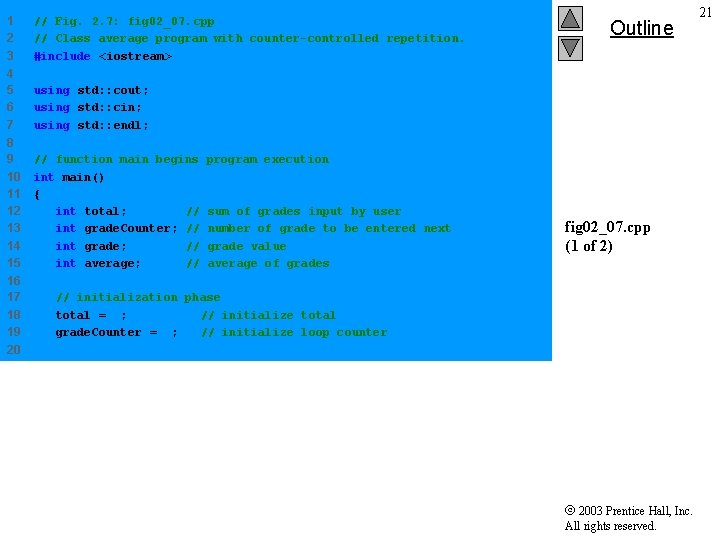
2. 8 Formulating Algorithms (Counter. Controlled Repetition) • Counter-controlled repetition – Loop repeated until counter reaches certain value • Definite repetition – Number of repetitions known • Example A class of ten students took a quiz. The grades (integers in the range 0 to 100) for this quiz are available to you. Determine the class average on the quiz. 2003 Prentice Hall, Inc. All rights reserved. 19
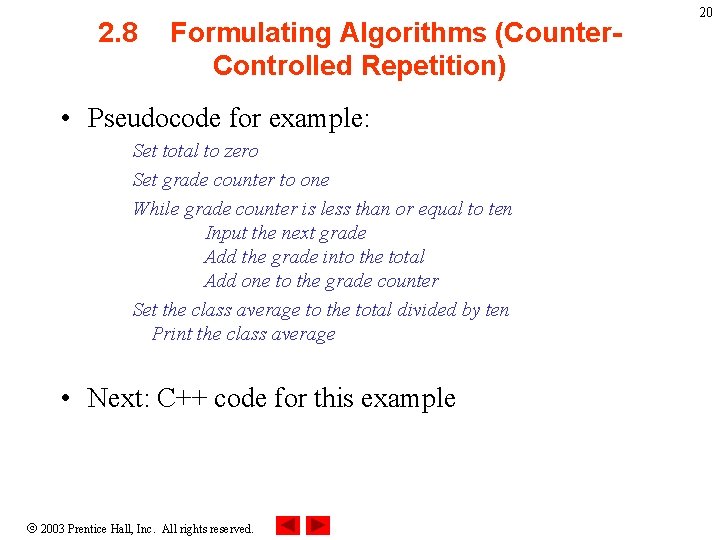
2. 8 Formulating Algorithms (Counter. Controlled Repetition) • Pseudocode for example: Set total to zero Set grade counter to one While grade counter is less than or equal to ten Input the next grade Add the grade into the total Add one to the grade counter Set the class average to the total divided by ten Print the class average • Next: C++ code for this example 2003 Prentice Hall, Inc. All rights reserved. 20
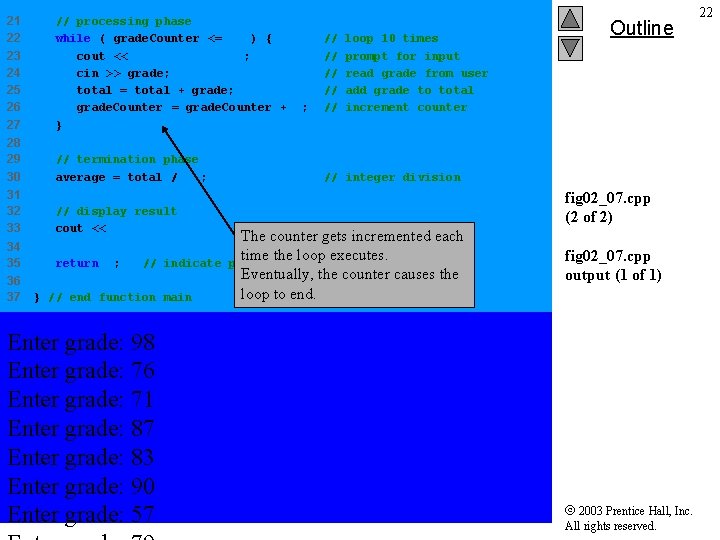
1 2 3 // Fig. 2. 7: fig 02_07. cpp // Class average program with counter-controlled repetition. #include <iostream> 4 5 6 7 using std: : cout; using std: : cin; using std: : endl; 8 9 10 11 12 13 14 15 // function main begins int main() { int total; // int grade. Counter; // int grade; // int average; // 16 17 18 19 Outline program execution sum of grades input by user number of grade to be entered next grade value average of grades fig 02_07. cpp (1 of 2) // initialization phase total = 0; // initialize total grade. Counter = 1; // initialize loop counter 20 2003 Prentice Hall, Inc. All rights reserved. 21
21 22 23 24 25 26 27 // processing phase while ( grade. Counter <= 10 ) { cout << "Enter grade: "; cin >> grade; total = total + grade; grade. Counter = grade. Counter + 1; } 28 29 30 // termination phase average = total / 10; 31 32 33 // display result cout << "Class average is " << average << endl; 34 35 return 0; 36 37 // indicate } // end function main Enter grade: 98 Enter grade: 76 Enter grade: 71 Enter grade: 87 Enter grade: 83 Enter grade: 90 Enter grade: 57 // // // loop 10 times prompt for input read grade from user add grade to total increment counter Outline // integer division The counter gets incremented each time the loop executes. program ended successfully Eventually, the counter causes the loop to end. fig 02_07. cpp (2 of 2) fig 02_07. cpp output (1 of 1) 2003 Prentice Hall, Inc. All rights reserved. 22
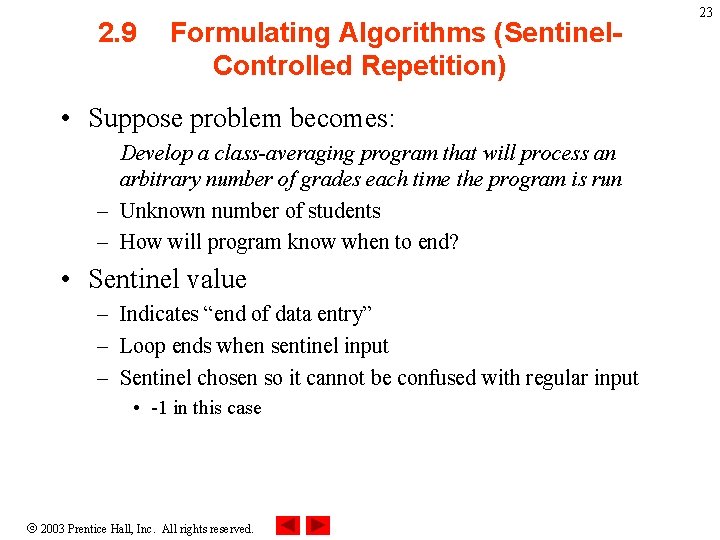
2. 9 Formulating Algorithms (Sentinel. Controlled Repetition) • Suppose problem becomes: Develop a class-averaging program that will process an arbitrary number of grades each time the program is run – Unknown number of students – How will program know when to end? • Sentinel value – Indicates “end of data entry” – Loop ends when sentinel input – Sentinel chosen so it cannot be confused with regular input • -1 in this case 2003 Prentice Hall, Inc. All rights reserved. 23
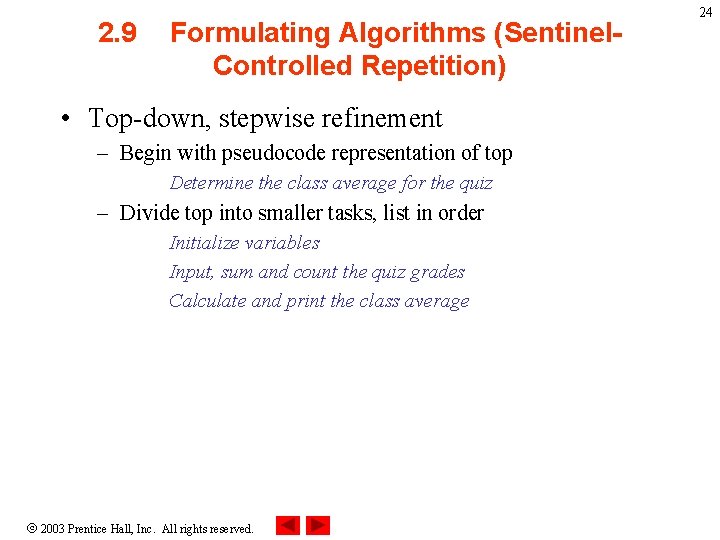
2. 9 Formulating Algorithms (Sentinel. Controlled Repetition) • Top-down, stepwise refinement – Begin with pseudocode representation of top Determine the class average for the quiz – Divide top into smaller tasks, list in order Initialize variables Input, sum and count the quiz grades Calculate and print the class average 2003 Prentice Hall, Inc. All rights reserved. 24
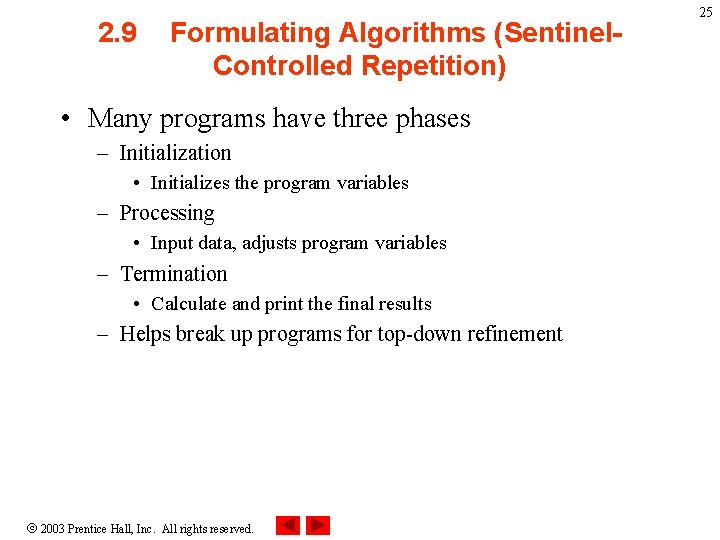
2. 9 Formulating Algorithms (Sentinel. Controlled Repetition) • Many programs have three phases – Initialization • Initializes the program variables – Processing • Input data, adjusts program variables – Termination • Calculate and print the final results – Helps break up programs for top-down refinement 2003 Prentice Hall, Inc. All rights reserved. 25
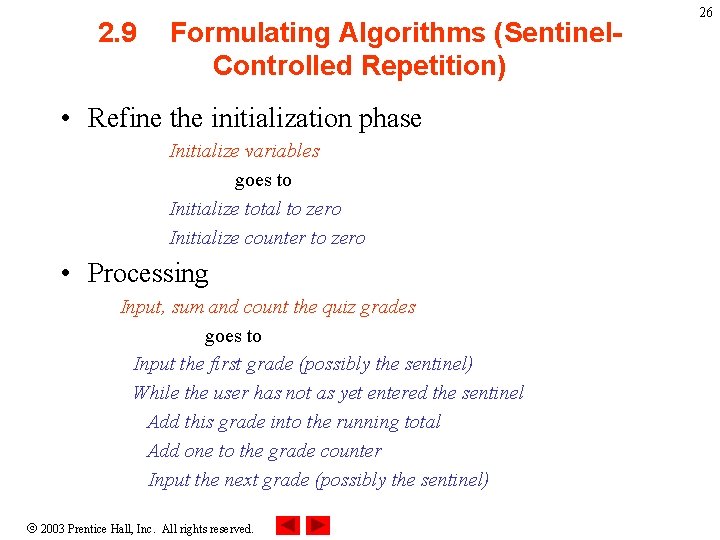
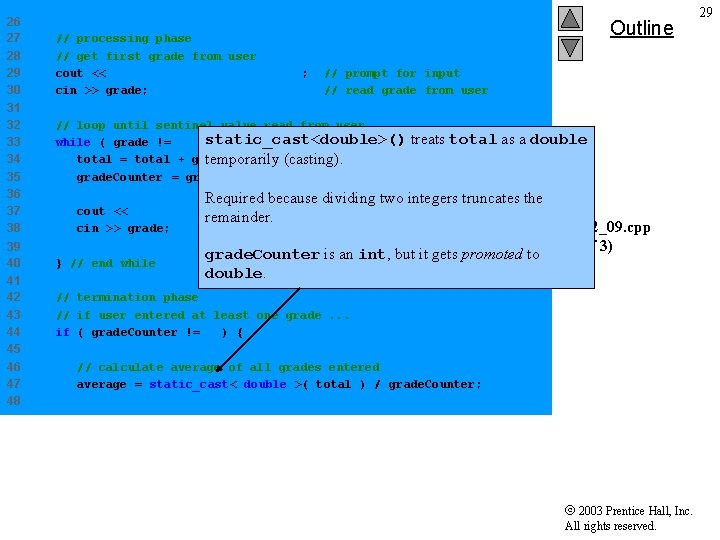
2. 9 Formulating Algorithms (Sentinel. Controlled Repetition) • Refine the initialization phase Initialize variables goes to Initialize total to zero Initialize counter to zero • Processing Input, sum and count the quiz grades goes to Input the first grade (possibly the sentinel) While the user has not as yet entered the sentinel Add this grade into the running total Add one to the grade counter Input the next grade (possibly the sentinel) 2003 Prentice Hall, Inc. All rights reserved. 26
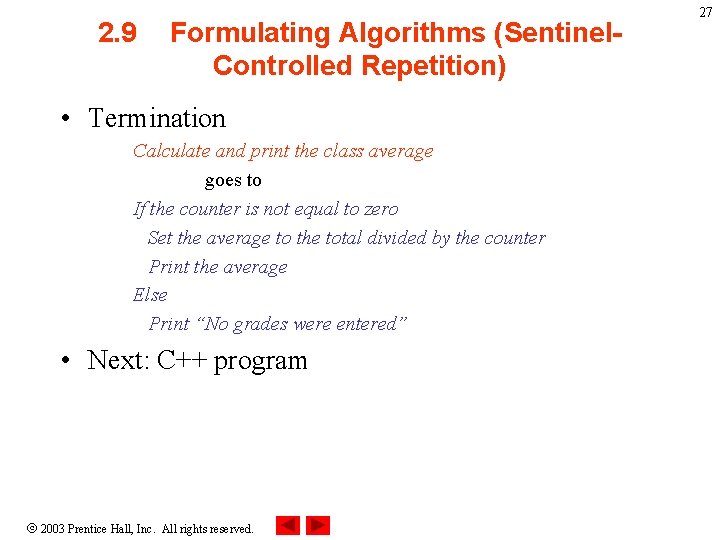
2. 9 Formulating Algorithms (Sentinel. Controlled Repetition) • Termination Calculate and print the class average goes to If the counter is not equal to zero Set the average to the total divided by the counter Print the average Else Print “No grades were entered” • Next: C++ program 2003 Prentice Hall, Inc. All rights reserved. 27
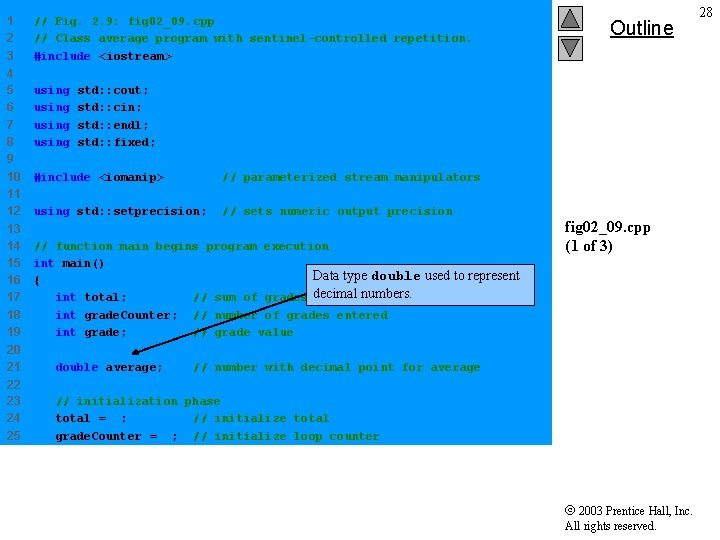
1 2 3 4 5 6 7 8 9 10 11 12 13 14 15 16 17 18 19 // Fig. 2. 9: fig 02_09. cpp // Class average program with sentinel-controlled repetition. #include <iostream> using Outline std: : cout; std: : cin; std: : endl; std: : fixed; #include <iomanip> // parameterized stream manipulators using std: : setprecision; // sets numeric output precision // function main begins program execution int main() Data type double used to represent { int total; // sum of grades decimal numbers. int grade. Counter; // number of grades entered int grade; // grade value 20 21 double average; 22 23 24 25 // initialization phase total = 0; // initialize total grade. Counter = 0; // initialize loop counter fig 02_09. cpp (1 of 3) // number with decimal point for average 2003 Prentice Hall, Inc. All rights reserved. 28
26 27 28 29 30 31 32 33 34 35 36 37 38 39 40 41 42 43 44 45 46 47 48 // processing phase // get first grade from user cout << "Enter grade, -1 to end: " ; cin >> grade; Outline // prompt for input // read grade from user // loop until sentinel value read from user treats total while ( grade != -1 )static_cast<double>() { total = total + grade; // add grade to total temporarily (casting). grade. Counter = grade. Counter + 1; // increment counter as a double Required because dividing two integers truncates the cout << "Enter grade, -1 to end: " ; remainder. cin >> grade; } // end while // prompt for input // read next grade. Counter is an int, but it gets promoted to double. fig 02_09. cpp (2 of 3) // termination phase // if user entered at least one grade. . . if ( grade. Counter != 0 ) { // calculate average of all grades entered average = static_cast< double >( total ) / grade. Counter; 2003 Prentice Hall, Inc. All rights reserved. 29
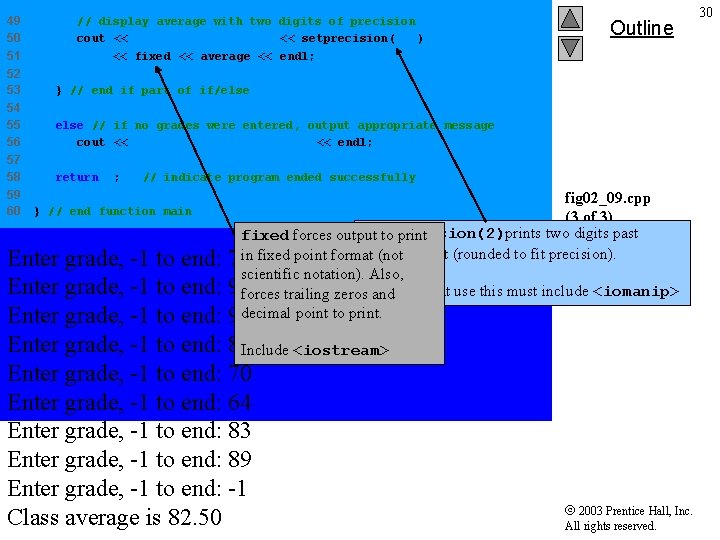
49 50 51 // display average with two digits of precision cout << "Class average is " << setprecision( 2 ) << fixed << average << endl; 52 53 } // end if part of if/else 54 55 56 else // if no grades were entered, output appropriate message cout << "No grades were entered" << endl; 57 58 return 0; 59 60 Outline // indicate program ended successfully } // end function main fig 02_09. cpp (3 of 3) setprecision(2)prints two digits past fixed forces output to print decimal (not point (rounded to fit precision). fig 02_09. cpp 75 in fixed point format scientific notation). Also, output (1 of 1) 94 forces trailing zeros. Programs that use this must include <iomanip> and 97 decimal point to print. Enter grade, -1 to end: 88 Include <iostream> Enter grade, -1 to end: 70 Enter grade, -1 to end: 64 Enter grade, -1 to end: 83 Enter grade, -1 to end: 89 Enter grade, -1 to end: -1 Class average is 82. 50 2003 Prentice Hall, Inc. All rights reserved. 30
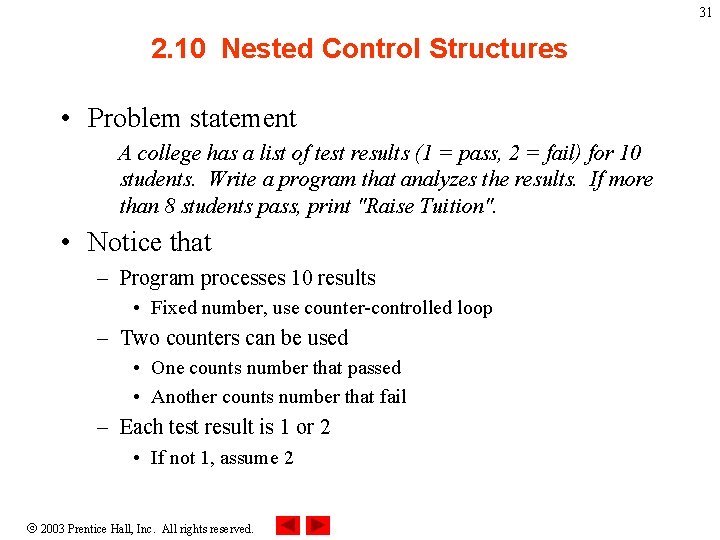
31 2. 10 Nested Control Structures • Problem statement A college has a list of test results (1 = pass, 2 = fail) for 10 students. Write a program that analyzes the results. If more than 8 students pass, print "Raise Tuition". • Notice that – Program processes 10 results • Fixed number, use counter-controlled loop – Two counters can be used • One counts number that passed • Another counts number that fail – Each test result is 1 or 2 • If not 1, assume 2 2003 Prentice Hall, Inc. All rights reserved.
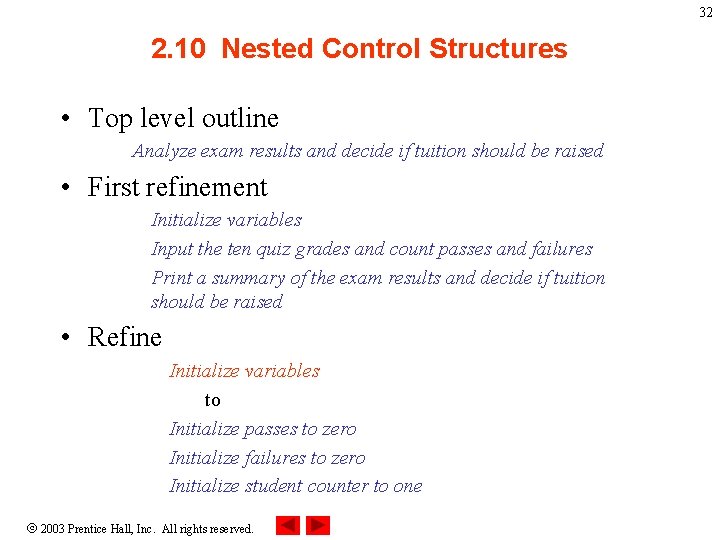
32 2. 10 Nested Control Structures • Top level outline Analyze exam results and decide if tuition should be raised • First refinement Initialize variables Input the ten quiz grades and count passes and failures Print a summary of the exam results and decide if tuition should be raised • Refine Initialize variables to Initialize passes to zero Initialize failures to zero Initialize student counter to one 2003 Prentice Hall, Inc. All rights reserved.
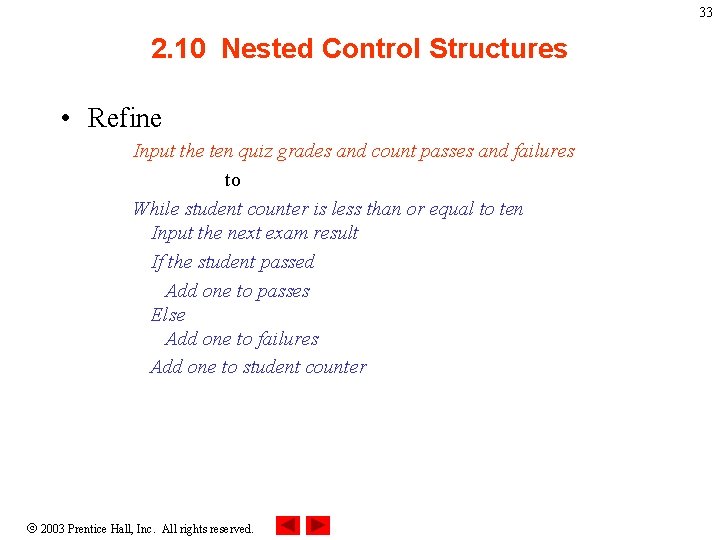
33 2. 10 Nested Control Structures • Refine Input the ten quiz grades and count passes and failures to While student counter is less than or equal to ten Input the next exam result If the student passed Add one to passes Else Add one to failures Add one to student counter 2003 Prentice Hall, Inc. All rights reserved.
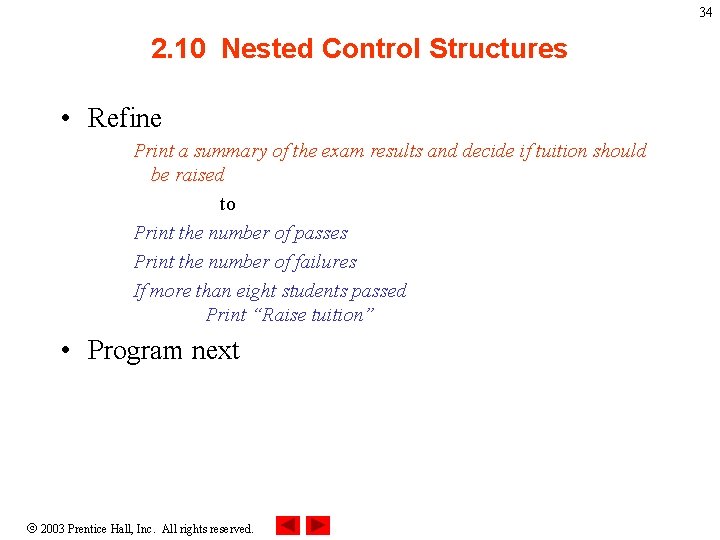
34 2. 10 Nested Control Structures • Refine Print a summary of the exam results and decide if tuition should be raised to Print the number of passes Print the number of failures If more than eight students passed Print “Raise tuition” • Program next 2003 Prentice Hall, Inc. All rights reserved.
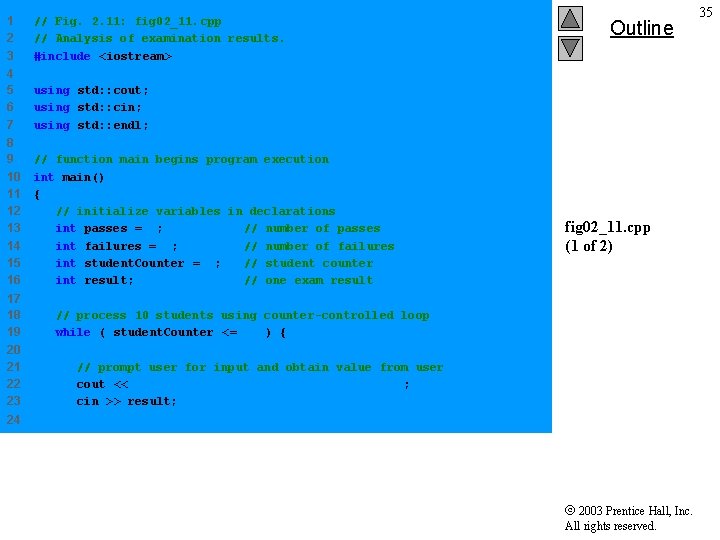
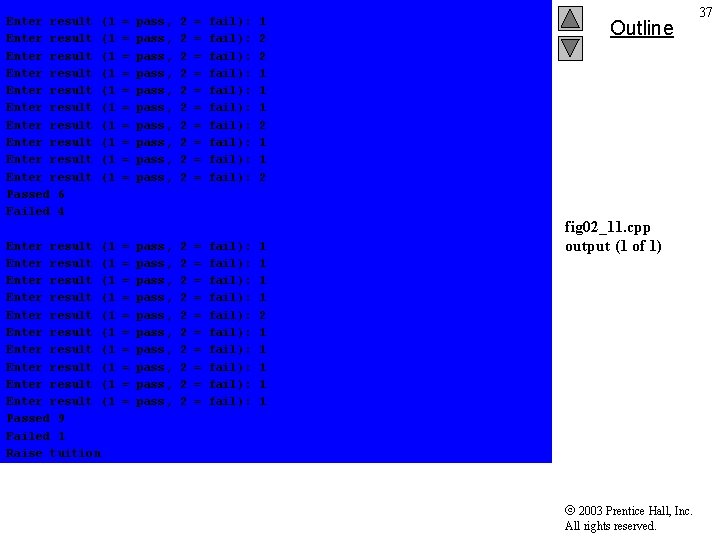
1 2 3 // Fig. 2. 11: fig 02_11. cpp // Analysis of examination results. #include <iostream> 4 5 6 7 using std: : cout; using std: : cin; using std: : endl; 8 9 10 11 12 13 14 15 16 // function main begins program execution int main() { // initialize variables in declarations int passes = 0; // number of passes int failures = 0; // number of failures int student. Counter = 1; // student counter int result; // one exam result 17 18 19 20 21 22 23 Outline fig 02_11. cpp (1 of 2) // process 10 students using counter-controlled loop while ( student. Counter <= 10 ) { // prompt user for input and obtain value from user cout << "Enter result (1 = pass, 2 = fail): " ; cin >> result; 24 2003 Prentice Hall, Inc. All rights reserved. 35
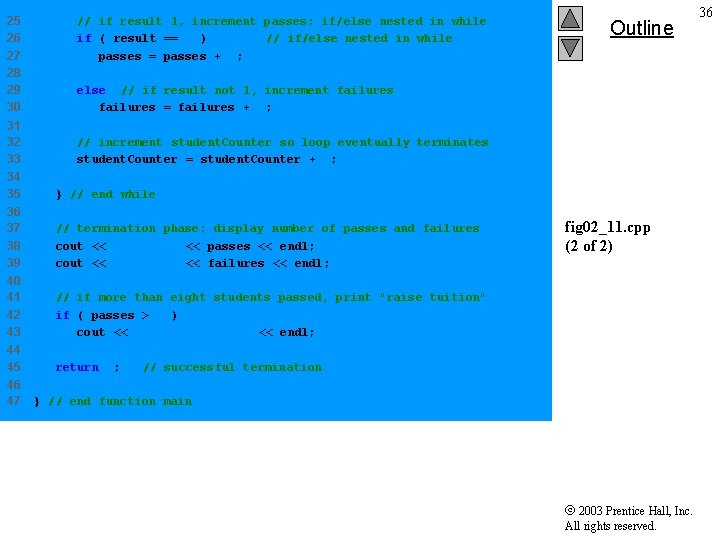
25 26 27 28 29 30 // if result 1, increment passes; if/else nested in while if ( result == 1 ) // if/else nested in while passes = passes + 1; else // if result not 1, increment failures = failures + 1; 31 32 33 34 35 } // end while 36 37 38 39 // termination phase; display number of passes and failures cout << "Passed " << passes << endl; cout << "Failed " << failures << endl; 40 41 42 43 // if more than eight students passed, print "raise tuition" if ( passes > 8 ) cout << "Raise tuition " << endl; 44 45 return 0; 46 47 Outline // increment student. Counter so loop eventually terminates student. Counter = student. Counter + 1; fig 02_11. cpp (2 of 2) // successful termination } // end function main 2003 Prentice Hall, Inc. All rights reserved. 36
Enter result Enter result Enter result Passed 6 Failed 4 (1 (1 (1 Enter result (1 Enter result (1 Enter result (1 Passed 9 Failed 1 Raise tuition = = = = = pass, pass, pass, pass, pass, 2 2 2 2 2 = = = = = fail): fail): fail): fail): fail): 1 2 2 1 1 1 2 1 1 1 Outline fig 02_11. cpp output (1 of 1) 2003 Prentice Hall, Inc. All rights reserved. 37
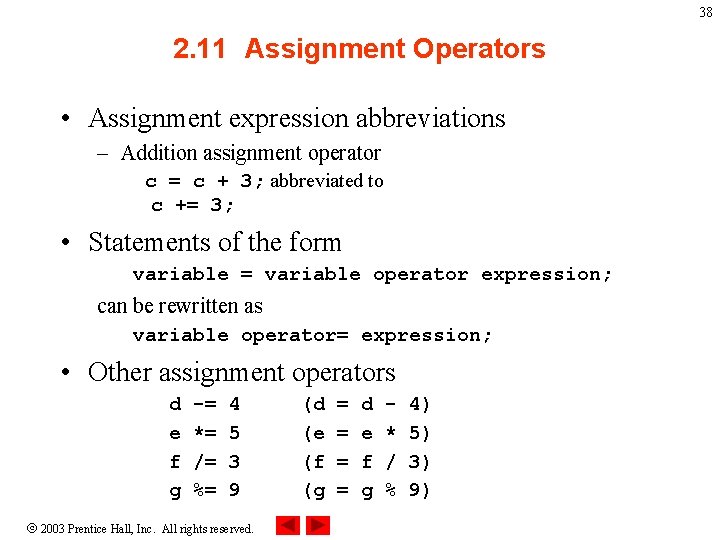
38 2. 11 Assignment Operators • Assignment expression abbreviations – Addition assignment operator c = c + 3; abbreviated to c += 3; • Statements of the form variable = variable operator expression; can be rewritten as variable operator= expression; • Other assignment operators d e f g -= *= /= %= 4 5 3 9 2003 Prentice Hall, Inc. All rights reserved. (d (e (f (g = = d e f g * / % 4) 5) 3) 9)
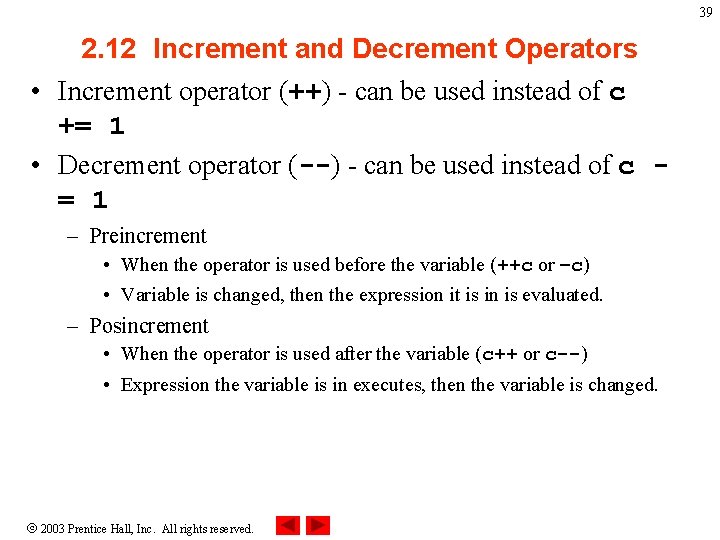
39 2. 12 Increment and Decrement Operators • Increment operator (++) - can be used instead of c += 1 • Decrement operator (--) - can be used instead of c = 1 – Preincrement • When the operator is used before the variable (++c or –c) • Variable is changed, then the expression it is in is evaluated. – Posincrement • When the operator is used after the variable (c++ or c--) • Expression the variable is in executes, then the variable is changed. 2003 Prentice Hall, Inc. All rights reserved.
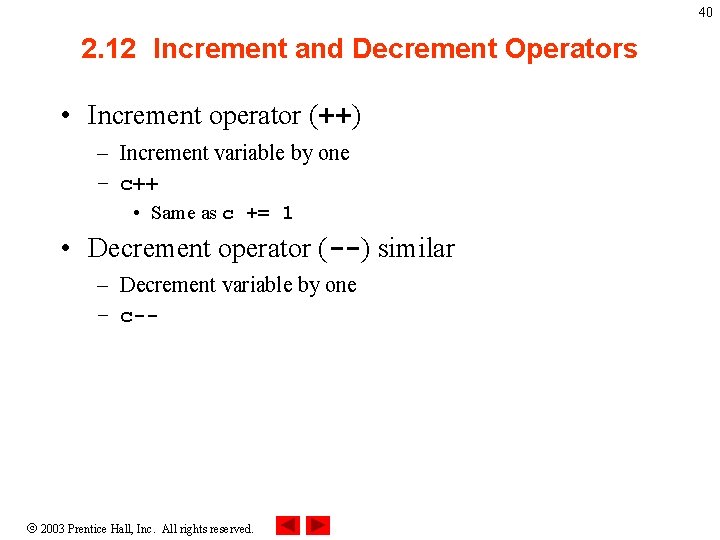
40 2. 12 Increment and Decrement Operators • Increment operator (++) – Increment variable by one – c++ • Same as c += 1 • Decrement operator (--) similar – Decrement variable by one – c-- 2003 Prentice Hall, Inc. All rights reserved.
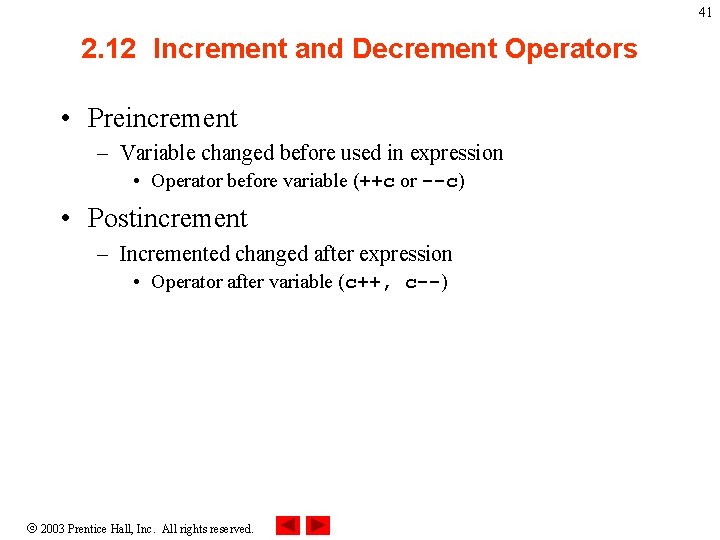
41 2. 12 Increment and Decrement Operators • Preincrement – Variable changed before used in expression • Operator before variable (++c or --c) • Postincrement – Incremented changed after expression • Operator after variable (c++, c--) 2003 Prentice Hall, Inc. All rights reserved.
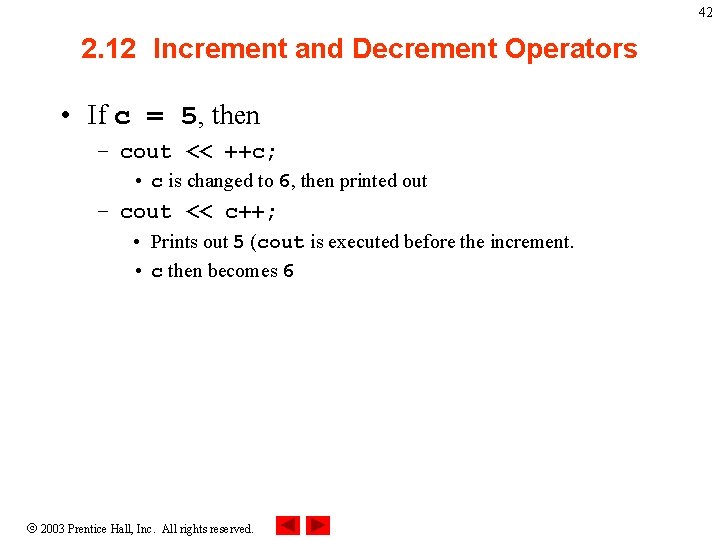
42 2. 12 Increment and Decrement Operators • If c = 5, then – cout << ++c; • c is changed to 6, then printed out – cout << c++; • Prints out 5 (cout is executed before the increment. • c then becomes 6 2003 Prentice Hall, Inc. All rights reserved.
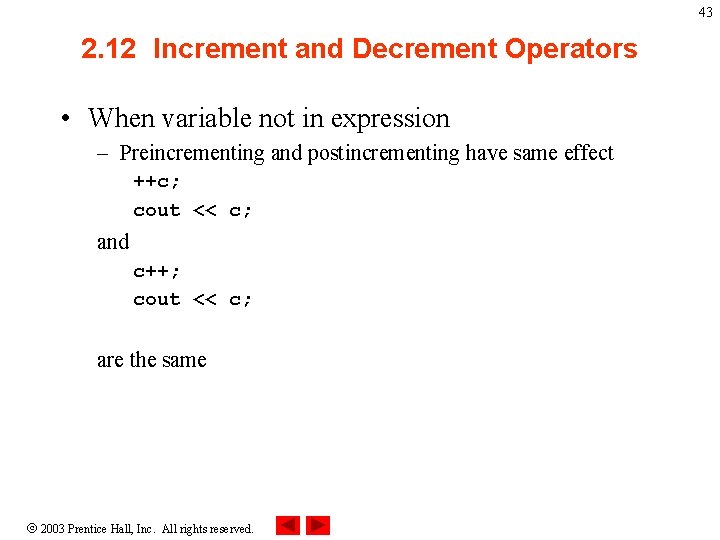
43 2. 12 Increment and Decrement Operators • When variable not in expression – Preincrementing and postincrementing have same effect ++c; cout << c; and c++; cout << c; are the same 2003 Prentice Hall, Inc. All rights reserved.
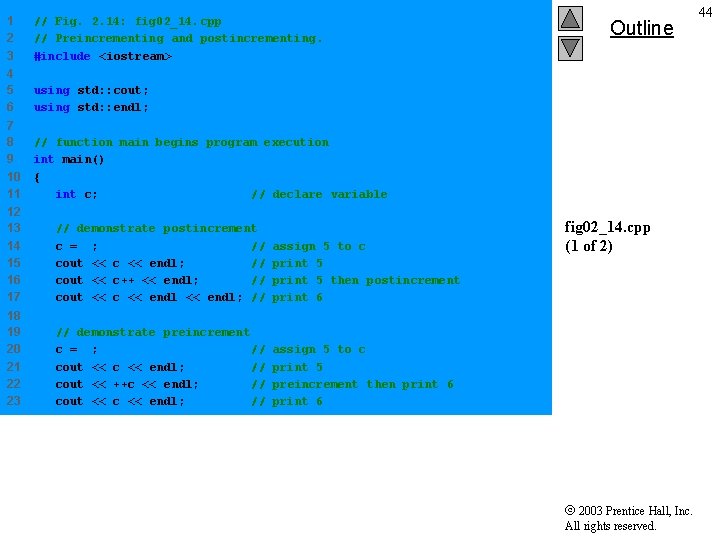
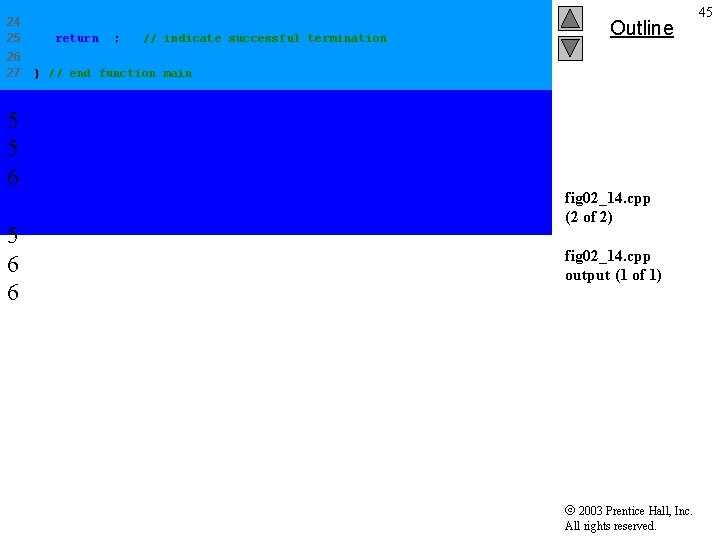
1 2 3 // Fig. 2. 14: fig 02_14. cpp // Preincrementing and postincrementing. #include <iostream> 4 5 6 using std: : cout; using std: : endl; 7 8 9 10 11 // function main begins program execution int main() { int c; // declare variable 12 13 14 15 16 17 // demonstrate postincrement c = 5; // cout << c << endl; // cout << c++ << endl; // cout << c << endl; // assign 5 to c print 5 then postincrement print 6 18 19 20 21 22 23 // demonstrate preincrement c = 5; // cout << c << endl; // cout << ++c << endl; // cout << c << endl; // assign 5 to c print 5 preincrement then print 6 Outline fig 02_14. cpp (1 of 2) 2003 Prentice Hall, Inc. All rights reserved. 44
24 25 26 27 5 5 6 6 return 0; // indicate successful termination Outline } // end function main fig 02_14. cpp (2 of 2) fig 02_14. cpp output (1 of 1) 2003 Prentice Hall, Inc. All rights reserved. 45
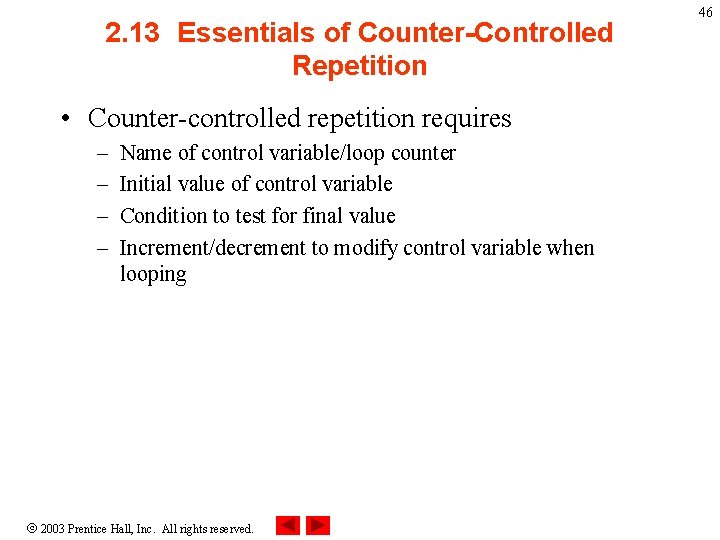
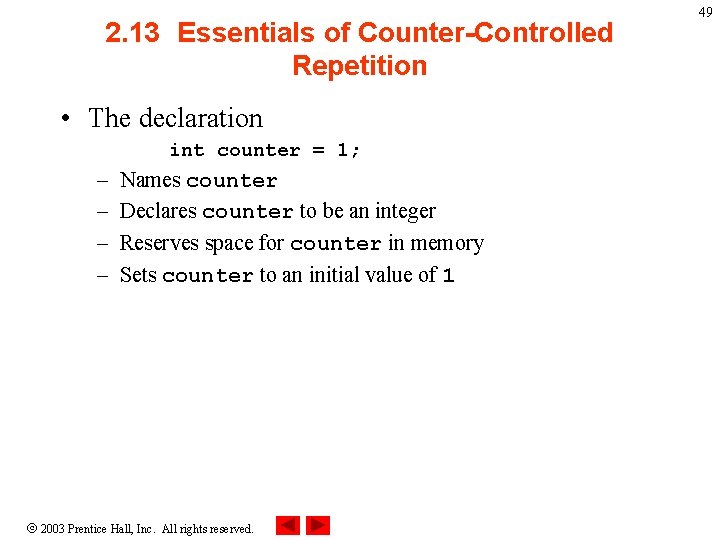
2. 13 Essentials of Counter-Controlled Repetition • Counter-controlled repetition requires – – Name of control variable/loop counter Initial value of control variable Condition to test for final value Increment/decrement to modify control variable when looping 2003 Prentice Hall, Inc. All rights reserved. 46
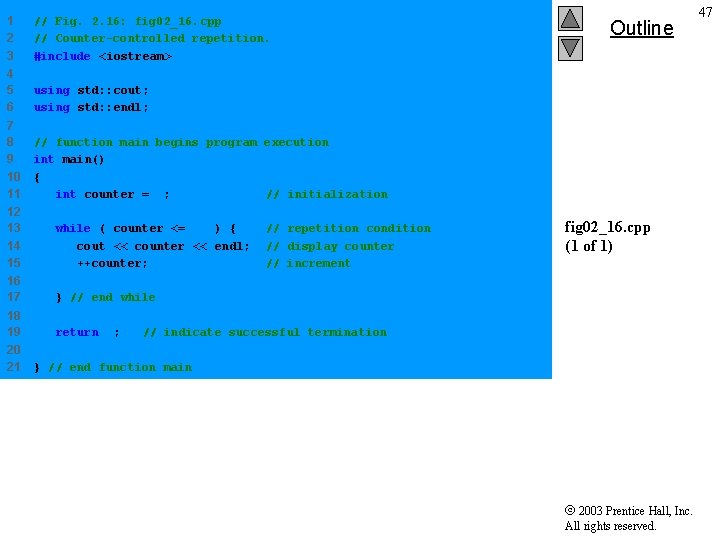
1 2 3 // Fig. 2. 16: fig 02_16. cpp // Counter-controlled repetition. #include <iostream> 4 5 6 using std: : cout; using std: : endl; 7 8 9 10 11 // function main begins program execution int main() { int counter = 1; // initialization 12 13 14 15 while ( counter <= 10 ) { cout << counter << endl; ++counter; 16 17 } // end while 18 19 return 0; 20 21 // repetition condition // display counter // increment Outline fig 02_16. cpp (1 of 1) // indicate successful termination } // end function main 2003 Prentice Hall, Inc. All rights reserved. 47
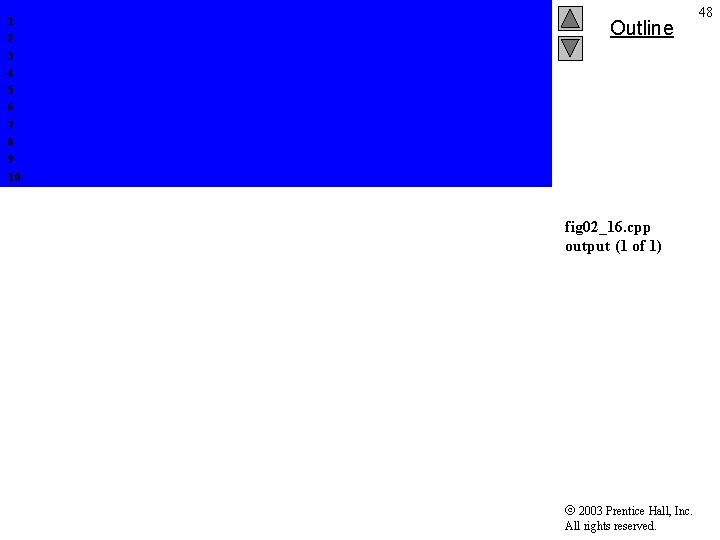
1 2 3 4 5 6 7 8 9 10 Outline fig 02_16. cpp output (1 of 1) 2003 Prentice Hall, Inc. All rights reserved. 48
2. 13 Essentials of Counter-Controlled Repetition • The declaration int counter = 1; – – Names counter Declares counter to be an integer Reserves space for counter in memory Sets counter to an initial value of 1 2003 Prentice Hall, Inc. All rights reserved. 49
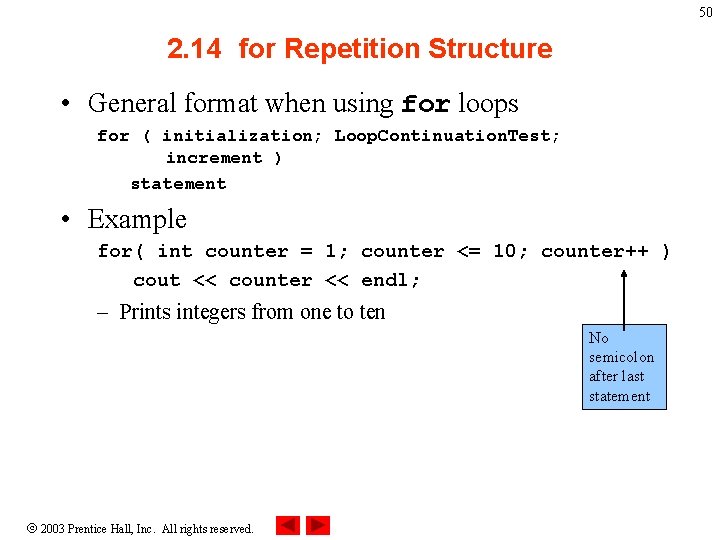
50 2. 14 for Repetition Structure • General format when using for loops for ( initialization; Loop. Continuation. Test; increment ) statement • Example for( int counter = 1; counter <= 10; counter++ ) cout << counter << endl; – Prints integers from one to ten No semicolon after last statement 2003 Prentice Hall, Inc. All rights reserved.
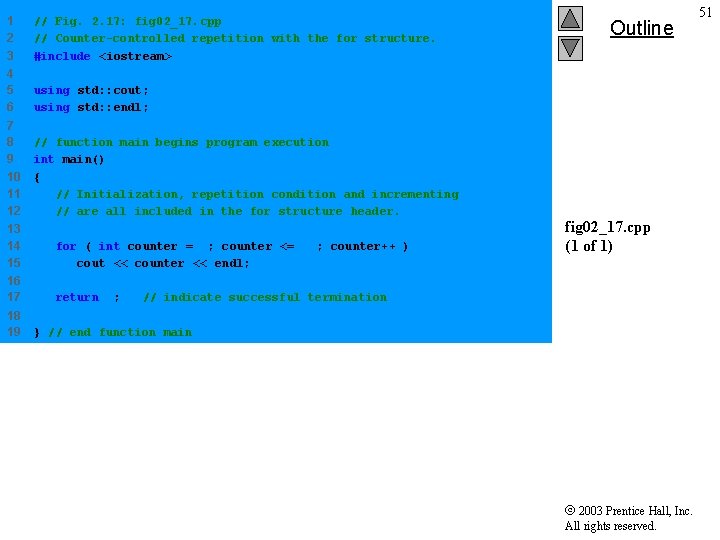
1 2 3 // Fig. 2. 17: fig 02_17. cpp // Counter-controlled repetition with the for structure. #include <iostream> 4 5 6 using std: : cout; using std: : endl; 7 8 9 10 11 12 // function main begins program execution int main() { // Initialization, repetition condition and incrementing // are all included in the for structure header. 13 14 15 for ( int counter = 1; counter <= 10; counter++ ) cout << counter << endl; 16 17 return 0; 18 19 Outline fig 02_17. cpp (1 of 1) // indicate successful termination } // end function main 2003 Prentice Hall, Inc. All rights reserved. 51
1 2 3 4 5 6 7 8 9 10 Outline fig 02_17. cpp output (1 of 1) 2003 Prentice Hall, Inc. All rights reserved. 52
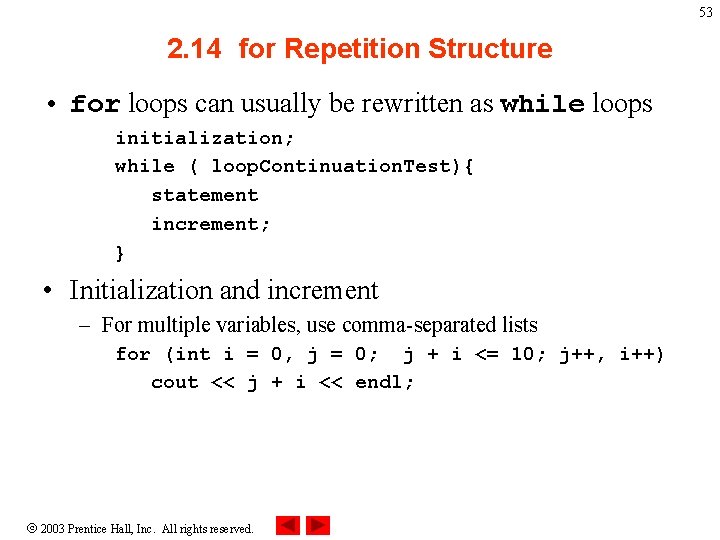
53 2. 14 for Repetition Structure • for loops can usually be rewritten as while loops initialization; while ( loop. Continuation. Test){ statement increment; } • Initialization and increment – For multiple variables, use comma-separated lists for (int i = 0, j = 0; j + i <= 10; j++, i++) cout << j + i << endl; 2003 Prentice Hall, Inc. All rights reserved.
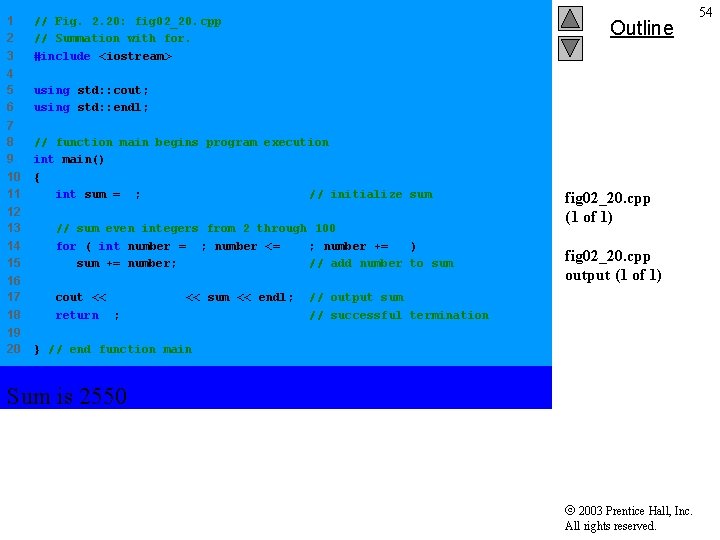
1 2 3 // Fig. 2. 20: fig 02_20. cpp // Summation with for. #include <iostream> 4 5 6 using std: : cout; using std: : endl; 7 8 9 10 11 // function main begins program execution int main() { int sum = 0; // initialize sum Outline 12 13 14 15 // sum even integers from 2 through 100 for ( int number = 2; number <= 100; number += 2 ) sum += number; // add number to sum 16 17 18 cout << "Sum is " << sum << endl; return 0; 19 20 fig 02_20. cpp (1 of 1) fig 02_20. cpp output (1 of 1) // output sum // successful termination } // end function main Sum is 2550 2003 Prentice Hall, Inc. All rights reserved. 54
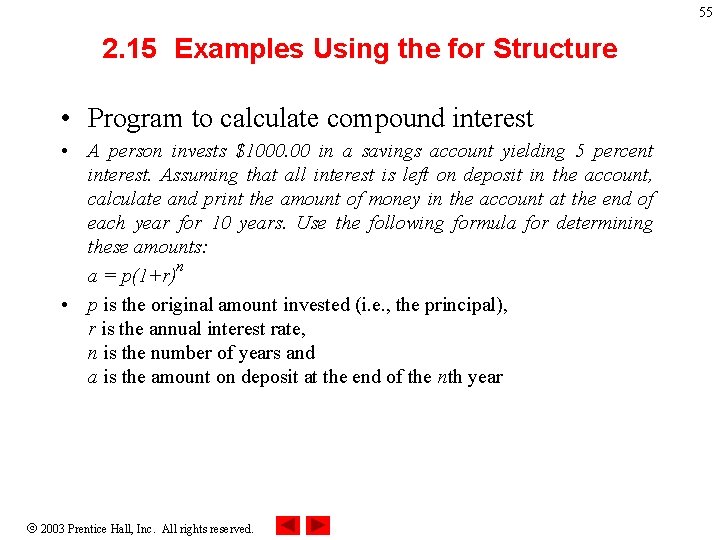
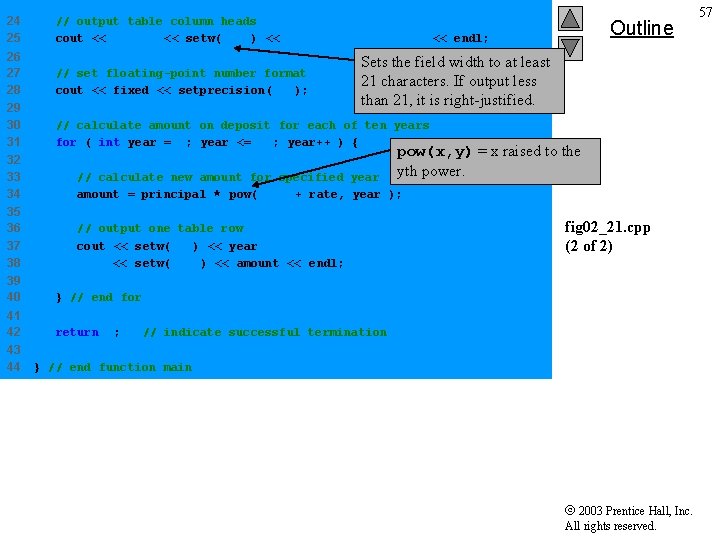
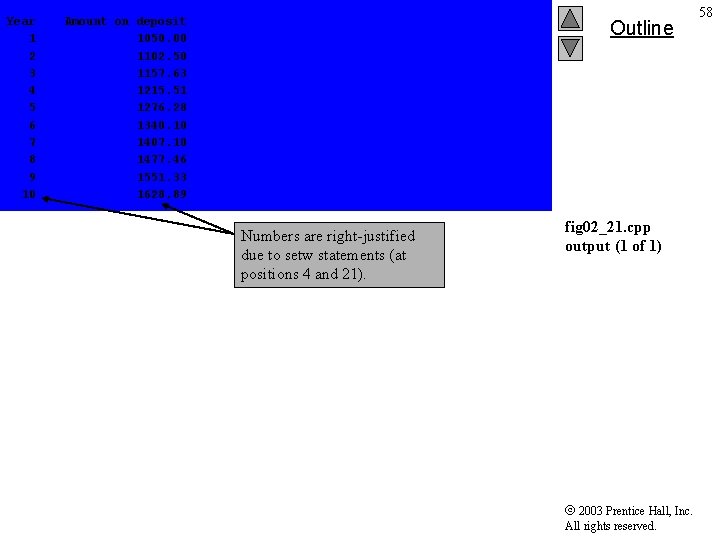
55 2. 15 Examples Using the for Structure • Program to calculate compound interest • A person invests $1000. 00 in a savings account yielding 5 percent interest. Assuming that all interest is left on deposit in the account, calculate and print the amount of money in the account at the end of each year for 10 years. Use the following formula for determining these amounts: n a = p(1+r) • p is the original amount invested (i. e. , the principal), r is the annual interest rate, n is the number of years and a is the amount on deposit at the end of the nth year 2003 Prentice Hall, Inc. All rights reserved.
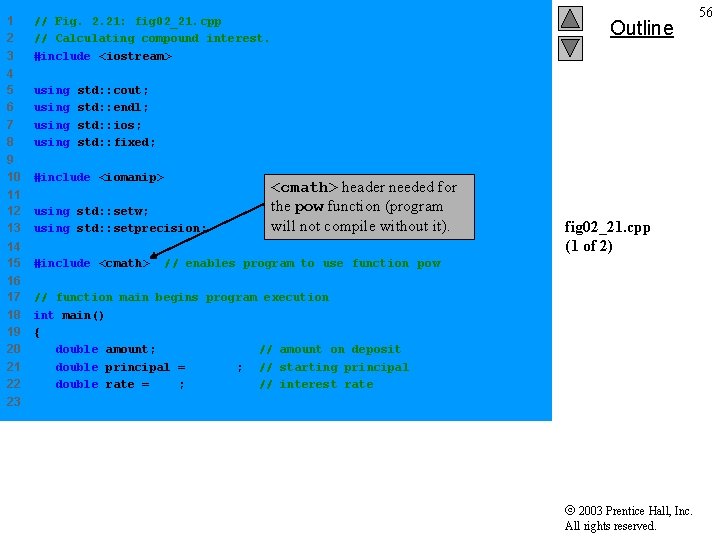
1 2 3 // Fig. 2. 21: fig 02_21. cpp // Calculating compound interest. #include <iostream> 4 5 6 7 8 using 9 10 #include <iomanip> 11 12 13 using std: : setw; using std: : setprecision; 14 15 #include <cmath> 16 17 18 19 20 21 22 // function main begins program execution int main() { double amount; // amount on deposit double principal = 1000. 0; // starting principal double rate =. 05; // interest rate Outline std: : cout; std: : endl; std: : ios; std: : fixed; <cmath> header needed for the pow function (program will not compile without it). fig 02_21. cpp (1 of 2) // enables program to use function pow 23 2003 Prentice Hall, Inc. All rights reserved. 56
24 25 // output table column heads cout << "Year" << setw( 21 ) << "Amount on deposit" << endl; 26 27 28 // set floating-point number format cout << fixed << setprecision( 2 ); 29 30 31 // calculate amount on deposit for each of ten years for ( int year = 1; year <= 10; year++ ) { 32 33 34 // calculate new amount for specified year amount = principal * pow( 1. 0 + rate, year ); 35 36 37 38 // output one table row cout << setw( 4 ) << year << setw( 21 ) << amount << endl; Sets the field width to at least 21 characters. If output less than 21, it is right-justified. pow(x, y) = x raised to the yth power. 39 40 } // end for 41 42 return 0; 43 44 Outline fig 02_21. cpp (2 of 2) // indicate successful termination } // end function main 2003 Prentice Hall, Inc. All rights reserved. 57
Year 1 2 3 4 5 6 7 8 9 10 Amount on deposit 1050. 00 1102. 50 1157. 63 1215. 51 1276. 28 1340. 10 1407. 10 1477. 46 1551. 33 1628. 89 Outline Numbers are right-justified due to setw statements (at positions 4 and 21). fig 02_21. cpp output (1 of 1) 2003 Prentice Hall, Inc. All rights reserved. 58
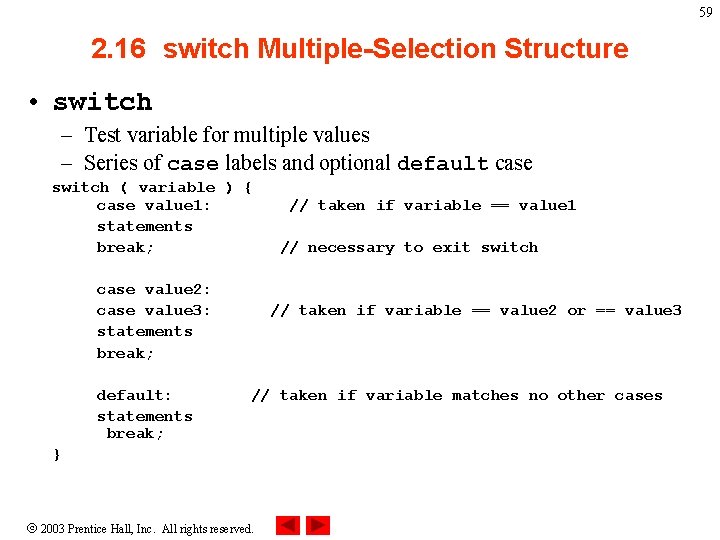
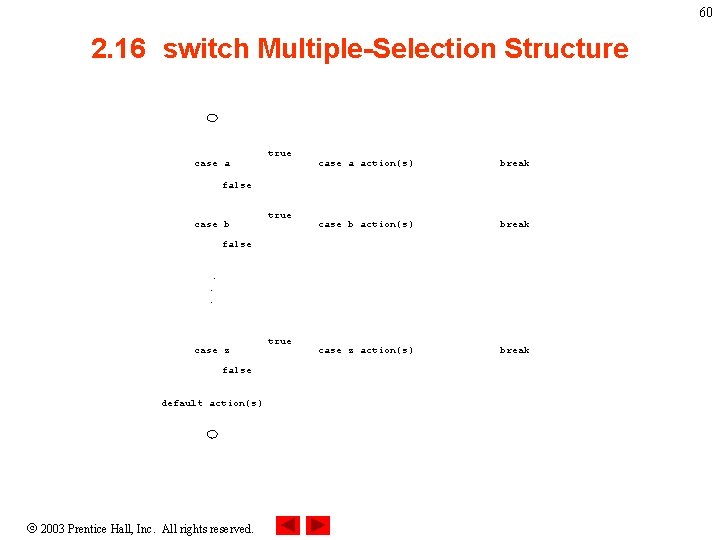
59 2. 16 switch Multiple-Selection Structure • switch – Test variable for multiple values – Series of case labels and optional default case switch ( variable ) { case value 1: statements break; case value 2: case value 3: statements break; default: statements break; // taken if variable == value 1 // necessary to exit switch // taken if variable == value 2 or == value 3 // taken if variable matches no other cases } 2003 Prentice Hall, Inc. All rights reserved.
60 2. 16 switch Multiple-Selection Structure case a true case a action(s) break case b action(s) break case z action(s) break false case b true false. . . case z false default action(s) 2003 Prentice Hall, Inc. All rights reserved. true
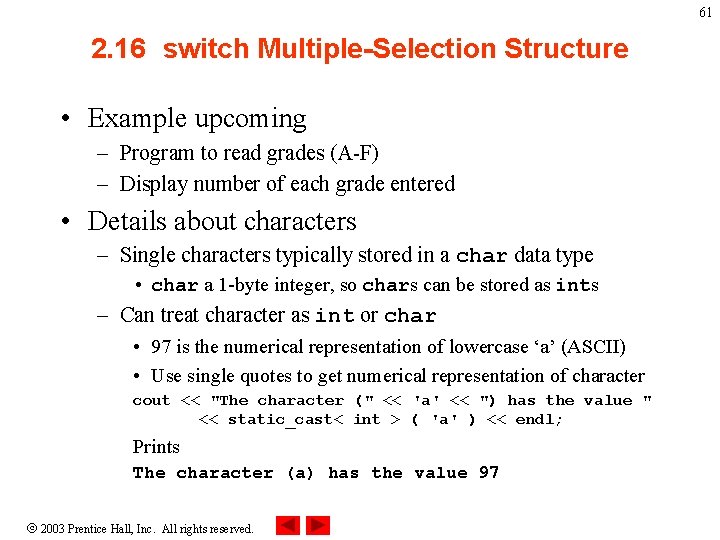
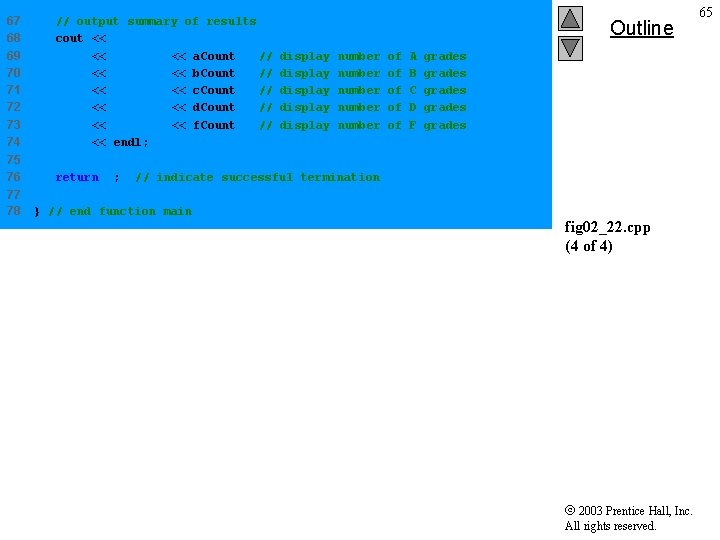
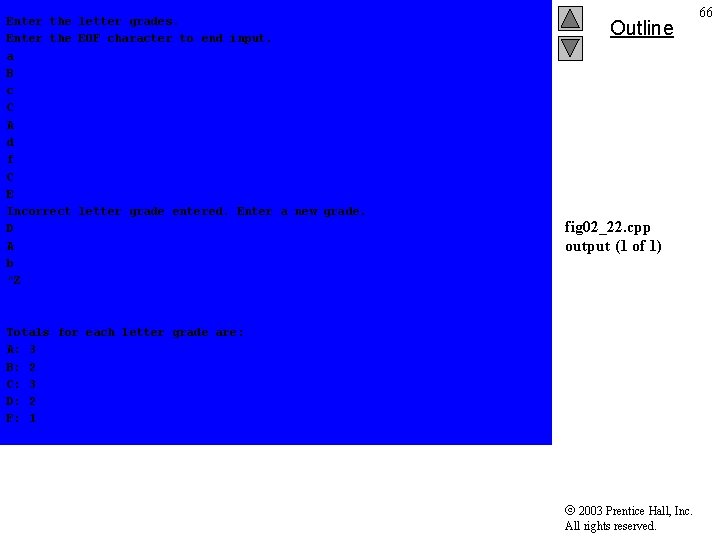
61 2. 16 switch Multiple-Selection Structure • Example upcoming – Program to read grades (A-F) – Display number of each grade entered • Details about characters – Single characters typically stored in a char data type • char a 1 -byte integer, so chars can be stored as ints – Can treat character as int or char • 97 is the numerical representation of lowercase ‘a’ (ASCII) • Use single quotes to get numerical representation of character cout << "The character (" << 'a' << ") has the value " << static_cast< int > ( 'a' ) << endl; Prints The character (a) has the value 97 2003 Prentice Hall, Inc. All rights reserved.
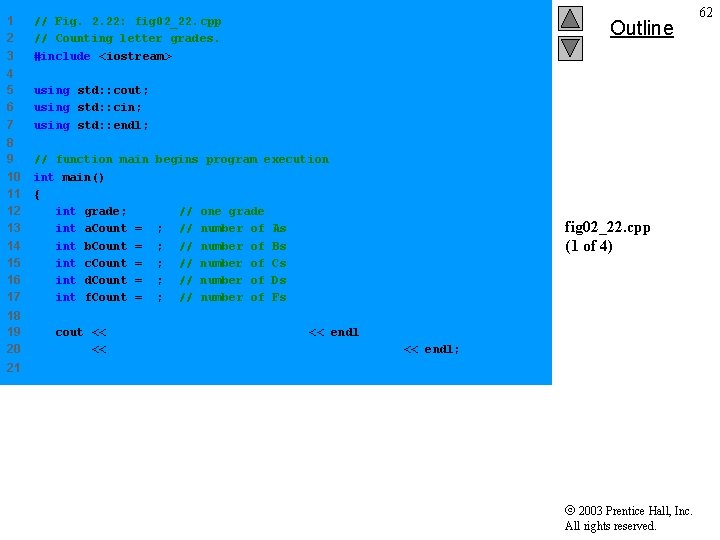
1 2 3 // Fig. 2. 22: fig 02_22. cpp // Counting letter grades. #include <iostream> 4 5 6 7 using std: : cout; using std: : cin; using std: : endl; 8 9 10 11 12 13 14 15 16 17 // function main begins program execution int main() { int grade; // one grade int a. Count = 0; // number of As int b. Count = 0; // number of Bs int c. Count = 0; // number of Cs int d. Count = 0; // number of Ds int f. Count = 0; // number of Fs 18 19 20 Outline fig 02_22. cpp (1 of 4) cout << "Enter the letter grades. " << endl << "Enter the EOF character to end input. " << endl; 21 2003 Prentice Hall, Inc. All rights reserved. 62
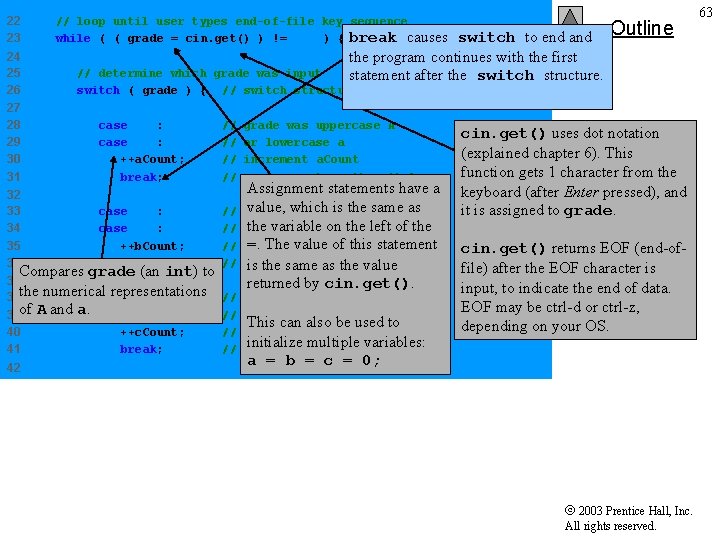
22 23 24 25 26 // loop until user types end-of-file key sequence while ( ( grade = cin. get() ) != EOF ) { break causes switch to end and the program continues with the first statement after the switch structure. // determine which grade was input switch ( grade ) { // switch structure nested in while 27 28 29 30 31 case 'A': case 'a': ++a. Count; break; // // 32 33 34 35 36 case 'B': case 'b': ++b. Count; break; // // Compares grade (an int) to 37 representations 38 the numerical case 'C': of A and a. 39 case 'c': 40 ++c. Count; 41 break; 42 Outline // // grade was uppercase A or lowercase a increment a. Count necessary to exit switch Assignment statements have a value, was which is the same grade uppercase B as thelowercase variable onb the left of the or =. The value of this statement increment b. Count exit is theswitch same as the value returned by cin. get(). grade was uppercase C or lowercase c This can also be used to increment c. Count initialize multiple variables: exit switch cin. get() uses dot notation (explained chapter 6). This function gets 1 character from the keyboard (after Enter pressed), and it is assigned to grade. fig 02_22. cpp (2 of 4) cin. get() returns EOF (end-offile) after the EOF character is input, to indicate the end of data. EOF may be ctrl-d or ctrl-z, depending on your OS. a = b = c = 0; 2003 Prentice Hall, Inc. All rights reserved. 63
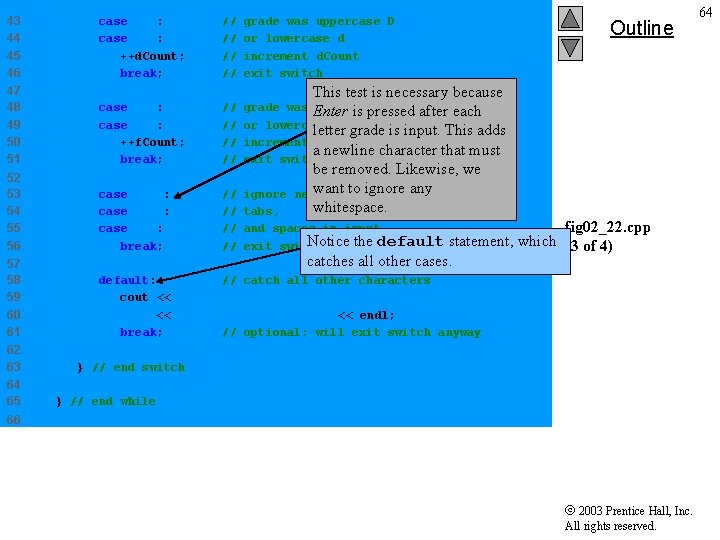
43 44 45 46 case 'D': case 'd': ++d. Count; break; // // grade was uppercase D or lowercase d increment d. Count exit switch 47 48 49 50 51 case 'F': case 'f': ++f. Count; break; // // grade was Enter uppercase F is pressed after each or lowercase f letter grade is input. This adds increment f. Count a newline character that must exit switch 52 53 54 55 56 case 'n': case 't': case ' ': break; // // ignore tabs, and spaces in input Notice the default exit switch 57 58 59 60 61 default: // catch all other characters cout << "Incorrect letter grade entered. " << " Enter a new grade. " << endl; break; // optional; will exit switch anyway 62 63 64 65 Outline This test is necessary because be removed. Likewise, we want to ignore any newlines, whitespace. fig 02_22. cpp statement, which (3 of 4) catches all other cases. } // end switch } // end while 66 2003 Prentice Hall, Inc. All rights reserved. 64
67 68 69 70 71 72 73 74 // output summary of results cout << "nn. Totals for each letter grade are: " << "n. A: " << a. Count // display number of << "n. B: " << b. Count // display number of << "n. C: " << c. Count // display number of << "n. D: " << d. Count // display number of << "n. F: " << f. Count // display number of << endl; 75 76 return 0; 77 78 Outline A B C D F grades grades // indicate successful termination } // end function main fig 02_22. cpp (4 of 4) 2003 Prentice Hall, Inc. All rights reserved. 65
Enter the letter grades. Enter the EOF character to end input. a B c C A d f C E Incorrect letter grade entered. Enter a new grade. D A b ^Z Outline fig 02_22. cpp output (1 of 1) Totals for each letter grade are: A: 3 B: 2 C: 3 D: 2 F: 1 2003 Prentice Hall, Inc. All rights reserved. 66
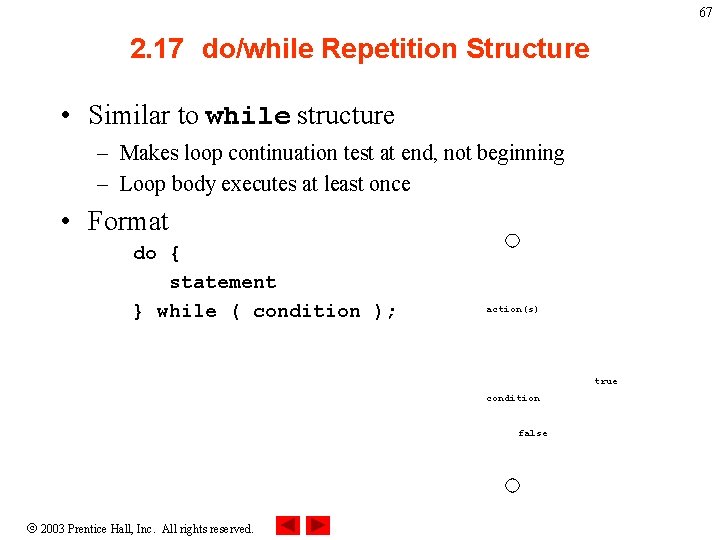
67 2. 17 do/while Repetition Structure • Similar to while structure – Makes loop continuation test at end, not beginning – Loop body executes at least once • Format do { statement } while ( condition ); action(s) true condition false 2003 Prentice Hall, Inc. All rights reserved.
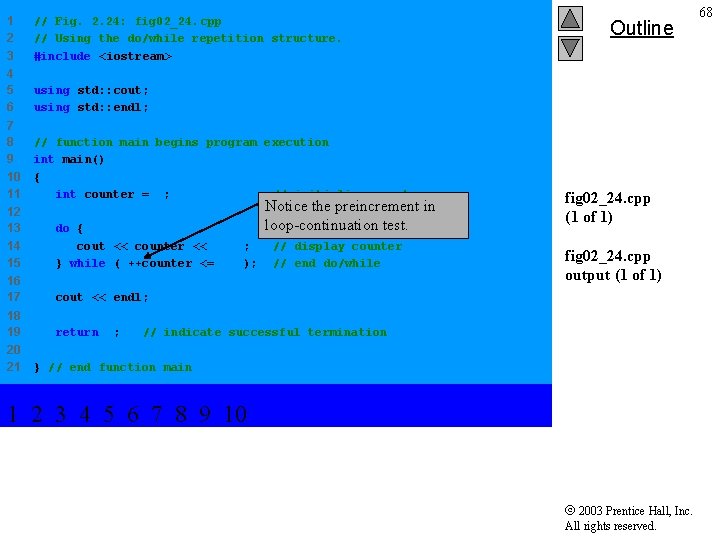
1 2 3 // Fig. 2. 24: fig 02_24. cpp // Using the do/while repetition structure. #include <iostream> 4 5 6 using std: : cout; using std: : endl; 7 8 9 10 11 // function main begins program execution int main() { int counter = 1; // initialize counter 12 13 14 15 do { cout << counter << " "; } while ( ++counter <= 10 ); 16 17 cout << endl; 18 19 return 0; 20 21 Notice the preincrement in loop-continuation test. // display counter // end do/while Outline fig 02_24. cpp (1 of 1) fig 02_24. cpp output (1 of 1) // indicate successful termination } // end function main 1 2 3 4 5 6 7 8 9 10 2003 Prentice Hall, Inc. All rights reserved. 68
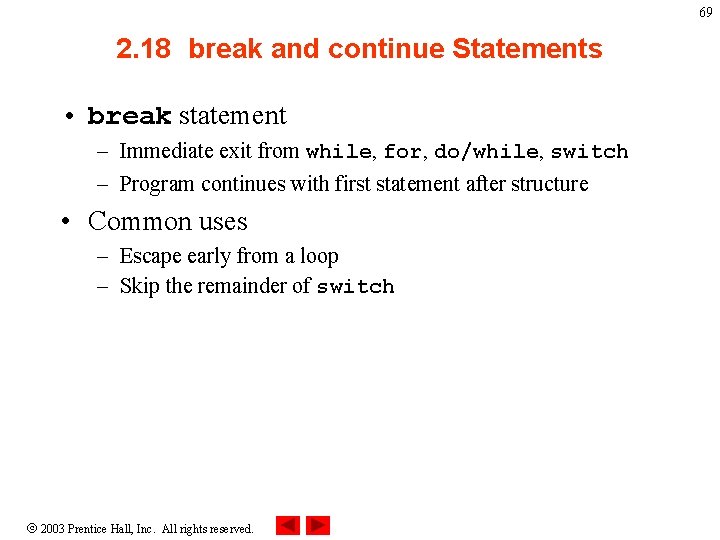
69 2. 18 break and continue Statements • break statement – Immediate exit from while, for, do/while, switch – Program continues with first statement after structure • Common uses – Escape early from a loop – Skip the remainder of switch 2003 Prentice Hall, Inc. All rights reserved.
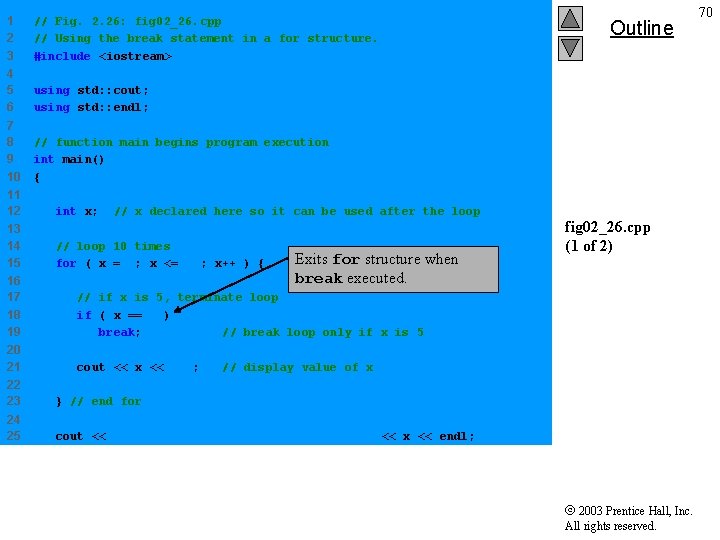
1 2 3 // Fig. 2. 26: fig 02_26. cpp // Using the break statement in a for structure. #include <iostream> 4 5 6 using std: : cout; using std: : endl; 7 8 9 10 // function main begins program execution int main() { 11 12 13 14 15 int x; // x declared here so it can be used after the loop // loop 10 times for ( x = 1; x <= 10; x++ ) { Exits for structure when break executed. 16 17 18 19 // if x is 5, terminate loop if ( x == 5 ) break; // break loop only if x is 5 20 21 cout << x << " "; Outline fig 02_26. cpp (1 of 2) // display value of x 22 23 } // end for 24 25 cout << "n. Broke out of loop when x became " << x << endl; 2003 Prentice Hall, Inc. All rights reserved. 70
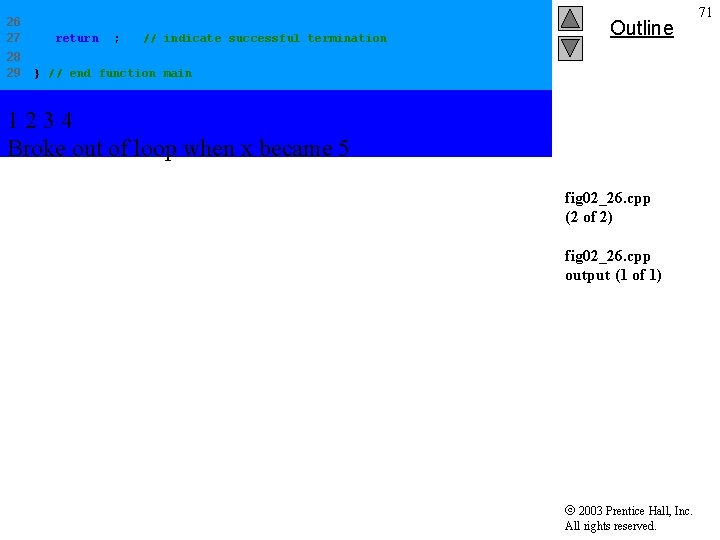
26 27 28 29 return 0; // indicate successful termination Outline } // end function main 1234 Broke out of loop when x became 5 fig 02_26. cpp (2 of 2) fig 02_26. cpp output (1 of 1) 2003 Prentice Hall, Inc. All rights reserved. 71
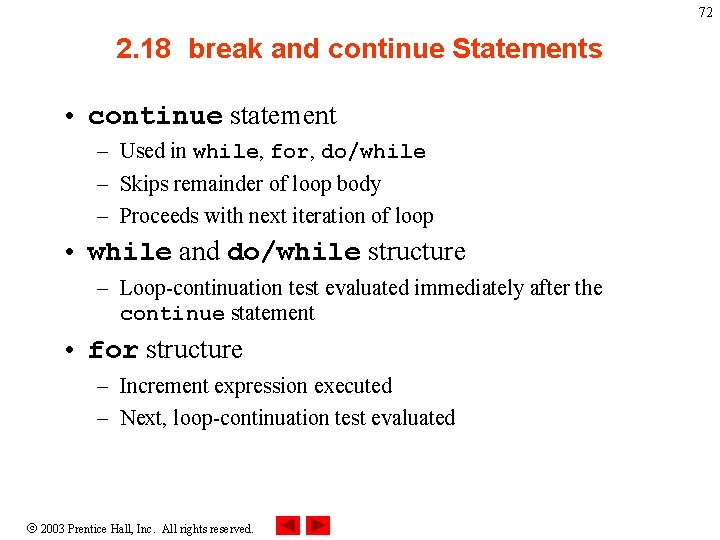
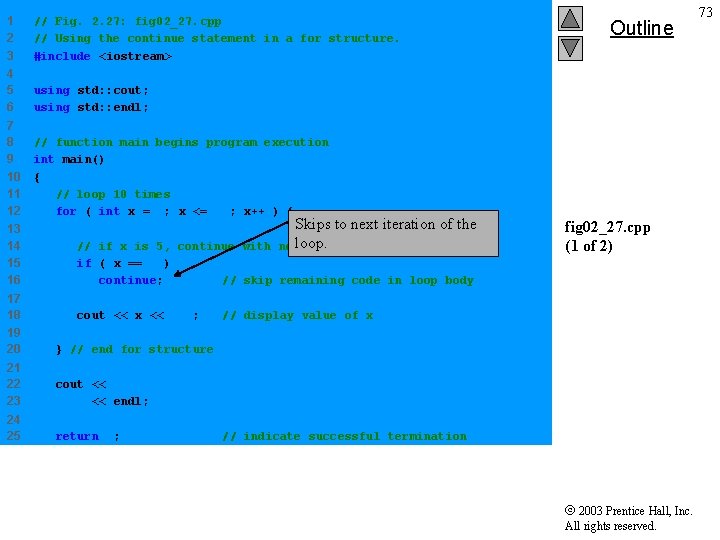
72 2. 18 break and continue Statements • continue statement – Used in while, for, do/while – Skips remainder of loop body – Proceeds with next iteration of loop • while and do/while structure – Loop-continuation test evaluated immediately after the continue statement • for structure – Increment expression executed – Next, loop-continuation test evaluated 2003 Prentice Hall, Inc. All rights reserved.
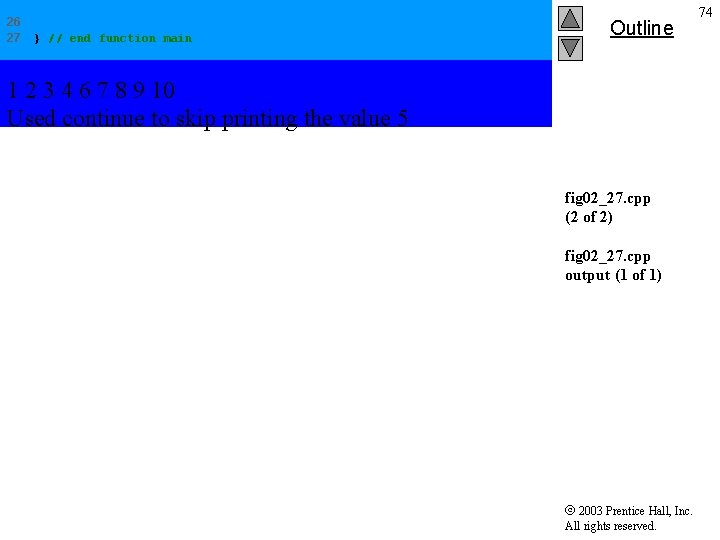
1 2 3 // Fig. 2. 27: fig 02_27. cpp // Using the continue statement in a for structure. #include <iostream> 4 5 6 using std: : cout; using std: : endl; 7 8 9 10 11 12 // function main begins program execution int main() { // loop 10 times for ( int x = 1; x <= 10; x++ ) { Skips to next iteration of the loop. next iteration of loop 13 14 15 16 // if x is 5, continue with if ( x == 5 ) continue; // skip remaining code in loop body 17 18 cout << x << " "; Outline fig 02_27. cpp (1 of 2) // display value of x 19 20 } // end for structure 21 22 23 cout << "n. Used continue to skip printing the value 5" << endl; 24 25 return 0; // indicate successful termination 2003 Prentice Hall, Inc. All rights reserved. 73
26 27 } // end function main Outline 1 2 3 4 6 7 8 9 10 Used continue to skip printing the value 5 fig 02_27. cpp (2 of 2) fig 02_27. cpp output (1 of 1) 2003 Prentice Hall, Inc. All rights reserved. 74
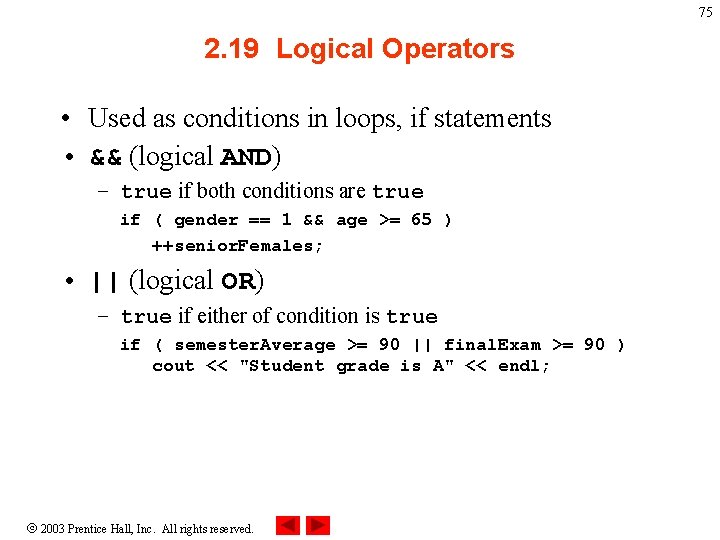
75 2. 19 Logical Operators • Used as conditions in loops, if statements • && (logical AND) – true if both conditions are true if ( gender == 1 && age >= 65 ) ++senior. Females; • || (logical OR) – true if either of condition is true if ( semester. Average >= 90 || final. Exam >= 90 ) cout << "Student grade is A" << endl; 2003 Prentice Hall, Inc. All rights reserved.
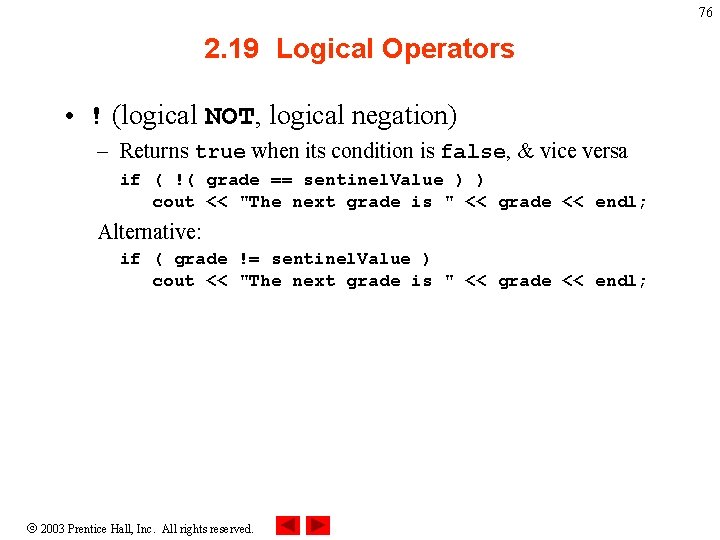
76 2. 19 Logical Operators • ! (logical NOT, logical negation) – Returns true when its condition is false, & vice versa if ( !( grade == sentinel. Value ) ) cout << "The next grade is " << grade << endl; Alternative: if ( grade != sentinel. Value ) cout << "The next grade is " << grade << endl; 2003 Prentice Hall, Inc. All rights reserved.
2. 20 Confusing Equality (==) and Assignment (=) Operators • Common error – Does not typically cause syntax errors • Aspects of problem – Expressions that have a value can be used for decision • Zero = false, nonzero = true – Assignment statements produce a value (the value to be assigned) 2003 Prentice Hall, Inc. All rights reserved. 77
2. 20 Confusing Equality (==) and Assignment (=) Operators • Example if ( pay. Code == 4 ) cout << "You get a bonus!" << endl; – If paycode is 4, bonus given • If == was replaced with = if ( pay. Code = 4 ) cout << "You get a bonus!" << endl; – Paycode set to 4 (no matter what it was before) – Statement is true (since 4 is non-zero) – Bonus given in every case 2003 Prentice Hall, Inc. All rights reserved. 78
2. 20 Confusing Equality (==) and Assignment (=) Operators • Lvalues – Expressions that can appear on left side of equation – Can be changed (I. e. , variables) • x = 4; • Rvalues – Only appear on right side of equation – Constants, such as numbers (i. e. cannot write 4 = x; ) • Lvalues can be used as rvalues, but not vice versa 2003 Prentice Hall, Inc. All rights reserved. 79
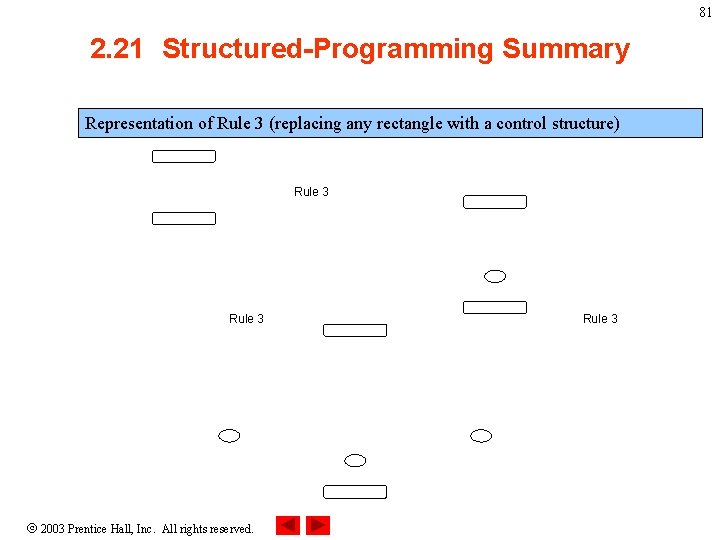
80 2. 21 Structured-Programming Summary • Structured programming – Programs easier to understand, test, debug and modify • Rules for structured programming – Only use single-entry/single-exit control structures – Rules 1) Begin with the “simplest flowchart” 2) Any rectangle (action) can be replaced by two rectangles (actions) in sequence 3) Any rectangle (action) can be replaced by any control structure (sequence, if/else, switch, while, do/while or for) 4) Rules 2 and 3 can be applied in any order and multiple times 2003 Prentice Hall, Inc. All rights reserved.
81 2. 21 Structured-Programming Summary Representation of Rule 3 (replacing any rectangle with a control structure) Rule 3 2003 Prentice Hall, Inc. All rights reserved. Rule 3
82 2. 21 Structured-Programming Summary • All programs broken down into – Sequence – Selection • if, if/else, or switch • Any selection can be rewritten as an if statement – Repetition • while, do/while or for • Any repetition structure can be rewritten as a while statement 2003 Prentice Hall, Inc. All rights reserved.