
1 Basics of C Language Prepared by Mrs
1 Basics of C Language Prepared by Mrs. P. Vanitha Asst. Professor Department of BCA Hindusthan College of Arts and Science
– Keywords 2 Tokens in C – These are reserved words of the C language. For example int, float, if, else, for, while etc. – Identifiers – An Identifier is a sequence of letters and digits, but must start with a letter. Underscore ( _ ) is treated as a letter. Identifiers are case sensitive. Identifiers are used to name variables, functions etc. – Valid: Root, _getchar, __sin, x 1, x 2, x 3, x_1, If – Invalid: 324, short, price$, My Name – Constants like 13, ‘a’, 1. 3 e-5 etc.
3 – String Literals Tokens in C – A sequence of characters enclosed in double quotes as “…”. For example “ 13” is a string literal and not number 13. ‘a’ and “a” are different. – Operators – Arithmetic operators like +, -, *, / , % etc. – Logical operators like ||, &&, ! etc. and so on. – White Spaces – Spaces, new lines, tabs, comments ( A sequence of characters enclosed in /* and */ ) etc. These are used to separate the adjacent identifiers, kewords and constants.
4 – Integral Types Basic Data Types – Integers are stored in various sizes. They can be signed or unsigned. – Example Suppose an integer is represented by a byte (8 bits). Leftmost bit is sign bit. If the sign bit is 0, the number is treated as positive. Bit pattern 01001011 = 75 (decimal). The largest positive number is 01111111 = 27 – 1 = 127. Negative numbers are stored as two’s complement or as one’s complement. -75 = 10110100 (one’s complement). -75 = 10110101 (two’s complement).
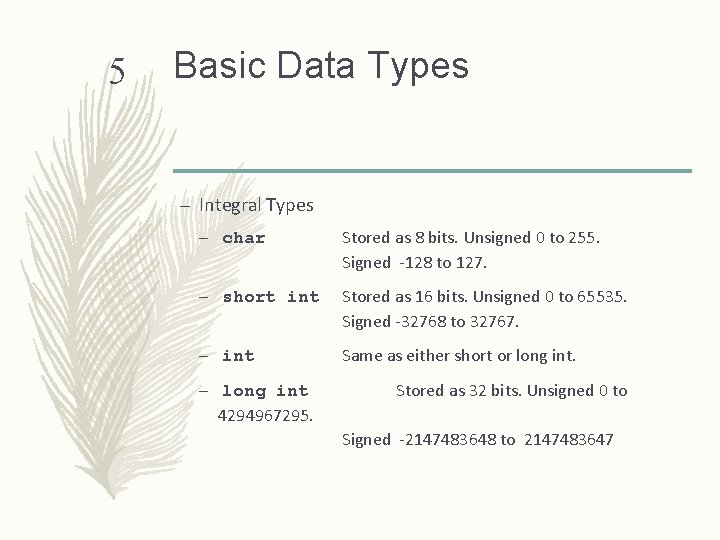
5 Basic Data Types – Integral Types – char Stored as 8 bits. Unsigned 0 to 255. Signed -128 to 127. – short int Stored as 16 bits. Unsigned 0 to 65535. Signed -32768 to 32767. – int Same as either short or long int. – long int 4294967295. Stored as 32 bits. Unsigned 0 to Signed -2147483648 to 2147483647
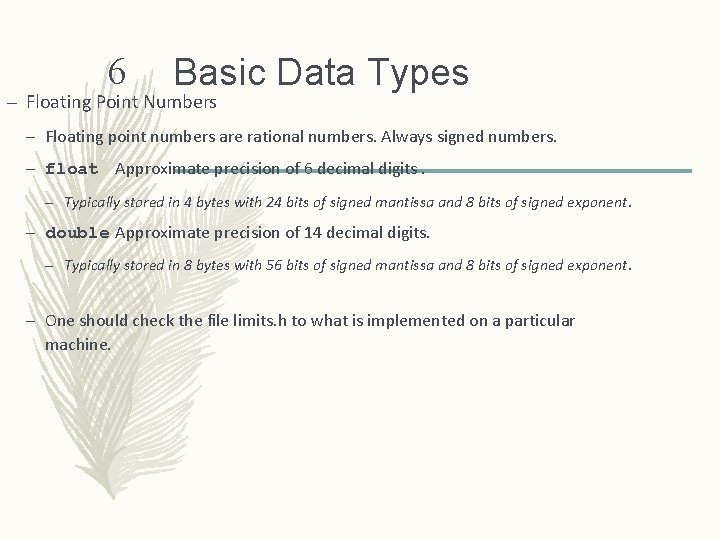
6 Basic Data Types – Floating Point Numbers – Floating point numbers are rational numbers. Always signed numbers. – float Approximate precision of 6 decimal digits. – Typically stored in 4 bytes with 24 bits of signed mantissa and 8 bits of signed exponent. – double Approximate precision of 14 decimal digits. – Typically stored in 8 bytes with 56 bits of signed mantissa and 8 bits of signed exponent. – One should check the file limits. h to what is implemented on a particular machine.
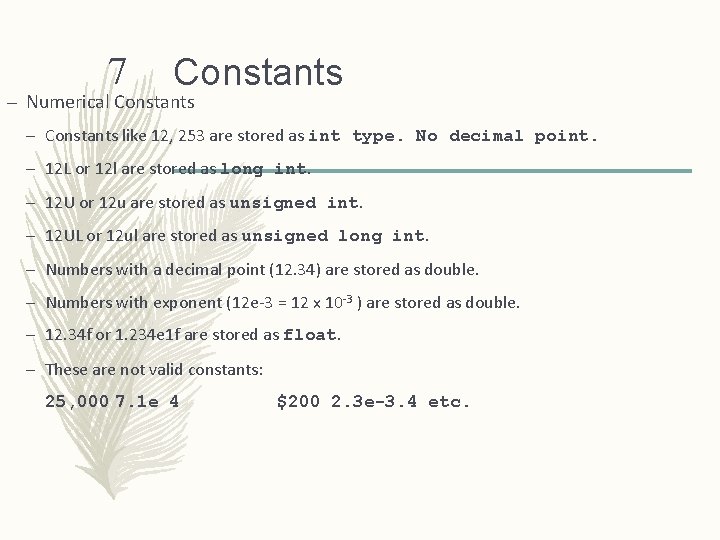
7 Constants – Numerical Constants – Constants like 12, 253 are stored as int type. No decimal point. – 12 L or 12 l are stored as long int. – 12 U or 12 u are stored as unsigned int. – 12 UL or 12 ul are stored as unsigned long int. – Numbers with a decimal point (12. 34) are stored as double. – Numbers with exponent (12 e-3 = 12 x 10 -3 ) are stored as double. – 12. 34 f or 1. 234 e 1 f are stored as float. – These are not valid constants: 25, 000 7. 1 e 4 $200 2. 3 e-3. 4 etc.
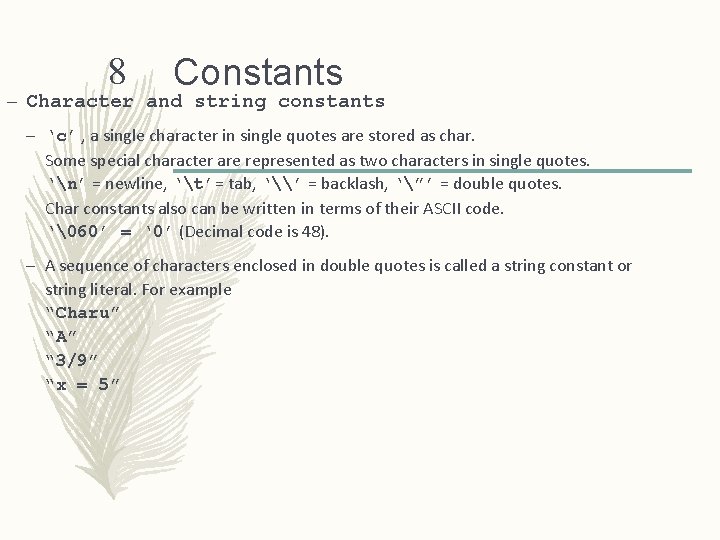
8 Constants – Character and string constants – ‘c’ , a single character in single quotes are stored as char. Some special character are represented as two characters in single quotes. ‘n’ = newline, ‘t’= tab, ‘\’ = backlash, ‘”’ = double quotes. Char constants also can be written in terms of their ASCII code. ‘60’ = ‘ 0’ (Decimal code is 48). – A sequence of characters enclosed in double quotes is called a string constant or string literal. For example “Charu” “A” “ 3/9” “x = 5”
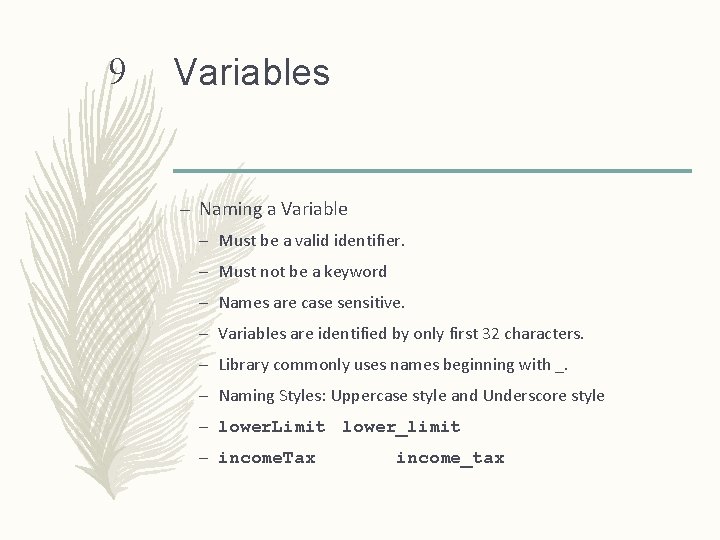
9 Variables – Naming a Variable – Must be a valid identifier. – Must not be a keyword – Names are case sensitive. – Variables are identified by only first 32 characters. – Library commonly uses names beginning with _. – Naming Styles: Uppercase style and Underscore style – lower. Limit lower_limit – income. Tax income_tax
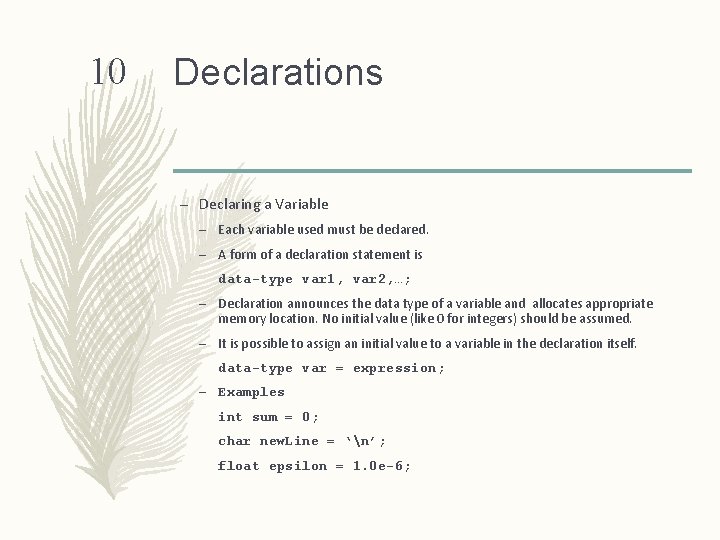
10 Declarations – Declaring a Variable – Each variable used must be declared. – A form of a declaration statement is data-type var 1, var 2, …; – Declaration announces the data type of a variable and allocates appropriate memory location. No initial value (like 0 for integers) should be assumed. – It is possible to assign an initial value to a variable in the declaration itself. data-type var = expression; – Examples int sum = 0; char new. Line = ‘n’; float epsilon = 1. 0 e-6;
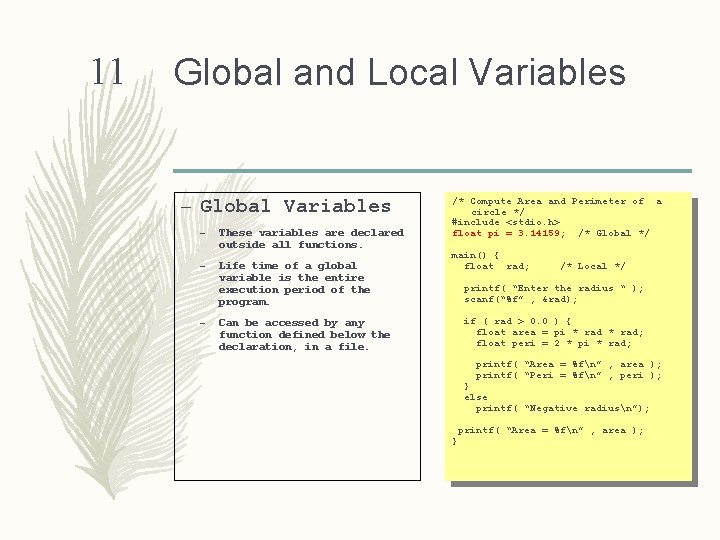
11 Global and Local Variables – Global Variables – These variables are declared outside all functions. – Life time of a global variable is the entire execution period of the program. – /* Compute Area and Perimeter of a circle */ #include <stdio. h> float pi = 3. 14159; /* Global */ main() { float rad; /* Local */ printf( “Enter the radius “ ); scanf(“%f” , &rad); if ( rad > 0. 0 ) { float area = pi * rad; float peri = 2 * pi * rad; Can be accessed by any function defined below the declaration, in a file. printf( “Area = %fn” , area ); printf( “Peri = %fn” , peri ); } else printf( “Negative radiusn”); printf( “Area = %fn” , area ); }
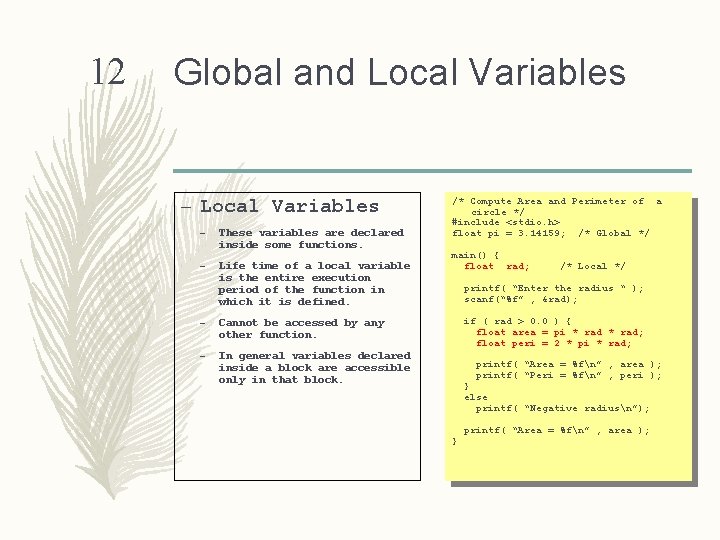
12 Global and Local Variables – These variables are declared inside some functions. – Life time of a local variable is the entire execution period of the function in which it is defined. – Cannot be accessed by any other function. – In general variables declared inside a block are accessible only in that block. /* Compute Area and Perimeter of a circle */ #include <stdio. h> float pi = 3. 14159; /* Global */ main() { float rad; /* Local */ printf( “Enter the radius “ ); scanf(“%f” , &rad); if ( rad > 0. 0 ) { float area = pi * rad; float peri = 2 * pi * rad; printf( “Area = %fn” , area ); printf( “Peri = %fn” , peri ); } else printf( “Negative radiusn”); } printf( “Area = %fn” , area );
- Slides: 12