
1 4 UNDERSTANDING YOUR COMPUTER 1 Three Key



- Slides: 11
1. 4 UNDERSTANDING YOUR COMPUTER ****** 1
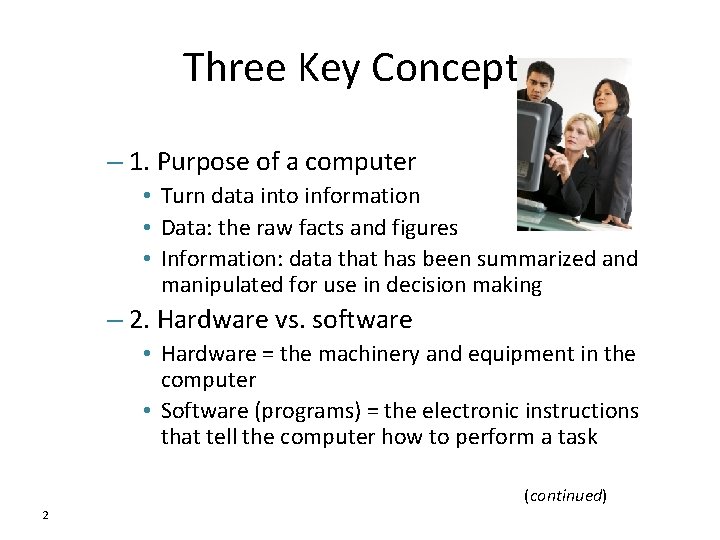
Three Key Concepts – 1. Purpose of a computer • Turn data into information • Data: the raw facts and figures • Information: data that has been summarized and manipulated for use in decision making – 2. Hardware vs. software • Hardware = the machinery and equipment in the computer • Software (programs) = the electronic instructions that tell the computer how to perform a task (continued) 2
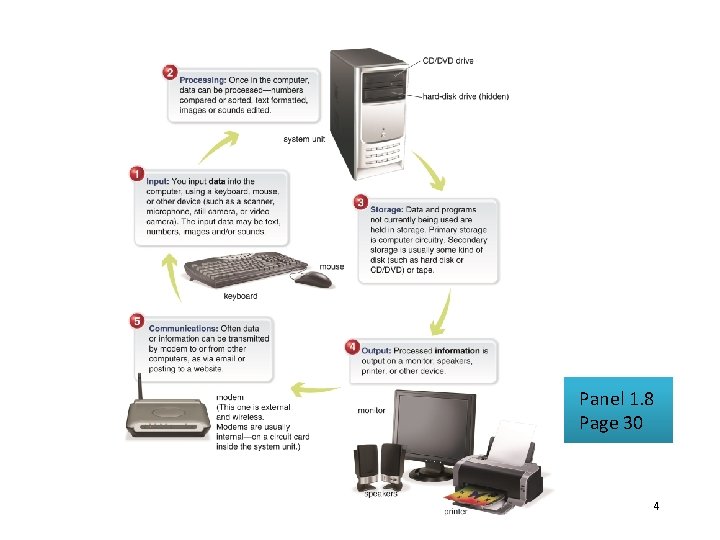
– 3. The basic operations • Input: What goes in to the computer system • Processing: The manipulation a computer does to transform data into information • Storage: – Primary storage, or memory, is temporary storage. – Secondary storage is permanent storage: media such as DVDs and CDs • Output: What comes out – Numbers or pictures on the screen, printouts, sounds • Communications: Sending and receiving data 3
Panel 1. 8 Page 30 4
Understanding a Desktop Computer • What would you need? – Keyboard & mouse (input) – Inside the system cabinet (processing & memory) • • Case and power supply Processor chip – the Central Processor Unit (CPU) Memory chips – Random Access Memory (RAM) Motherboard – the system board – – – 5 Memory chips plug in Processor chip plugs in Motherboard attaches to system cabinet Power supply is connected to system cabinet Power supply wire is connected to motherboard
• Storage Hardware: Hard Drive, CD/DVD Drive, Flash – Storage capacity is represented in bytes • • • 1 byte = 1 character of data 1 kilobyte = 1, 024 bytes 1 megabyte = 1, 024 kilobytes 1 gigabyte = 1, 024 megabytes 1 terabyte = 1, 024 gigabytes 1 petabyte = 1, 024 terabytes – Permanently installed: hard drives, CD/DVD drives, slot connectors for USB and flash memory – Removable media: CDs/DVDs, USB and flash memory 6
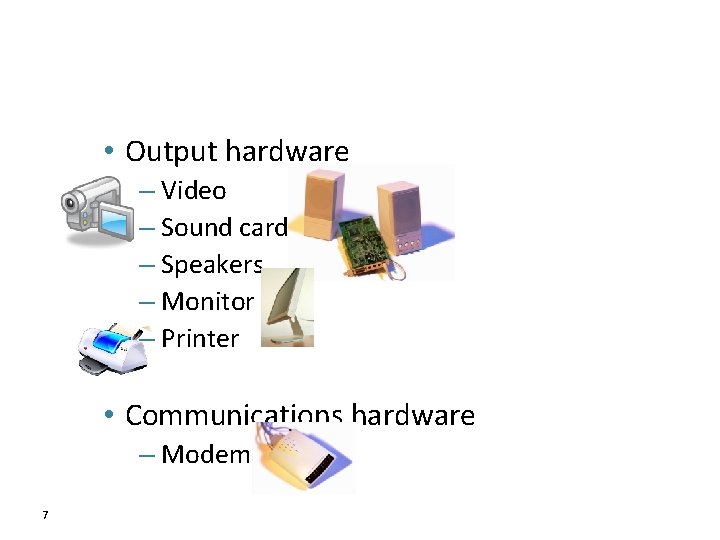
• Output hardware – Video – Sound cards – Speakers – Monitor – Printer • Communications hardware – Modem 7
Basic PC System Panel 1. 10 Page 35 8
Software • System Software—performs essential operating tasks – Most important part: operating system (OS) – Some operating system options • • Windows Unix Linux Mac OS • Application Software—enables user to perform tasks – Install after the OS – Compatibility: application depends on OS, for example, • Linux applications won’t work on Windows • Windows applications won’t work on Linux 9
1. 5 FUTURE OF INFORMATION TECHNOLOGY 10
• 3 directions of computer development – Miniaturization – Speed – Affordability • 3 directions of communications development – Connectivity – Interactivity – Multimedia 11