
1 2 Outline Introduction Virtualization Platform Hypervisor Highlevel


- Slides: 38
1
2 Outline • Introduction • Virtualization Platform - Hypervisor • High-level NAS • Functions • Applications • Supported NAS models
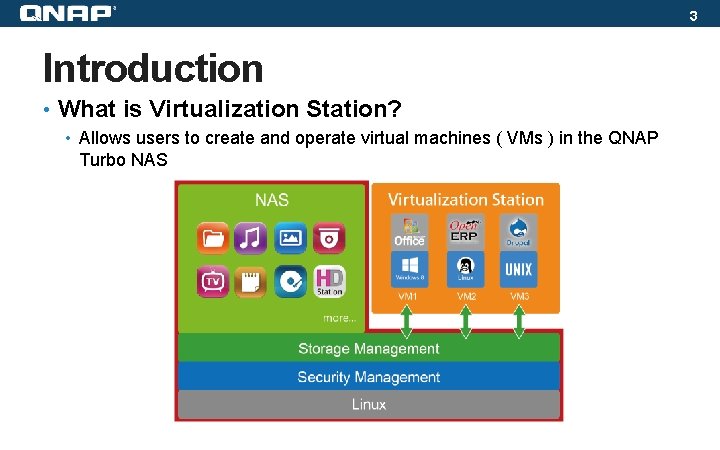
3 Introduction • What is Virtualization Station? • Allows users to create and operate virtual machines ( VMs ) in the QNAP Turbo NAS
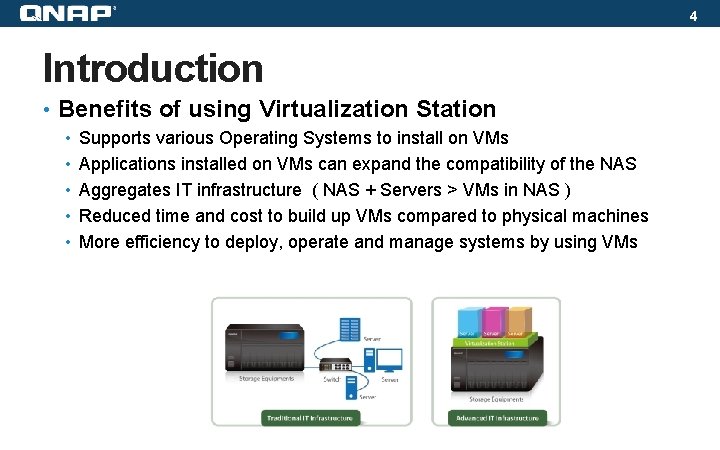
4 Introduction • Benefits of using Virtualization Station • Supports various Operating Systems to install on VMs • Applications installed on VMs can expand the compatibility of the NAS • Aggregates IT infrastructure ( NAS + Servers > VMs in NAS ) • Reduced time and cost to build up VMs compared to physical machines • More efficiency to deploy, operate and manage systems by using VMs
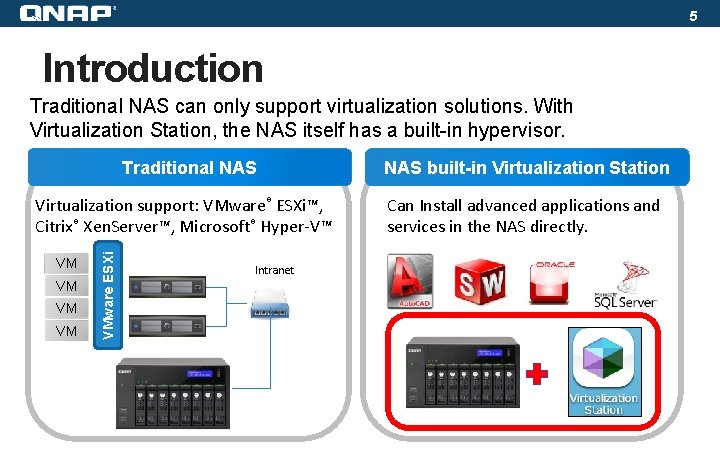
5 Introduction Traditional NAS can only support virtualization solutions. With Virtualization Station, the NAS itself has a built-in hypervisor. Traditional NAS VM VM VMware ESXi Virtualization support: VMware® ESXi™, Citrix® Xen. Server™, Microsoft® Hyper-V™ Intranet NAS built-in Virtualization Station Can Install advanced applications and services in the NAS directly.
6 Virtualization Platform – Hypervisor
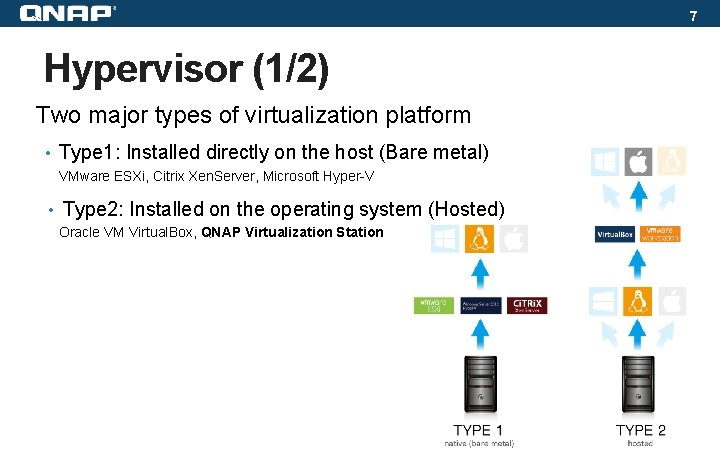
7 Hypervisor (1/2) Two major types of virtualization platform • Type 1: Installed directly on the host (Bare metal) VMware ESXi, Citrix Xen. Server, Microsoft Hyper-V • Type 2: Installed on the operating system (Hosted) Oracle VM Virtual. Box, QNAP Virtualization Station
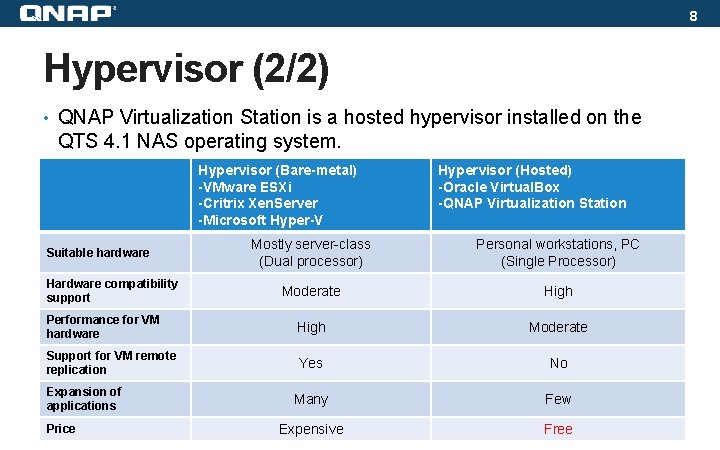
8 Hypervisor (2/2) • QNAP Virtualization Station is a hosted hypervisor installed on the QTS 4. 1 NAS operating system. Hypervisor (Bare-metal) -VMware ESXi -Critrix Xen. Server -Microsoft Hyper-V Hypervisor (Hosted) -Oracle Virtual. Box -QNAP Virtualization Station Mostly server-class (Dual processor) Personal workstations, PC (Single Processor) Moderate High Performance for VM hardware High Moderate Support for VM remote replication Yes No Many Few Expensive Free Suitable hardware Hardware compatibility support Expansion of applications Price
9 High-level NAS
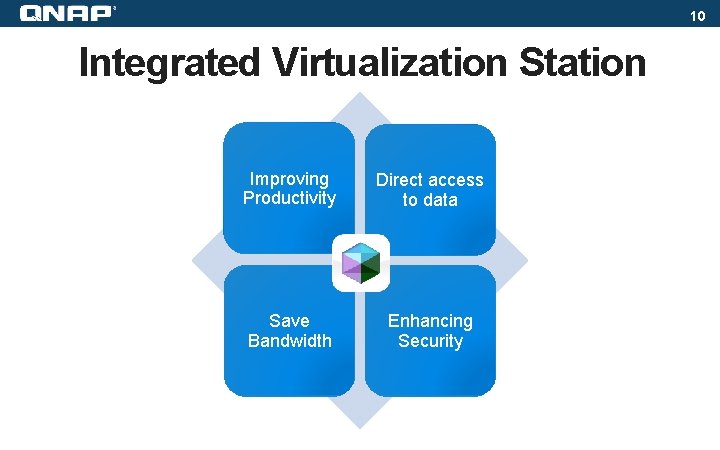
10 Integrated Virtualization Station Improving Productivity Direct access to data Save Bandwidth Enhancing Security
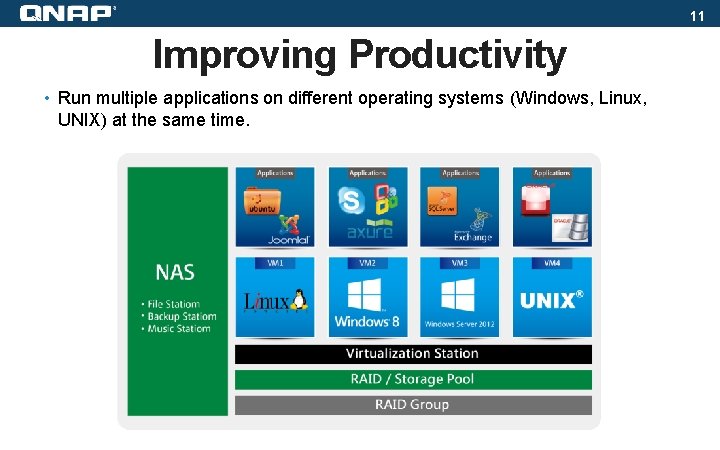
11 Improving Productivity • Run multiple applications on different operating systems (Windows, Linux, UNIX) at the same time.
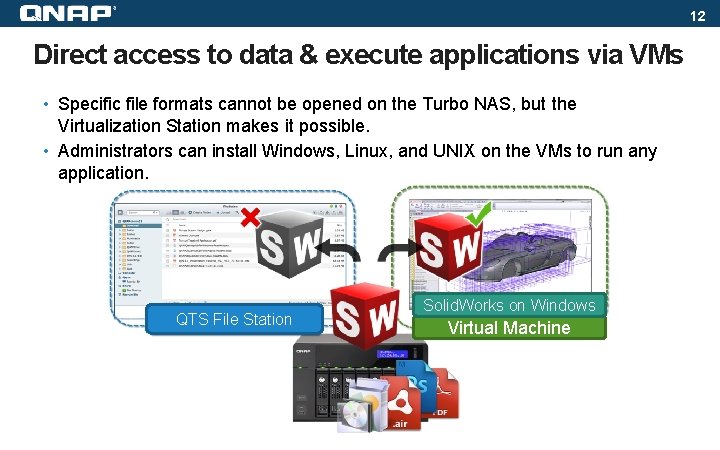
12 Direct access to data & execute applications via VMs • Specific file formats cannot be opened on the Turbo NAS, but the Virtualization Station makes it possible. • Administrators can install Windows, Linux, and UNIX on the VMs to run any application. QTS File Station Solid. Works on Windows Virtual Machine
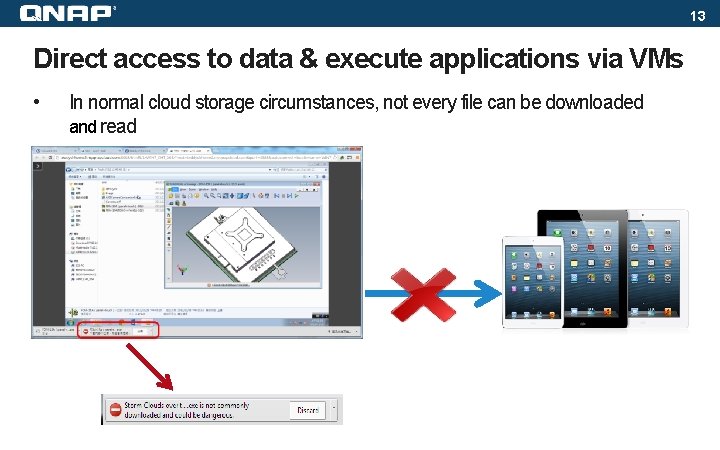
13 Direct access to data & execute applications via VMs • In normal cloud storage circumstances, not every file can be downloaded and read
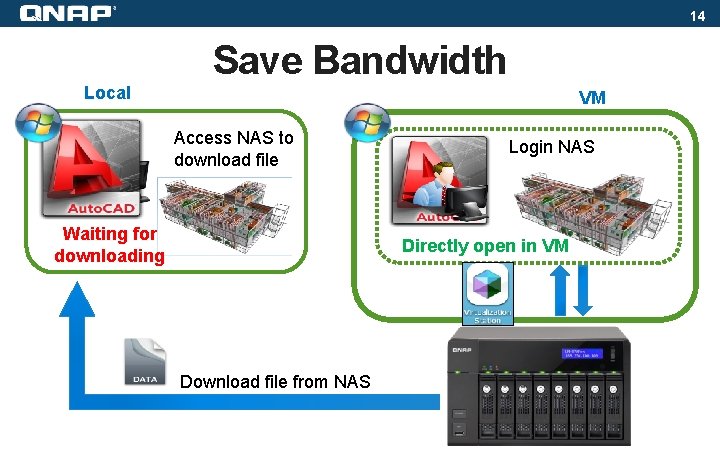
14 Save Bandwidth Local VM Access NAS to download file Waiting for downloading Login NAS Directly open in VM Download file from NAS
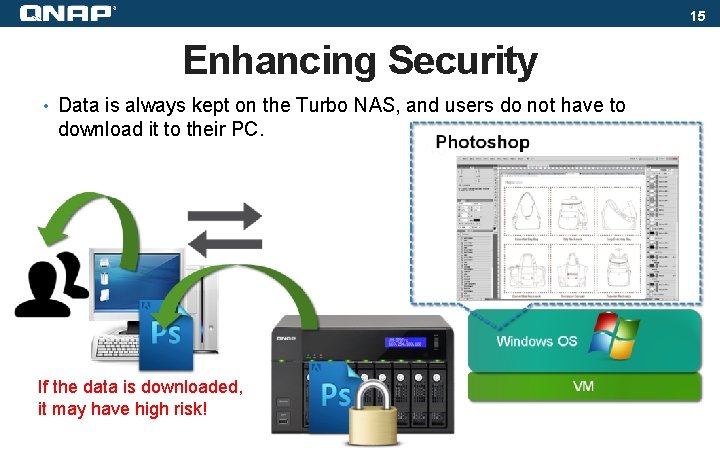
15 Enhancing Security • Data is always kept on the Turbo NAS, and users do not have to download it to their PC. If the data is downloaded, it may have high risk!
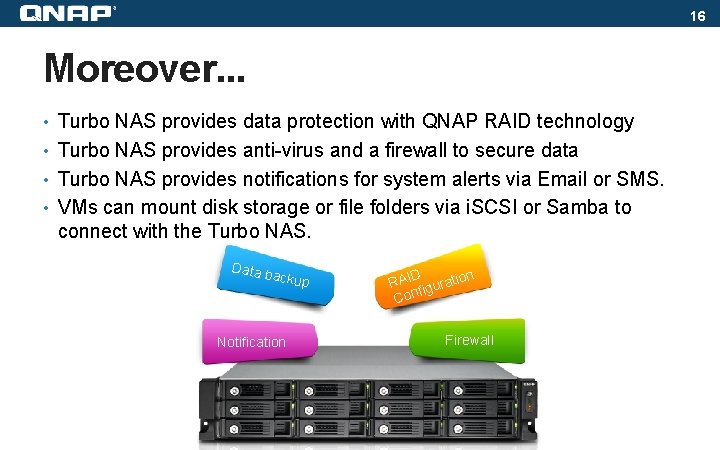
16 Moreover. . . • Turbo NAS provides data protection with QNAP RAID technology • Turbo NAS provides anti-virus and a firewall to secure data • Turbo NAS provides notifications for system alerts via Email or SMS. • VMs can mount disk storage or file folders via i. SCSI or Samba to connect with the Turbo NAS. Data b a ckup Notification D n RAI iguratio f Con Firewall
17 Functions
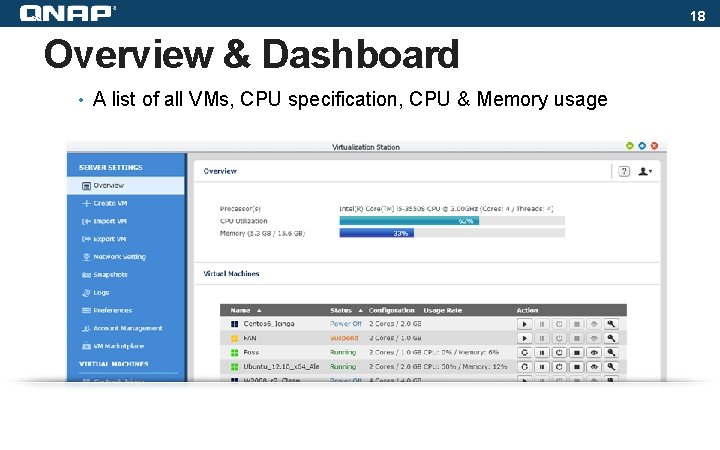
18 Overview & Dashboard • A list of all VMs, CPU specification, CPU & Memory usage
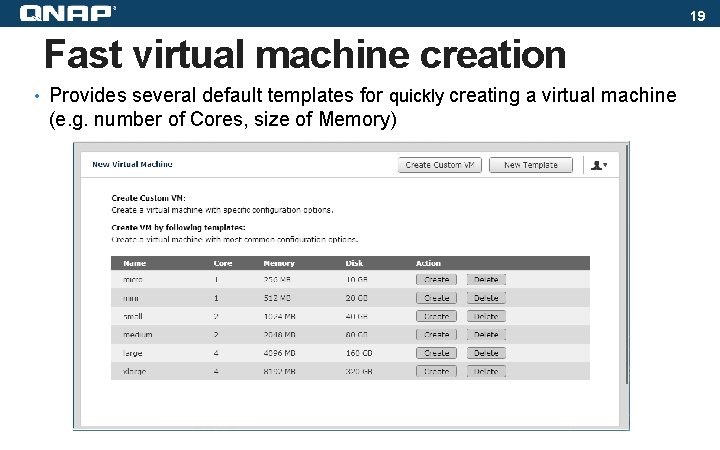
19 Fast virtual machine creation • Provides several default templates for quickly creating a virtual machine (e. g. number of Cores, size of Memory)
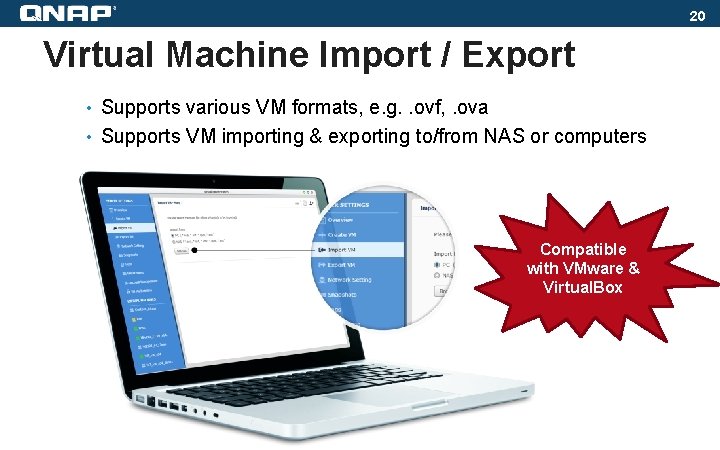
20 Virtual Machine Import / Export • Supports various VM formats, e. g. . ovf, . ova • Supports VM importing & exporting to/from NAS or computers Compatible with VMware & Virtual. Box
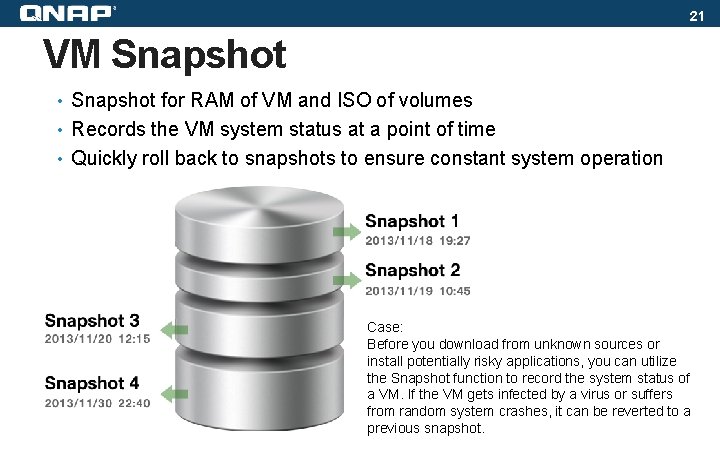
21 VM Snapshot • Snapshot for RAM of VM and ISO of volumes • Records the VM system status at a point of time • Quickly roll back to snapshots to ensure constant system operation Case: Before you download from unknown sources or install potentially risky applications, you can utilize the Snapshot function to record the system status of a VM. If the VM gets infected by a virus or suffers from random system crashes, it can be reverted to a previous snapshot.
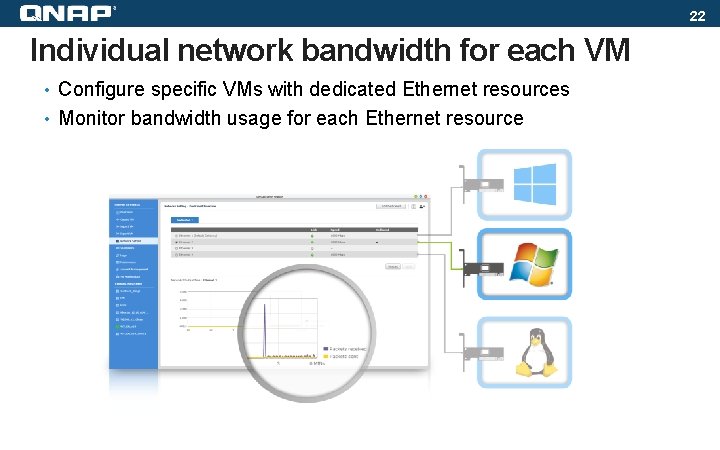
22 Individual network bandwidth for each VM • Configure specific VMs with dedicated Ethernet resources • Monitor bandwidth usage for each Ethernet resource
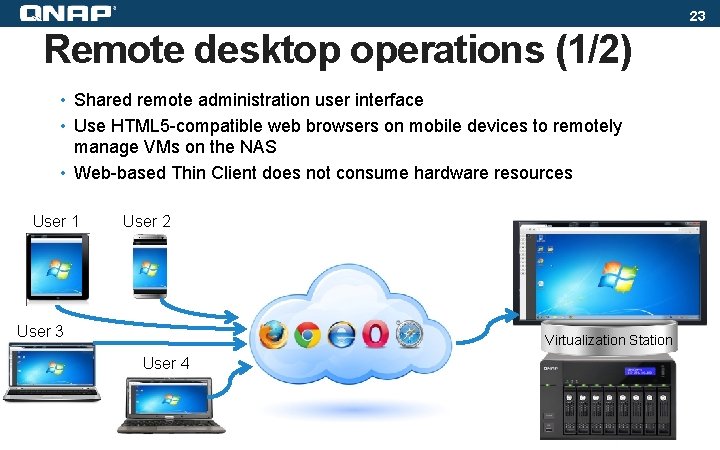
23 Remote desktop operations (1/2) • Shared remote administration user interface • Use HTML 5 -compatible web browsers on mobile devices to remotely manage VMs on the NAS • Web-based Thin Client does not consume hardware resources User 1 User 2 User 3 Virtualization Station User 4
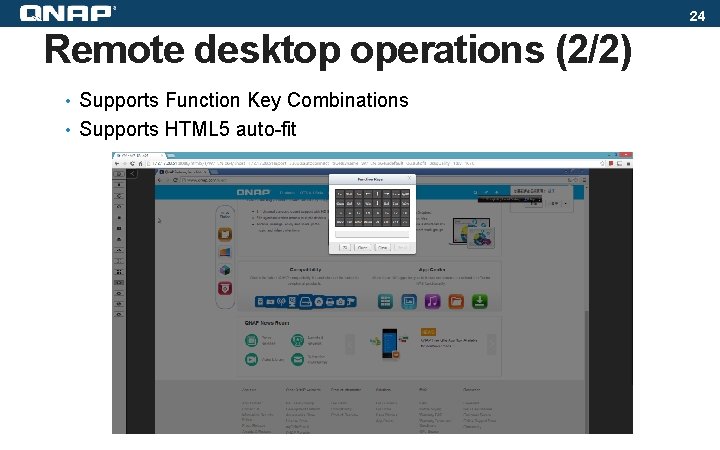
24 Remote desktop operations (2/2) • Supports Function Key Combinations • Supports HTML 5 auto-fit
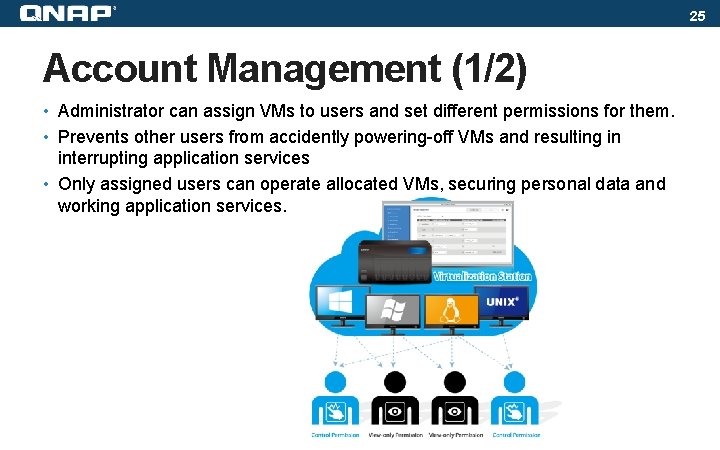
25 Account Management (1/2) • Administrator can assign VMs to users and set different permissions for them. • Prevents other users from accidently powering-off VMs and resulting in interrupting application services • Only assigned users can operate allocated VMs, securing personal data and working application services.
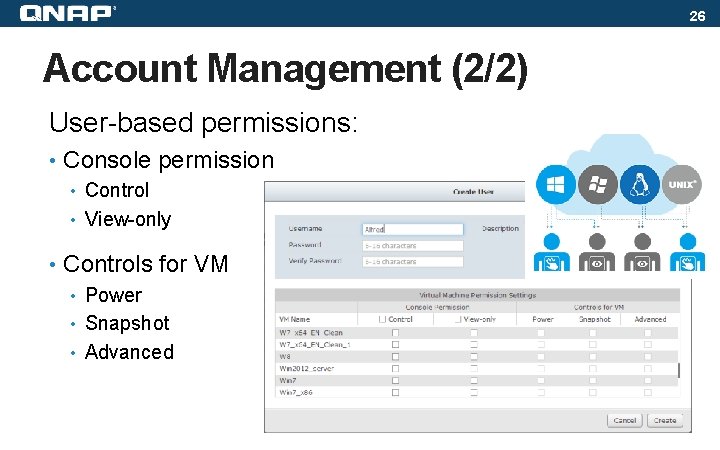
26 Account Management (2/2) User-based permissions: • Console permission • Control • View-only • Controls for VM • Power • Snapshot • Advanced
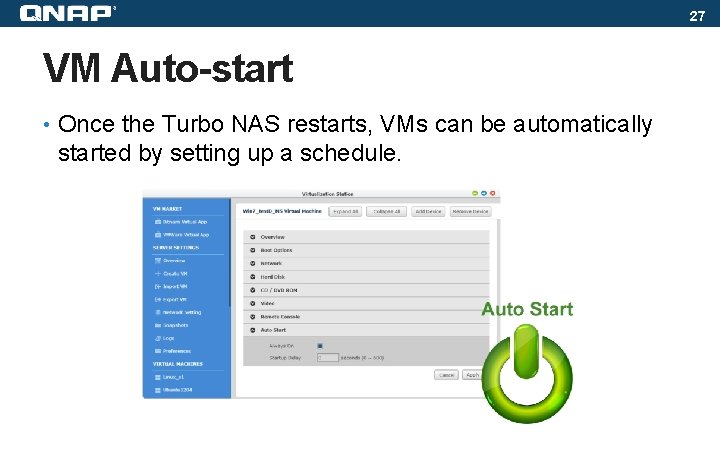
27 VM Auto-start • Once the Turbo NAS restarts, VMs can be automatically started by setting up a schedule.
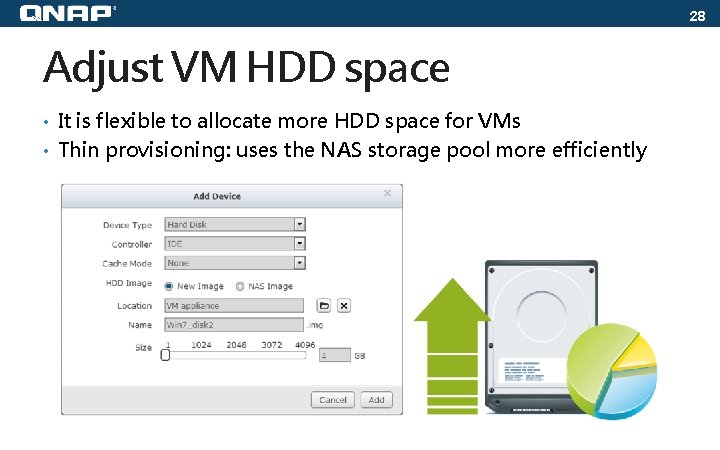
28 Adjust VM HDD space • It is flexible to allocate more HDD space for VMs • Thin provisioning: uses the NAS storage pool more efficiently
29 Applications
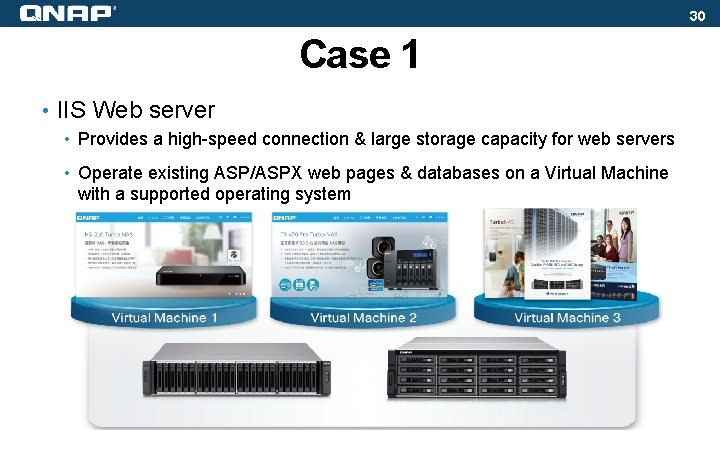
30 Case 1 • IIS Web server • Provides a high-speed connection & large storage capacity for web servers • Operate existing ASP/ASPX web pages & databases on a Virtual Machine with a supported operating system
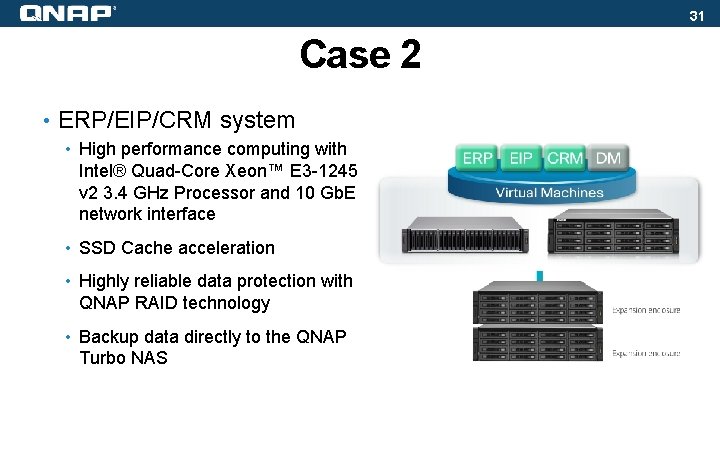
31 Case 2 • ERP/EIP/CRM system • High performance computing with Intel® Quad-Core Xeon™ E 3 -1245 v 2 3. 4 GHz Processor and 10 Gb. E network interface • SSD Cache acceleration • Highly reliable data protection with QNAP RAID technology • Backup data directly to the QNAP Turbo NAS
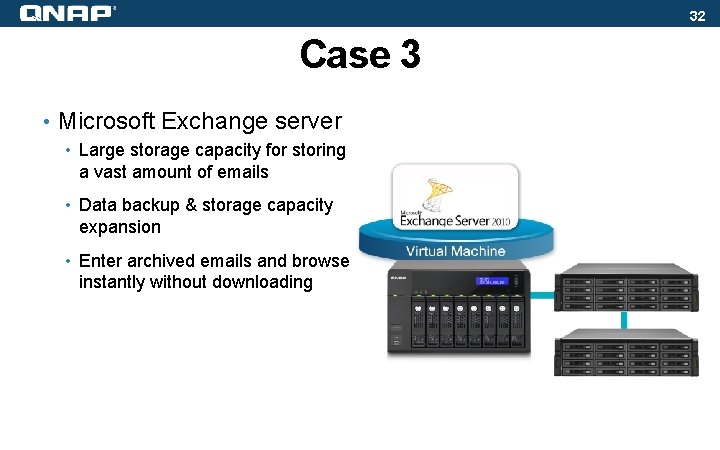
32 Case 3 • Microsoft Exchange server • Large storage capacity for storing a vast amount of emails • Data backup & storage capacity expansion • Enter archived emails and browse instantly without downloading
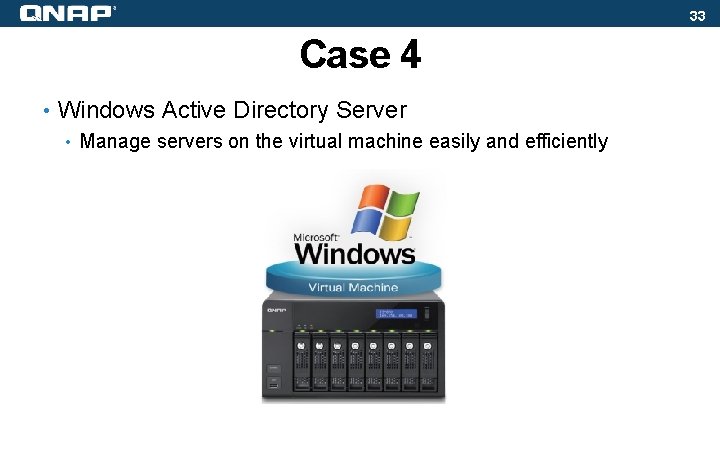
33 Case 4 • Windows Active Directory Server • Manage servers on the virtual machine easily and efficiently
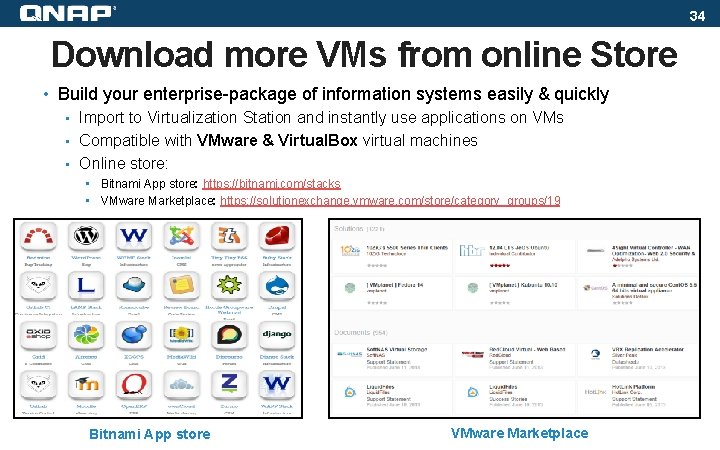
34 Download more VMs from online Store • Build your enterprise-package of information systems easily & quickly • Import to Virtualization Station and instantly use applications on VMs • Compatible with VMware & Virtual. Box virtual machines • Online store: • Bitnami App store: https: //bitnami. com/stacks • VMware Marketplace: https: //solutionexchange. vmware. com/store/category_groups/19 Bitnami App store VMware Marketplace
35 Available NAS models
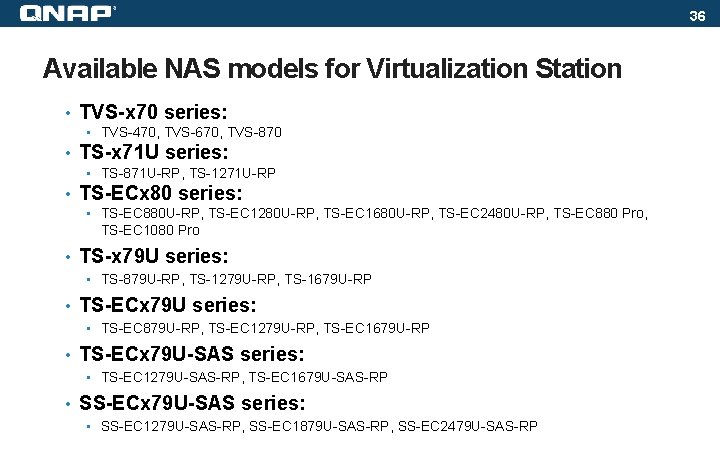
36 Available NAS models for Virtualization Station • TVS-x 70 series: • TVS-470, TVS-670, TVS-870 • TS-x 71 U series: • TS-871 U-RP, TS-1271 U-RP • TS-ECx 80 series: • TS-EC 880 U-RP, TS-EC 1280 U-RP, TS-EC 1680 U-RP, TS-EC 2480 U-RP, TS-EC 880 Pro, TS-EC 1080 Pro • TS-x 79 U series: • TS-879 U-RP, TS-1279 U-RP, TS-1679 U-RP • TS-ECx 79 U series: • TS-EC 879 U-RP, TS-EC 1279 U-RP, TS-EC 1679 U-RP • TS-ECx 79 U-SAS series: • TS-EC 1279 U-SAS-RP, TS-EC 1679 U-SAS-RP • SS-ECx 79 U-SAS series: • SS-EC 1279 U-SAS-RP, SS-EC 1879 U-SAS-RP, SS-EC 2479 U-SAS-RP
37 Appendix • System requirements: • QNAP QTS 4. 1 or newer • At least 4 GB RAM • Where to download: • App Center: “Utilities” section • Download link • QNAP Virtualization Station website • FAQ • Application Tutorials
THANK YOU