
1 1 Introduction 2005 Pearson Education Inc All
- Slides: 39
1 1 Introduction 2005 Pearson Education, Inc. All rights reserved.
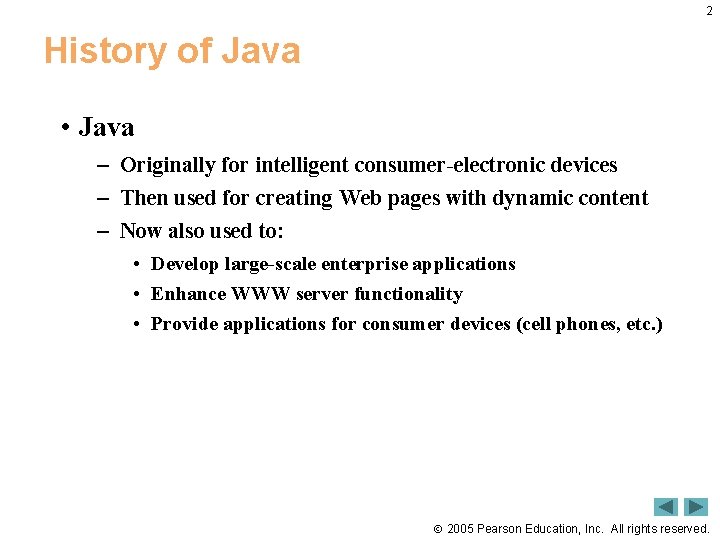
2 History of Java • Java – Originally for intelligent consumer-electronic devices – Then used for creating Web pages with dynamic content – Now also used to: • Develop large-scale enterprise applications • Enhance WWW server functionality • Provide applications for consumer devices (cell phones, etc. ) 2005 Pearson Education, Inc. All rights reserved.
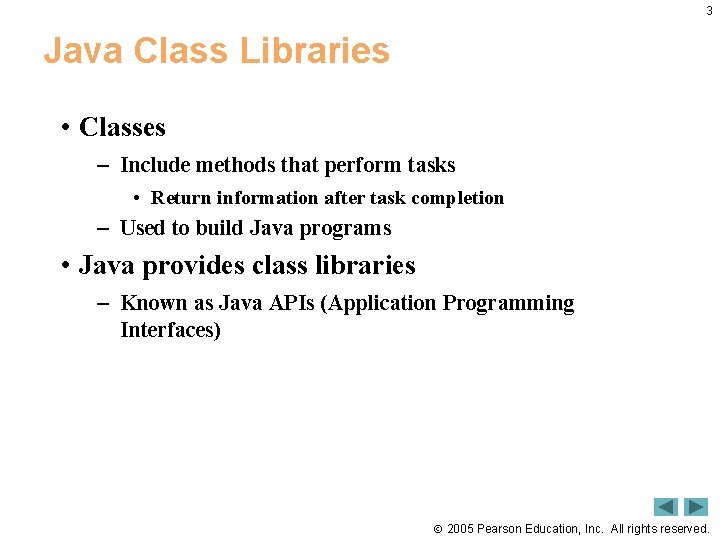
3 Java Class Libraries • Classes – Include methods that perform tasks • Return information after task completion – Used to build Java programs • Java provides class libraries – Known as Java APIs (Application Programming Interfaces) 2005 Pearson Education, Inc. All rights reserved.
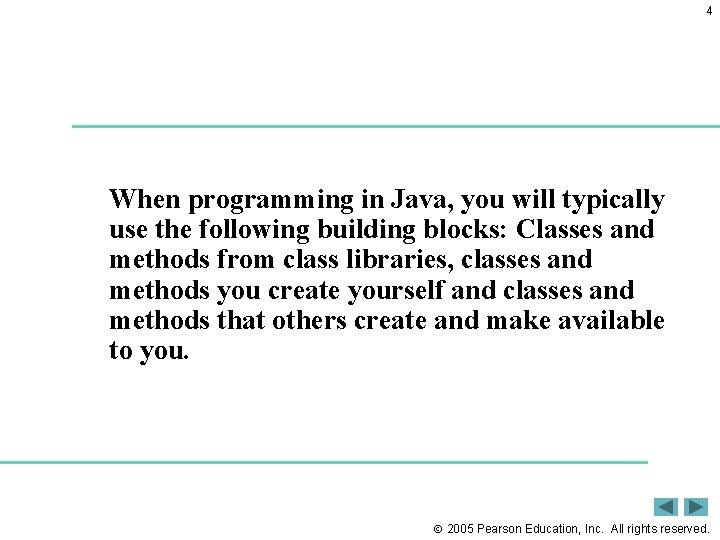
4 When programming in Java, you will typically use the following building blocks: Classes and methods from class libraries, classes and methods you create yourself and classes and methods that others create and make available to you. 2005 Pearson Education, Inc. All rights reserved.
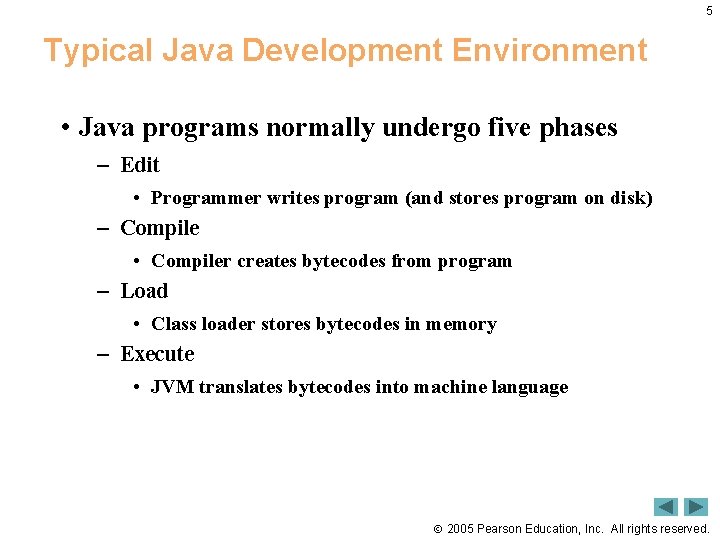
5 Typical Java Development Environment • Java programs normally undergo five phases – Edit • Programmer writes program (and stores program on disk) – Compile • Compiler creates bytecodes from program – Load • Class loader stores bytecodes in memory – Execute • JVM translates bytecodes into machine language 2005 Pearson Education, Inc. All rights reserved.
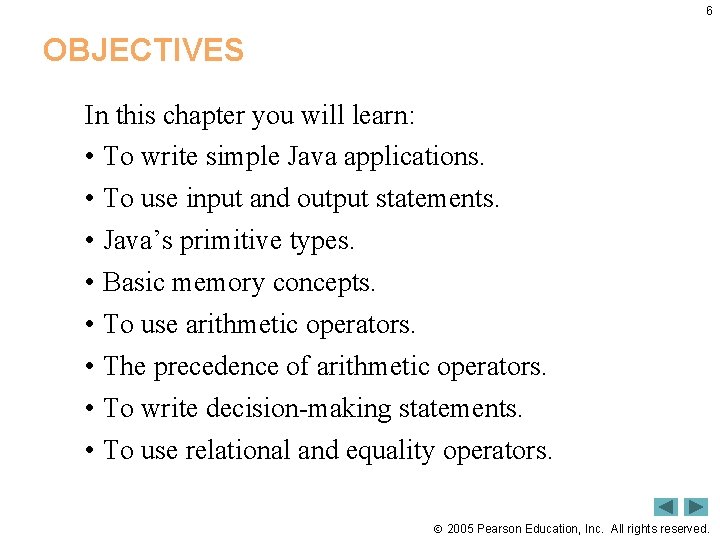
6 OBJECTIVES In this chapter you will learn: • To write simple Java applications. • To use input and output statements. • Java’s primitive types. • Basic memory concepts. • To use arithmetic operators. • The precedence of arithmetic operators. • To write decision-making statements. • To use relational and equality operators. 2005 Pearson Education, Inc. All rights reserved.
Outline 7 • Welcome 1. java 2005 Pearson Education, Inc. All rights reserved.
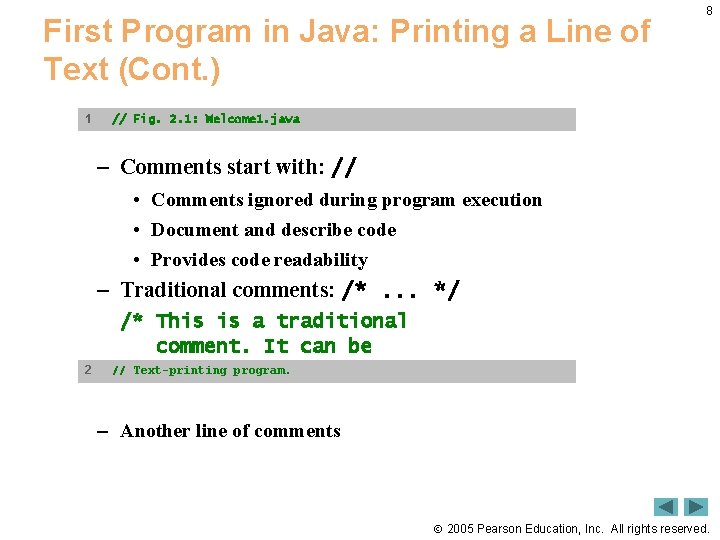
First Program in Java: Printing a Line of Text (Cont. ) 1 8 // Fig. 2. 1: Welcome 1. java – Comments start with: // • Comments ignored during program execution • Document and describe code • Provides code readability – Traditional comments: /*. . . */ 2 /* This is a traditional comment. It can be // Text-printing program. many lines */ split over – Another line of comments 2005 Pearson Education, Inc. All rights reserved.
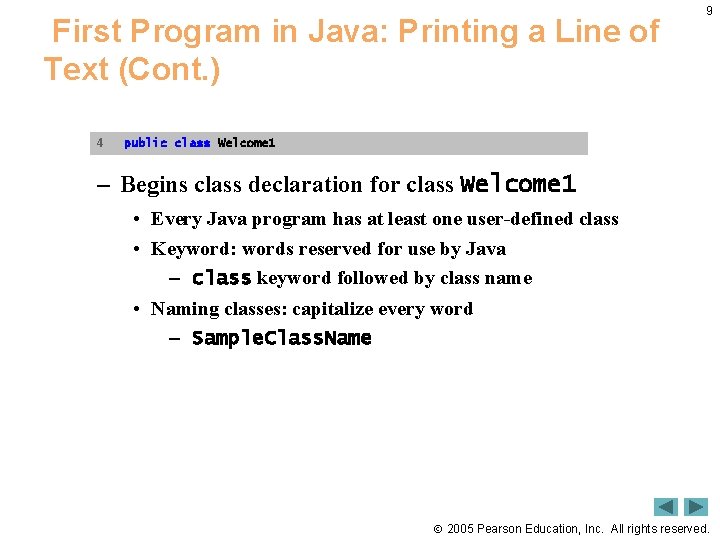
First Program in Java: Printing a Line of Text (Cont. ) 4 9 public class Welcome 1 – Begins class declaration for class Welcome 1 • Every Java program has at least one user-defined class • Keyword: words reserved for use by Java – class keyword followed by class name • Naming classes: capitalize every word – Sample. Class. Name 2005 Pearson Education, Inc. All rights reserved.
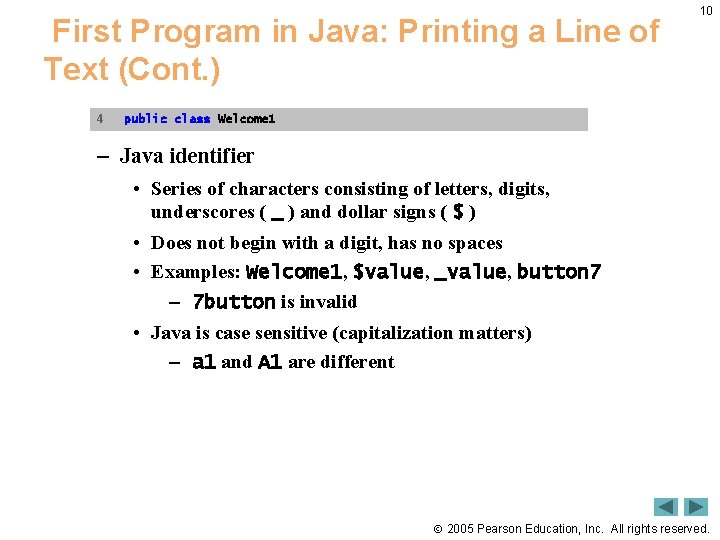
First Program in Java: Printing a Line of Text (Cont. ) 4 10 public class Welcome 1 – Java identifier • Series of characters consisting of letters, digits, underscores ( _ ) and dollar signs ( $ ) • Does not begin with a digit, has no spaces • Examples: Welcome 1, $value, _value, button 7 – 7 button is invalid • Java is case sensitive (capitalization matters) – a 1 and A 1 are different 2005 Pearson Education, Inc. All rights reserved.
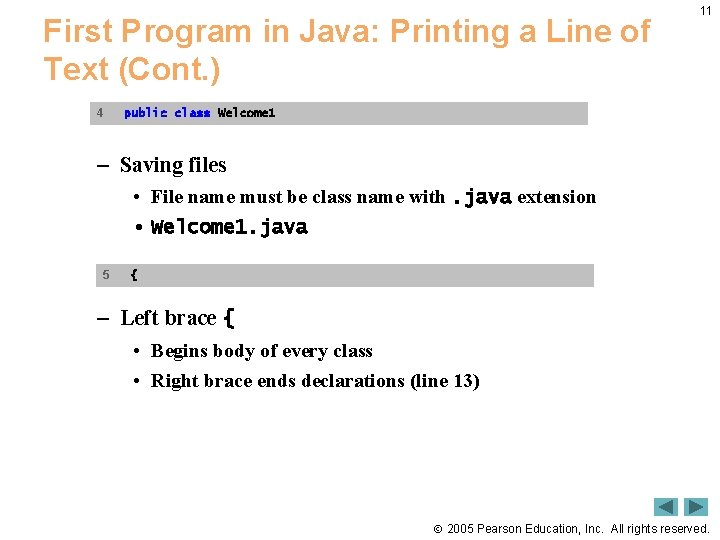
First Program in Java: Printing a Line of Text (Cont. ) 4 11 public class Welcome 1 – Saving files • File name must be class name with. java extension • Welcome 1. java 5 { – Left brace { • Begins body of every class • Right brace ends declarations (line 13) 2005 Pearson Education, Inc. All rights reserved.
12 Common Programming Error • It is an error not to end a file name with the. java extension for a file containing a class declaration. If that extension is missing, the Java compiler will not be able to compile the class declaration. 2005 Pearson Education, Inc. All rights reserved.
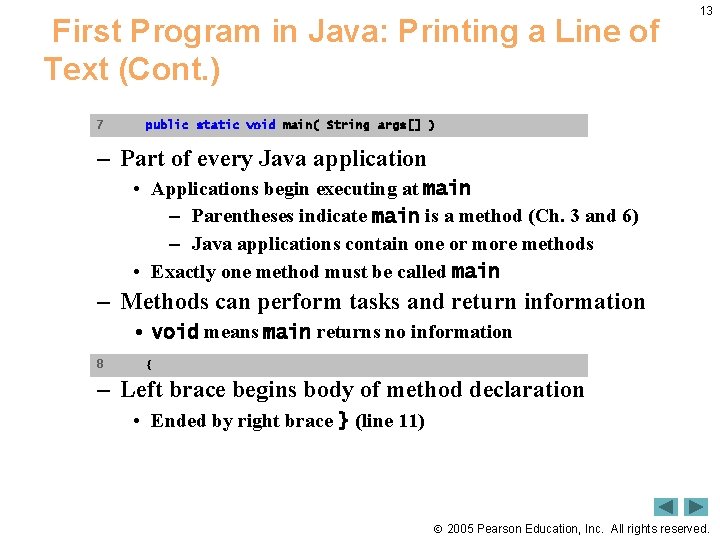
First Program in Java: Printing a Line of Text (Cont. ) 7 13 public static void main( String args[] ) – Part of every Java application • Applications begin executing at main – Parentheses indicate main is a method (Ch. 3 and 6) – Java applications contain one or more methods • Exactly one method must be called main – Methods can perform tasks and return information • void means main returns no information 8 { – Left brace begins body of method declaration • Ended by right brace } (line 11) 2005 Pearson Education, Inc. All rights reserved.
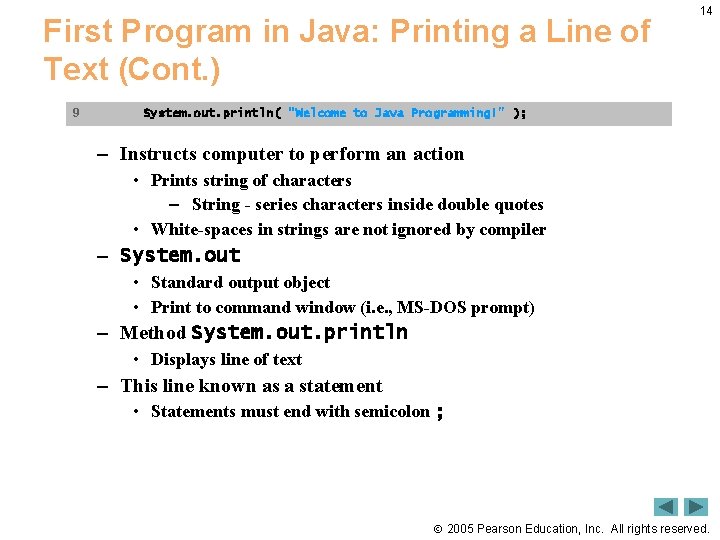
First Program in Java: Printing a Line of Text (Cont. ) 9 14 System. out. println( "Welcome to Java Programming!" ); – Instructs computer to perform an action • Prints string of characters – String - series characters inside double quotes • White-spaces in strings are not ignored by compiler – System. out • Standard output object • Print to command window (i. e. , MS-DOS prompt) – Method System. out. println • Displays line of text – This line known as a statement • Statements must end with semicolon ; 2005 Pearson Education, Inc. All rights reserved.
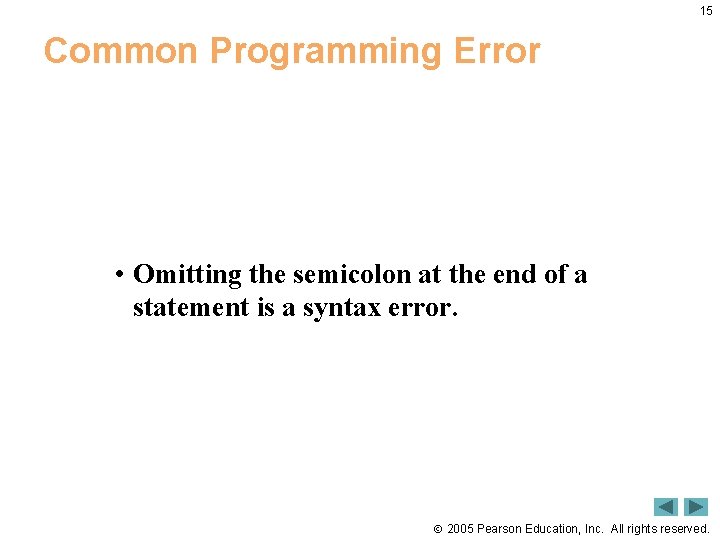
15 Common Programming Error • Omitting the semicolon at the end of a statement is a syntax error. 2005 Pearson Education, Inc. All rights reserved.
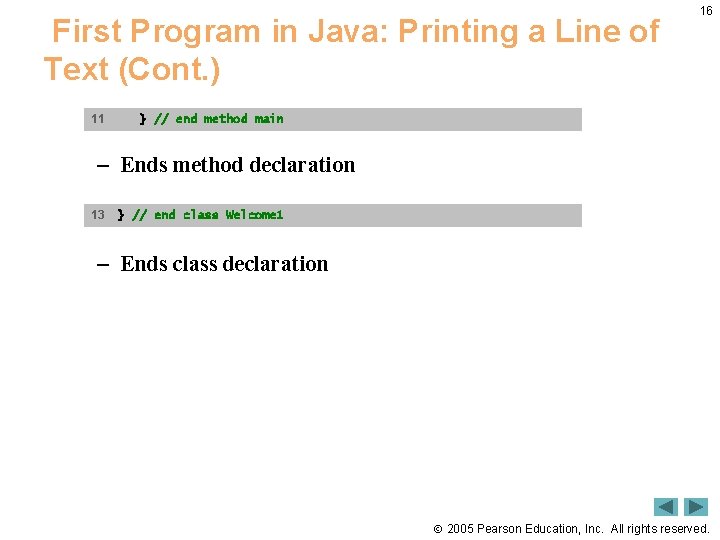
First Program in Java: Printing a Line of Text (Cont. ) 11 16 } // end method main – Ends method declaration 13 } // end class Welcome 1 – Ends class declaration 2005 Pearson Education, Inc. All rights reserved.
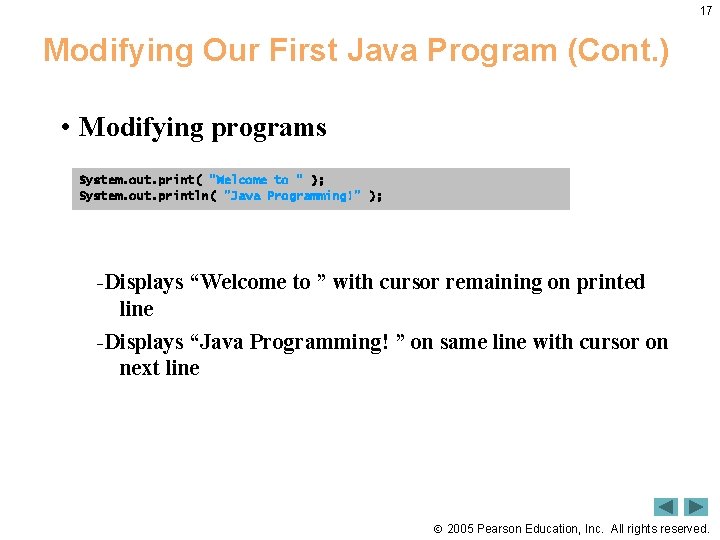
17 Modifying Our First Java Program (Cont. ) • Modifying programs System. out. print( "Welcome to " ); System. out. println( "Java Programming!" ); -Displays “Welcome to ” with cursor remaining on printed line -Displays “Java Programming! ” on same line with cursor on next line 2005 Pearson Education, Inc. All rights reserved.
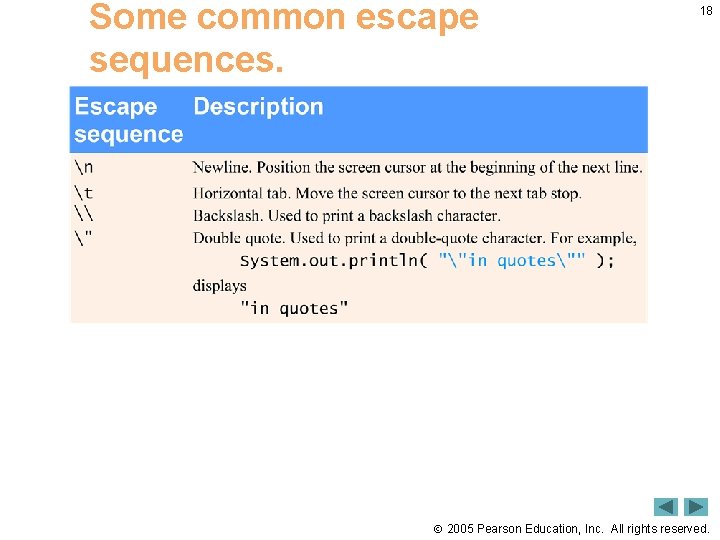
Some common escape sequences. 18 2005 Pearson Education, Inc. All rights reserved.
Outline 19 2005 Pearson Education, Inc. All rights reserved.
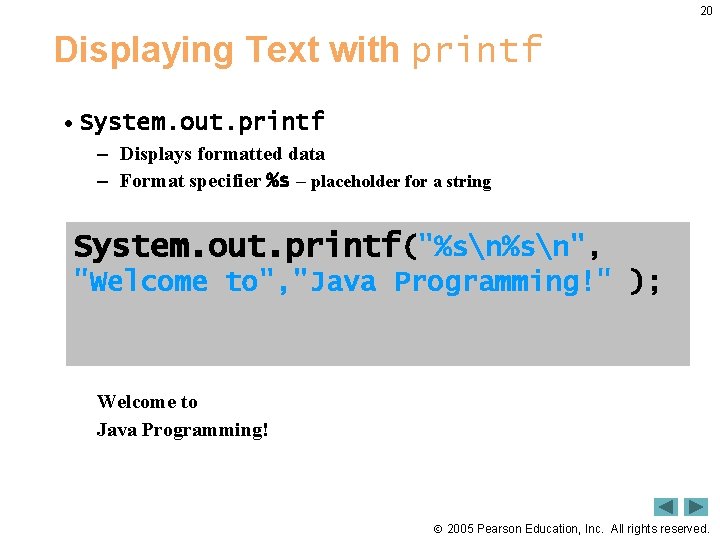
20 Displaying Text with printf • System. out. printf – Displays formatted data – Format specifier %s – placeholder for a string System. out. printf("%sn", "Welcome to", "Java Programming!" ); Welcome to Java Programming! 2005 Pearson Education, Inc. All rights reserved.
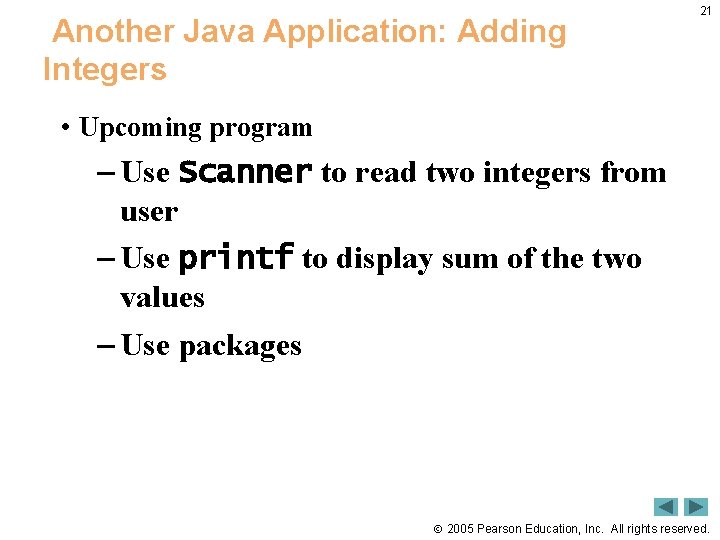
Another Java Application: Adding Integers 21 • Upcoming program – Use Scanner to read two integers from user – Use printf to display sum of the two values – Use packages 2005 Pearson Education, Inc. All rights reserved.
Outline 22 2005 Pearson Education, Inc. All rights reserved.
Outline 23 2005 Pearson Education, Inc. All rights reserved.
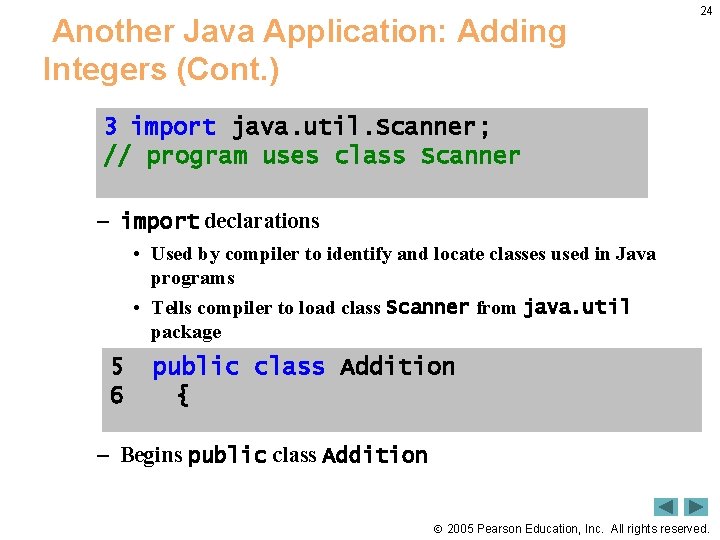
Another Java Application: Adding Integers (Cont. ) 24 3 import java. util. Scanner; // program uses class Scanner – import declarations • Used by compiler to identify and locate classes used in Java programs • Tells compiler to load class Scanner from java. util package 5 6 public class Addition { – Begins public class Addition 2005 Pearson Education, Inc. All rights reserved.
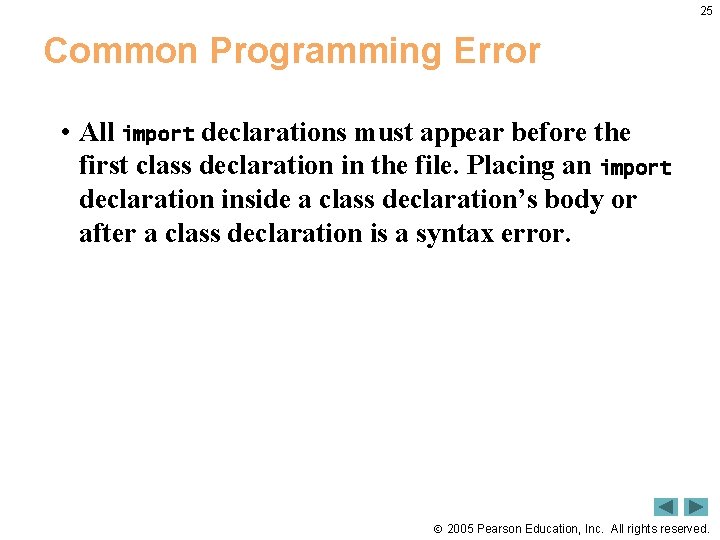
25 Common Programming Error • All import declarations must appear before the first class declaration in the file. Placing an import declaration inside a class declaration’s body or after a class declaration is a syntax error. 2005 Pearson Education, Inc. All rights reserved.
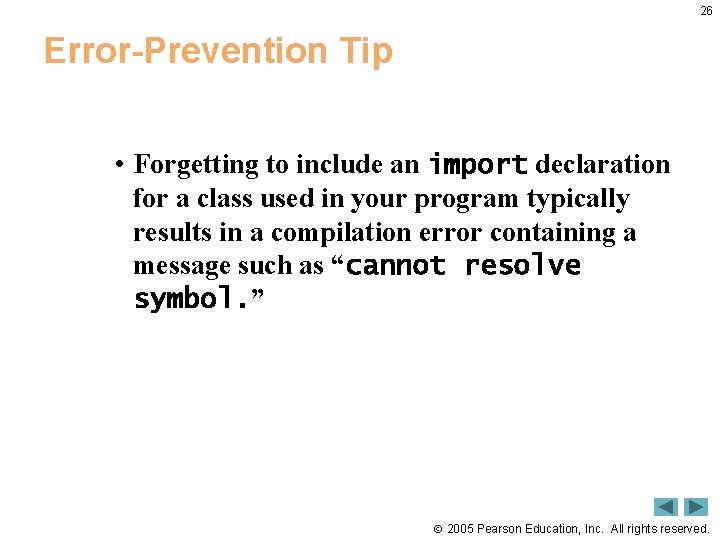
26 Error-Prevention Tip • Forgetting to include an import declaration for a class used in your program typically results in a compilation error containing a message such as “cannot resolve symbol. ” 2005 Pearson Education, Inc. All rights reserved.
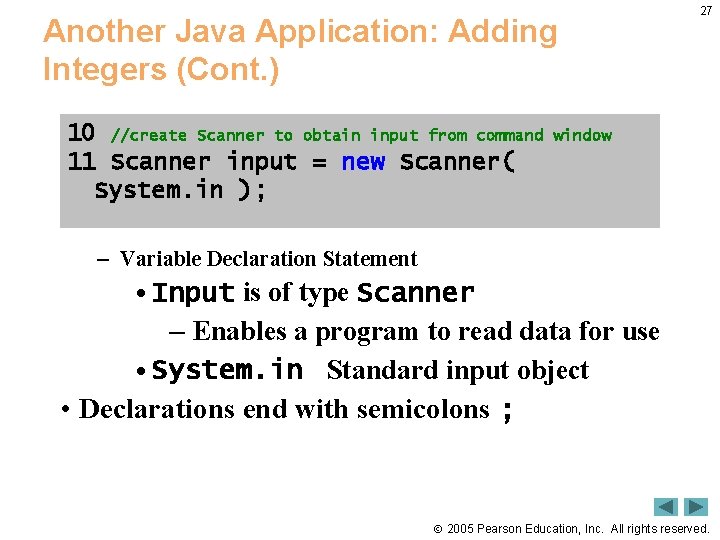
Another Java Application: Adding Integers (Cont. ) 10 //create Scanner to obtain input from command 11 Scanner input = new Scanner( System. in ); 27 window – Variable Declaration Statement • Input is of type Scanner – Enables a program to read data for use • System. in Standard input object • Declarations end with semicolons ; 2005 Pearson Education, Inc. All rights reserved.
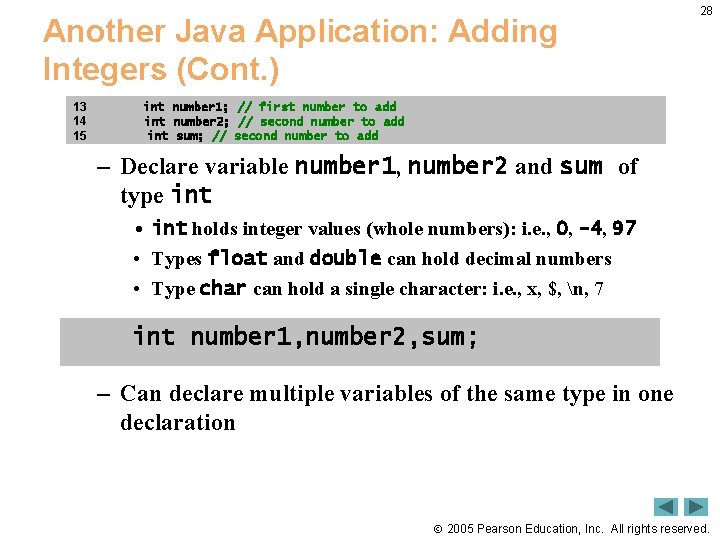
Another Java Application: Adding Integers (Cont. ) 13 14 15 28 int number 1; // first number to add int number 2; // second number to add int sum; // second number to add – Declare variable number 1, number 2 and sum of type int • int holds integer values (whole numbers): i. e. , 0, -4, 97 • Types float and double can hold decimal numbers • Type char can hold a single character: i. e. , x, $, n, 7 int number 1, number 2, sum; – Can declare multiple variables of the same type in one declaration 2005 Pearson Education, Inc. All rights reserved.
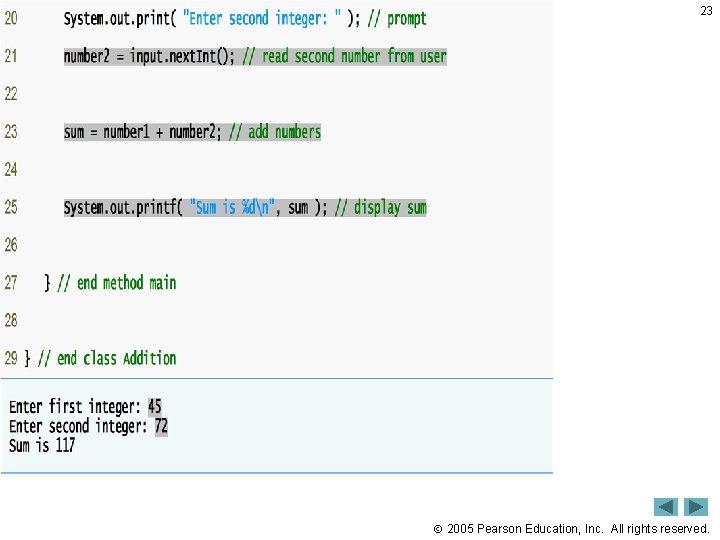
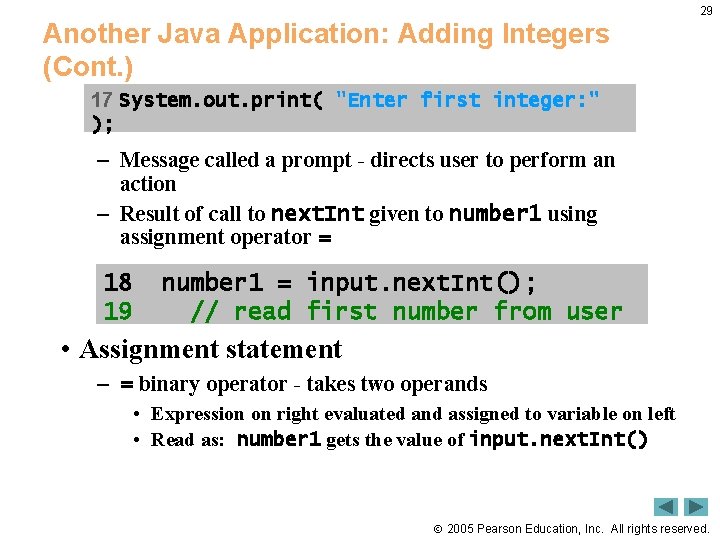
Another Java Application: Adding Integers (Cont. ) 29 17 System. out. print( "Enter first integer: " ); – Message called a prompt - directs user to perform an action – Result of call to next. Int given to number 1 using assignment operator = 18 19 number 1 = input. next. Int(); // read first number from user • Assignment statement – = binary operator - takes two operands • Expression on right evaluated and assigned to variable on left • Read as: number 1 gets the value of input. next. Int() 2005 Pearson Education, Inc. All rights reserved.
30 Software Engineering Observation • By default, package java. lang is imported in every Java program; thus, java. lang is the only package in the Java API that does not require an import declaration. 2005 Pearson Education, Inc. All rights reserved.
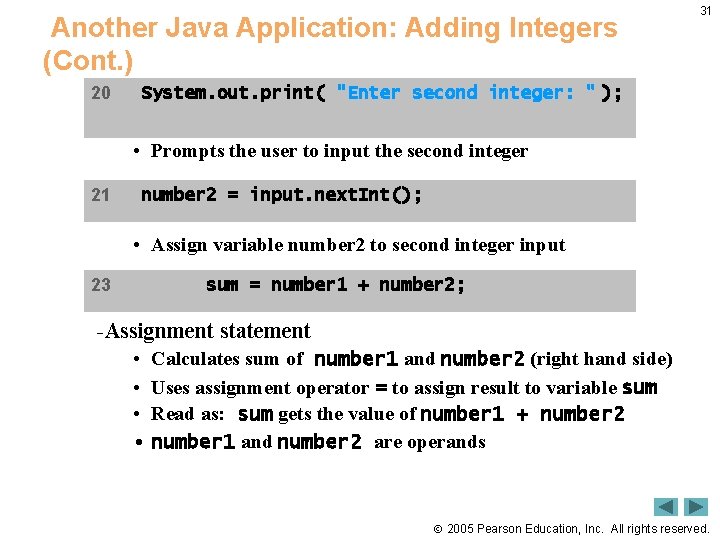
Another Java Application: Adding Integers (Cont. ) 20 31 System. out. print( "Enter second integer: " ); • Prompts the user to input the second integer 21 number 2 = input. next. Int(); • Assign variable number 2 to second integer input 23 sum = number 1 + number 2; -Assignment statement • Calculates sum of number 1 and number 2 (right hand side) • Uses assignment operator = to assign result to variable sum • Read as: sum gets the value of number 1 + number 2 • number 1 and number 2 are operands 2005 Pearson Education, Inc. All rights reserved.
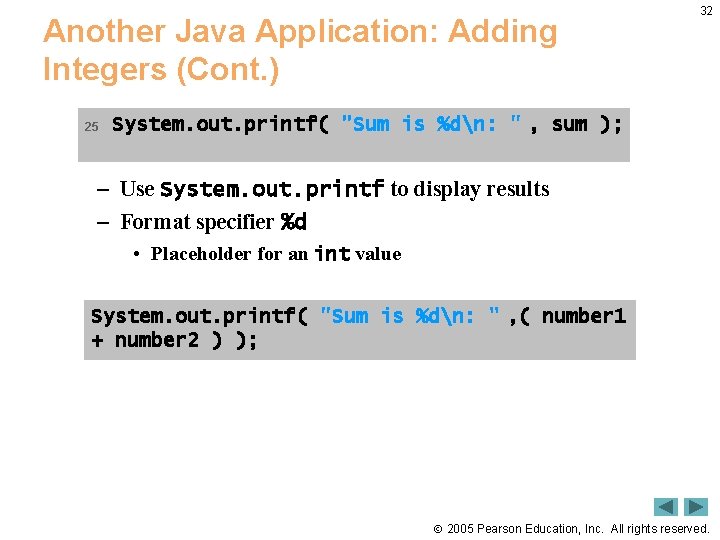
Another Java Application: Adding Integers (Cont. ) 25 32 System. out. printf( "Sum is %dn: " , sum ); – Use System. out. printf to display results – Format specifier %d • Placeholder for an int value System. out. printf( "Sum is %dn: " , ( number 1 + number 2 ) ); 2005 Pearson Education, Inc. All rights reserved.
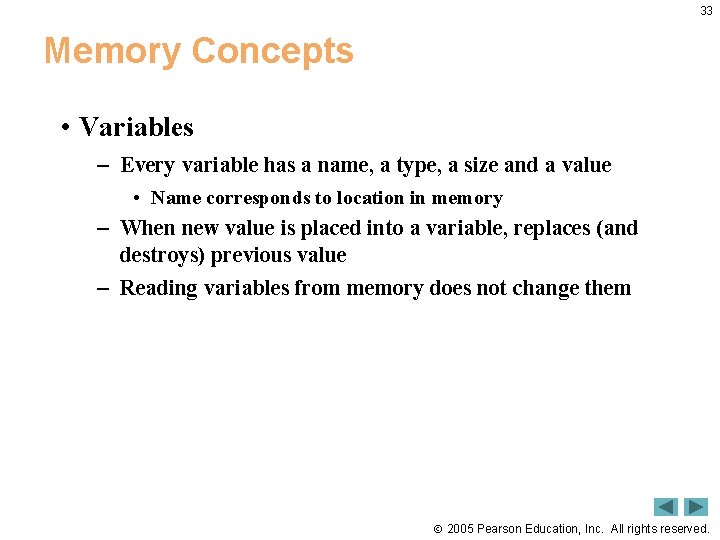
33 Memory Concepts • Variables – Every variable has a name, a type, a size and a value • Name corresponds to location in memory – When new value is placed into a variable, replaces (and destroys) previous value – Reading variables from memory does not change them 2005 Pearson Education, Inc. All rights reserved.
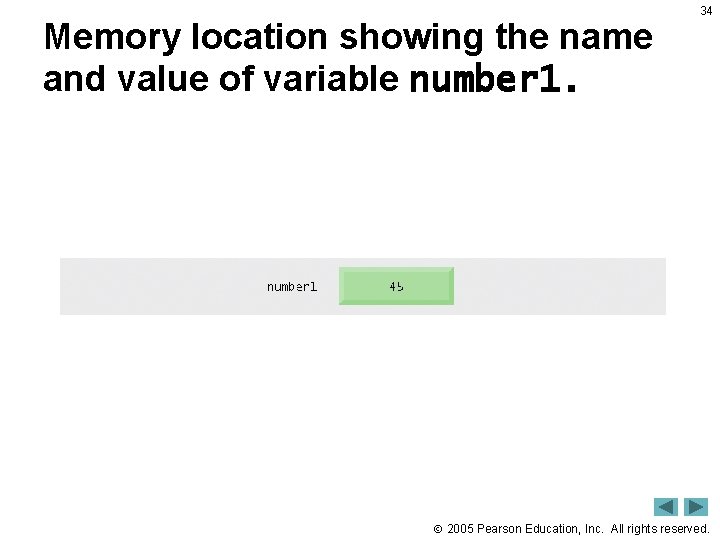
Memory location showing the name and value of variable number 1. 34 2005 Pearson Education, Inc. All rights reserved.
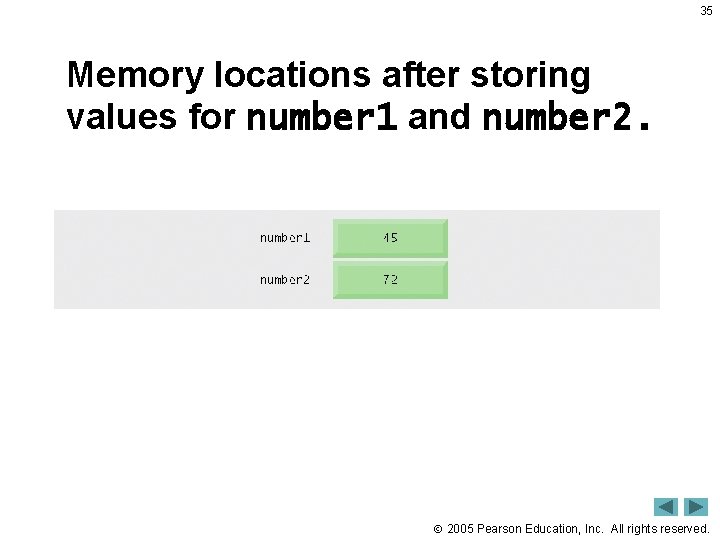
35 Memory locations after storing values for number 1 and number 2. 2005 Pearson Education, Inc. All rights reserved.
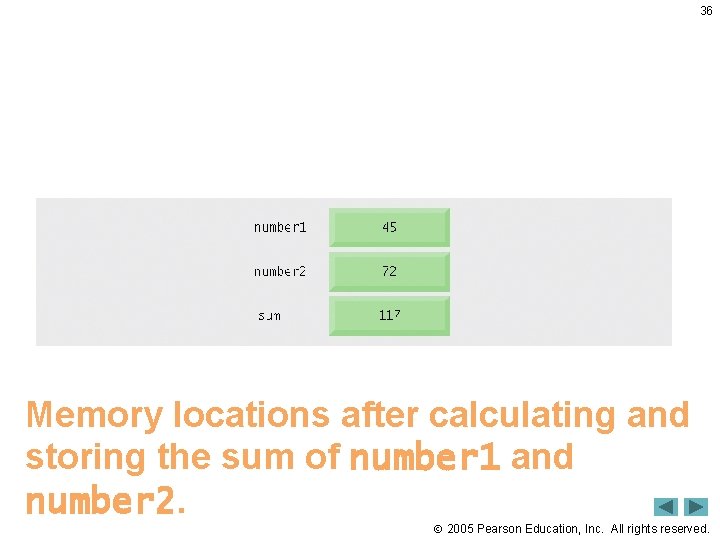
36 Memory locations after calculating and storing the sum of number 1 and number 2. 2005 Pearson Education, Inc. All rights reserved.
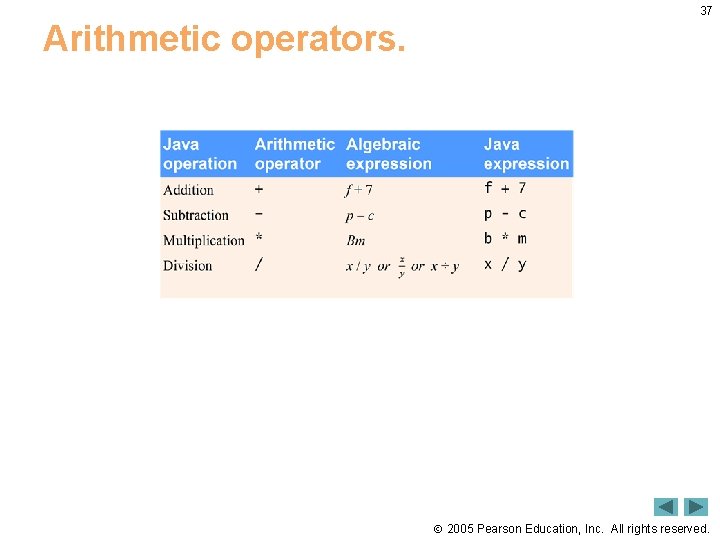
37 Arithmetic operators. 2005 Pearson Education, Inc. All rights reserved.
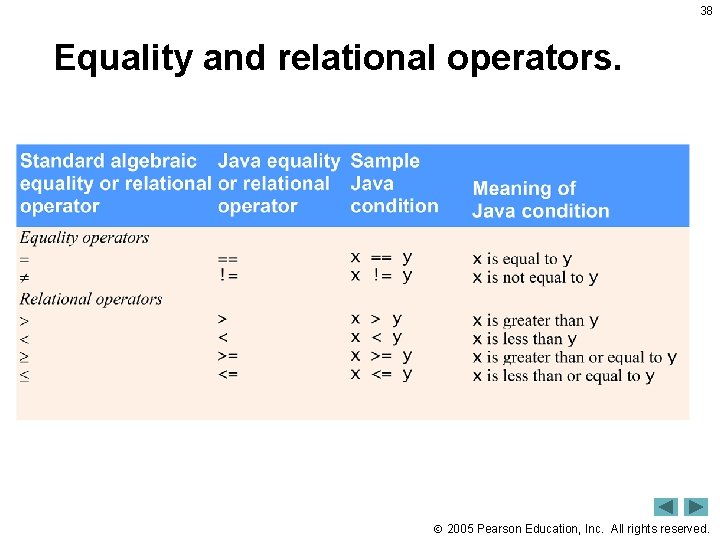
38 Equality and relational operators. 2005 Pearson Education, Inc. All rights reserved.
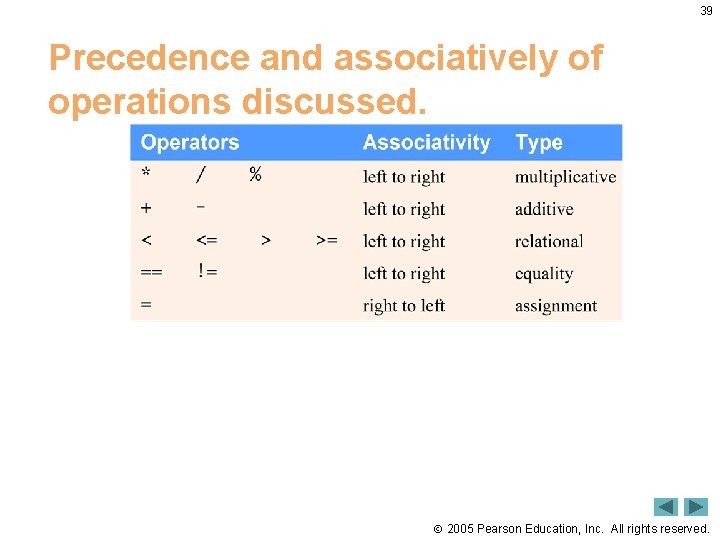
39 Precedence and associatively of operations discussed. 2005 Pearson Education, Inc. All rights reserved.