
05 44005 640 Interaction Techniques Spring 2016 http
- Slides: 35
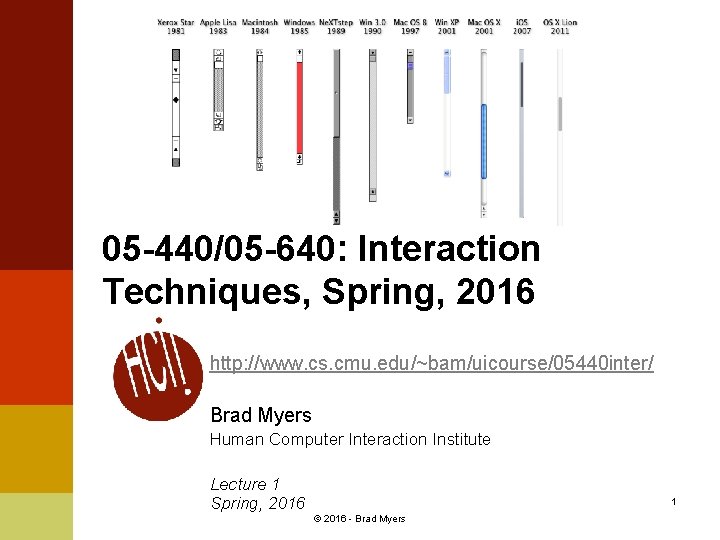
05 -440/05 -640: Interaction Techniques, Spring, 2016 http: //www. cs. cmu. edu/~bam/uicourse/05440 inter/ Brad Myers Human Computer Interaction Institute Lecture 1 Spring, 2016 1 © 2016 - Brad Myers
Course: l 05 -440/05 -640: Interaction Techniques l l l l Second time offered (2014, was videotaped): http: //www. cs. cmu. edu/~bam/uicourse/2014 inter/ Mondays & Wednesdays, 1: 30 pm – 2: 50 pm Attendance in lectures required l l l Intended for undergraduates and graduates Both numbers are for the identical course Graduates should be in 640 and undergrads in 440 Same assignments In-class quizzes on required readings Class participation counts as part of grades Room: NSH 3002 2 © 2016 - Brad Myers
Course Web page: l Course Web page: http: //www. cs. cmu. edu/~bam/uicourse/05440 inter/ l Course schedule is tentative l Note required readings l Note homework schedule l Some readings are CMU-only, use CMU network or VPN 3 © 2016 - Brad Myers
Instructor l Brad Myers l l l l Human Computer Interaction Institute Office: Newell-Simon Hall (NSH) 3517 Phone: x 8 -5150 E-mail: bam@cs. cmu. edu http: //www. cs. cmu. edu/~bam Office hours: By appointment. Secretary: l l l Jo Bodnar NSH 3526 B jobodnar@cs. cmu. edu 4 © 2016 - Brad Myers
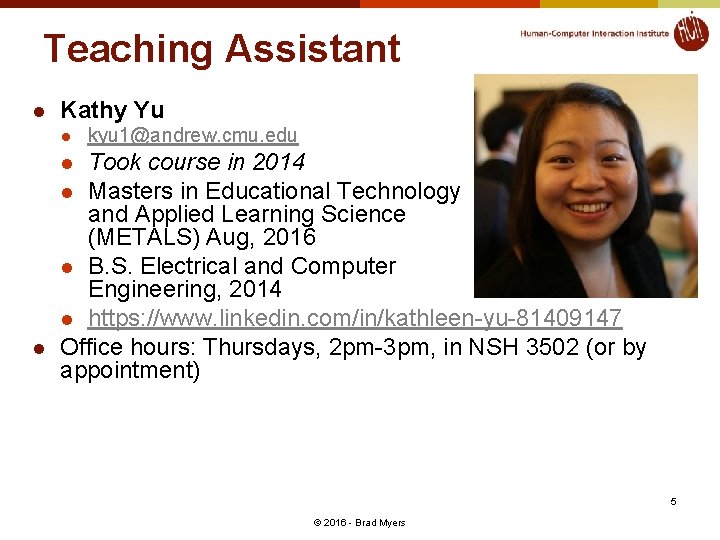
Teaching Assistant l Kathy Yu l kyu 1@andrew. cmu. edu Took course in 2014 l Masters in Educational Technology and Applied Learning Science (METALS) Aug, 2016 l B. S. Electrical and Computer Engineering, 2014 l https: //www. linkedin. com/in/kathleen-yu-81409147 Office hours: Thursdays, 2 pm-3 pm, in NSH 3502 (or by appointment) l l 5 © 2016 - Brad Myers
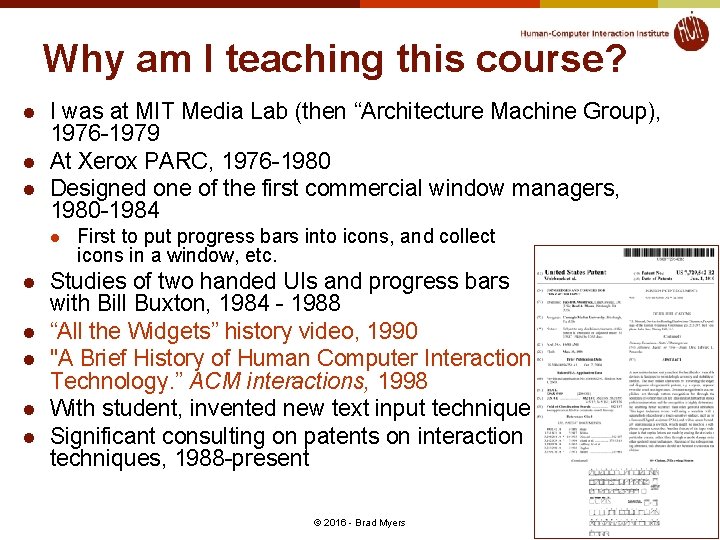
Why am I teaching this course? l l l I was at MIT Media Lab (then “Architecture Machine Group), 1976 -1979 At Xerox PARC, 1976 -1980 Designed one of the first commercial window managers, 1980 -1984 l l l First to put progress bars into icons, and collect icons in a window, etc. Studies of two handed UIs and progress bars with Bill Buxton, 1984 - 1988 “All the Widgets” history video, 1990 "A Brief History of Human Computer Interaction Technology. ” ACM interactions, 1998 With student, invented new text input technique Significant consulting on patents on interaction techniques, 1988 -present 6 © 2016 - Brad Myers
Course Requirements l l This course does not require any programming Prerequisites: l l Students should preferably have taken UCRE/Methods or DHCS or Intro. HCI Tech Execs However, I am allowing students interested in history of technology to enroll without any background in HCI or experience in programming 7 © 2016 - Brad Myers
Education Goals l After taking this course, students will be able to: l l Articulate design issues regarding interaction techniques. Design a new interaction technique given a set of requirements and constraints. Evaluate interaction techniques using the appropriate tests for performance and usability. Describe the historical progression of the most important interaction techniques and the factors that impacted their evolution and eventual widespread adoption. 8 © 2016 - Brad Myers
Lecture Topics l l l General topics Many specific kinds of interaction techniques Talks by inventors l Confirmed for 2016: l l Norm Cox – icon designs Bruce Horn – original Macintosh UI Loren Brichter – pull-to-refresh Videos of last time’s: l l David C. Smith – Icons Larry Tesler – Copy-and-paste Ted Selker – IBM pointing stick Chris Harrison – many new ones l See schedule: l What else? http: //www. cs. cmu. edu/~bam/uicourse/05440 inter/schedule. html 9 © 2016 - Brad Myers
Grading l Homeworks Midterm Final Project No final exam l Taking it Pass/Fail is fine l l l 10 © 2016 - Brad Myers
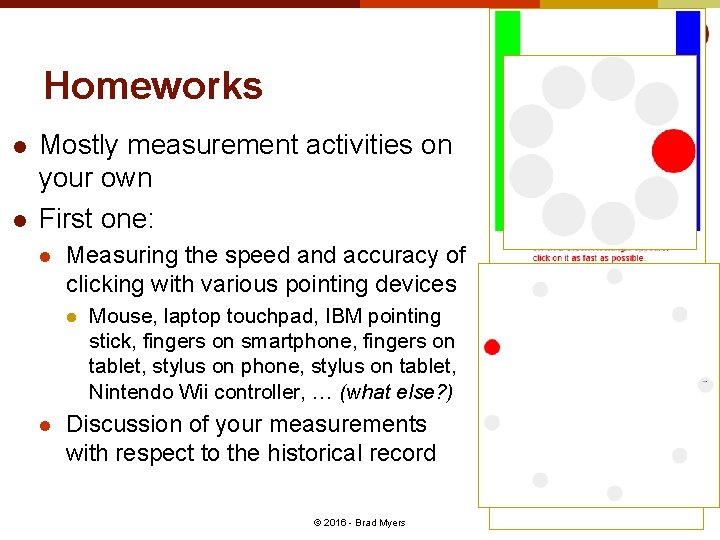
Homeworks l l Mostly measurement activities on your own First one: l Measuring the speed and accuracy of clicking with various pointing devices l l Mouse, laptop touchpad, IBM pointing stick, fingers on smartphone, fingers on tablet, stylus on phone, stylus on tablet, Nintendo Wii controller, … (what else? ) Discussion of your measurements with respect to the historical record 11 © 2016 - Brad Myers
Final Project Ideas l See course homepage: l Create or edit a Wikipedia page about an interaction technique or about an inventor of one, with appropriate citations Document, evaluate and critique one or more existing interaction techniques with appropriate evidence Interview an inventor of a particular interaction technique Pick a particular, important milestone design, and enumerate and describe all of the novel interaction techniques introduced in that system. Invent a new interaction technique and evaluate it Create a project of your own design, in consultation with the professor. l l l http: //www. cs. cmu. edu/~bam/uicourse/05440 inter/ 12 © 2016 - Brad Myers
Introduction to this Course: What is an Interaction Technique and Why are They Important? Lecture 1 Spring, 2016 13 © 2016 - Brad Myers
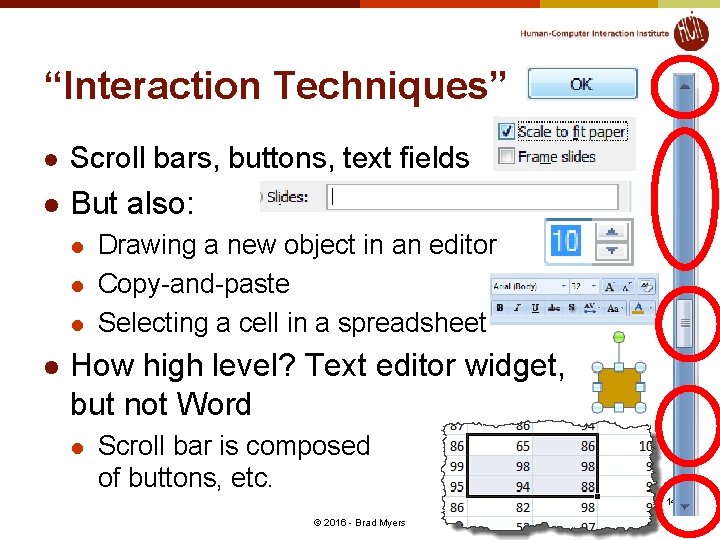
“Interaction Techniques” l Scroll bars, buttons, text fields l But also: l l Drawing a new object in an editor Copy-and-paste Selecting a cell in a spreadsheet How high level? Text editor widget, but not Word l Scroll bar is composed of buttons, etc. 14 © 2016 - Brad Myers
What are some other examples? 15 © 2016 - Brad Myers
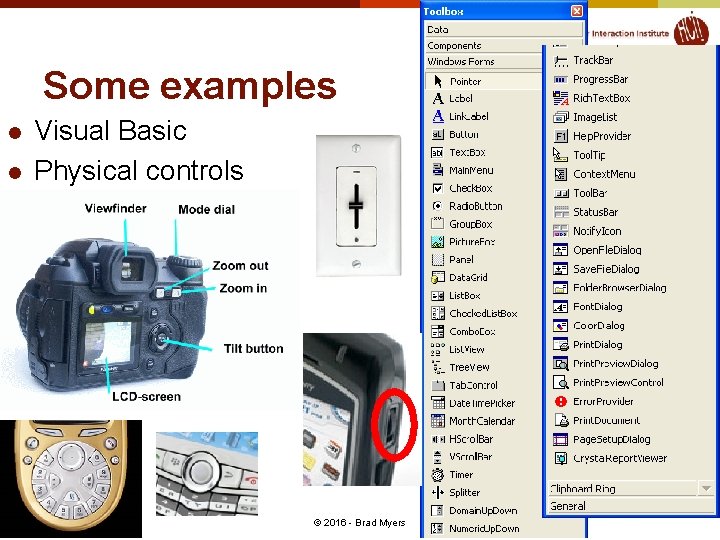
Some examples l l Visual Basic Physical controls 16 © 2016 - Brad Myers
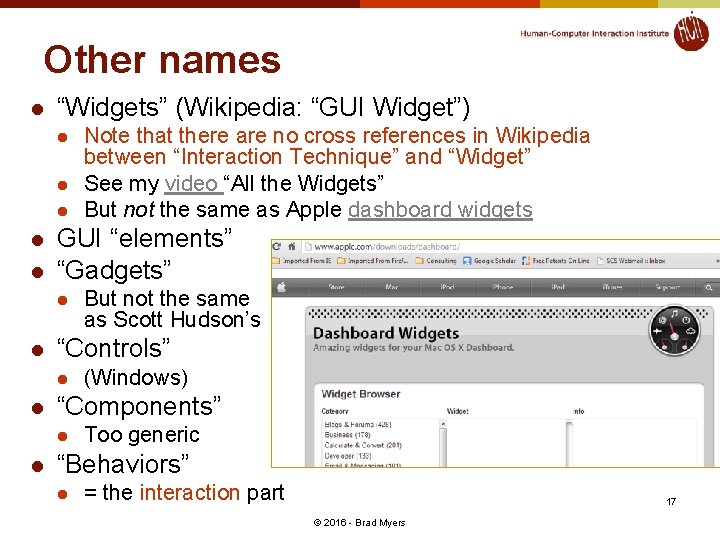
Other names l “Widgets” (Wikipedia: “GUI Widget”) l l l GUI “elements” “Gadgets” l l (Windows) “Components” l l But not the same as Scott Hudson’s “Controls” l l Note that there are no cross references in Wikipedia between “Interaction Technique” and “Widget” See my video “All the Widgets” But not the same as Apple dashboard widgets Too generic “Behaviors” l = the interaction part 17 © 2016 - Brad Myers
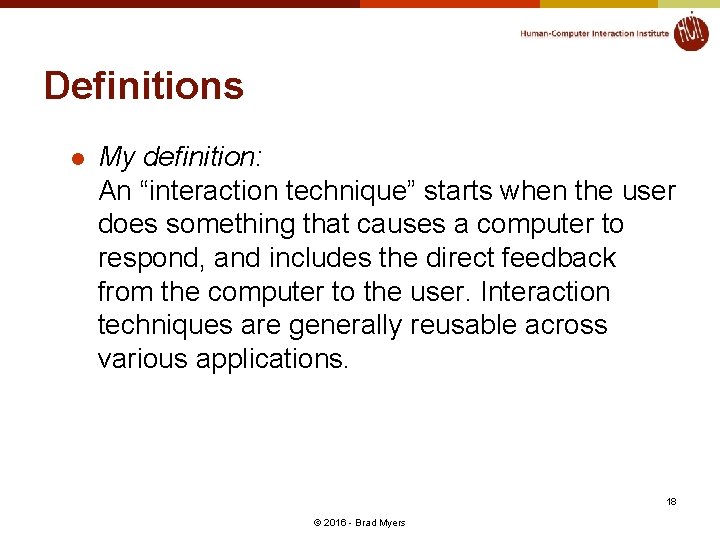
Definitions l My definition: An “interaction technique” starts when the user does something that causes a computer to respond, and includes the direct feedback from the computer to the user. Interaction techniques are generally reusable across various applications. 18 © 2016 - Brad Myers
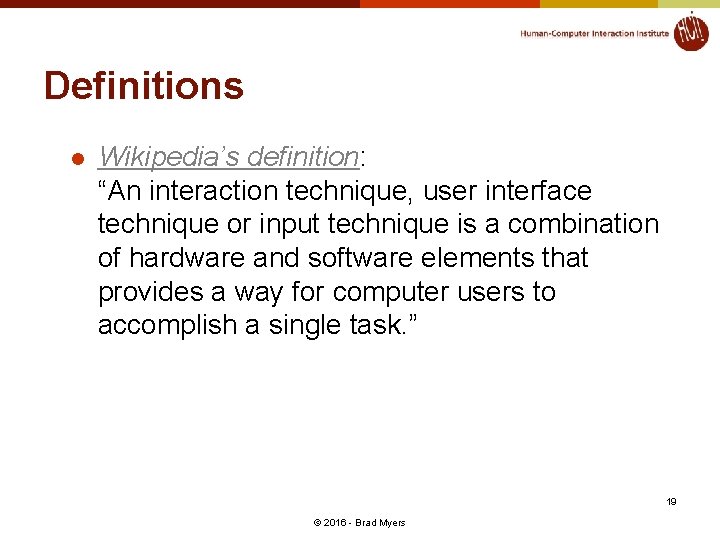
Definitions l Wikipedia’s definition: “An interaction technique, user interface technique or input technique is a combination of hardware and software elements that provides a way for computer users to accomplish a single task. ” 19 © 2016 - Brad Myers
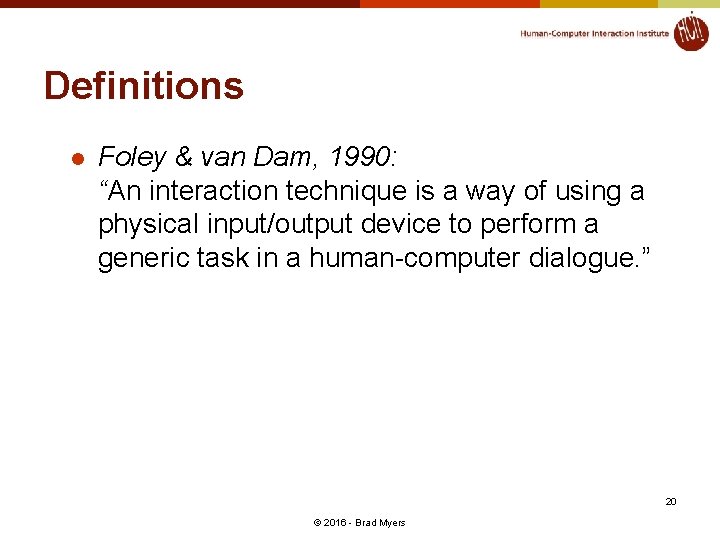
Definitions l Foley & van Dam, 1990: “An interaction technique is a way of using a physical input/output device to perform a generic task in a human-computer dialogue. ” 20 © 2016 - Brad Myers
What is not an interaction technique? l l l Whole applications (Microsoft Word) Dashboard “widgets” – small apps for the desktop Output only (no interactions) l Visualizations l l But many come with specialized interactions, then they might count? Animations Movies … 21 © 2016 - Brad Myers
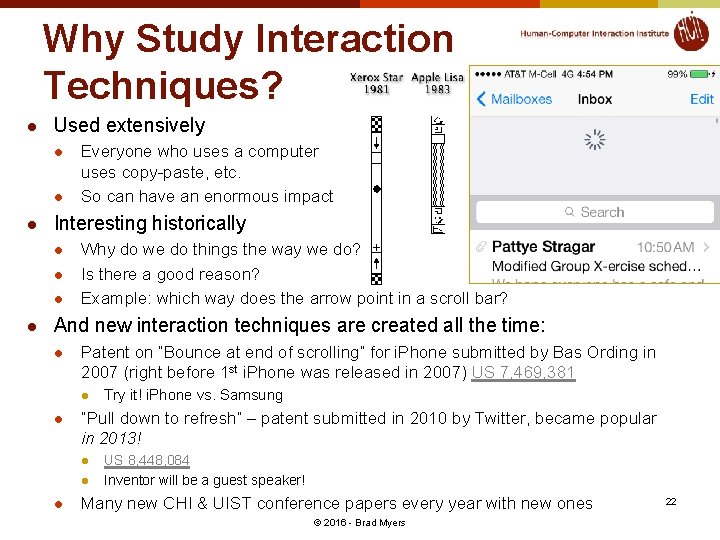
Why Study Interaction Techniques? l Used extensively l l l Interesting historically l l Everyone who uses a computer uses copy-paste, etc. So can have an enormous impact Why do we do things the way we do? Is there a good reason? Example: which way does the arrow point in a scroll bar? And new interaction techniques are created all the time: l Patent on “Bounce at end of scrolling” for i. Phone submitted by Bas Ording in 2007 (right before 1 st i. Phone was released in 2007) US 7, 469, 381 l l “Pull down to refresh” – patent submitted in 2010 by Twitter, became popular in 2013! l l l Try it! i. Phone vs. Samsung US 8, 448, 084 Inventor will be a guest speaker! Many new CHI & UIST conference papers every year with new ones © 2016 - Brad Myers 22
Why Study Interaction Techniques, cont. l Interaction Techniques have a high economic value l Often the subject of patents and lawsuits l l Can’t patent overall look and feel “Apple Wins Over Jury in Samsung Patent Dispute, Awarded $1. 05 Billion in Damages (Live Blog)” link “Jury orders Samsung to pay $290 M to Apple in patent case” link Need new ones l “Desktop metaphor” is getting tired l l l Macs & PCs look and work pretty similar to each other and to the designs of the 1980’s (30 years ago) Text entry on smartphones is a big barrier Selecting individual elements, characters on smartphones 23 © 2016 - Brad Myers
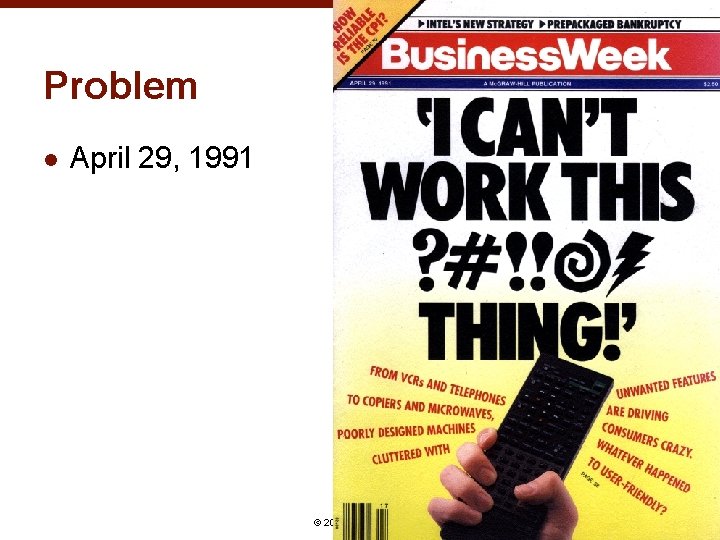
Problem l April 29, 1991 24 © 2016 - Brad Myers
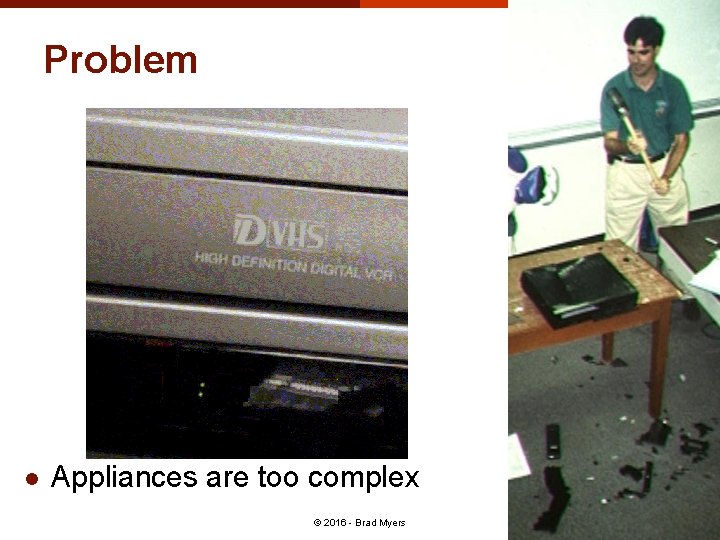
Problem l Appliances are too complex 25 © 2016 - Brad Myers
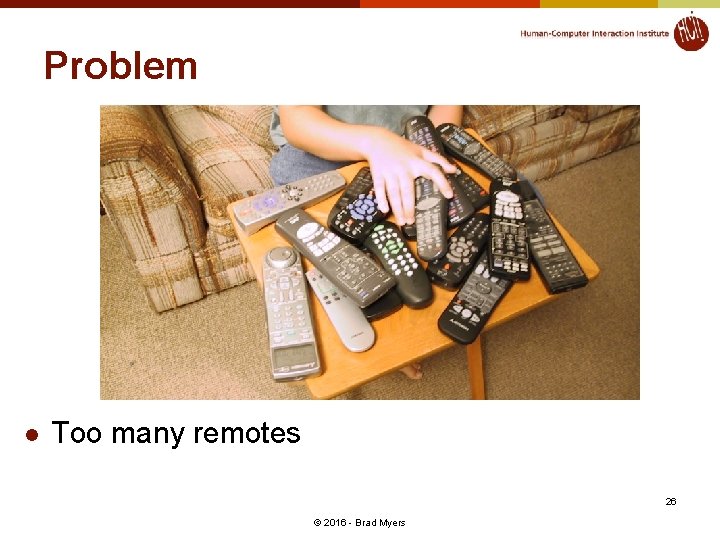
Problem l Too many remotes 26 © 2016 - Brad Myers
Why are Interaction Techniques Hard to Design? l l l Surprisingly large number of design decisions Individual differences and preferences Lots of details that impact human performance l How far does the cursor move when you move the mouse 1 inch? l l l Trick question – depends on mouse speed Complex formula developed through experimentation How far does the content move on an i. Phone when you flick your finger? l l Needs to work for long distance, and highly accurate local movements Nokia phones released just after the i. Phone got this all wrong 27 © 2016 - Brad Myers
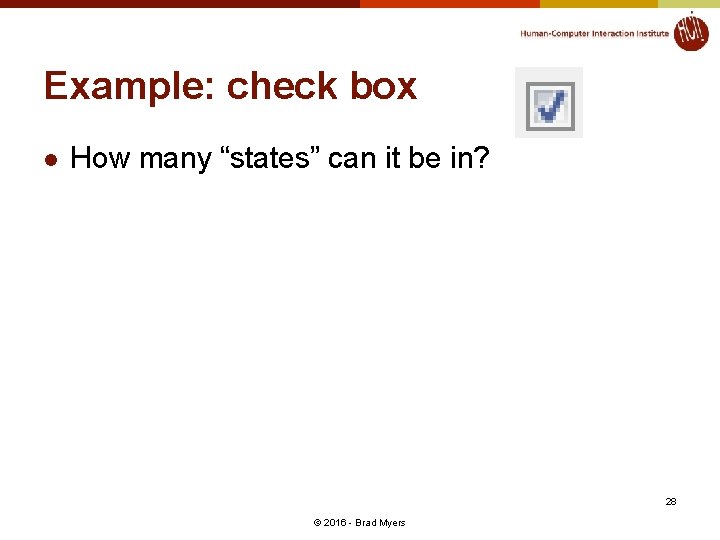
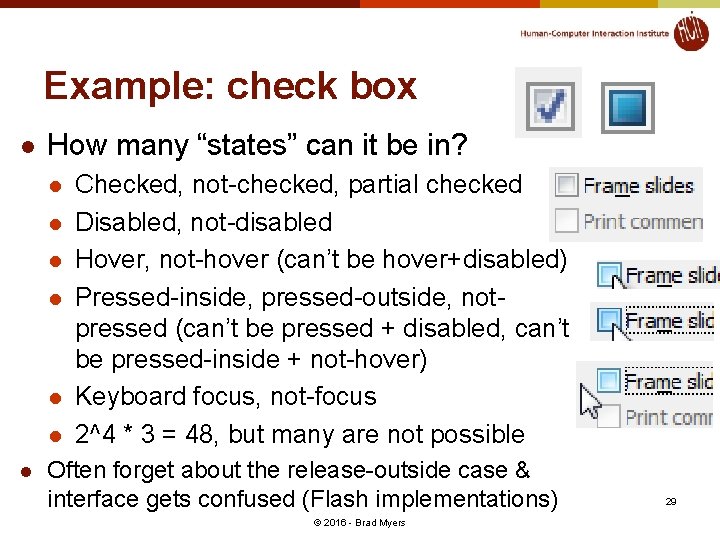
Example: check box l How many “states” can it be in? 28 © 2016 - Brad Myers
Example: check box l How many “states” can it be in? l l l l Checked, not-checked, partial checked Disabled, not-disabled Hover, not-hover (can’t be hover+disabled) Pressed-inside, pressed-outside, notpressed (can’t be pressed + disabled, can’t be pressed-inside + not-hover) Keyboard focus, not-focus 2^4 * 3 = 48, but many are not possible Often forget about the release-outside case & interface gets confused (Flash implementations) © 2016 - Brad Myers 29
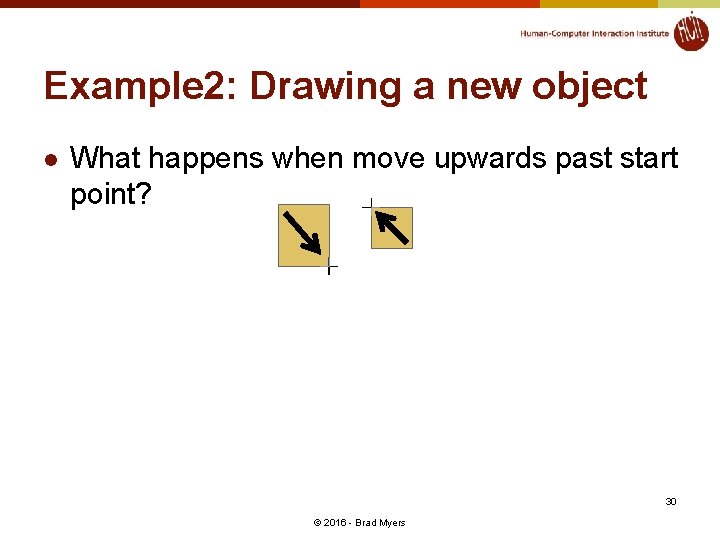
Example 2: Drawing a new object l What happens when move upwards past start point? 30 © 2016 - Brad Myers
Measuring Interaction Techniques l l What are relevant quality metrics for interaction techniques? For evaluating them? 31 © 2016 - Brad Myers
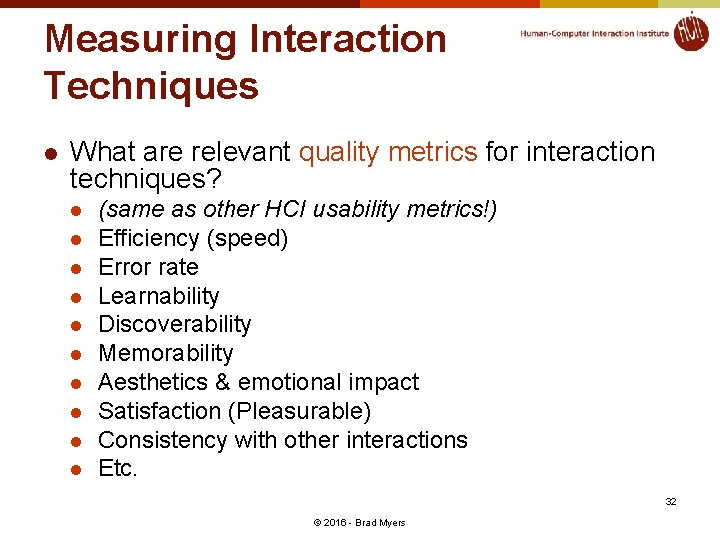
Measuring Interaction Techniques l What are relevant quality metrics for interaction techniques? l l l l l (same as other HCI usability metrics!) Efficiency (speed) Error rate Learnability Discoverability Memorability Aesthetics & emotional impact Satisfaction (Pleasurable) Consistency with other interactions Etc. 32 © 2016 - Brad Myers
Measuring Interaction Techniques l But also generalizability l l How often can be used? Different applications? Different kinds of input values? Dimensionality l l One D (menu, slider) or 2 -D (mouse), or more How many items? (pick among 5 items vs. among 100 or 1, 000) 33 © 2016 - Brad Myers
Designing Interaction Techniques l l l Taking into account device characteristics Taking into account human characteristics Look l Styling l l l 3 D look and feel – Smith’s ARK (1986), up through Windows 7 Flat squares – Windows Phone and Windows 8 Feedback for behaviors Animation effects – from 1993 Feel l l Specific implementation of the behavior Details matter 34 © 2016 - Brad Myers
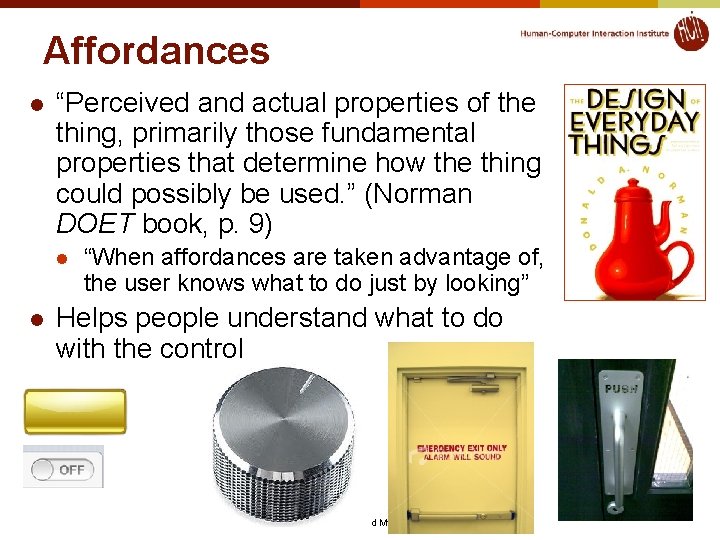
Affordances l “Perceived and actual properties of the thing, primarily those fundamental properties that determine how the thing could possibly be used. ” (Norman DOET book, p. 9) l l “When affordances are taken advantage of, the user knows what to do just by looking” Helps people understand what to do with the control 35 © 2016 - Brad Myers