
04 Sharing Code Between Windows 8 and Windows
04 | Sharing Code Between Windows 8 and Windows Phone 8 in Visual Studio Ben Riga http: //about. me/ben. riga
Course Topics Building Apps for Both Windows 8 and Windows Phone 8 Jump Start 01 | Comparing Windows 8 and Windows Phone 8 02 | Basics of View Models 03 | MVVM ( (Model-View. Model) 04 | Sharing Code
Agenda Reuse techniques Portable library Shared source code Inheritance Conditional compilation Partial classes and methods Q&A
Reuse Techniques
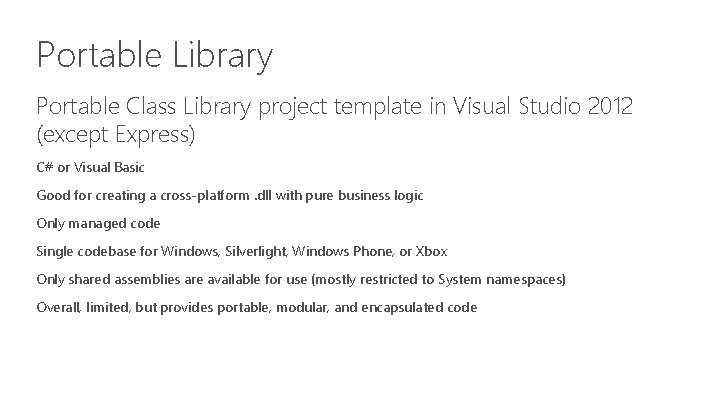
Portable Library Portable Class Library project template in Visual Studio 2012 (except Express) C# or Visual Basic Good for creating a cross-platform. dll with pure business logic Only managed code Single codebase for Windows, Silverlight, Windows Phone, or Xbox Only shared assemblies are available for use (mostly restricted to System namespaces) Overall, limited, but provides portable, modular, and encapsulated code
Demo 1: Portable Class Library
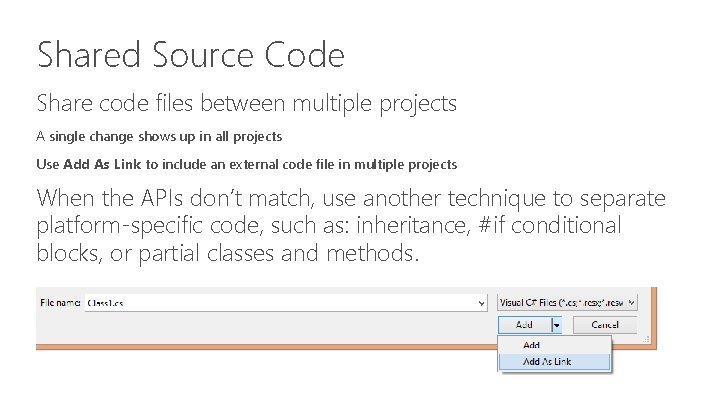
Shared Source Code Share code files between multiple projects A single change shows up in all projects Use Add As Link to include an external code file in multiple projects When the APIs don’t match, use another technique to separate platform-specific code, such as: inheritance, #if conditional blocks, or partial classes and methods.
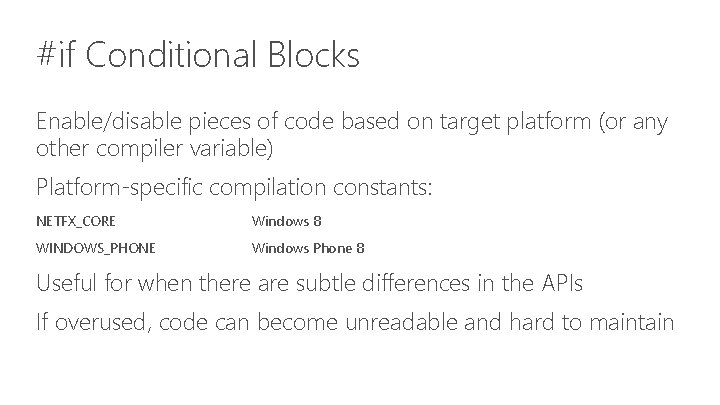
#if Conditional Blocks Enable/disable pieces of code based on target platform (or any other compiler variable) Platform-specific compilation constants: NETFX_CORE Windows 8 WINDOWS_PHONE Windows Phone 8 Useful for when there are subtle differences in the APIs If overused, code can become unreadable and hard to maintain

#if Conditional Block Examples (1/2) #if NETFX_CORE using Windows. UI. Xaml. Media. Imaging; #else using System. Windows. Media. Imaging; #endif
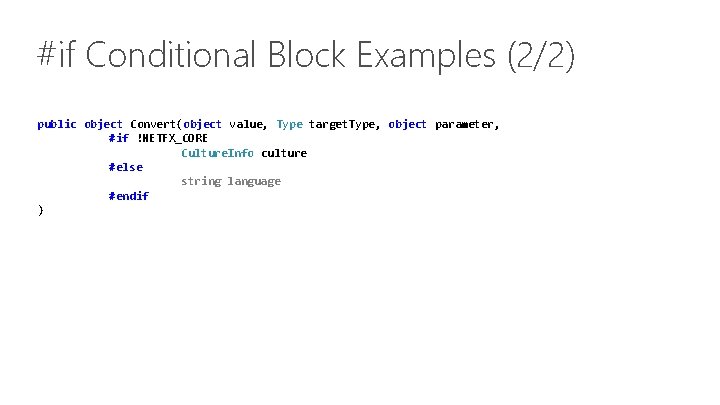
#if Conditional Block Examples (2/2) public object Convert(object value, Type target. Type, object parameter, #if !NETFX_CORE Culture. Info culture #else string language #endif )
Demo 2: #if Conditional Blocks
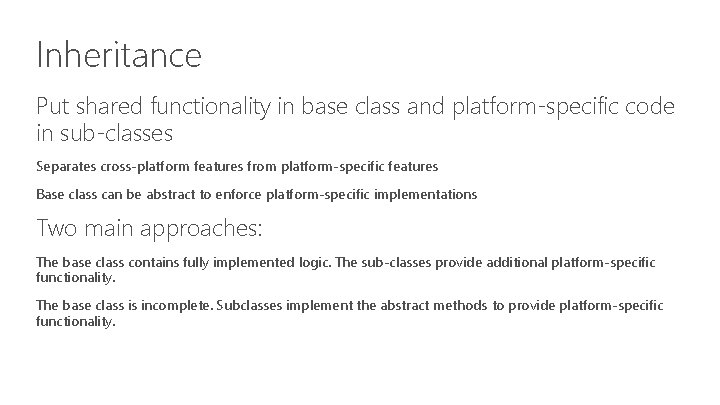
Inheritance Put shared functionality in base class and platform-specific code in sub-classes Separates cross-platform features from platform-specific features Base class can be abstract to enforce platform-specific implementations Two main approaches: The base class contains fully implemented logic. The sub-classes provide additional platform-specific functionality. The base class is incomplete. Subclasses implement the abstract methods to provide platform-specific functionality.
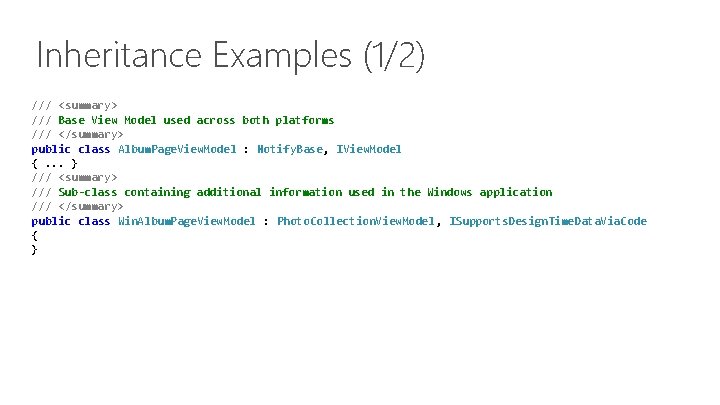
Inheritance Examples (1/2) /// <summary> /// Base View Model used across both platforms /// </summary> public class Album. Page. View. Model : Notify. Base, IView. Model {. . . } /// <summary> /// Sub-class containing additional information used in the Windows application /// </summary> public class Win. Album. Page. View. Model : Photo. Collection. View. Model, ISupports. Design. Time. Data. Via. Code { }
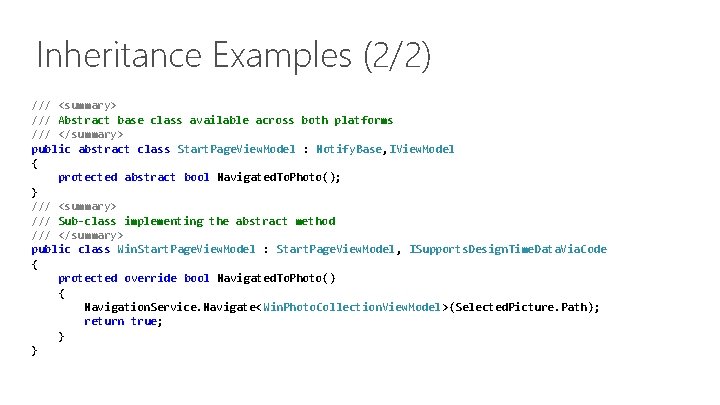
Inheritance Examples (2/2) /// <summary> /// Abstract base class available across both platforms /// </summary> public abstract class Start. Page. View. Model : Notify. Base, IView. Model { protected abstract bool Navigated. To. Photo(); } /// <summary> /// Sub-class implementing the abstract method /// </summary> public class Win. Start. Page. View. Model : Start. Page. View. Model, ISupports. Design. Time. Data. Via. Code { protected override bool Navigated. To. Photo() { Navigation. Service. Navigate<Win. Photo. Collection. View. Model>(Selected. Picture. Path); return true; } }
Demo 3: Inheritance
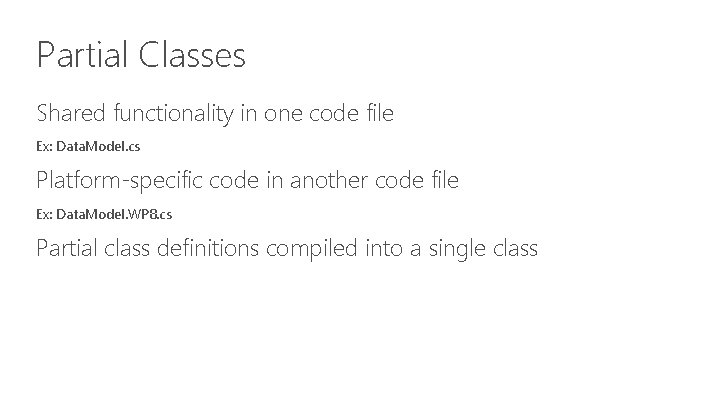
Partial Classes Shared functionality in one code file Ex: Data. Model. cs Platform-specific code in another code file Ex: Data. Model. WP 8. cs Partial class definitions compiled into a single class
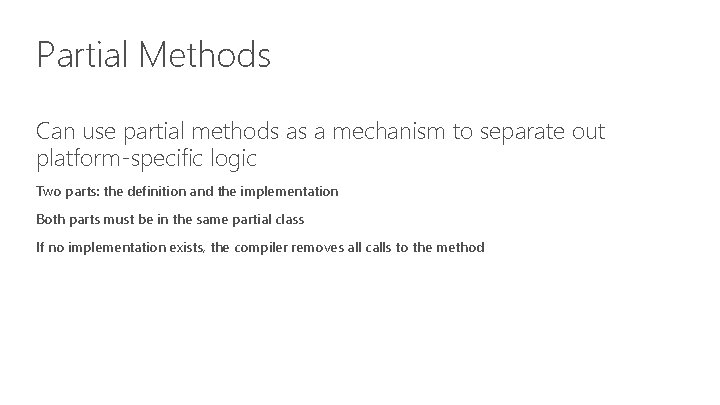
Partial Methods Can use partial methods as a mechanism to separate out platform-specific logic Two parts: the definition and the implementation Both parts must be in the same partial class If no implementation exists, the compiler removes all calls to the method
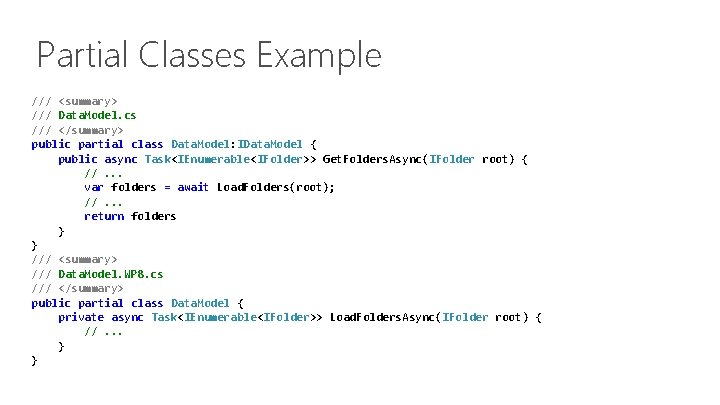
Partial Classes Example /// <summary> /// Data. Model. cs /// </summary> public partial class Data. Model: IData. Model { public async Task<IEnumerable<IFolder>> Get. Folders. Async(IFolder root) { //. . . var folders = await Load. Folders(root); //. . . return folders } } /// <summary> /// Data. Model. WP 8. cs /// </summary> public partial class Data. Model { private async Task<IEnumerable<IFolder>> Load. Folders. Async(IFolder root) { //. . . } }
Demo 4: Partial Classes
Recap
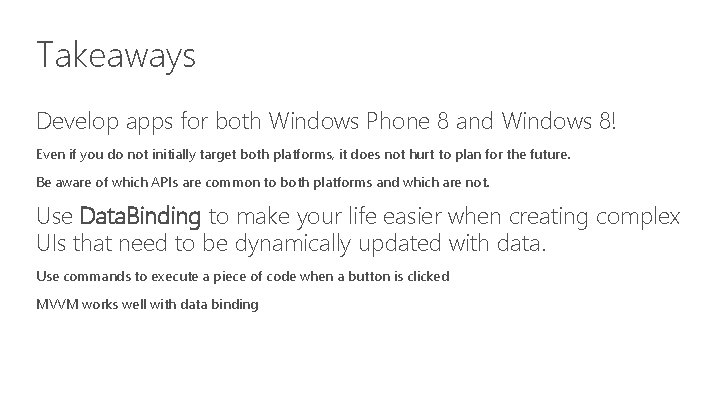
Takeaways Develop apps for both Windows Phone 8 and Windows 8! Even if you do not initially target both platforms, it does not hurt to plan for the future. Be aware of which APIs are common to both platforms and which are not. Use Data. Binding to make your life easier when creating complex UIs that need to be dynamically updated with data. Use commands to execute a piece of code when a button is clicked MVVM works well with data binding
Takeaways Consider designing your apps around the MVVM pattern. Even if you do not use MVVM, separate the data model from the UI. This lets you reuse the data model in the future. Use strategies so that you can reuse source code Portable libraries Shared source files #if conditional blocks Inheritance Partial classes, partial methods
Additional Resources Windows 8, Windows Phone 8 Sharing Code APIs Windows Phone 8 and Windows 8 app development Windows Phone API Quick. Start Data Binding Overview Sample Code “Windows 8 app samples” “Windows Phone samples” XAML Data binding sample MVVM “Using the MVVM Pattern in Windows” “MVVM Light Toolkit” All resources available at: http: //bit. ly/Build. For. Both
Q&A
Thank you!
- Slides: 26