
04 Customizing Controllers Jon Galloway Technical Evangelist Christopher







![Attribute Routing • Attributes control routing/URL • Route. Attribute [Route("Album/Edit/{id: int}")] public Action. Result](https://slidetodoc.com/presentation_image_h2/2d9d1fa127f8fc707c6fb34cd5be1042/image-26.jpg "Attribute Routing • Attributes control routing/URL • Route. Attribute [Route(\"Album/Edit/{id: int}\")] public Action. Result")
![Route. Prefix • Added to controller • Adds prefix to all routes [Route. Prefix("Album")]](https://slidetodoc.com/presentation_image_h2/2d9d1fa127f8fc707c6fb34cd5be1042/image-27.jpg "Route. Prefix • Added to controller • Adds prefix to all routes [Route. Prefix(\"Album\")]")


- Slides: 31
04 | Customizing Controllers Jon Galloway | Technical Evangelist Christopher Harrison | Content Developer
Taking Control of Controllers • Adding Actions • Model Binding • Filters • Vanity URLs • Controller Best Practices
Adding Actions
Adding Actions • Controllers are classes • Actions are methods • Creating an action involves adding a method to a class
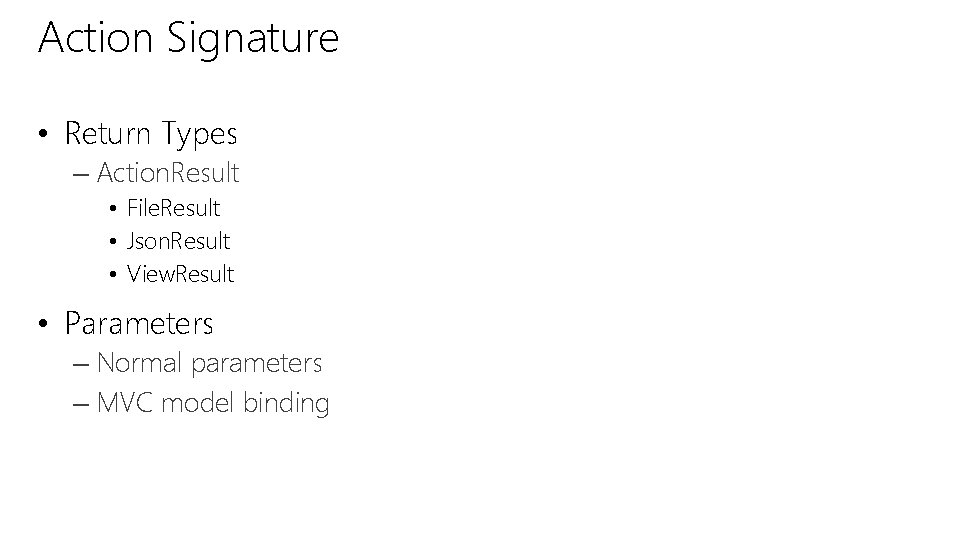
Action Signature • Return Types – Action. Result • File. Result • Json. Result • View. Result • Parameters – Normal parameters – MVC model binding
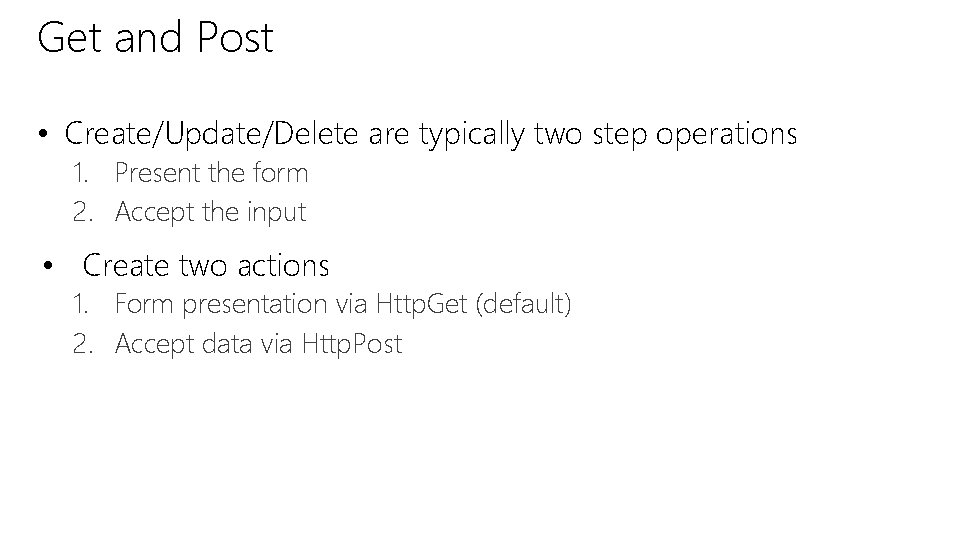
Get and Post • Create/Update/Delete are typically two step operations 1. Present the form 2. Accept the input • Create two actions 1. Form presentation via Http. Get (default) 2. Accept data via Http. Post
DEMO Model Binding
Model Binding
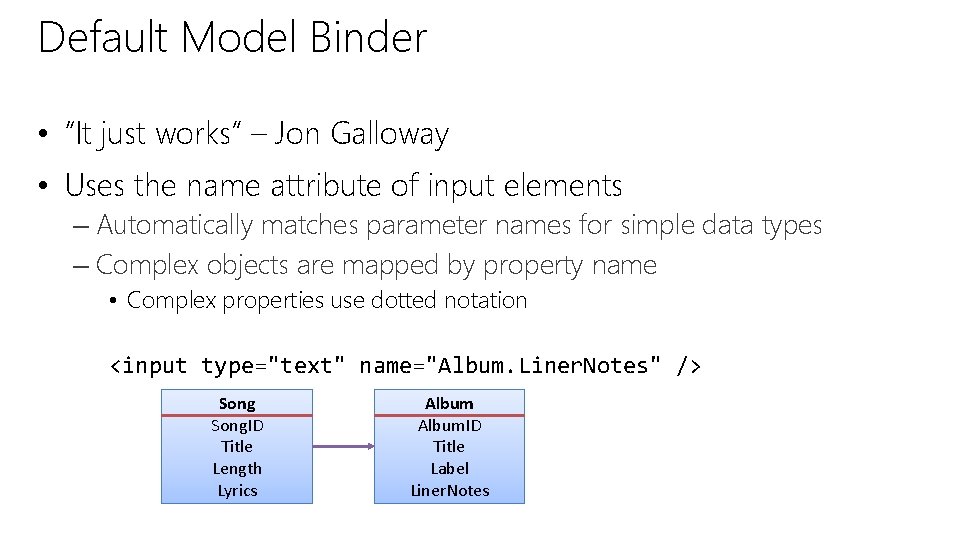
Default Model Binder • “It just works” – Jon Galloway • Uses the name attribute of input elements – Automatically matches parameter names for simple data types – Complex objects are mapped by property name • Complex properties use dotted notation <input type="text" name="Album. Liner. Notes" /> Song. ID Title Length Lyrics Album. ID Title Label Liner. Notes
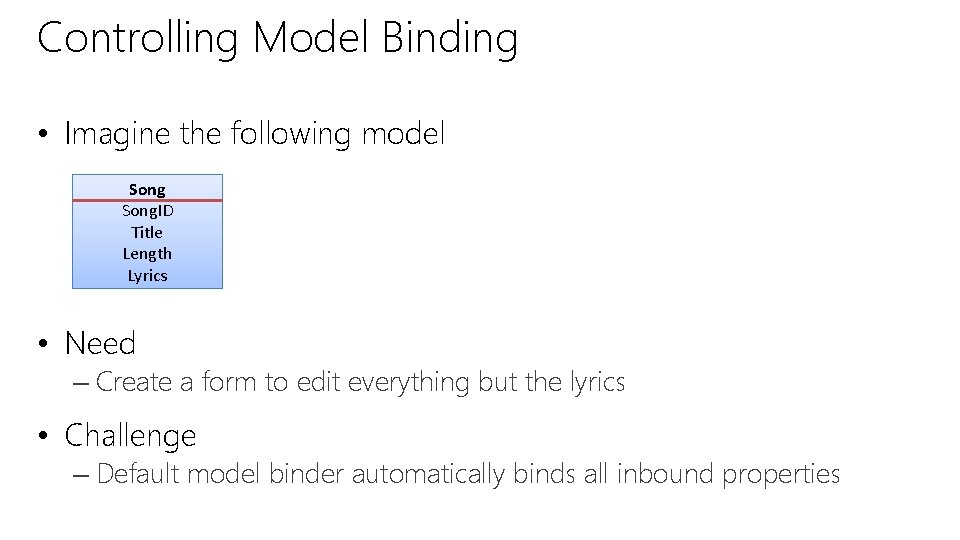
Controlling Model Binding • Imagine the following model Song. ID Title Length Lyrics • Need – Create a form to edit everything but the lyrics • Challenge – Default model binder automatically binds all inbound properties
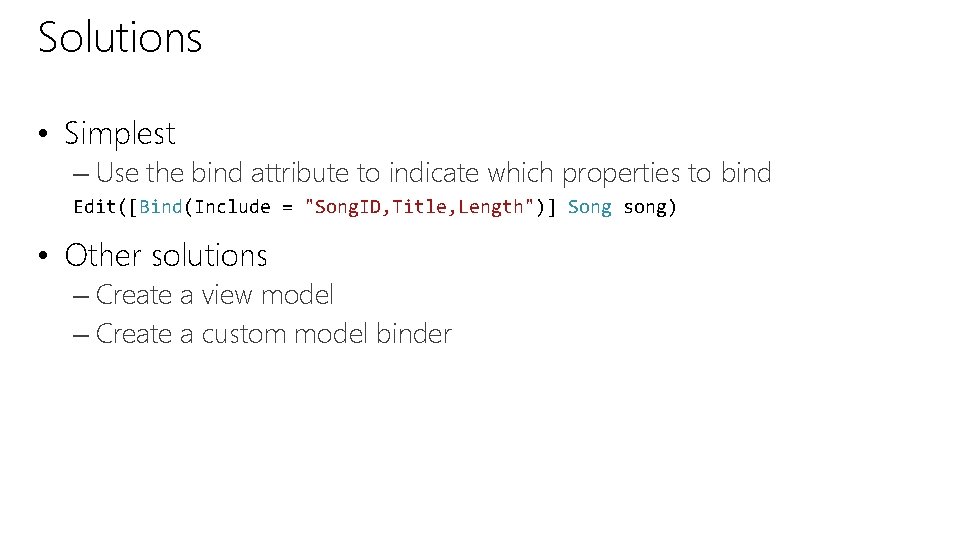
Solutions • Simplest – Use the bind attribute to indicate which properties to bind Edit([Bind(Include = "Song. ID, Title, Length")] Song song) • Other solutions – Create a view model – Create a custom model binder
DEMO Bind. Attribute
Filters
Filters • Filters are attributes – Decorate controllers and actions • Alter execution • MVC contains several built-in filters • Often used in lieu of updating web. config
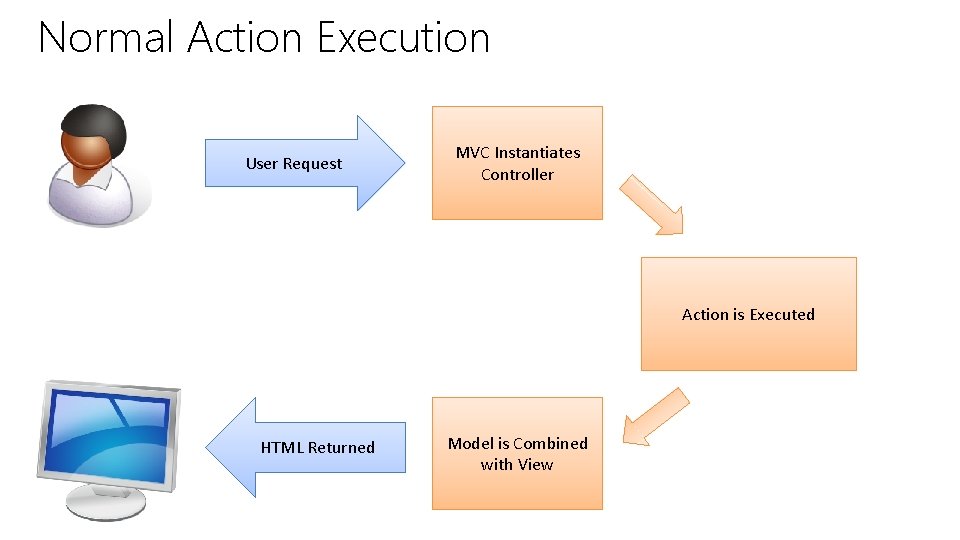
Normal Action Execution User Request MVC Instantiates Controller Action is Executed HTML Returned Model is Combined with View
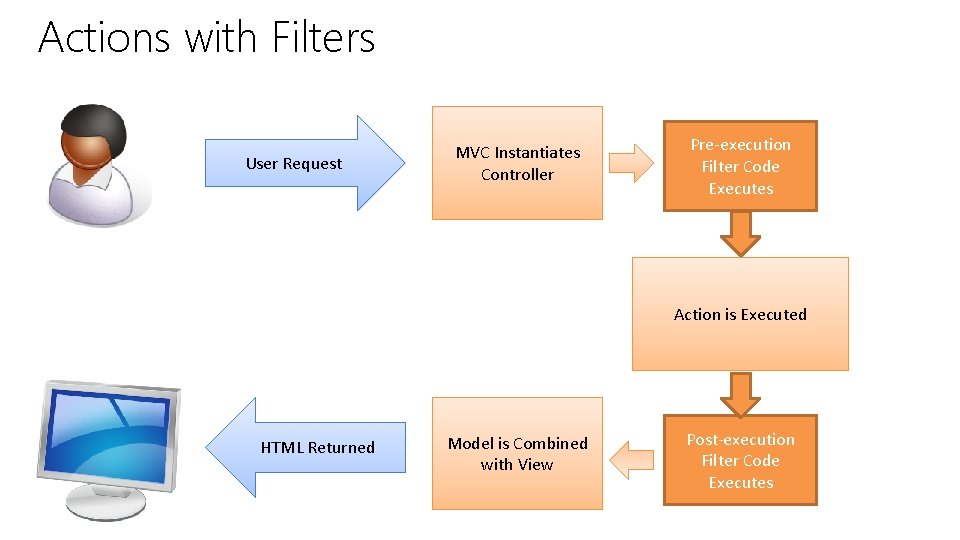
Actions with Filters User Request MVC Instantiates Controller Pre-execution Filter Code Executes Action is Executed HTML Returned Model is Combined with View Post-execution Filter Code Executes
Adding Filters • Action • Controller • Global – Filter. Config. cs
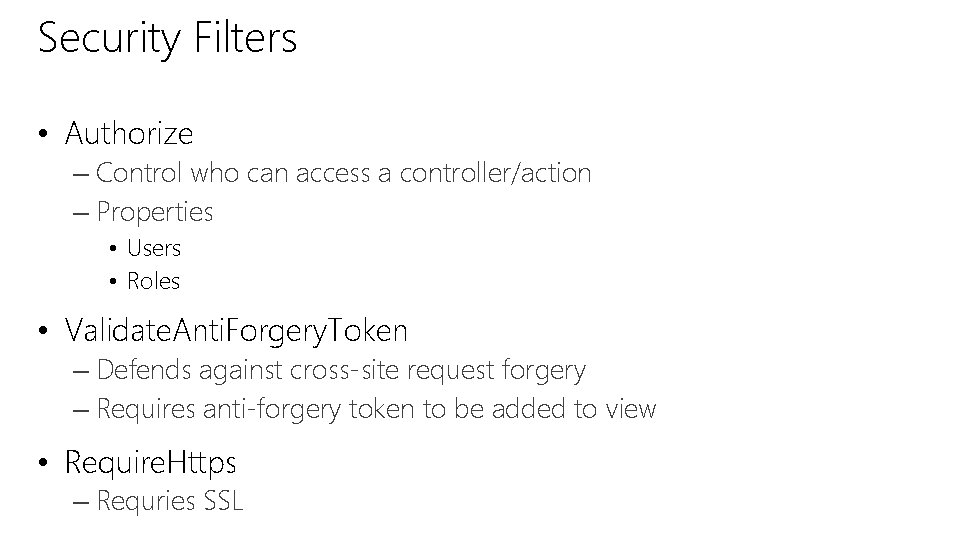
Security Filters • Authorize – Control who can access a controller/action – Properties • Users • Roles • Validate. Anti. Forgery. Token – Defends against cross-site request forgery – Requires anti-forgery token to be added to view • Require. Https – Requries SSL
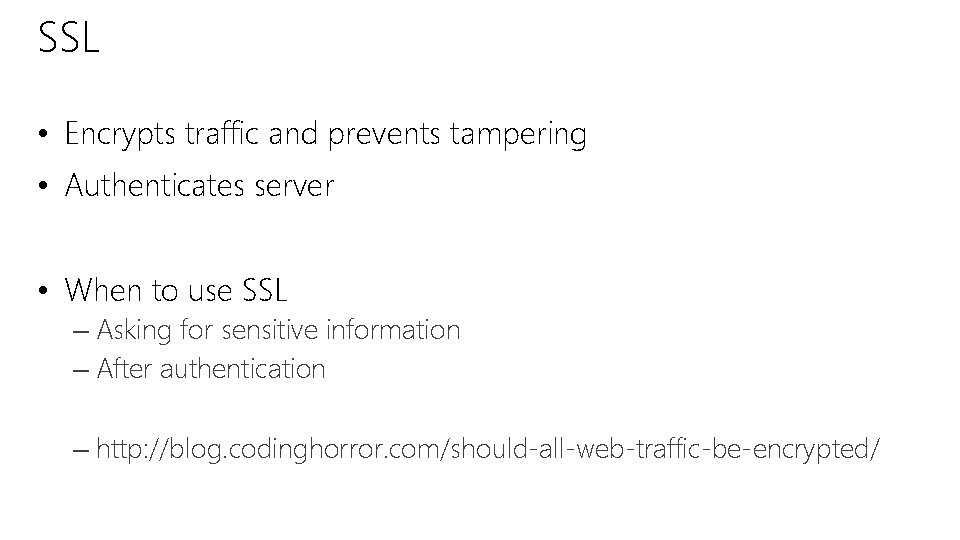
SSL • Encrypts traffic and prevents tampering • Authenticates server • When to use SSL – Asking for sensitive information – After authentication – http: //blog. codinghorror. com/should-all-web-traffic-be-encrypted/
DEMO Security Filters
Vanity URLs
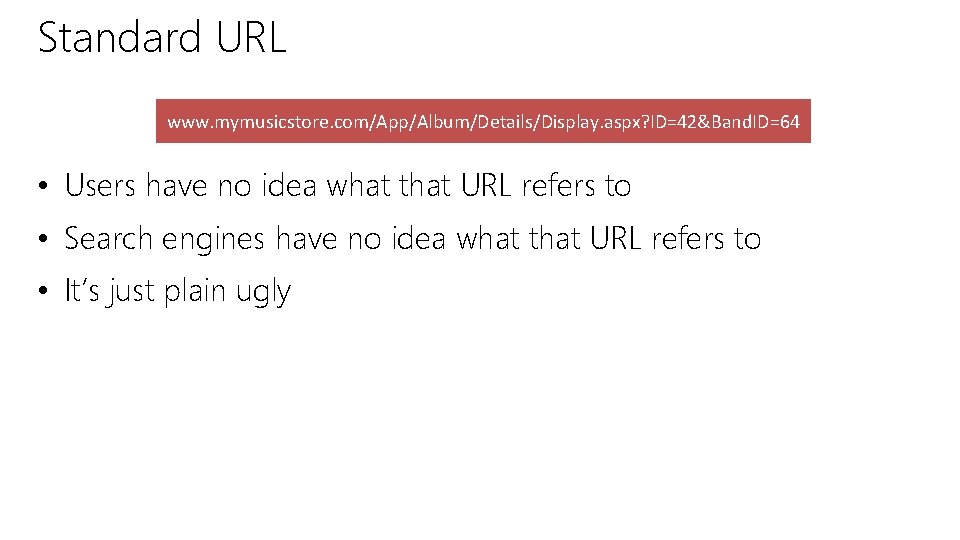
Standard URL www. mymusicstore. com/App/Album/Details/Display. aspx? ID=42&Band. ID=64 • Users have no idea what that URL refers to • Search engines have no idea what that URL refers to • It’s just plain ugly
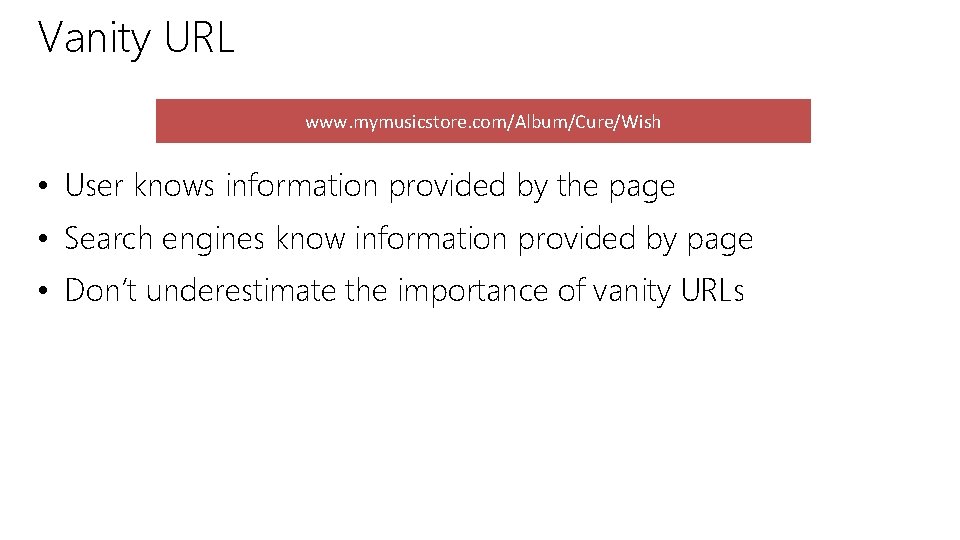
Vanity URL www. mymusicstore. com/Album/Cure/Wish • User knows information provided by the page • Search engines know information provided by page • Don’t underestimate the importance of vanity URLs
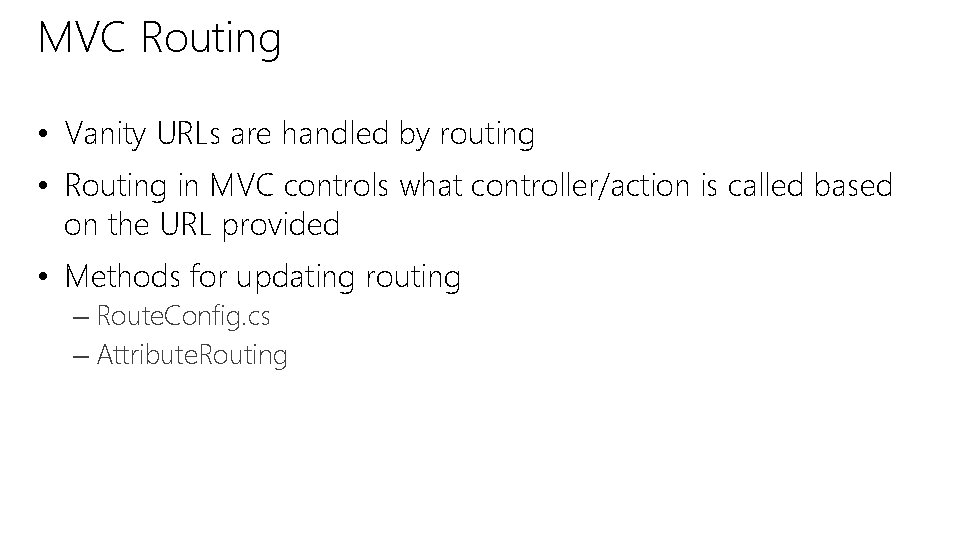
MVC Routing • Vanity URLs are handled by routing • Routing in MVC controls what controller/action is called based on the URL provided • Methods for updating routing – Route. Config. cs – Attribute. Routing
DEMO Route. Config. cs
Attribute Routing • Attributes control routing/URL • Route. Attribute [Route("Album/Edit/{id: int}")] public Action. Result Edit(int id) – www. mymusicstore. com/Album/Edit/42 – Calls the Edit action – Passes in the ID parameter – ID must be an integer
Route. Prefix • Added to controller • Adds prefix to all routes [Route. Prefix("Album")] public class Albums. Controller : Controller { [Route("Album/Edit/{id: int}")] public Action. Result Edit(int id) { // code } }
DEMO Attribute Routing
Controller Best Practices
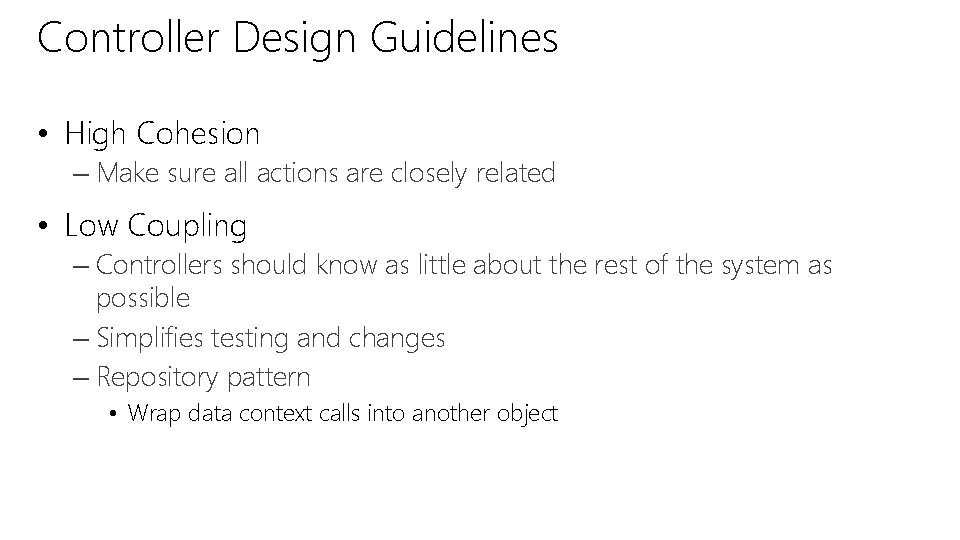
Controller Design Guidelines • High Cohesion – Make sure all actions are closely related • Low Coupling – Controllers should know as little about the rest of the system as possible – Simplifies testing and changes – Repository pattern • Wrap data context calls into another object
© 2013 Microsoft Corporation. All rights reserved. Microsoft, Windows, Office, Azure, System Center, Dynamics and other product names are or may be registered trademarks and/or trademarks in the U. S. and/or other countries. The information herein is for informational purposes only and represents the current view of Microsoft Corporation as of the date of this presentation. Because Microsoft must respond to changing market conditions, it should not be interpreted to be a commitment on the part of Microsoft, and Microsoft cannot guarantee the accuracy of any information provided after the date of this presentation. MICROSOFT MAKES NO WARRANTIES, EXPRESS, IMPLIED OR STATUTORY, AS TO THE INFORMATION IN THIS PRESENTATION.