
04 Code by Using Java Script Christopher Harrison
04 | Code by Using Java. Script Christopher Harrison | Content Developer, Microsoft Rachel Jones | Microsoft Certified Trainer, Source. Dev
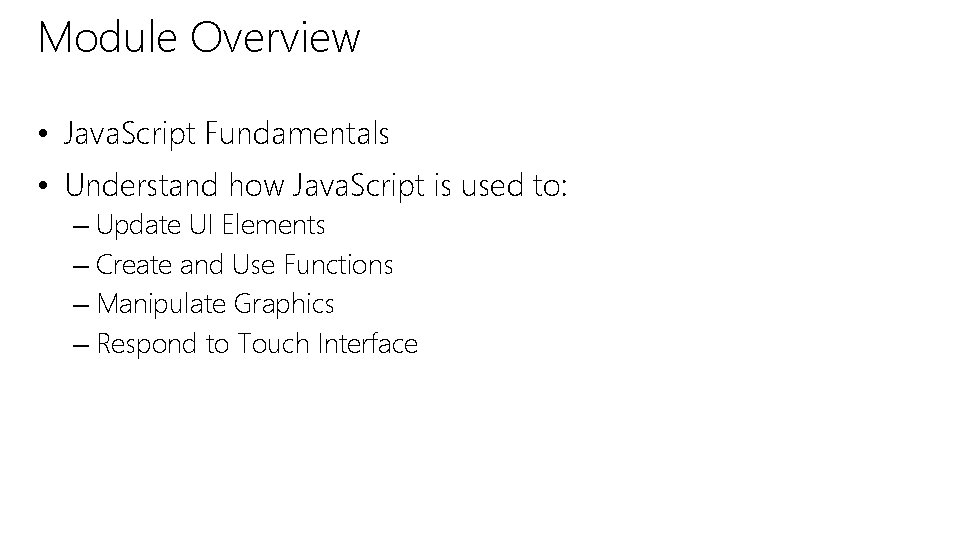
Module Overview • Java. Script Fundamentals • Understand how Java. Script is used to: – Update UI Elements – Create and Use Functions – Manipulate Graphics – Respond to Touch Interface
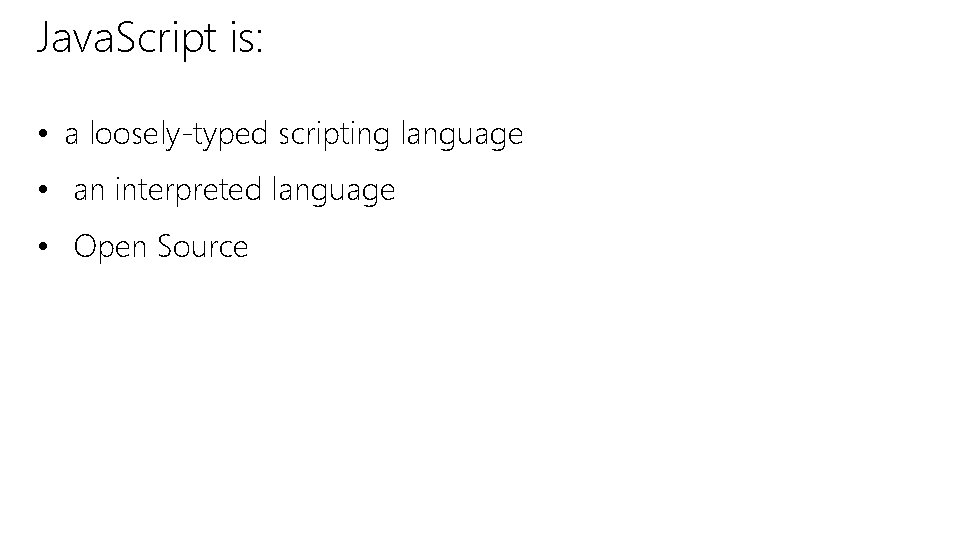
Java. Script is: • a loosely-typed scripting language • an interpreted language • Open Source

Accessing HTML 5 APIs • Geo. Location Captures geographic location • Web. Workers • Performs background work • Web. Sockets • A two-way messaging connections between server/client • Further resource and review of HTML 5 APIs http: //docs. webplatform. org/wiki/apis
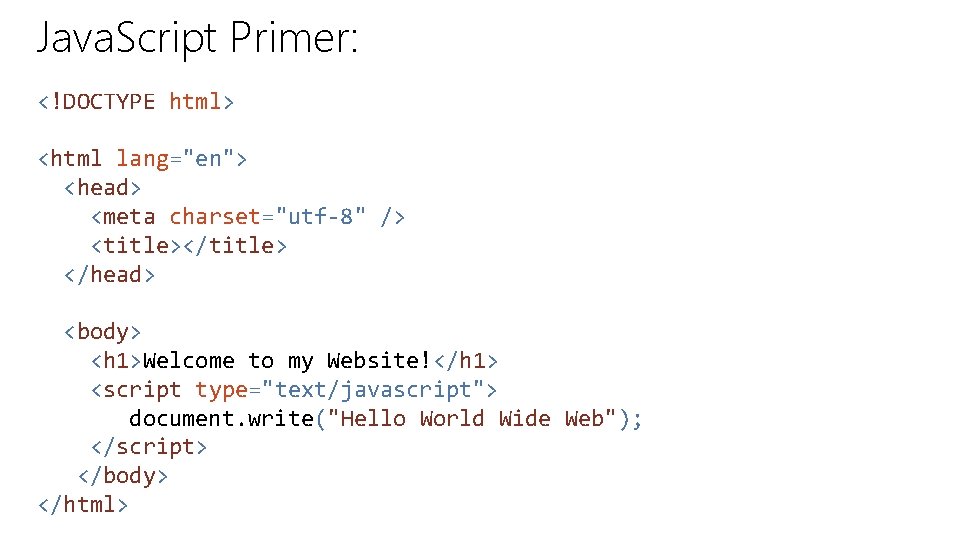
Java. Script Primer: <!DOCTYPE html> <html lang="en"> <head> <meta charset="utf-8" /> <title></title> </head> <body> <h 1>Welcome to my Website!</h 1> <script type="text/javascript"> document. write("Hello World Wide Web"); </script> </body> </html>
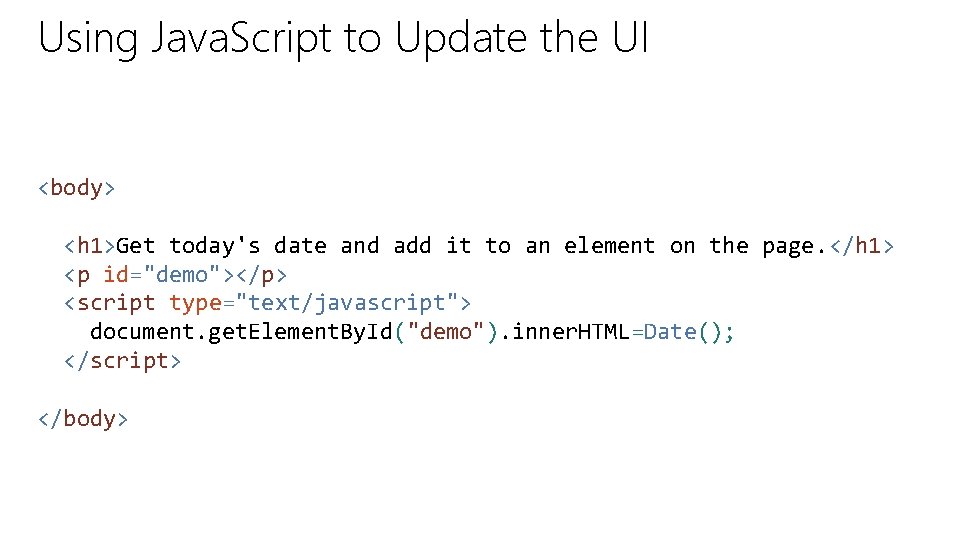
Using Java. Script to Update the UI <body> <h 1>Get today's date and add it to an element on the page. </h 1> <p id="demo"></p> <script type="text/javascript"> document. get. Element. By. Id("demo"). inner. HTML=Date(); </script> </body>
DEMO Creating Inline Java. Script Using Java. Script to Update the UI
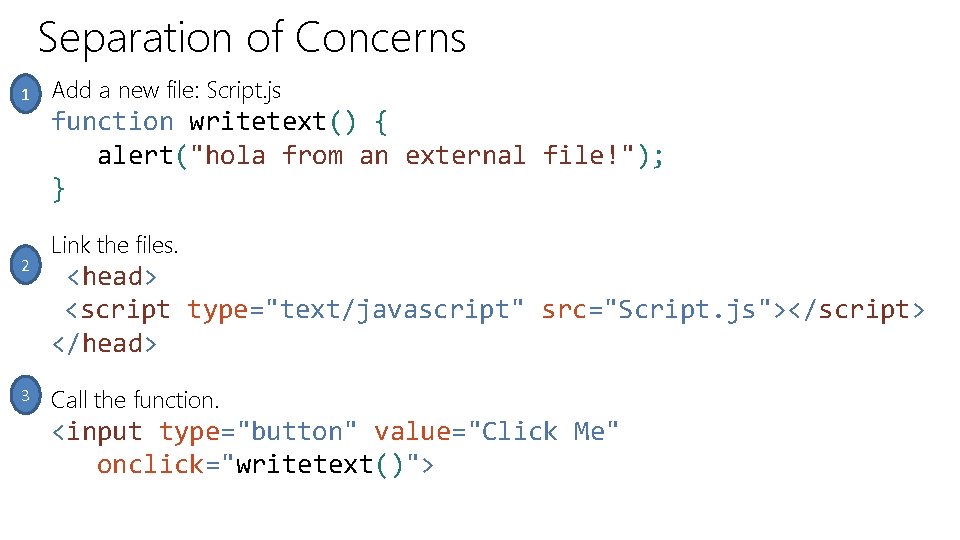
Separation of Concerns 1 2 3 Add a new file: Script. js function writetext() { alert("hola from an external file!"); } Link the files. <head> <script type="text/javascript" src="Script. js"></script> </head> Call the function. <input type="button" value="Click Me" onclick="writetext()">
DEMO Creating and linking an external. js file Creating and Calling Java. Script Functions
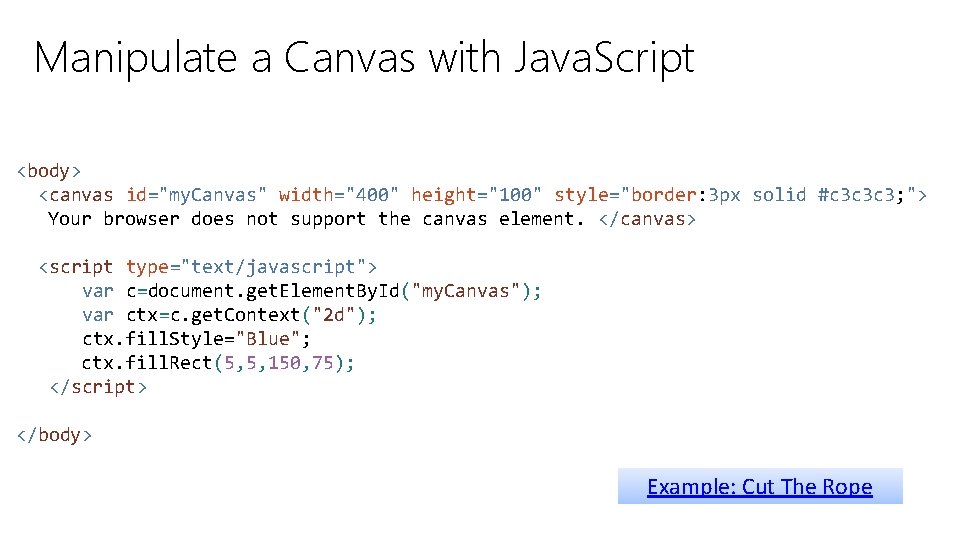
Manipulate a Canvas with Java. Script <body> <canvas id="my. Canvas" width="400" height="100" style="border: 3 px solid #c 3 c 3 c 3; "> Your browser does not support the canvas element. </canvas> <script type="text/javascript"> var c=document. get. Element. By. Id("my. Canvas"); var ctx=c. get. Context("2 d"); ctx. fill. Style="Blue"; ctx. fill. Rect(5, 5, 150, 75); </script> </body> Example: Cut The Rope
DEMO Manipulate Graphics with Java. Script http: //msdn. microsoft. com/en-us/library/ie/ff 975062(v=vs. 85). aspx
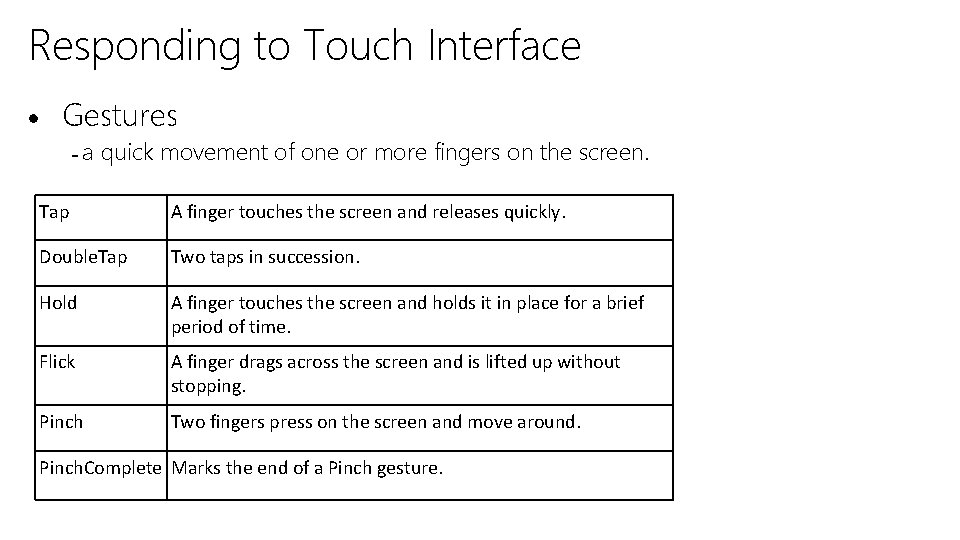
Responding to Touch Interface Gestures a quick movement of one or more fingers on the screen. Tap A finger touches the screen and releases quickly. Double. Tap Two taps in succession. Hold A finger touches the screen and holds it in place for a brief period of time. Flick A finger drags across the screen and is lifted up without stopping. Pinch Two fingers press on the screen and move around. Pinch. Complete Marks the end of a Pinch gesture.
Develop for Touch Enabled Devices Graphic Placeholder
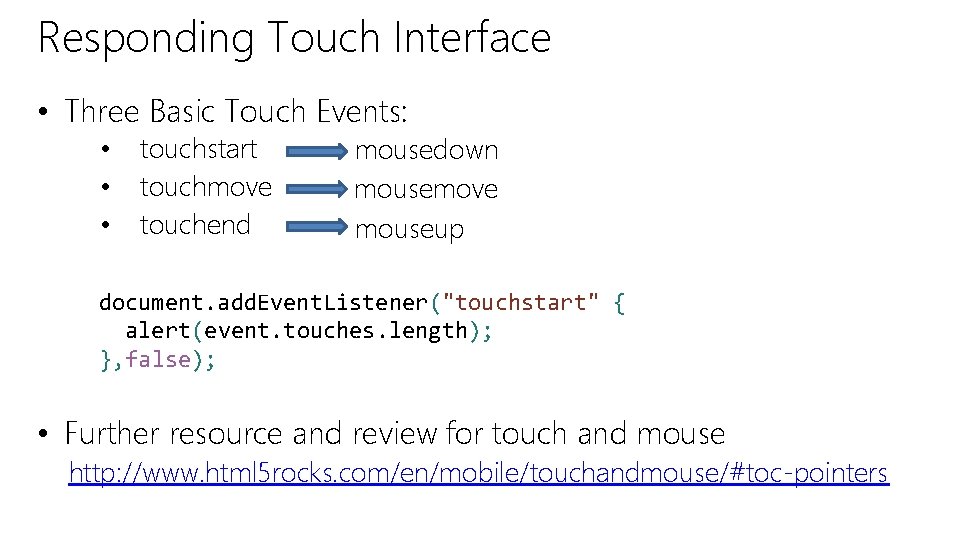
Responding Touch Interface • Three Basic Touch Events: • • • touchstart touchmove touchend mousedown mousemove mouseup document. add. Event. Listener("touchstart" { alert(event. touches. length); }, false); • Further resource and review for touch and mouse http: //www. html 5 rocks. com/en/mobile/touchandmouse/#toc-pointers
Module Overview • Java. Script Fundamentals • Understand how Java. Script is used to: – Update UI Elements – Create and Use Functions – Manipulate Graphics – Respond to Touch Interface

© 2014 Microsoft Corporation. All rights reserved. Microsoft, Windows, Office, Azure, System Center, Dynamics and other product names are or may be registered trademarks and/or trademarks in the U. S. and/or other countries. The information herein is for informational purposes only and represents the current view of Microsoft Corporation as of the date of this presentation. Because Microsoft must respond to changing market conditions, it should not be interpreted to be a commitment on the part of Microsoft, and Microsoft cannot guarantee the accuracy of any information provided after the date of this presentation. MICROSOFT MAKES NO WARRANTIES, EXPRESS, IMPLIED OR STATUTORY, AS TO THE INFORMATION IN THIS PRESENTATION.
- Slides: 16