
01 Getting Started w IDA Pro Objectives Highlevel

01 – Getting Started w/ IDA Pro
Objectives High-level understanding of IDA’s disassembly process Load a Windows executable with IDA Pro
• To open an executable with IDA, you can do one of the following: Opening an exe with IDA 1. Drag the file onto the desktop icon 2. Open IDA and select the file
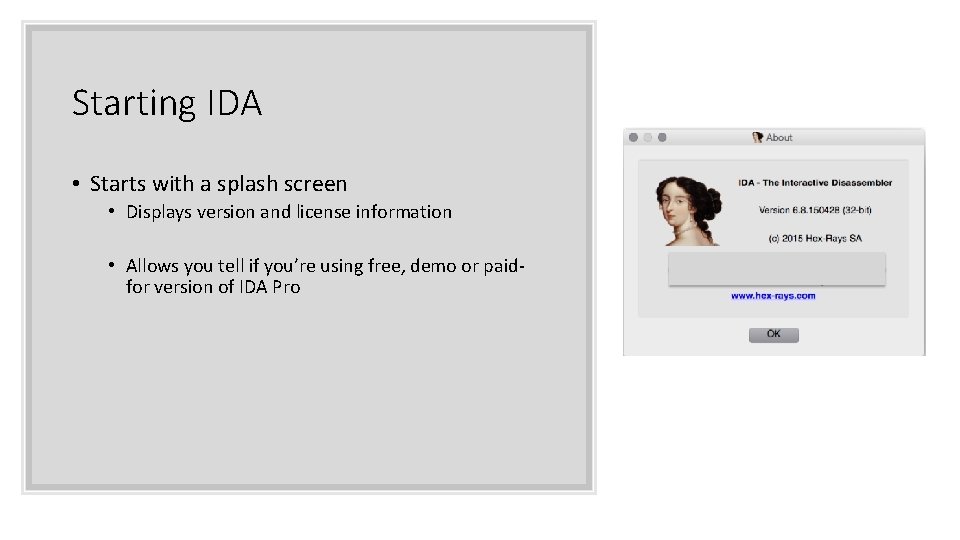
Starting IDA • Starts with a splash screen • Displays version and license information • Allows you tell if you’re using free, demo or paidfor version of IDA Pro
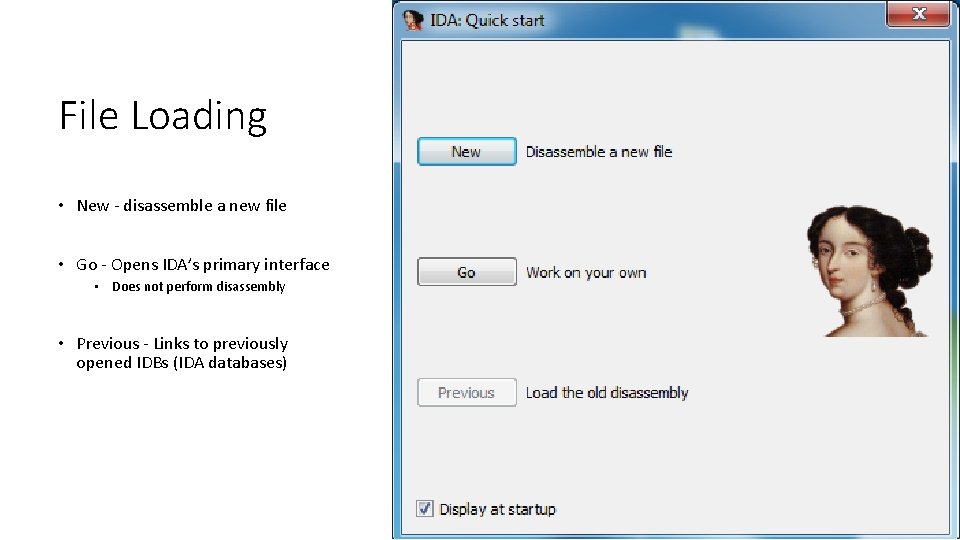
File Loading • New - disassemble a new file • Go - Opens IDA’s primary interface • Does not perform disassembly • Previous - Links to previously opened IDBs (IDA databases)
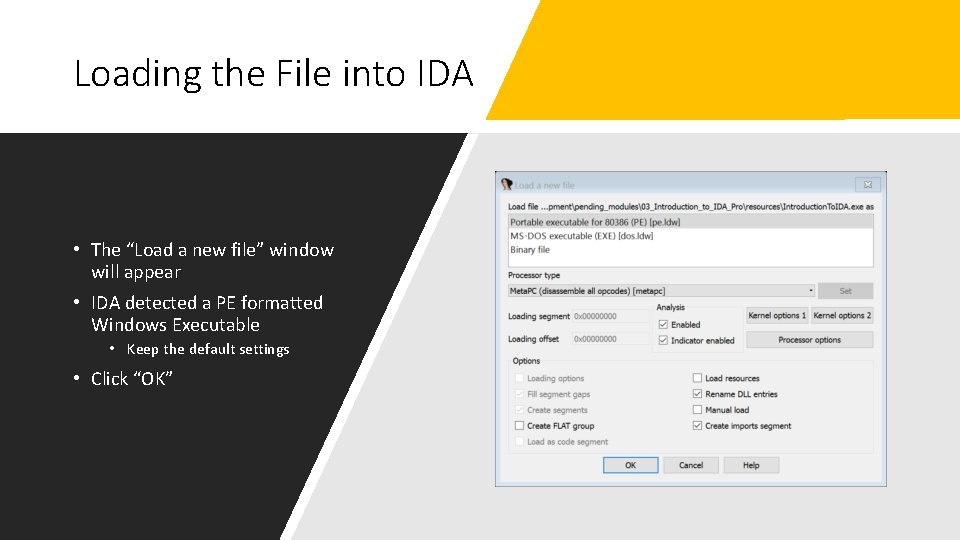
Loading the File into IDA • The “Load a new file” window will appear • IDA detected a PE formatted Windows Executable • Keep the default settings • Click “OK”
• Load selected executable file into memory and analyze relevant portions • Results in an IDA Database Files • Database is name of loaded executable • . id 0, id 1, . nam and. til • Proprietary to IDA • Saved in a single file and optionally compressed when closing a project • Once a database is created, the EXE is no longer needed
• The job of a loader module based on detected/selected file format IDA Database Creation • Loads file from disk and create various program sections • Contains either code or data • Identify entry points into the code • Returns control to IDA, acts similar to OS loader • IDA loader determines virtual memory layout
• Disassembly engine takes over once loader is finished • Passes one address at a time to selected processor module IDA Database Creation • Processor module has to determine: • Type of instruction • Length of instruction • Location(s) to go next (is it sequential or branching) • Once all instructions found, second pass to generate ASM • Can also find: • Compiler identification, function argument and local vars, datatype info
• Make sure you save or your work will be lost • Make sure you can save!!! Closing IDA Databases • Does not auto-save • If you see the files we talked about earlier, there may have been a problem
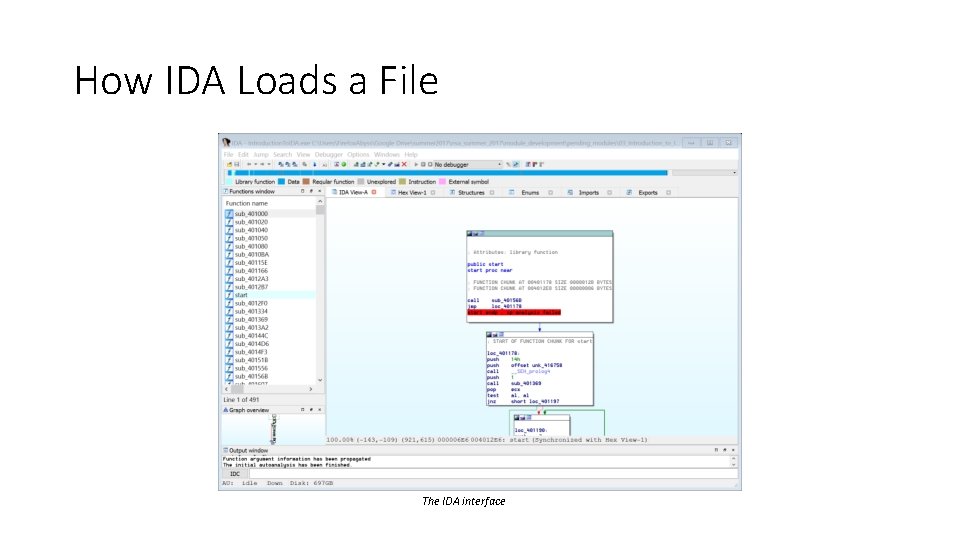
How IDA Loads a File The IDA interface
Summary • Load a file into IDA by browsing to it or by dragging it onto the desktop icon • IDA created its own database that can be analyzed separately from the file that was loaded • IDA can then display the disassembly
- Slides: 12