
01 1 e v i ct e j
- Slides: 10
: . 01 1 e v i ct e j b O k er p o r nt p niques e m h le Imp ding tec ar o b y e Keyboarding Skills
Essential Questions: 0 Why is proper typing technique important? 0 What keyboarding techniques should be used when typing on a computer keyboard?
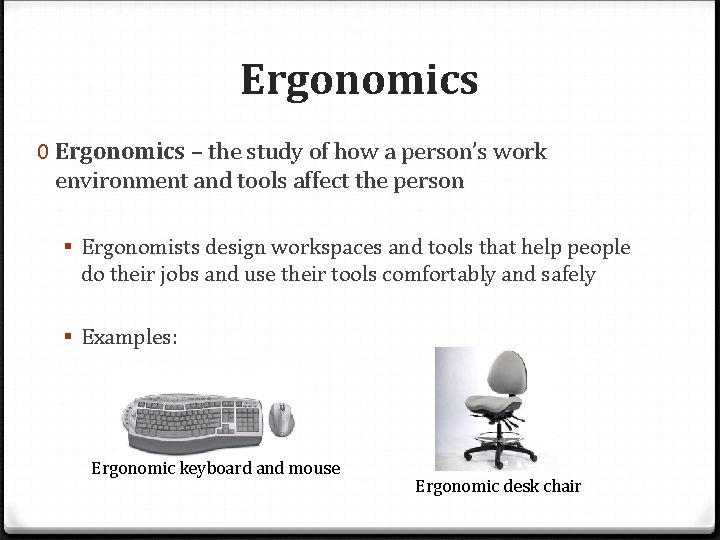
Ergonomics 0 Ergonomics – the study of how a person’s work environment and tools affect the person § Ergonomists design workspaces and tools that help people do their jobs and use their tools comfortably and safely § Examples: Ergonomic keyboard and mouse Ergonomic desk chair
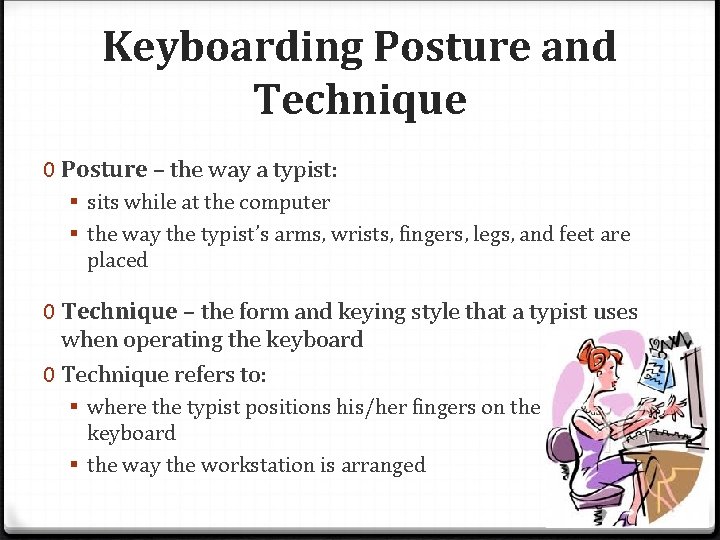
Keyboarding Posture and Technique 0 Posture – the way a typist: § sits while at the computer § the way the typist’s arms, wrists, fingers, legs, and feet are placed 0 Technique – the form and keying style that a typist uses when operating the keyboard 0 Technique refers to: § where the typist positions his/her fingers on the keyboard § the way the workstation is arranged
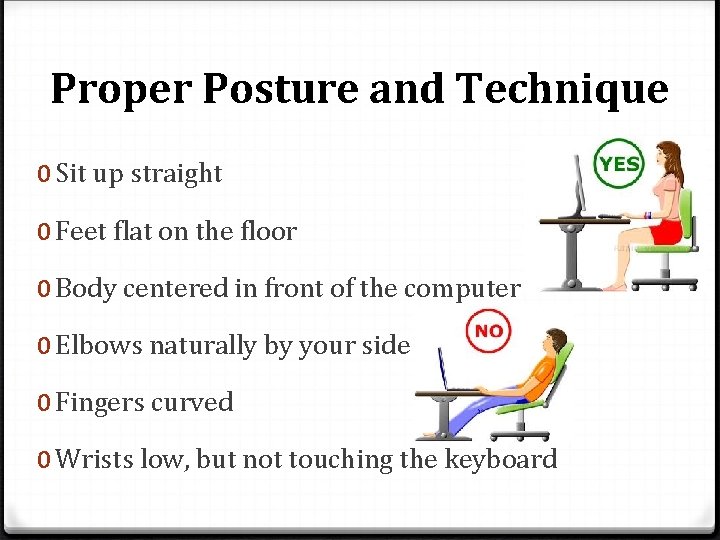
Proper Posture and Technique 0 Sit up straight 0 Feet flat on the floor 0 Body centered in front of the computer 0 Elbows naturally by your side 0 Fingers curved 0 Wrists low, but not touching the keyboard
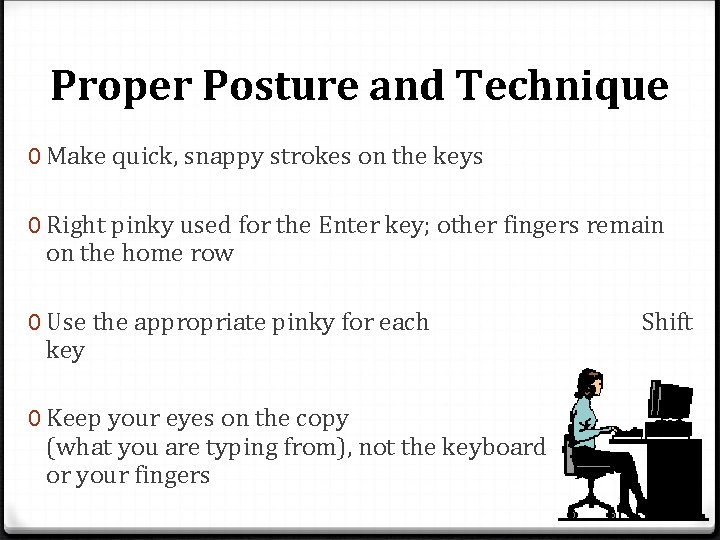
Proper Posture and Technique 0 Make quick, snappy strokes on the keys 0 Right pinky used for the Enter key; other fingers remain on the home row 0 Use the appropriate pinky for each key 0 Keep your eyes on the copy (what you are typing from), not the keyboard or your fingers Shift
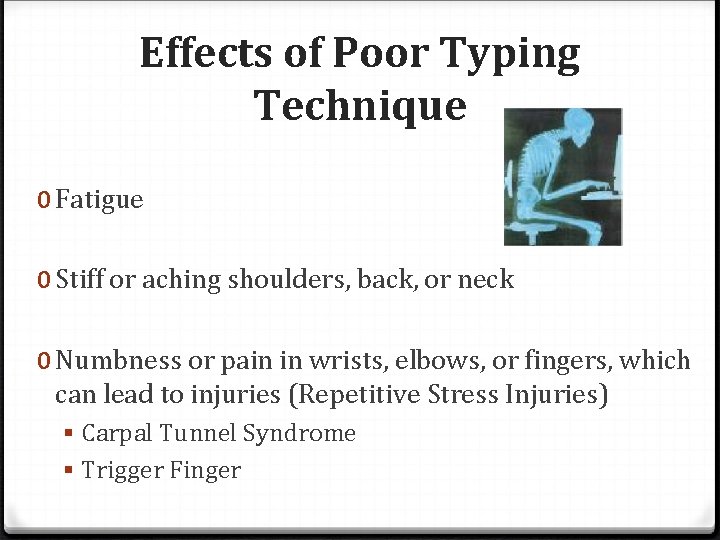
Effects of Poor Typing Technique 0 Fatigue 0 Stiff or aching shoulders, back, or neck 0 Numbness or pain in wrists, elbows, or fingers, which can lead to injuries (Repetitive Stress Injuries) § Carpal Tunnel Syndrome § Trigger Finger
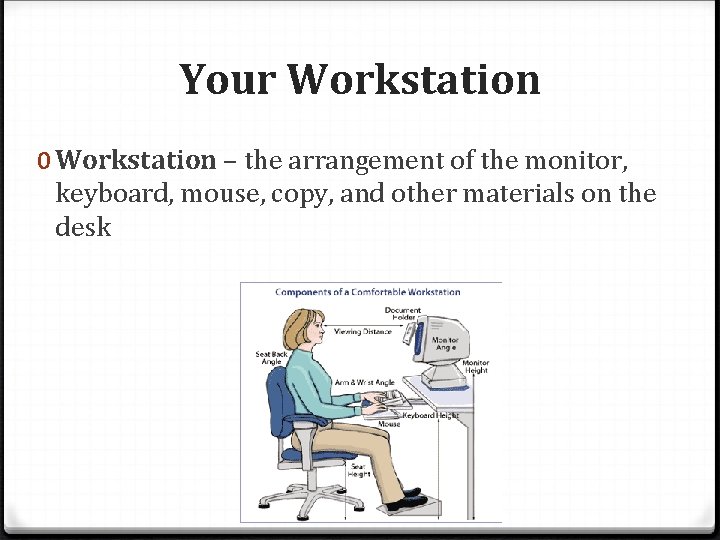
Your Workstation 0 Workstation – the arrangement of the monitor, keyboard, mouse, copy, and other materials on the desk
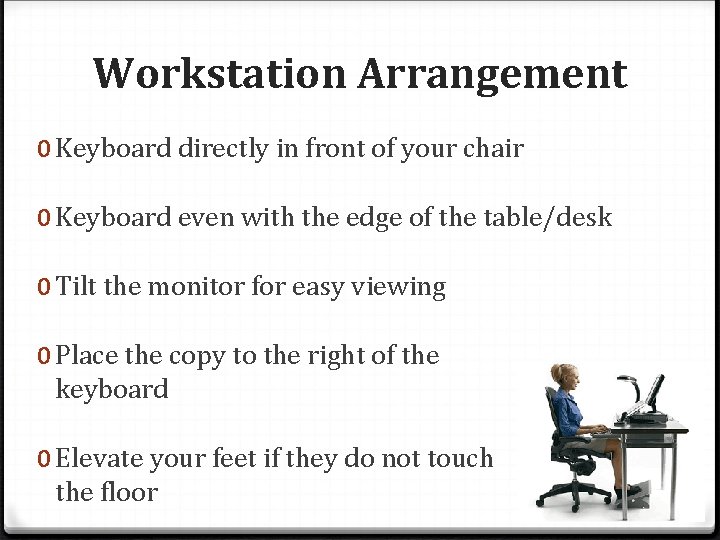
Workstation Arrangement 0 Keyboard directly in front of your chair 0 Keyboard even with the edge of the table/desk 0 Tilt the monitor for easy viewing 0 Place the copy to the right of the keyboard 0 Elevate your feet if they do not touch the floor
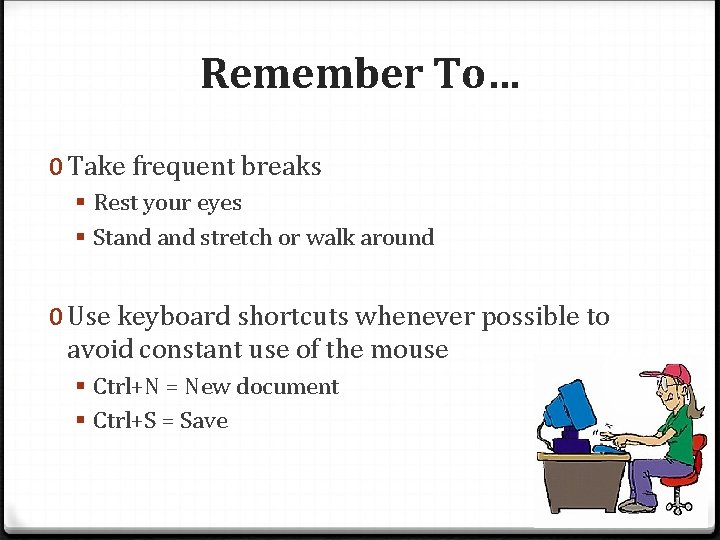
Remember To… 0 Take frequent breaks § Rest your eyes § Stand stretch or walk around 0 Use keyboard shortcuts whenever possible to avoid constant use of the mouse § Ctrl+N = New document § Ctrl+S = Save